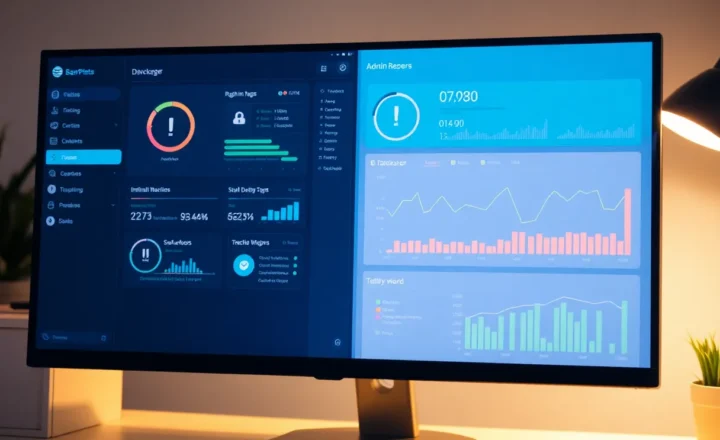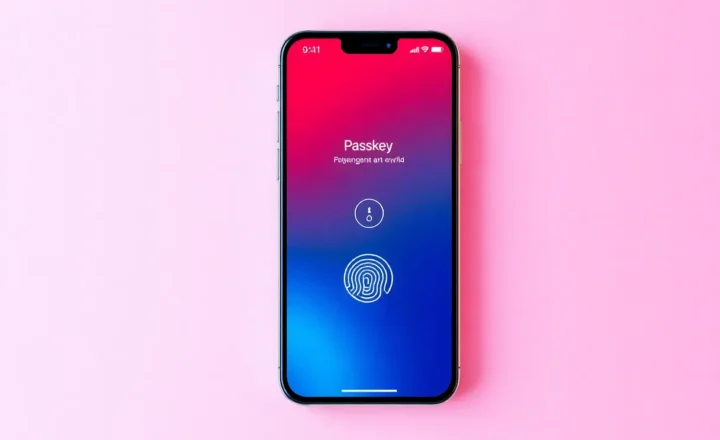

Passkeys and passwordless auth are finally mainstream: big platforms support them, and the security story is strong—no passwords to phish, no credential stuffing. But rolling out passwordless at scale inside an organization is a different beast. The real cost isn’t just the vendor bill; it’s migration, support, edge cases, and the long tail of legacy systems. Here’s what “going passwordless” actually costs when you’re doing it for hundreds or thousands of users.
What “Passwordless” Means at Scale
For consumers, passwordless often means passkeys on a personal device or a magic link in email. For enterprises, it usually means tying authentication to something else: FIDO2/WebAuthn keys, biometrics, device trust, or a combination. The goal is to eliminate reusable passwords and reduce the attack surface. The challenge is that every user, every app, and every legacy system has to be brought along. You’re not just flipping a switch; you’re changing how identity works across the whole stack.
That implies a migration. Users need to enroll devices or keys. Applications need to support the new flow—or you need a proxy (e.g., a reverse proxy or identity provider) that can bridge old apps to new auth. Service accounts, CI/CD, and headless systems often can’t use passkeys or biometrics, so you end up with a hybrid model: passwordless for humans, something else (certificates, tokens, or—for now—passwords) for machines. The “real cost” includes designing and maintaining that hybrid and not leaving gaps.

Migration and Support Costs
Rolling out passwordless means getting every user through enrollment. That’s training, help desk load, and the inevitable “I lost my key” or “my device doesn’t support it” cases. At scale, you need clear recovery flows: what happens when someone loses their hardware key or gets a new phone? If the answer is “call the help desk and reset,” your support cost goes up. If you’ve designed self-service recovery (e.g., multiple registered devices, backup codes), you’ve added design and ops complexity. Either way, the one-time migration and ongoing support are a big part of the real cost.
Compatibility is another cost. Not every app supports FIDO2 or passkeys yet. Legacy and line-of-business apps might only do SAML, OAuth with client secret, or even username/password. You’ll need an identity provider or gateway that can present passwordless to the user but still satisfy those backends—or you’ll have a mix of passwordless for modern apps and something else for the rest. That hybrid state can last years. Managing it is part of the real cost of “going passwordless.”
Vendor and Licensing
Licensing for enterprise identity and access management (IAM) or passwordless solutions can be significant. Per-user fees, feature tiers, and support contracts add up. So do the hours spent evaluating vendors, running pilots, and integrating with existing directories and apps. The real cost isn’t just the list price; it’s the total cost of ownership over the rollout period and beyond. Cheaper or open-source options exist, but they often shift cost to in-house engineering and ops instead of reducing it.

When It’s Worth It
Despite the cost, passwordless at scale can be worth it. The reduction in phishing and credential stuffing risk is real. So is the improvement in user experience once the initial hump is over—no more password resets, no more “password must contain 12 characters and a hieroglyph.” The key is to plan for the real cost: migration, support, hybrid auth for legacy and machines, and ongoing operations. Budget and timeline for that, and you’ll have a clearer picture of what “going passwordless” actually means for your organization.
Conclusion
The real cost of going passwordless at scale isn’t just the vendor bill. It’s migration, support, compatibility with legacy systems, and the long tail of edge cases and recovery flows. Plan for those, and you can make passwordless a net win for security and UX—without underestimating what it takes to get there.