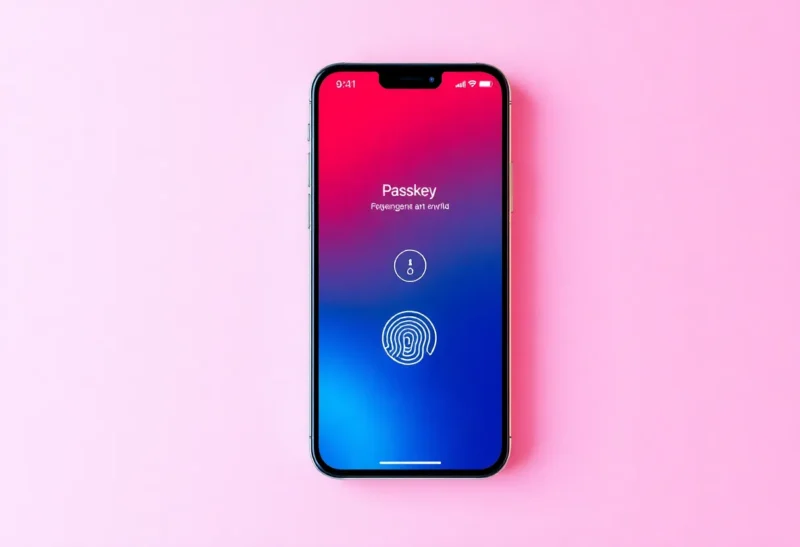
Passkeys and passwordless sign-in are finally mainstream. Apple, Google, and Microsoft have rolled out support; major sites and apps are adopting it. The promise is less phishing, no more forgotten passwords, and a smoother login experience. But going fully passwordless—ditching passwords everywhere you can—has real costs: recovery complexity, device dependency, and gaps in support. Here’s what you’re actually signing up for.
Recovery Becomes the Hard Problem
With a password, you can (in theory) recover access by proving who you are through email, SMS, or support. With passkeys, your credentials live on your devices and in your ecosystem. If you lose your phone and your laptop, or you’re locked out of your Apple ID or Google account, the recovery path is often account-specific and can be painful. Some services let you add a recovery contact or use a hardware key; many still rely on “sign in with Apple” or “sign in with Google,” so losing that account can lock you out of everything that depended on it. Going passwordless means you have to think harder about recovery before you need it.

Device and Ecosystem Lock-In
Passkeys are often tied to your phone or your ecosystem. If you use iCloud Keychain or Google Password Manager to store and sync passkeys, you’re dependent on that account and those devices. Moving to a new phone or switching from iPhone to Android can mean re-registering passkeys or going through recovery flows. Hardware security keys reduce that dependency—you can use the same key across devices—but they cost money, can be lost, and not every service supports them. So “passwordless” can mean “tied to this device and this account” more than “free and portable.”
Not Every Service Is There Yet
In 2026, many sites and apps still don’t support passkeys or only support them as an option alongside passwords. Your bank, your employer’s VPN, your health portal, or that random SaaS you use once a year might still be password-only. So “fully passwordless” isn’t really possible yet—you’ll still have a password manager (or sticky notes) for the stuff that hasn’t caught up. The transition is gradual, and the mix of passkey and password accounts adds its own cognitive load: you need to remember which auth method each place uses.
What’s Actually Better
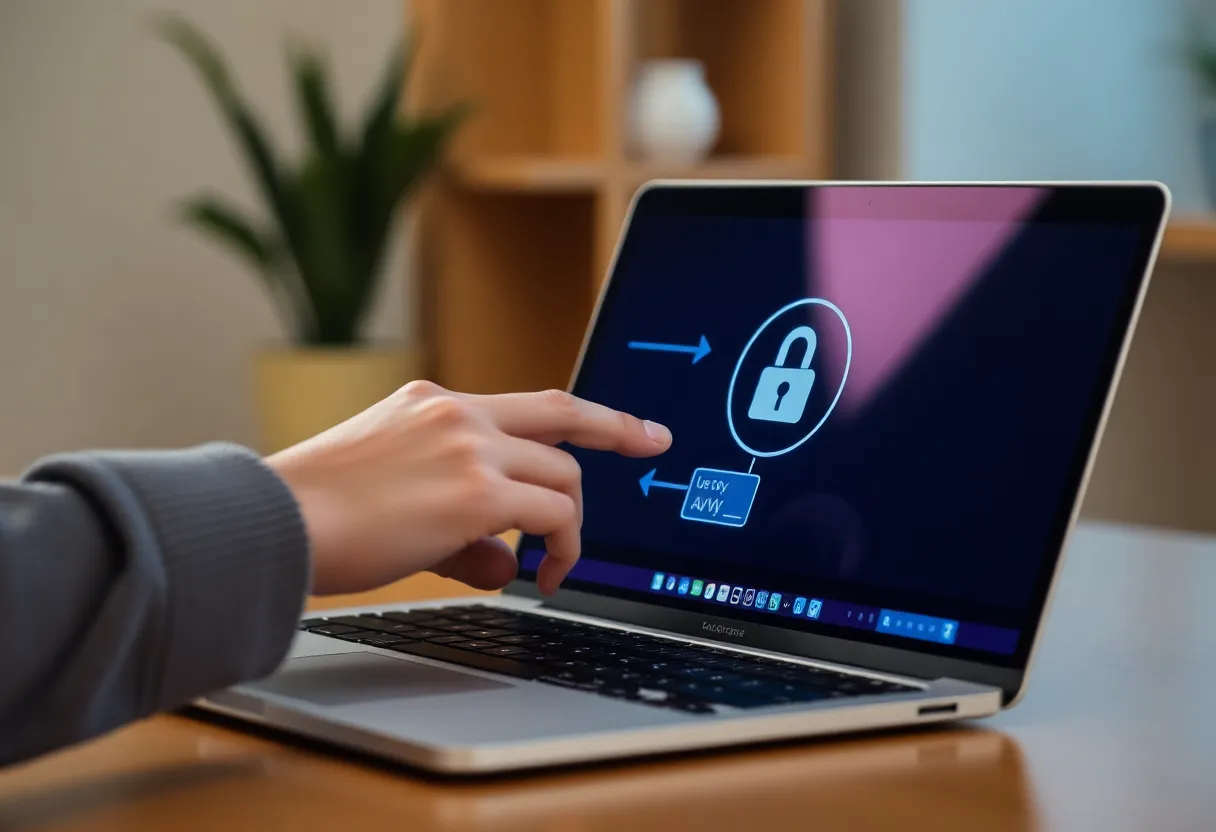
Where passkeys are supported and you’ve set up recovery, they do reduce phishing risk and simplify sign-in. The real cost of going “fully” passwordless is that you have to plan for recovery, accept some ecosystem dependency (or invest in hardware keys), and live with a hybrid world where some accounts are passkey and some aren’t. The cost is complexity and forethought—not necessarily money. If you’re willing to do that planning, passwordless where available is a net win. Just don’t assume it’s “set and forget” with no downside.
Practical steps: add a recovery contact or second device where the service allows it, consider a hardware key for high-value accounts, and keep a password manager for the accounts that aren’t passkey-ready yet. That way you get most of the benefit without betting everything on a single device or account.
The Bottom Line
Going passwordless in 2026 is worth it for the accounts that support it and where you’ve thought through recovery. The real cost is in managing the transition: backup devices, recovery contacts or keys, and the fact that not everything is passwordless yet. Plan for that, and you’ll get the security and convenience without the surprise lockout.