The Hidden Electricity Bill of Running a 3D Printer Full-Time

Jamie Torres
March 7, 2026

3D printers are power-hungry. The heated bed, the hotend, the motors, the control board—they all draw current. When you run a printer occasionally, the cost barely registers. When you run it full-time—long prints, overnight jobs, multiple machines—the electricity bill adds up. Here’s what’s actually happening, and what you can do about it.
Where the power goes
A typical consumer FDM printer draws 100 to 300 watts while printing. The heated bed is the biggest consumer: it often runs at 60°C to 100°C and can pull 100 watts or more. The hotend adds another 20 to 40 watts. Stepper motors, fans, and the control board contribute the rest. During heating, power draw spikes—a cold bed and hotend warming up can momentarily pull 400 watts or more.
Idle power matters too. Many printers keep the bed and hotend warm between prints. That’s convenient, but it burns electricity. A printer left at 60°C bed temperature overnight draws nearly as much as one actively printing.
Print time matters. A 20-hour print at 200 watts uses 4 kWh. Ten such prints per month add 40 kWh. At $0.15 per kWh (rough US average), that’s $6. At $0.30 (common in parts of Europe), it’s $12. Not huge on its own, but noticeable when the printer runs constantly.
Scale to multiple printers or 24/7 operation, and the bill climbs. A small print farm with three machines running 12 hours a day can add $50 or more per month.
Heated bed: the main culprit
The heated bed dominates power consumption. It’s a large resistive element that must stay hot for the entire print. Bed temperature depends on material: PLA often prints at 60°C; ABS and PETG need 80°C to 100°C. Higher temperatures mean more power.
Enclosure helps. An enclosed printer holds heat better, so the bed doesn’t have to work as hard. That can cut bed power by 20 percent or more. Enclosures also improve print quality for materials that warp—ABS, nylon—so the benefit is twofold.

Turning off the bed when it’s not needed matters. Some slicers and firmware support bed-off after the first layer for PLA. That doesn’t work for all prints, but where it does, it saves a lot.
Hotend and other loads
The hotend is smaller but steady. It draws 20 to 40 watts while printing. Fans add another 10 to 30 watts—part cooling, board cooling, enclosure circulation. Stepper motors are efficient; they draw current mainly when moving. The control board and display add a few watts.
Standby mode—printer on but not printing—still consumes power. Many printers draw 5 to 15 watts when idle with heaters off. Multiply by 24 hours and 30 days, and that’s 3.6 to 10.8 kWh per month. Turning off the printer when not in use avoids that.
What you can do
Use an enclosure for materials that need it. Enclosed printers use less energy and often produce better prints.
Lower bed temperature when possible. PLA can often print at 50°C to 55°C. Experiment within the range your filament tolerates.
Turn off the printer when done. Don’t leave it idling overnight or over weekends.
Consider solar or off-peak rates. If you have time-of-use pricing, run long prints during cheap hours. If you have solar, schedule prints for midday.
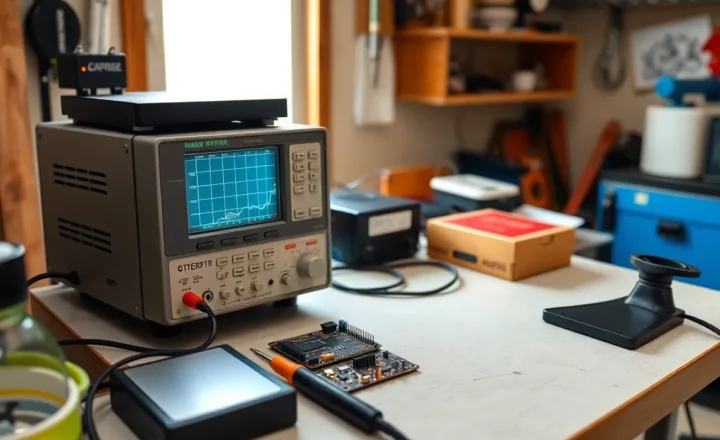
For serious makers running multiple printers, a kill-a-watt or smart plug can measure actual consumption. That gives you real numbers instead of estimates.
The bottom line
Running a 3D printer full-time isn’t free. A single printer might add $5 to $15 per month depending on use and electricity rates. Multiple printers or 24/7 operation can double or triple that. It’s not catastrophic, but it’s real. Knowing where the power goes—and turning off what you don’t need—keeps the bill in check.