The Case for Building a Personal VPN Server in 2026

Sam Chen
March 1, 2026
You’re in a coffee shop. The Wi‑Fi is free. You need to check your bank balance, log into work, or access a service that’s geo‑restricted. Do you trust the network? Most people don’t think about it—they connect, open an app, and hope for the best. But in 2026, running your own VPN server has never been easier, and the reasons to do it have never been stronger. A Raspberry Pi, a $5 VPS, or a spare machine in your closet can give you a private tunnel you control. Here’s why that’s worth the effort.
The Case Against Commercial VPNs
Commercial VPNs are convenient. You pay a few dollars a month, install an app, and tap connect. The pitch is simple: encrypt your traffic, hide your IP, unblock streaming. The reality is messier. Many VPN providers have opaque ownership, questionable logging policies, and shared infrastructure that turns your “private” tunnel into a crowded highway. When you use a commercial VPN, you’re trusting a company you’ve never met with all of your internet traffic. That’s a lot of trust.
There’s also the performance hit. Commercial VPNs route you through their servers, which may be thousands of miles away. Latency adds up. Bandwidth is shared. Streaming services increasingly block known VPN IP ranges, so you might pay for a VPN that doesn’t even unblock what you wanted. And when the provider has an outage—or gets bought, or shut down—you’re back to square one. Your privacy and uptime are in someone else’s hands.
What a Personal VPN Server Buys You
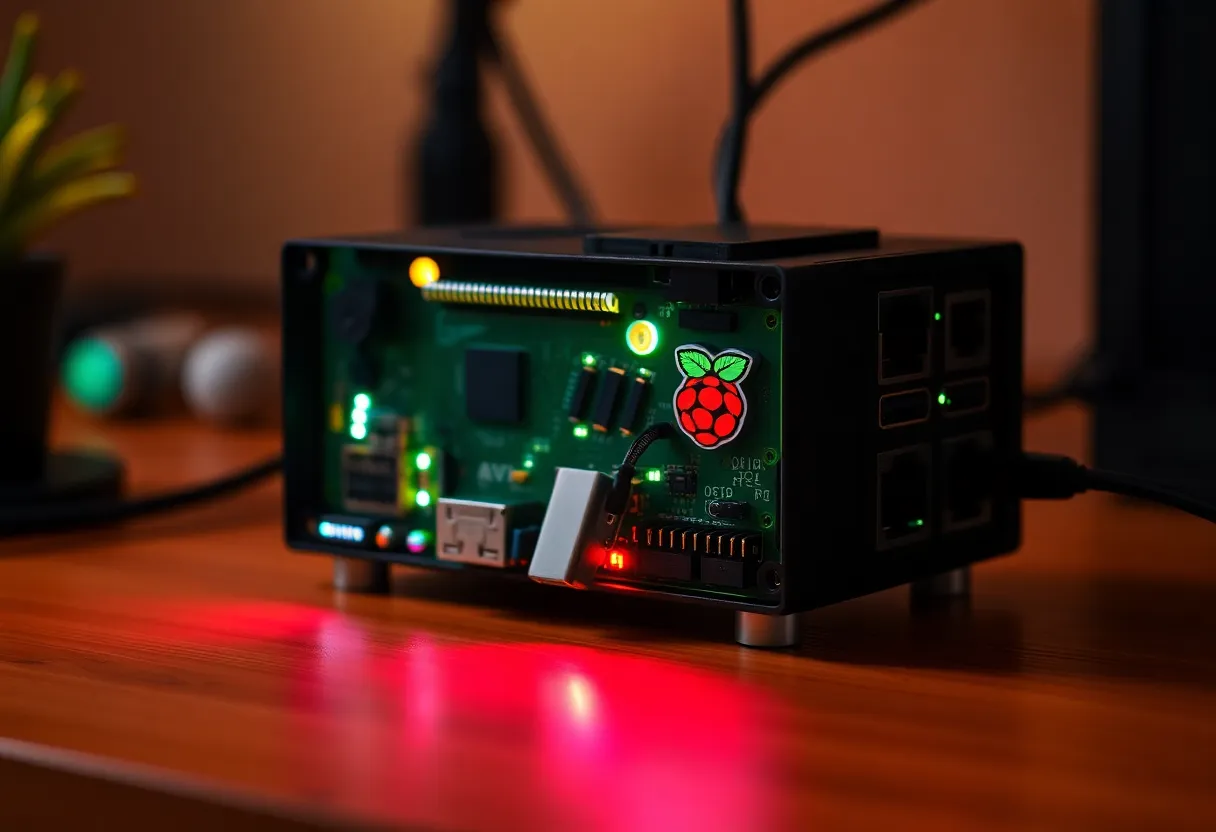
When you run your own VPN server, you eliminate the middleman. Your traffic still gets encrypted end‑to‑end, but it terminates on hardware you control. You choose the location—a VPS in a privacy‑friendly jurisdiction, or a Raspberry Pi in your own home. You decide what gets logged (ideally, nothing). You’re not sharing the exit node with thousands of strangers. Your IP might still be visible to the sites you visit, but it’s your IP, and you’re the only one using it.
The main use cases: securing sketchy Wi‑Fi, accessing your home network remotely, bypassing geo‑restrictions for services you legitimately pay for, or simply having a consistent “home base” IP when you travel. A personal VPN won’t magically anonymize you—law enforcement and sophisticated adversaries can still trace you if they want to—but it removes a whole class of low‑effort attacks. Coffee shop sniffers, nosy ISPs, and casual data brokers see encrypted traffic to an endpoint you control. That’s a meaningful upgrade over raw Wi‑Fi.
Hardware Options in 2026
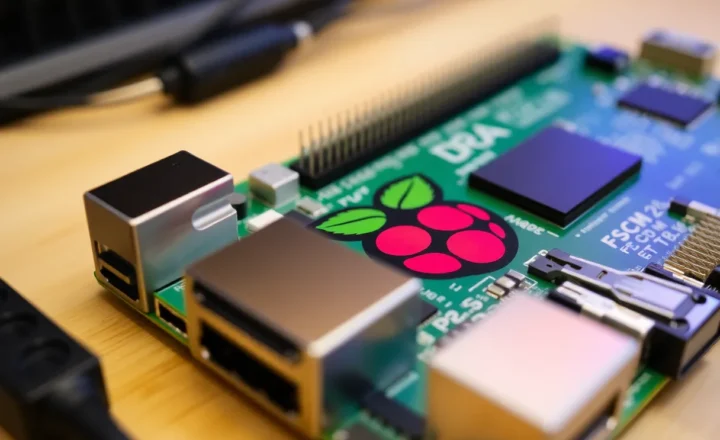
You don’t need much. A Raspberry Pi 4 or 5 runs WireGuard effortlessly. A cheap Intel NUC, an old laptop, or even a $5/month cloud VPS will do. The key is choosing where the server lives. If you host it at home, you get the benefit of accessing your LAN remotely—printers, file shares, smart home gear—but your home IP is the exit point. If someone targets your VPN, they’re targeting your home connection. A VPS keeps your home IP out of the equation and gives you an exit node in a specific region (useful for streaming or bypassing regional blocks). Many people run both: a home VPN for LAN access, and a VPS VPN for general browsing when away.
WireGuard is the de facto standard in 2026. It’s faster, simpler, and more auditable than OpenVPN or IKEv2. Most distros include it in the kernel. Tools like PiVPN or Tailscale make setup trivial—generate keys, scan a QR code on your phone, and you’re connected. The learning curve is low. If you’ve ever SSH’d into a server, you can run a WireGuard VPN.
Tailscale deserves a special mention. It’s built on WireGuard but adds mesh networking, NAT traversal, and a dead‑simple UI. You install it on your devices, authenticate once, and they can talk to each other securely across the internet—no port forwarding, no static IPs. For remote access to a homelab or LAN, Tailscale often beats a traditional VPN. But for tunneling all your traffic through a specific exit node, a plain WireGuard setup is still the way to go.
The Real Trade-offs
Running your own VPN isn’t free. There’s the cost of hardware or a VPS, the time to set it up and maintain it, and the responsibility of keeping it patched and configured correctly. A misconfigured VPN can leak traffic or expose your network. You need to understand basic firewall rules, key management, and what happens when the server goes down. If your home Pi loses power, your VPN is gone until you’re back to fix it. A VPS is more reliable but adds a monthly bill.
You also give up some of the anonymity that commercial VPNs theoretically offer. When you use your own server, the exit IP ties back to you. That’s fine for securing coffee shop Wi‑Fi or accessing your home network—you’re not trying to hide from nation‑states. But if your goal is plausible deniability or avoiding correlation, a personal VPN won’t get you there. Know what you’re building for.
Getting Started
If you’re ready to try, start small. Grab a Raspberry Pi 4 or a $5/month VPS from a provider like Hetzner, DigitalOcean, or Linode. Install a minimal Linux distro—Ubuntu Server or Debian—and run PiVPN or the WireGuard install script. Generate a client config for your phone and laptop. Test it on an untrusted network. Once you’re comfortable, add a second client for a family member or a backup device. The whole process can be done in under an hour.
Document your setup. Write down the server IP, how to regenerate client configs, and what to do if something breaks. VPN configs are small and portable—keep a backup. When you travel, you’ll thank yourself for having a reliable tunnel that doesn’t depend on a third‑party company’s uptime or goodwill.
The homelab crowd has been doing this for years—running Pi‑holes, Nextcloud, and VPN servers on spare hardware. In 2026, the tooling is better, the docs are clearer, and the incentive to take control has never been higher. Commercial VPNs will keep selling convenience. But if you’re willing to spend an afternoon and a few dollars a month, you can have something that’s yours: encrypted, fast, and under your control. That’s the case for building a personal VPN server.