The Case for a Second Monitor (Or Why You Might Not Need One)

Taylor Kim
March 1, 2026
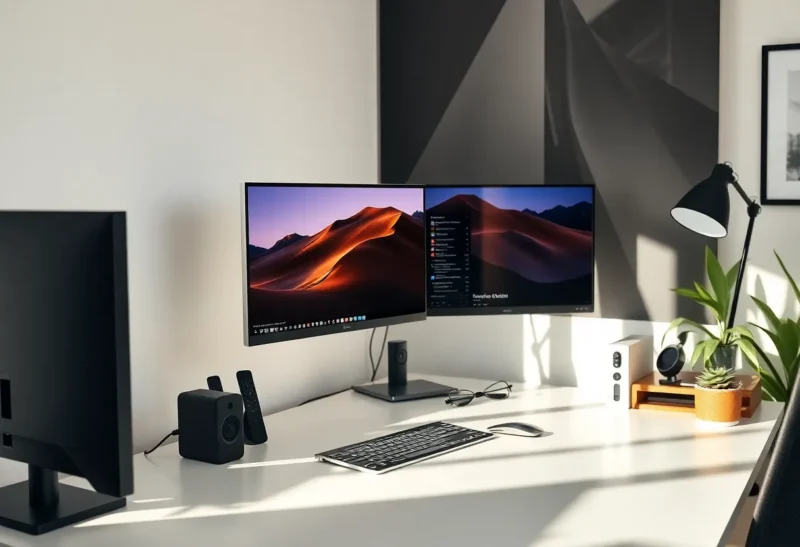
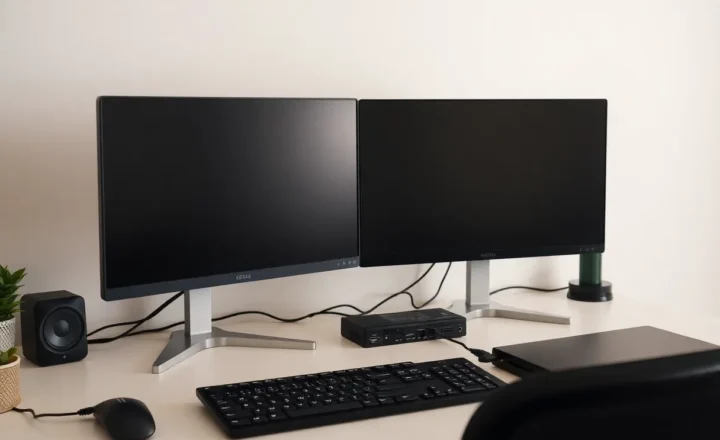
The second monitor is a productivity cliché. Two screens, more space, more output—right? The research is mixed. Some studies show multi-monitor setups boost productivity; others suggest they can fragment attention and increase cognitive load. The truth: it depends on what you do and how you work. Here’s when a second monitor helps—and when a single large display (or none) might serve you better.
When a Second Monitor Helps
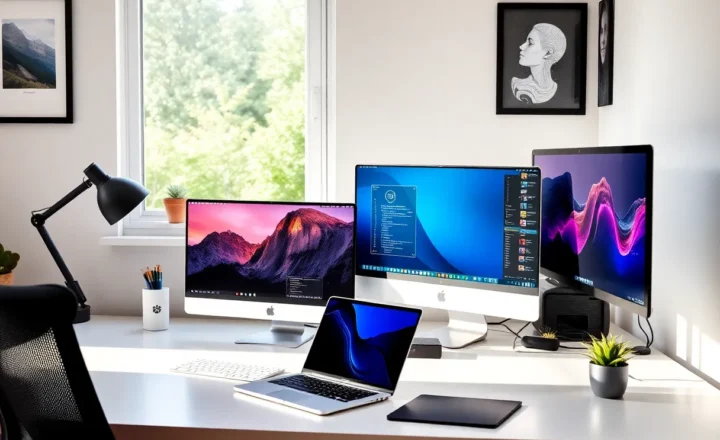
For certain workflows, dual monitors are a genuine upgrade. Developers who need code on one screen and documentation, terminals, or previews on another. Designers who reference assets while working. Data analysts who compare spreadsheets side by side. Support staff who keep a knowledge base open while handling tickets. The pattern: reference work plus primary work. You need to look at one thing while doing another. Alt-tabbing breaks flow. A second screen keeps both visible.
The benefit is real when the secondary content is stable—you’re not constantly shifting focus between two dynamic tasks. A reference doc, a terminal log, a spec—these sit on the second screen while you work on the primary one. The cognitive load of switching is reduced. You’re not holding context in working memory; it’s right there.
Placement matters. Many people put the second monitor to the side. For reading-heavy work, that can strain your neck. Consider vertical orientation for docs and code—taller screens reduce scrolling and match how we naturally read. Or put the reference screen slightly off-center so your primary work stays in your main line of sight. The goal isn’t just more pixels; it’s reducing the cost of context switches.

When It Hurts
A second monitor can backfire. If both screens demand attention—two chat windows, two video calls, two active work streams—you’re splitting focus. Studies on “attention residue” suggest that even glancing at another task leaves cognitive traces that degrade performance on the primary task. The more attention-grabbing the secondary content, the worse. Notifications, email, Slack—a second screen can become a distraction delivery system.
Some people find that a single large monitor—or an ultrawide—works better. One continuous workspace, no bezel in the middle, fewer decisions about where to put things. You can still tile windows; you just do it within one display. The trade-off: less physical separation between “reference” and “primary” work. For some, that separation is valuable. For others, it’s unnecessary complexity.

The Single-Screen Alternative
There’s a case for going the other way: one screen, or even a laptop-only setup. Fewer choices, less visual noise, more focus. Digital minimalists and deep-work advocates often prefer it. The constraint forces prioritization. You can’t pretend to multitask when you don’t have the real estate. That can be liberating.
The catch: it only works if your workflow doesn’t genuinely require reference material side by side. If you’re constantly alt-tabbing between code and docs, a single screen is a tax. But if your work is mostly linear—write, then check, then edit—one screen might be enough. Or more than enough.
Figure Out What Works for You
The right answer depends on your work. Try both. If you have a second monitor, experiment with unplugging it for a week. See if your focus improves or your productivity drops. If you’re on one screen, borrow or buy a second and test the opposite. Pay attention to what you actually do—not what you think you need. Many people assume they need two screens because everyone has two screens. The default isn’t always optimal.
And remember: workspace setup is iterative. Your needs change. A second monitor might help during a project phase with heavy reference work and hurt during a phase that demands deep focus. Flexibility—being able to add or remove a screen—matters more than committing to one setup forever.
Cost is a factor too. A decent second monitor runs $150–400. An ultrawide can replace two screens for $300–600. A laptop-only setup costs nothing extra. If you’re on a budget, the “productivity” argument for a second monitor might not justify the spend. Test with what you have first. Borrow a monitor. Use a tablet as a secondary display. The hardware is secondary. The workflow is primary. The case for a second monitor is strong for some. The case against it is equally strong for others. Know which camp you’re in.