The Case for a Dedicated Automation Server Instead of Your Main PC

Jesse Cole
February 26, 2026

Running your automations, cron jobs, and self-hosted tools on the same machine you use for work or play is tempting: one less box, one less power bill. But when your main PC sleeps, reboots for updates, or goes with you on a trip, everything that depended on it—scheduled backups, sync scripts, home automation bridges, notification pipelines—stops. A dedicated automation server doesn’t have to be fancy. It just has to be always on, predictable, and separate from the machine you’re actively using. Here’s why that separation is worth it.
Why “Run It on Your Main PC” Breaks Down
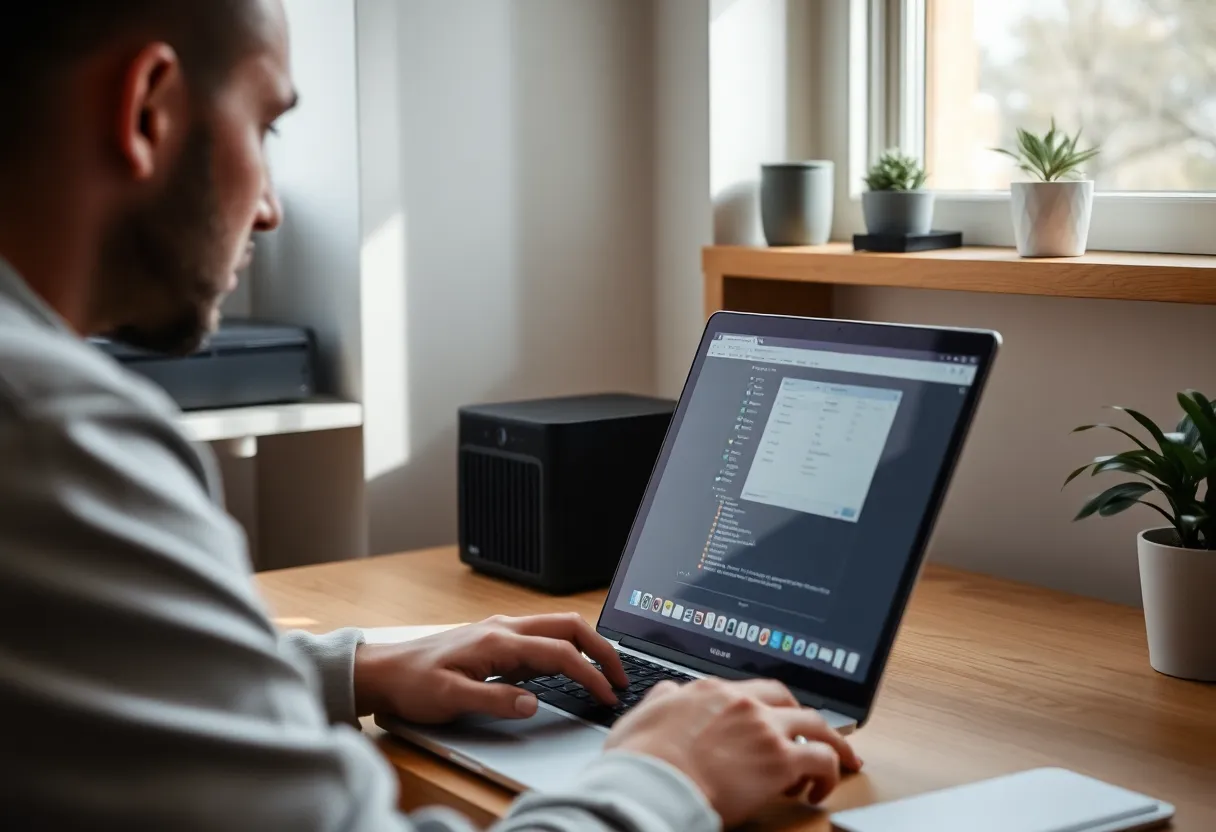
Your daily driver is built for human use. It goes to sleep when you close the lid. It reboots for Windows or macOS updates. You might take it to a coffee shop or a different room. When you’re gaming or rendering, it’s under load; when you’re away, it might be off. That’s fine for a laptop or desktop. It’s terrible for anything that’s supposed to run on a schedule or keep a service available. If your backup script runs at 2 a.m. but your machine is asleep, the backup doesn’t run. If your home automation hub lives on that PC, your automations go dark when you’re traveling. The more you rely on automation, the more painful those gaps become.
Separating “always-on infrastructure” from “machine I use” fixes that. A small server—a Raspberry Pi, an old Intel NUC, a used mini PC, or a dedicated NAS—can sit in a corner and run 24/7. It doesn’t need a keyboard or a monitor after setup. It doesn’t need to be fast; it just needs to be on and reachable. Your main PC can sleep, update, and move around without taking down the rest of your setup.
What Belongs on the Automation Server
Think of the server as the home for everything that should run regardless of what you’re doing. Cron jobs and scheduled tasks: backups, sync scripts, data pipelines, cleanup jobs. Self-hosted services: a local wiki, a password manager sync, a file server, or a simple dashboard. Home automation: if you run Home Assistant, Node-RED, or a bridge to Zigbee or Z-Wave, that’s a natural fit. So are notification relays, webhooks, and small APIs that other devices or scripts call. The rule of thumb: if it has a schedule or something else depends on it being up, it shouldn’t live only on your main PC.
Your main machine stays for interactive work: coding, browsing, writing, gaming. The server handles the background layer. That split also makes debugging easier. When something fails, you know whether to look at the server (always on) or the PC (might be off or busy). No more “did my backup run or did my laptop sleep?” Over time, the server becomes the stable spine of your setup: you can replace or upgrade your main PC without redoing all your automations, and you can take your laptop anywhere without worrying that your home automation or backup pipeline just went offline.
Hardware: You Don’t Need Much
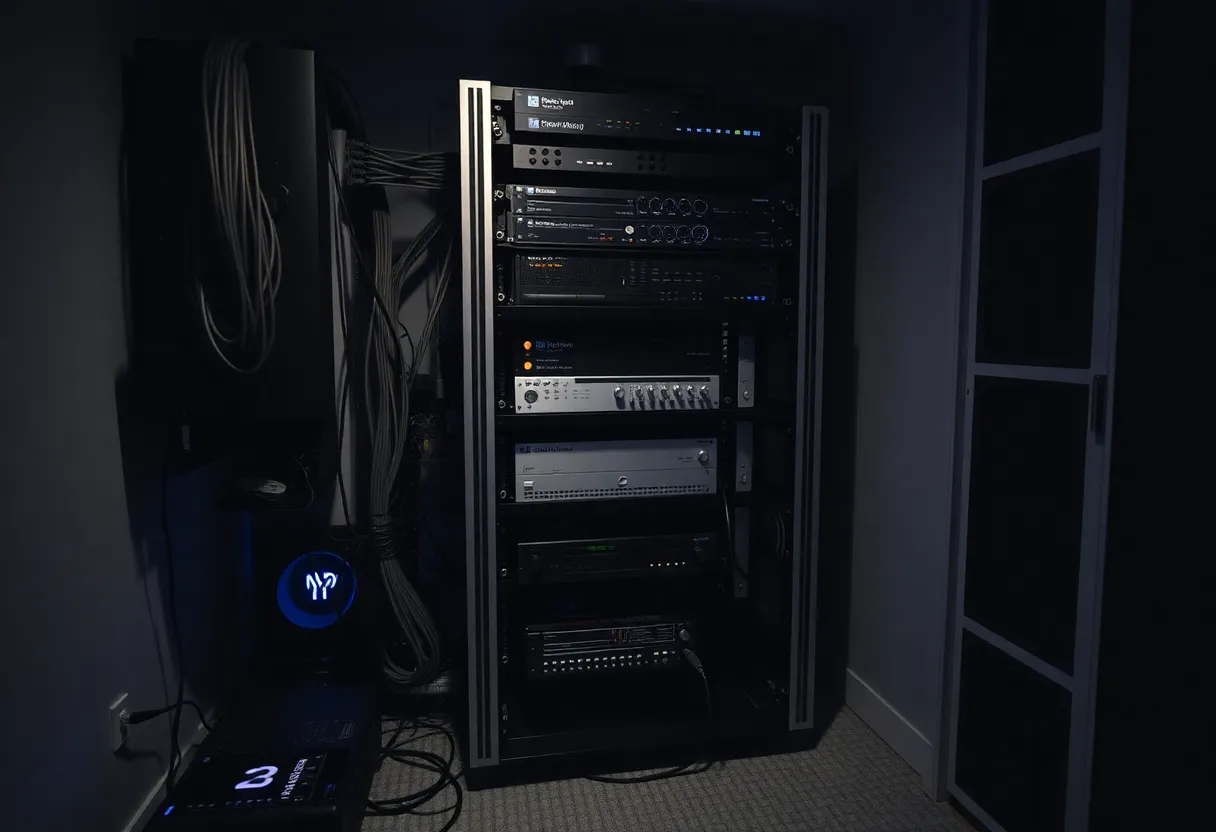
A dedicated automation server doesn’t require a beast. A Raspberry Pi 4 or 5 can run a stack of containers, cron jobs, and a light home automation setup. An Intel NUC or a used mini PC from the last five years is more than enough for most people. What matters is reliability: stable power (a UPS if you care about clean shutdowns), enough RAM for your services (4–8 GB is often plenty), and storage that fits your backups and data. SSD is better than spinning disk for anything that does a lot of small I/O.
Some people repurpose an old laptop or desktop. That works as long as you’re okay with the power draw and form factor. The key is committing to “this machine is the server.” It doesn’t double as the family computer or the machine you take on trips. Dedicated role, dedicated box.
Software: Keep It Simple and Repeatable
Put your automation server on a minimal OS: Raspberry Pi OS, Ubuntu Server, or something similar. Run services in Docker or as systemd units so you can recreate the setup if the hardware dies. Document your cron jobs and where configs live. The goal isn’t to build a fortress; it’s to have a single box that does one job well and can be restored or replaced without starting from scratch.
Back up the server’s config and data—to another machine, to the cloud, or both. The server is the thing that runs your backups; it shouldn’t be the only copy of how it’s configured. A simple script that tars your configs and key data and pushes them somewhere else is enough to get started. Version control for configs (e.g. dotfiles or Docker Compose in a repo) makes it easy to rebuild or migrate. The less mystery there is about what’s running and where, the easier it is to fix or replace the box when something goes wrong.
Cost and Power: Less Than You Think
A Raspberry Pi or a low‑watt mini PC draws a few watts at idle. Over a year, that’s a small fraction of what a gaming rig or a high‑end desktop uses. Used hardware is cheap: a retired office PC or a previous‑gen NUC can often be had for under $100. The real cost is your time to set it up and maintain it—but once it’s running, a dedicated server is set‑and‑forget. You’re not trading power for a second gaming rig; you’re adding a small, efficient box that does one job.
When a Dedicated Server Isn’t Worth It
If you only have a couple of scripts that run once a day and you’re fine with them running only when your PC is on, you might not need a server yet. If you’re in a tiny space and every device counts, a single always-on machine might be your NAS or your main desktop—just be aware that when that machine is off or busy, everything else stops. The tipping point is when you have enough automations and services that you notice—and mind—when they’re down. Once you care about uptime, separation pays off. Similarly, if you’re just experimenting and haven’t committed to a workflow, running everything on your main machine is fine until it isn’t. The moment you find yourself avoiding reboots or leaving your PC on overnight “so the backup runs,” it’s time to consider a dedicated server.
Bottom Line
A dedicated automation server doesn’t have to be expensive or complex. It’s a small, always-on machine that runs the stuff that shouldn’t depend on your main PC being awake or available. Schedules run reliably, services stay up, and your daily driver can sleep, update, and travel without taking your whole setup with it. If you’ve outgrown “run it on my laptop,” a dedicated server is the next step.