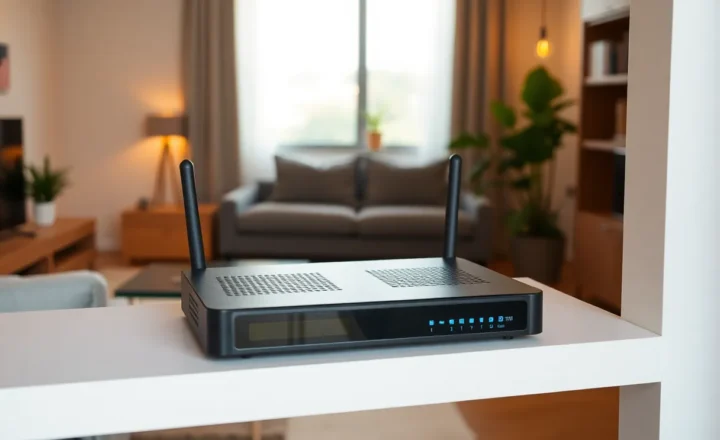
Starlink Rain Fade and Oversubscription: What Rural Users Learn After the First Storm Season

Halima Okafor
April 8, 2026
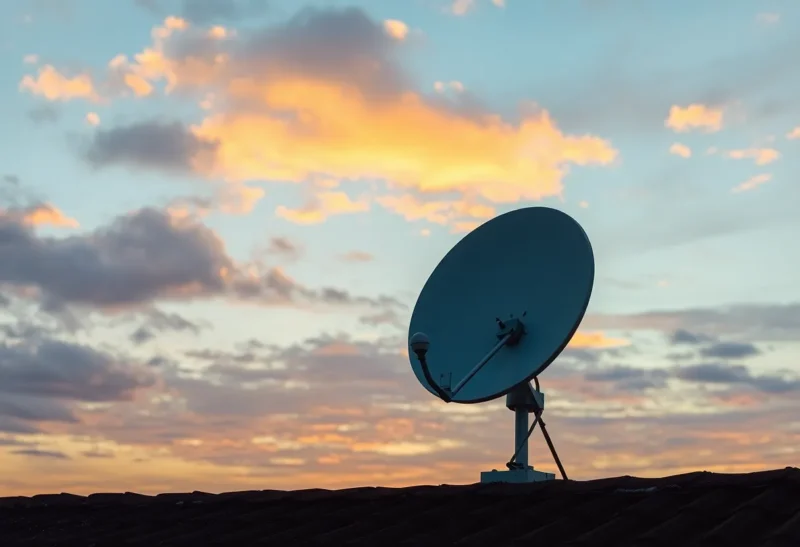
Rural broadband used to mean “maybe DSL, maybe prayers.” Low-Earth-orbit satellite constellations promised a different deal: fiber-like speeds without trenching miles of fiber. Early adopters cheered—until the first long thunderstorm parked overhead, or until the neighborhood filled with dishes competing for the same beams. This article explains rain fade and oversubscription in plain language, what you can tune on your roof, and what you cannot negotiate with physics or network economics.
Brand names date quickly; physics dates slowly. Whether you are on the most talked-about kit or a competing service, the fundamentals—attenuation in heavy rain, shared beams, and the last-mile Wi-Fi inside your house—remain the curriculum. Think of this as a field guide for the first year after install, when enthusiasm meets weather.
Ku-band and Ka-band meet weather
Consumer satellite internet uses microwave frequencies that absorb and scatter in heavy rain—especially at higher bands used for capacity. The effect nicknamed “rain fade” shows up as elevated packet loss, latency spikes, or brief disconnects. It is not a moral failing of your hardware; it is electromagnetics arguing with a wall of water.
Intensity matters: drizzle is rarely the villain; dense cells with tall water content are. Direction matters too—storms between you and the satellite hurt more than storms off-axis. Two neighbors can report different experiences from the same county because their dishes look through different weather volumes.
Duration matters for human perception. A two-second glitch goes unnoticed in background music; the same glitch kills a live interview. Plan applications accordingly: asynchronous uploads, local recording for streams, and realistic expectations for VPNs that add overhead.
What good installs still cannot fix
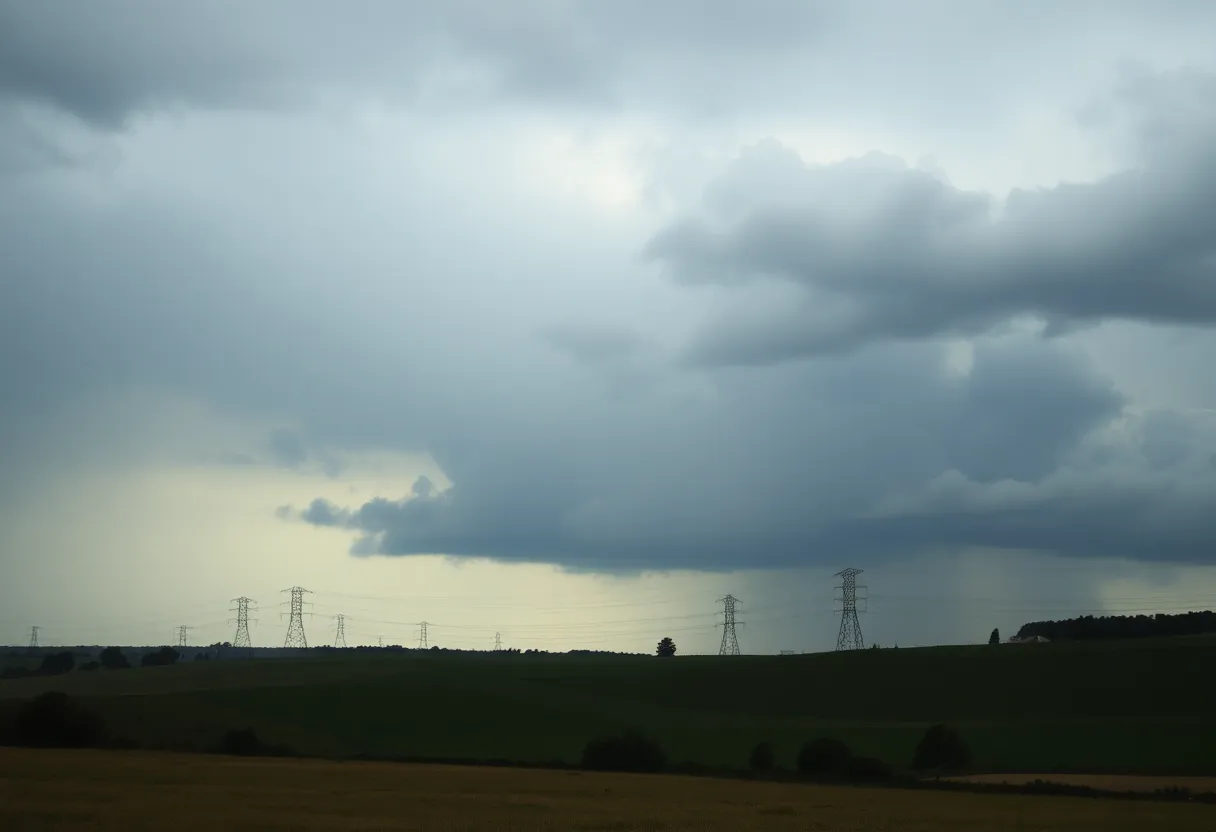
Clear line of sight matters: trim trees, avoid chimney shadows, and mount with stable brackets that do not shimmy in wind. But no mount eliminates a training thunderhead. Margin exists—professional VSAT links budget extra power for fade—but consumer terminals trade cost for that headroom. Expect graceful degradation, not immunity.
Installers sometimes chase benchmarks on clear days. Users live through mixed weather. If your dish sits behind a tree that leafs out in May, schedule a spring trim like you would for gutters—proactive beats reactive.
Reading your metrics without becoming obsessive
Most customer apps expose obstruction maps, ping statistics, and uptime. Useful trends include rising obstruction percentages after storms that shift branches, or latency floors that creep upward during evening peaks. Spikes during individual downpours are normal; slow climbs across weeks suggest capacity or foliage issues.
Avoid hourly refresh loops—networks need time to breathe. Daily notes in a text file beat anxiety scrolling.
Latency: not fiber, not magic
LEO constellations cut distance compared to geostationary birds, but you still traverse radio links, ground stations, and the public internet. Competitive gaming may feel different from wired fiber; voice calls usually work fine when the link is stable. Set expectations with housemates before blaming hardware.
Oversubscription is the other storm
Satellite capacity is shared. As subscriber density rises in a cell, average throughput can fall during peak evening hours even on clear nights. Rain fade hits the RF link; oversubscription hits scheduling queues. Users experience both as “slowness,” but the fixes differ: one waits for weather; the other waits for capacity upgrades—or competes for bandwidth with scheduling discipline on your LAN.
Network operators add capacity with more satellites, better beams, and ground infrastructure. Those rollouts do not track individual patience. Rural users should plan contingencies: offline caches for critical files, secondary links for business continuity if budgets allow, and honest conversations with employers about availability SLAs.
Business vs residential reality
Business tiers sometimes include priority or different support expectations—read terms carefully. If you run a server reachable from the internet, understand dynamic addressing and potential CGNAT realities; not every use case belongs on consumer plans.
Home network hygiene matters more than city dwellers admit
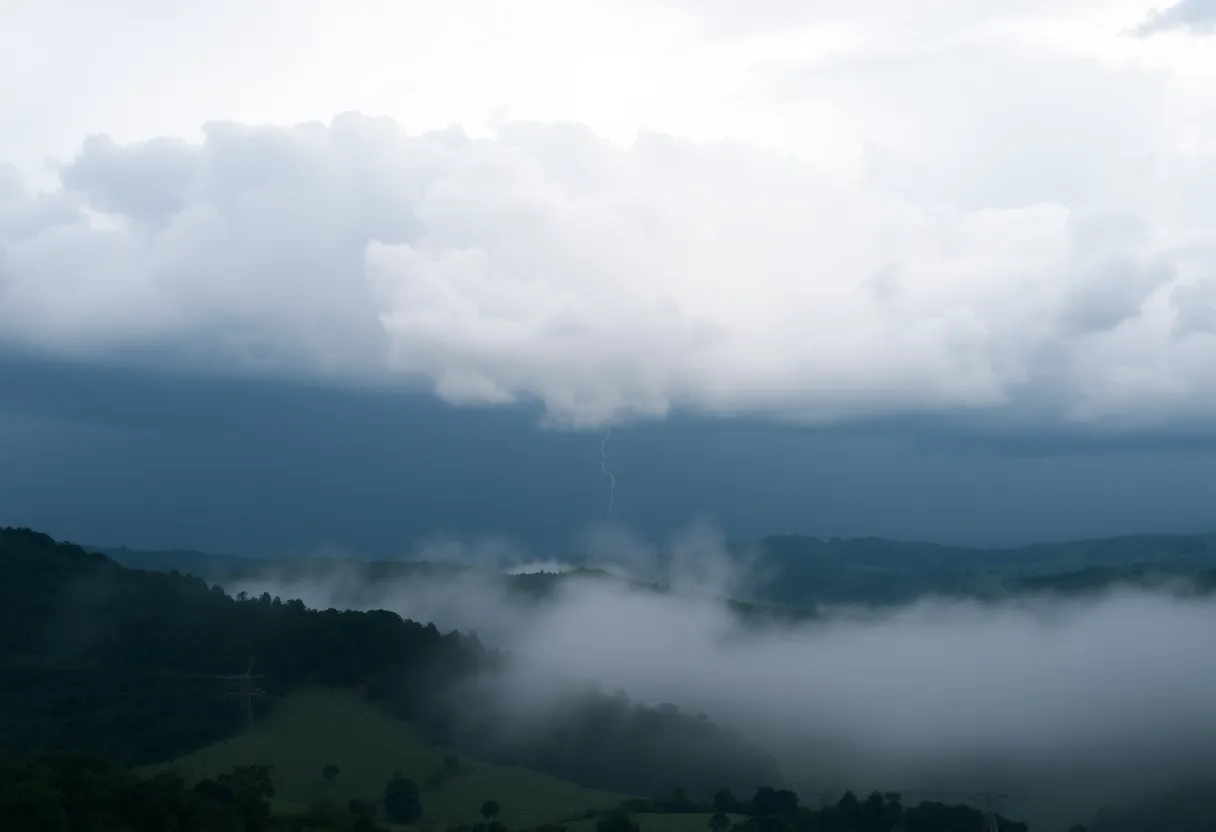
Bufferbloat on cheap routers turns transient satellite jitter into seconds of lag for games and video calls. Smart QoS, sane DNS, and wired backhaul for work machines reduce pain that looks like “Starlink is down” but is really local congestion. Measure before you blame the sky.
Run simple tests: ping your router versus ping the internet. If the first is clean and the second is not, look upstream. If both stutter, fix Wi-Fi before touching the dish. Ethernet is boring; boring is good.
DNS is not a performance panacea, but garbage resolvers add failure modes. Pick stable options and stop changing them weekly chasing myths.
Upload-heavy workflows on shared links
Backups, video uploads, and cloud renders can saturate asymmetric links and starve interactive traffic. Schedule big jobs overnight; use client-side throttling; teach software to pause when latency spikes. Families with multiple remote workers should negotiate norms—kids’ game updates can wait until homework is done.
What to expect seasonally
Spring leaves grow into former line-of-sight paths. Winter ice loads branches. Document your signal metrics monthly so you notice environmental drift before Zoom does.
Power and generator footnotes
Satellite gear needs clean power. Whole-home generators help in outage-prone regions; remember startup transients can reboot electronics if wiring is marginal. UPS on networking core keeps calls alive through brief blips. If you starve the dish during brownouts, you will misattribute outages to rain.
Neighbor effects and etiquette
Dense rural clusters mean many dishes competing for aesthetics and possibly sidelobe interference if installs are sloppy. Keep cables neat; avoid shining heaters or floodlights into neighbors’ windows while adjusting mounts at night. Community goodwill matters when you need to borrow a tall ladder.
When to keep a backup link
Fixed wireless, LTE failover, or even slow DSL can save a workday when satellite struggles. Automatic failover routers exist; test them quarterly. A cheap tethered phone beats heroic troubleshooting during a client call.
Regulatory and export realities (light touch)
Service availability varies by country; roaming assumptions differ. Travelers should read current policies rather than forum rumors from two years ago. Maritime and in-motion use cases have distinct hardware—do not assume residential dishes tolerate vibration indefinitely.
Security basics on a wireless last mile
Your satellite link terminates into a router you control—hopefully. Change default passwords, segment guest Wi-Fi, and patch firmware. The novelty of satellite does not excuse LAN hygiene; attackers still knock on router admin pages.
Planning upgrades inside the house
If you add cameras, NAS backups, or a home lab, revisit throughput budgets. Satellite may be fine for browsing but tight for always-on replication. Local caches and scheduled sync windows keep peace in multi-user homes.
Teaching kids realistic internet citizenship
Rural teens see urban creators bragging about symmetric gigabit. Explain shared airtime without bitterness: scarcity can foster discipline—offline hobbies are features, not punishments. Also teach that weather outages are nobody’s fault; mockery in group chats helps no one.
Closing
Satellite broadband is a miracle with footnotes. Respect weather, plan for shared capacity, and engineer your house like the bottleneck might be you. After the first storm season, the honest review sounds less like marketing and more like weather reports—which is progress.
Keep a one-page “internet contingency” note on the fridge: failover steps, who to call, which neighbor has LTE, and where offline files live. Calm procedures beat heroics when the sky opens and your presentation is in ten minutes. Paper feels old-fashioned until batteries die exactly then.
What “good enough” looks like for different households
Streaming video: adaptive bitrate hides many sins; 4K purists may notice more than cartoon watchers. If nightly buffering appears only during storms, you are probably seeing physics, not a defective dish.
Video calls: wired headsets, disable HD if the uplink struggles, and keep slides local. Screen sharing plus camera plus VPN can overwhelm modest uplinks even on clear days.
Online gaming: jitter matters more than raw Mbps. If bufferbloat is tamed and weather is clear, performance can be surprisingly good; if not, expect occasional rubber-banding during squall lines.
Remote desktop / CAD: latency sensitivity varies; test before betting your workflow. Hybrid approaches—render local, sync artifacts—often beat heroic real-time assumptions.
Community knowledge without cultish certainty
Forums are invaluable for “is this normal?” They are also loud. Cross-check anecdotes with simple measurements and dates—constellations evolve. What was true last winter may not be true after the next launch cadence milestone.
Share data responsibly: blur exact locations when posting obstruction screenshots; your driveway is more identifiable than you think.
Environmental and aesthetic trade-offs
Dishes are visible. HOAs and rural aesthetics clash occasionally; know local rules before mounting. Ground mounts with clear sight can beat roof drama if you have space and critter-proofing.
Birds perch; cables rub. Inspect annually for wear. Wildlife is a low-tech adversary that confuses support tickets.
If you need to escalate support
Collect timestamps, weather radar screenshots, speed tests from wired clients, and firmware versions. Polite, data-rich tickets get farther than caps-lock rants. Remember support sees many “slow internet” cases that are actually bad mesh placement.