Stargazing With a Phone vs a Telescope: What Sky Apps Smooth Over for Casual Users

Emily Frost
May 9, 2026
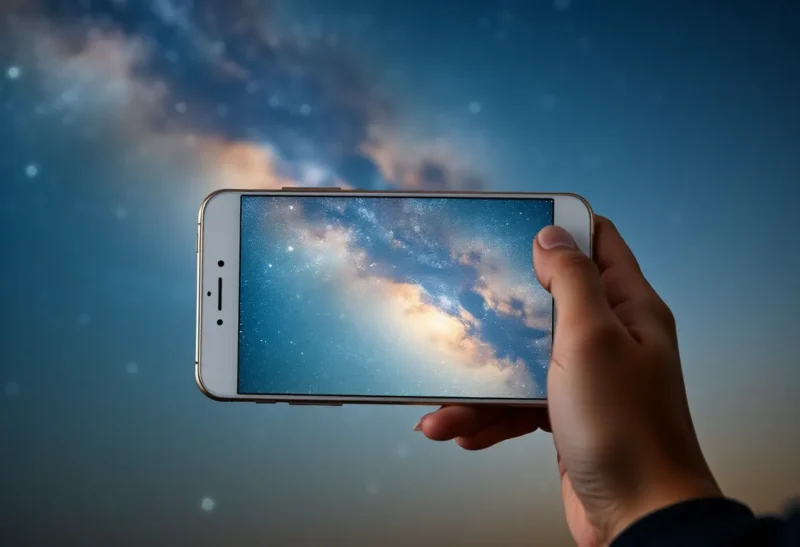
On a clear night, your phone can name every star you cannot see. That is not a paradox—it is optics, databases, and a little augmented reality theater working together. Sky apps are brilliant onboarding tools for casual stargazers; they are also very good at hiding the gap between “labeled sky” and “experienced sky.” A modest telescope still wins whenever photons are the bottleneck, but only if someone explains why the app felt so complete while the eyepiece felt empty.
This piece walks through what phone-based stargazing gets right, where it quietly fudges reality, and how to set expectations before you buy glass or blame your eyes.
What apps do exceptionally well
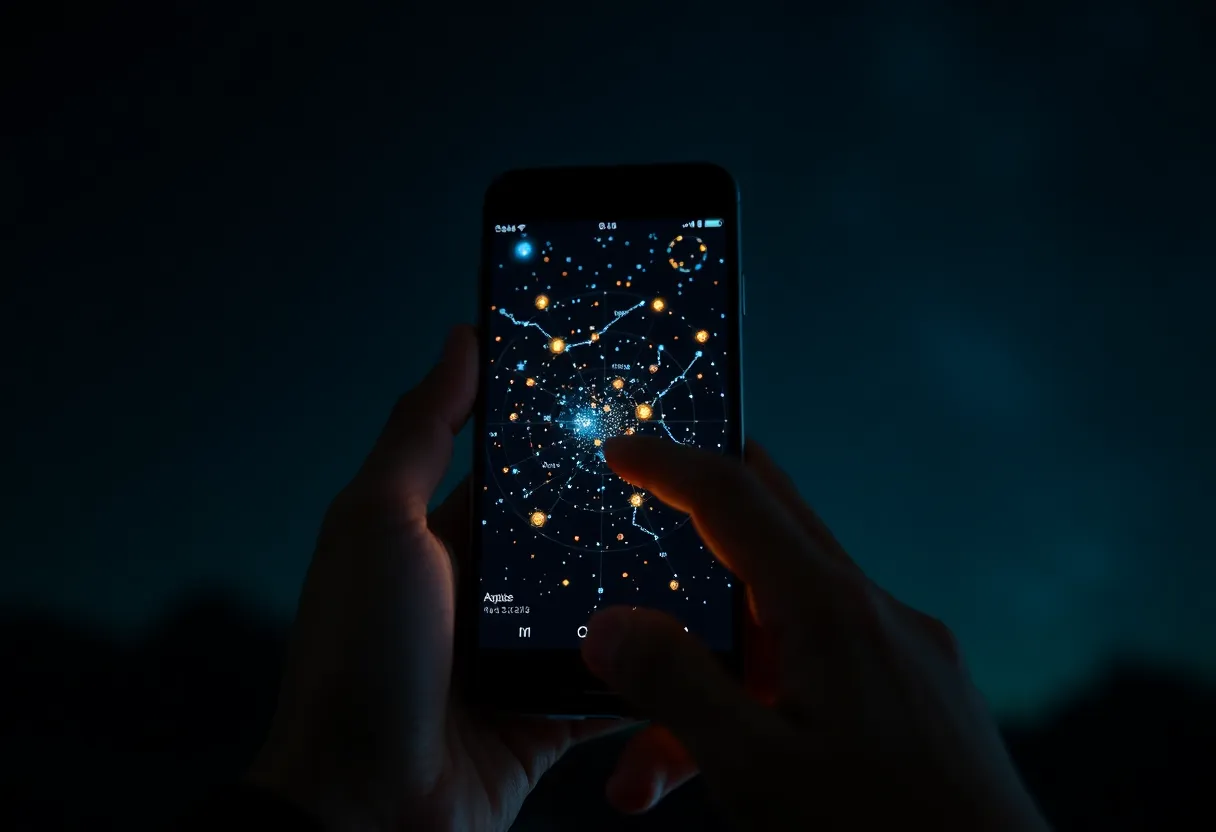
Planetarium software on a phone solves three hard human problems at once: orientation, time, and vocabulary. MEMS gyros plus magnetometers plus GPS give a decent “window on the universe” even when you only know one bright dot is “probably Venus.” Constellation artwork overlays cultural stories onto coordinate grids, which is pedagogy that paper atlases struggled to deliver in the field. Push alerts for ISS passes, conjunctions, and meteor showers also lower the activation energy to step outside—no small thing in distracted decades.
For urban users, that guidance layer matters emotionally. Light pollution scrubs most stars from vision, but not from catalogs. Seeing Orion’s belt drawn in AR can still feel like contact with the sky even when the Milky Way is a rumor. The app is doing honest work as a tutor and storyteller; the smoothing begins when people confuse the overlay for the photons.
Catalog depth versus human sensitivity
Your retina under suburban skies might reach magnitude 4 on a lucky night; a phone screen cheerfully plots stars an order of magnitude fainter because the database says they exist. AR modes composite vector graphics on a live camera feed with gain that does not match your dark adaptation. The result is a sky that looks “full” on six inches of glass while the same patch above your head is a washed-out dome with a handful of pinpricks.
That is not fraud; it is visualization literacy. Problems start when beginners expect a Dobsonian view to match the app’s artwork. Telescopes collect light proportional to aperture area; phones compensate with stacking and computation for bright targets, but they cannot violate physics on dim galaxies the way a vector overlay can pretend they are visible tonight.
Phones on the moon and planets: surprisingly fair fights
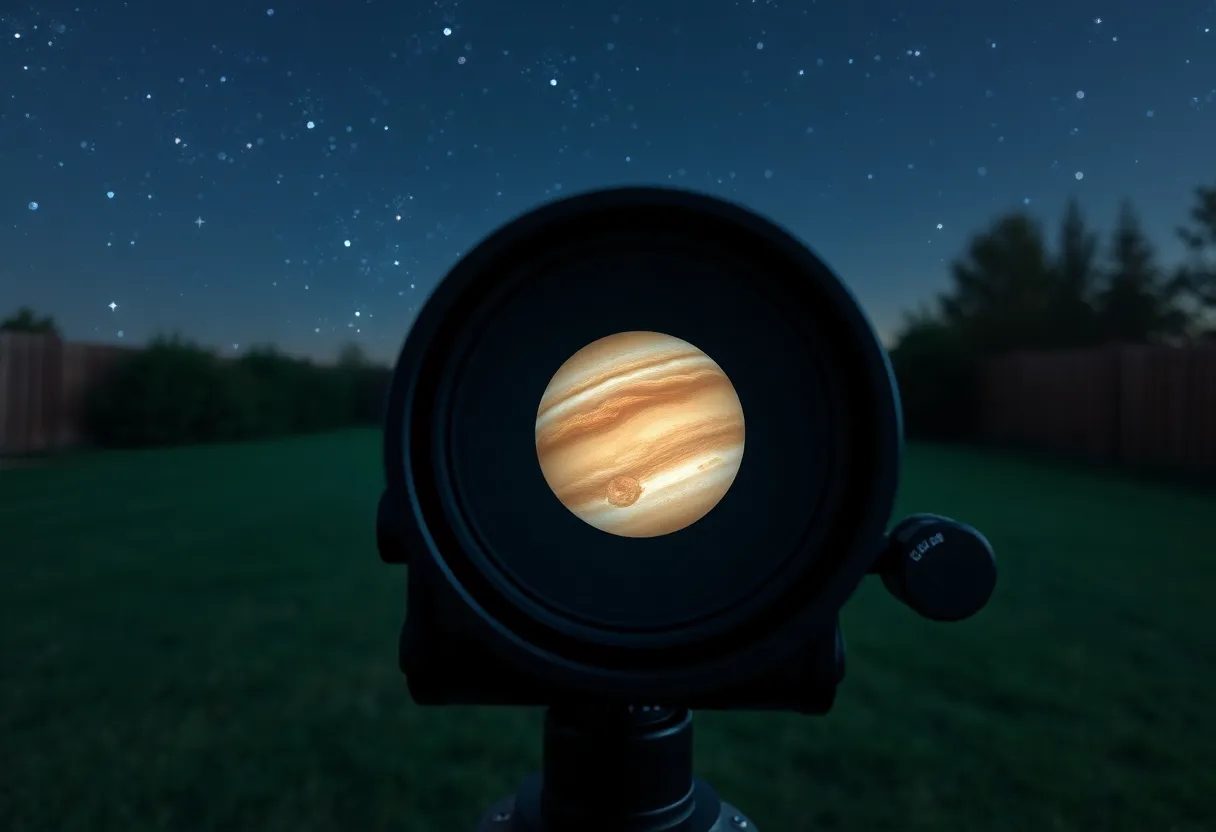
For the Moon, Jupiter, Saturn, and bright open clusters, phones behind small scopes or even handheld can produce shareable images thanks to sensor stacking and short exposures. Social feeds blur the line between “I saw it” and “my sensor integrated it.” That democratizes astro, which is wonderful—just remember the noise reduction that makes detail pop also teaches the eye the wrong baseline for what “naked visual” looks like.
Telescopes still answer different questions
An eyepiece trades pixels for photons and immediacy. You learn seeing conditions—the boiling atmosphere that apps do not animate unless you pay for pro weather layers. You learn exit pupil and magnification trade-offs in your body, not in a settings panel. Splitting a tight double star or catching a shadow transit on Jupiter’s disk is a perceptual skill; no overlay teaches the patience of waiting for a moment of steady air.
Telescopes also fail loudly: dew on corrector plates, collimation drift, mount vibrations. Apps rarely simulate frustration; that omission matters for budgeting both money and expectations.
Magnification math the apps politely skip
Divide telescope focal length by eyepiece focal length to get magnification; divide aperture by magnification to approximate exit pupil. Too large an exit pupil wastes light on your iris; too small turns the sky dim and floaty. Phones can overlay a circle labeled “1° field,” but until you have felt a 10 mm versus 25 mm eyepiece swap on the same target, the numbers stay abstract. That embodied knowledge is what separates “I used an app once” from “I observe.”
Alt-az forks, Dobsonians, and the nudging ritual
Many starter scopes are alt-azimuth: up-down, left-right, simple for kids, murder on long-exposure deep-sky imaging without a wedge or equatorial platform. Apps show targets drifting; they rarely convey how often you must nudge at high power. A live sky teaches cadence; a screen teaches icons.
Weather windows apps under-weight
Transparency and seeing are not the same as “0% cloud cover.” A crystal-clear forecast can still deliver mushy stars if the jet stream is angry. Some advanced services plot seeing forecasts; most casual AR users never open them. Result: perfect app nights that feel mushy in the eyepiece, blamed on equipment instead of atmosphere.
Community etiquette at public events
Star parties mix bright screens with dark-adapted crowds. Red filters and screen dimmers matter. If your app chirps notifications while someone is tracing a galaxy chain verbally, you become the noise floor. Learn airplane mode early; it is cheaper than buying friends at the observing field.
When to trust the phone over the telescope
Eclipses, transits, and thin-crescent planning benefit from precise ephemerides; phones win at logistics. Satellite flare predictions likewise. For “what is that bright thing next to the Moon Tuesday?” the app is the right oracle. For “what does M51 look like tonight from this parking lot?” trust aperture and skies first, then add the phone as annotation.
Budget reality: glass versus subscriptions
Planetarium subscriptions add up slower than optics, but they can outlive a bad first scope purchase if you never darken skies. Try borrowed club gear while your app subscription teaches the sky map. Amateur astronomy clubs still exist; their loaner Dobsonians have humbled many impulse buys.
What sky apps smooth over for casual users
- Field of view reality: Icons sized for legibility are not angular diameters; a galaxy that fills a thumbnail might be a smudge in a 12-inch under Bortle 6.
- Color: Most deep-sky visual color is subtle; long-exposure photos lie with love. Apps often reuse pretty Hubble palette habits.
- Time depth: Precession, proper motion, and satellite trains update in good apps, but not every layer refreshes equally—stale TLEs mean ISS icons that jitter or lag.
- Dark adaptation: Screens ruin night vision; red night modes help but never fully fix biology.
A sane progression path
Start with binoculars plus an app: wide field, forgiving, aligns catalog to sky without magnification shock. Move to a manual or push-to scope once you can star-hop with assistance, then consider motorized GoTo if accessibility or patience demands it. Skip the trap of buying maximum aperture before you have stood outside for an hour learning how cold toes affect enthusiasm.
Ethics of sharing “what I saw”
Label phone stacks as stacks. Label sketches as sketches. The hobby’s culture war between purists and phonographers helps nobody; honesty helps everyone. Apps should be credited as tools, not replacements for sky quality.
Calibration errors: when the overlay lies a few degrees
Compass interference from speakers, cases, and car bodies is real. AR sky layers jitter near metal railings and reinforced concrete. Good apps let you align manually with bright stars; skipping that step because “it looks close enough” trains bad habits before you graduate to finder scopes and Telrads. Treat compass drift like a weather variable, not a personal failure.
Satellite streaks meet AR compositing
Low Earth orbit brightness does not always render in consumer apps the way astrophotographers experience it. A bright pass can saturate a phone sensor while the vector sky stays pristine. If beginners wonder why long exposures look scratched while the app sky looks clean, that mismatch is another teachable moment about integration time versus graphics layers.
Planetarium features worth paying for
Free tiers are generous; paid tiers sometimes add deeper satellite catalogs, telescope field-of-view rectangles sized to your eyepiece, and planning for imaging sessions. If you buy glass, invest in software that understands focal length and sensor size—those overlays prevent the classic “why is Andromeda bigger than my whole field” confusion.
Accessibility: where phones quietly win
Zoomed UI, audio cues, and high-contrast modes make astronomy possible for people who cannot crane necks for hours or parse faint stars at the limit of vision. Telescopes with electronic assist still pair with phones as controllers. The goal is sky access, not purity contests; apps deserve credit as prosthetics for curiosity.
Teaching kids without overselling
Children latch onto screen certainty. Pair app time with simple experiments: count how many Pleiades members they resolve naked eye versus in binoculars versus in a scope. Let the numbers diverge; that divergence is science. If you only hand them AR, they learn interfaces; if you hand them interfaces plus glass, they learn trade-offs.
Light pollution maps versus eyeballs
Bortle-scale apps aggregate models; local lamps still dominate a street corner. Walk twenty meters; the limiting magnitude can change. Phones aggregate satellite data; your cornea aggregates photons from that lamppost. Both maps are useful—just not interchangeable.
Closing invitation
Use the app to get yourself outside—then, at least once, turn the screen off for ten minutes after your eyes adapt. The dimmer sky is closer to what Galileo met: harder, sparser, and strangely more intimate. The phone can return after; let your rods and cones have a vote first.