Should You Run One Big Home Server or Several Small Ones?

Nate Holbrook
September 27, 2026
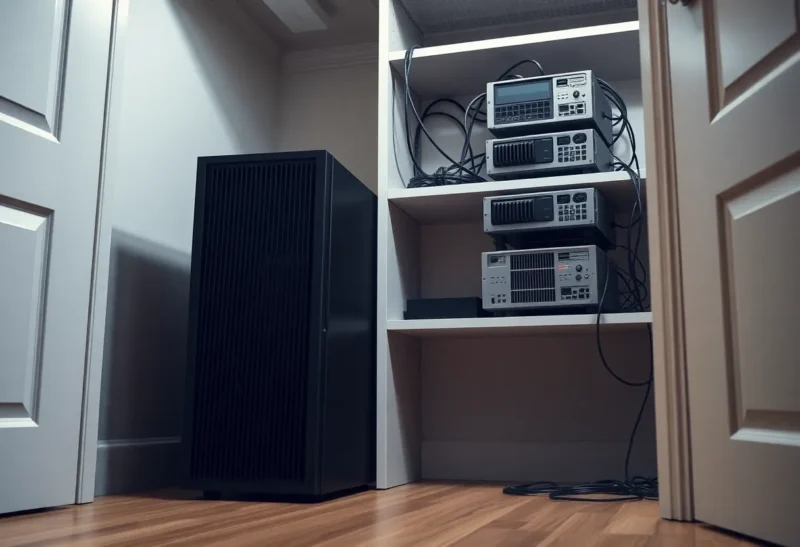
The worst night my homelab ever had started with a routine kernel update. I had one server then: a used Dell tower with a Xeon, 64 GB of RAM, and Proxmox running everything. My Gitea instance with client repositories. Pi-hole. Home Assistant. The media server. A handful of VMs for testing. One box, beautifully consolidated, and I’d been a little smug about how tidy it was.
The update needed a reboot. The reboot didn’t come back. A storage controller firmware quirk meant the new kernel couldn’t see the boot pool, and the server sat at an emergency shell. I was fine with fixing it. What I wasn’t fine with was everything else that happened at the same moment.
DNS went down with Pi-hole, so every device in the house lost the internet. My partner’s work laptop lost its VPN. The hallway lights, which ran through Home Assistant automations, stopped responding to the switches. And a client who was trying to push to one of the repos I hosted for them emailed at 11 p.m. to ask if something was wrong. I was debugging a boot problem by phone hotspot, with a flashlight, while the house was effectively offline.
After that I went the other way, and then partway back. My homelab today is not one box and not a rack of small ones. Here’s how I think about the choice now.
The case for one big server
Consolidation is popular for good reasons, and I don’t want to pretend otherwise.
Efficiency. One machine at idle draws less than several machines at idle, usually. A modern mini PC might idle at 8 watts, but four of them is 32 watts, plus four power bricks. A single efficient desktop running everything might sit at 20 to 25 watts. An old enterprise tower like mine drew closer to 80, which is a separate problem, but the principle holds for sensible hardware.
Simplicity. One operating system to patch. One backup job. One place to look when something’s wrong. One IP address to remember. For most people starting out, this matters more than anything else in this article.
Resource sharing. A single box with 32 GB of RAM can give Immich 6 GB during an import and hand it back afterward. Split across four machines with 8 GB each, that import has a hard ceiling, and the other three machines’ spare memory is useless to it.
Cost. One good used desktop is often cheaper than three decent mini PCs, and it has room for drives, which small machines don’t.
If you’re running a dozen containers for yourself and nobody else depends on them, one box is the right answer. Stop here and go build it.

The problem with one box: blast radius
The thing I didn’t appreciate until that night is that consolidation doesn’t just put all your services in one place. It puts all your failures in one place, and it ties every maintenance task to every service.
Engineers call this the blast radius: when something breaks, how much breaks with it? On one box, the answer is always “everything.” That’s fine for a media server you use on weekends. It’s not fine when the same box is also the thing your house needs to function.
And it’s not just unplanned failures. Every planned reboot takes down everything too. After a while I noticed I was putting off kernel updates because rebooting meant warning the household, waiting until nobody was on a call, and hoping the lights would still work afterward. A server you’re afraid to reboot is a server that doesn’t get patched.
The case for several small machines
After the bad night, I bought three used mini PCs and split everything up by function. Each one got a job:
- One for network services: Pi-hole, a DHCP backup, the reverse proxy.
- One for home automation: Home Assistant and its Zigbee coordinator.
- One for everything else: Gitea, media, photos, and the rest.
Plus the old tower, repurposed as a storage box.
The good parts were immediately obvious. I could reboot the “everything else” box on a Tuesday afternoon and nobody noticed. A misbehaving container could only hurt its own neighbours. Home Assistant updates, which occasionally need a restart and a nervous wait, no longer threatened DNS. I also learned more in six months than in the previous two years, because I was now dealing with real networking between machines.
What several machines actually cost
Then the bill came due, and not just the power one.
Every machine is a full maintenance burden. Four operating systems to update. Four sets of SSH keys and firewall rules. Four machines to monitor and back up. Four chances for a disk to fail. The total work didn’t split four ways; it multiplied.
Power added up. Three mini PCs plus the tower came to about 95 watts at idle, which was more than the single server had drawn. I’d traded efficiency for isolation without really deciding to.
Services still depended on each other. Splitting boxes doesn’t remove dependencies, it just makes them network dependencies. My media server needed files from the storage box. Several services needed the reverse proxy on the network box. When the network box went down, half the “independent” services became unreachable anyway. I’d reduced the blast radius less than I thought.
Clustering is harder than it looks. The natural next step with several Proxmox machines is to join them into a cluster, so you can manage them from one screen and maybe move VMs between them. I tried it. A Proxmox cluster relies on quorum, meaning a majority of nodes must agree before it’ll do anything. With two nodes, taking one down for maintenance leaves the other without a majority, and it stops letting you start VMs. You need a third vote from another node or a small quorum device. Real high availability also needs shared storage or replication, which is a project in itself. For a home, it was a lot of machinery to solve problems I mostly didn’t have.
People who go the Raspberry Pi route run into a version of this too: a stack of small boards looks elegant and teaches a lot, but storage, networking, and orchestration overhead arrive faster than the extra compute does. The hidden complexity of a Raspberry Pi cluster is exactly the same trade in a smaller form factor.
Where I ended up: split by who depends on it
After about a year with four boxes, I consolidated down to two, and the dividing line wasn’t CPU or RAM. It was who notices when it’s down.
The small, boring box runs the things my household depends on. Pi-hole, Home Assistant, the Zigbee coordinator, and a tiny WireGuard endpoint so I can reach home if everything else is broken. It’s a fanless mini PC drawing about 7 watts. I update it carefully, once a month, and otherwise leave it alone. It never runs experiments. It never gets a new container because I read about one on a Friday night.
The big, interesting box runs everything else. Gitea, media, photos, databases, test VMs, whatever I’m playing with this month. It’s a used desktop with plenty of RAM and room for drives. I can reboot it whenever I like. If it’s down for a day while I rebuild it, the lights still work, the internet still works, and my partner doesn’t know.
Client repos live on the big box, but I also mirror them to a cheap VPS, so a bad night at home doesn’t turn into a late email.
That’s the whole idea: isolate the things that have to stay up from the things you like to tinker with. Everything else can share a box.
A simple way to decide for yourself
Go through your list of services and ask one question about each: if this were down for a whole day, who would notice?
- Only me, and I’d be mildly annoyed. Media server, a wiki, test projects, most dashboards. These can all share one box.
- Other people in my house would notice within an hour. DNS, DHCP, home automation that controls lights or heating, the family password manager. These deserve a small, separate, boring machine.
- Someone outside my house would notice. Anything clients, friends, or a business depend on. These deserve either a second copy somewhere else or a proper hosted service. A home server, even a very good one, is still behind one internet connection and one power circuit.
If everything lands in the first bucket, run one box. If you have a few things in the second bucket, run one big box and one small one. If you have something in the third bucket, the question isn’t really how many machines you have at home.
A few practical notes
Keep the critical box truly minimal. The moment it becomes “the small box plus a couple of extra things,” it inherits the risk you split it off to avoid.
Give the critical box its own power protection. A small UPS that keeps DNS and Home Assistant alive through a short outage is cheap and makes the split worth more.
Don’t cluster unless you want to learn clustering. Two independent machines are easier to live with than a two-node cluster that loses quorum when one of them is off.
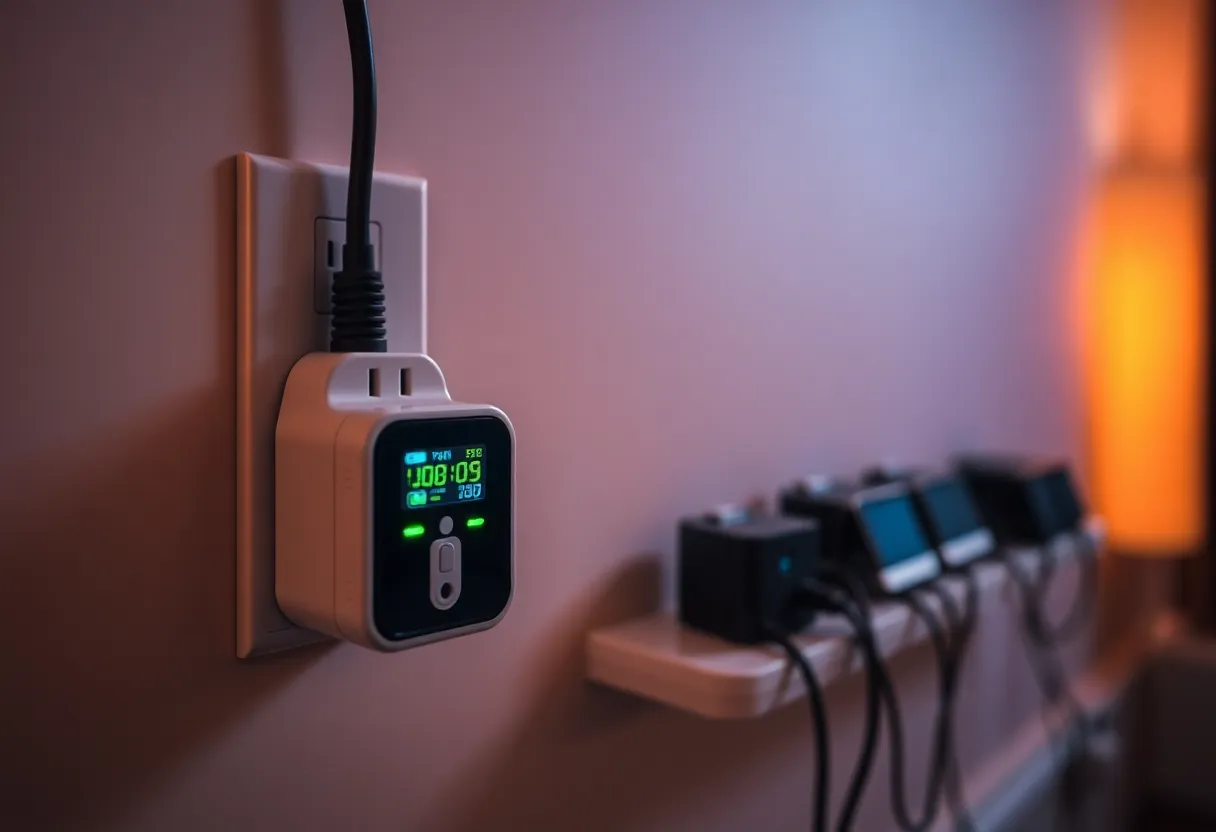
Measure your power before and after. A smart plug with energy monitoring on each box for a week will tell you what your architecture actually costs. My four-box phase would have been much shorter if I’d done this at the start.
One big server is simpler. Several small ones are more resilient in theory and more work in practice. For most home setups, the right answer is two: one you never touch and one you’re allowed to break. It took me a flashlight, a phone hotspot, and a late-night client email to figure that out, but you can skip that part.