Power Automate Desktop vs Cloud: What Windows Users Actually Need

Taylor Kim
April 7, 2026
Microsoft’s automation story split into two lanes: cloud flows that react to SaaS events, and Power Automate for Desktop (PAD) that drives the Windows UI like a careful robot. Both wear the same brand; they solve different classes of headache. Windows users new to the stack often install the wrong one, then wonder why Outlook refuses to click itself.
This guide clarifies when cloud flows suffice, when desktop RPA is justified, and how licensing reality—not marketing diagrams—should drive your choice in 2026.
Cloud flows: triggers in the sky
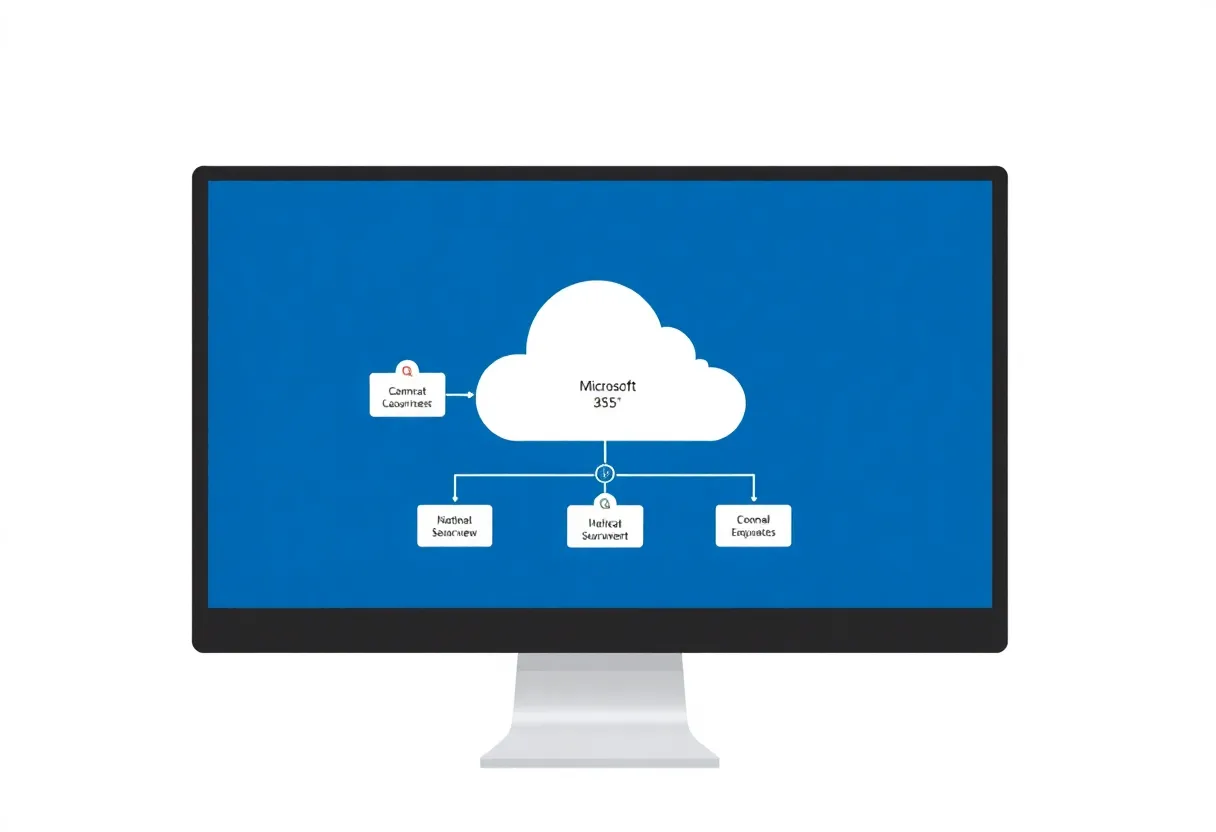
Cloud flows excel at connectors: a new row in SharePoint, an email to a shared mailbox, a Teams message when a Dataverse record changes. They run in Microsoft’s infrastructure with identity boundaries you already manage via Entra ID. If your process is “when X happens in a cloud service, do Y in another cloud service,” start here—not on the desktop.
Desktop flows: where the mouse lives
PAD enters when legacy Win32 apps, thick clients, or local files refuse decent APIs. Desktop automation records or builds UI steps—launch app, focus window, type into field, export CSV. It is RPA-shaped: powerful, brittle if the UI shifts, and tied to a machine that is awake and logged in (or an unattended robot setup with all the governance that implies).

The hybrid pattern most teams actually need
Real organisations blend: cloud flow for approval routing plus desktop flow for the one gnarly ERP client that only speaks pixels. The integration point is credentials, queues, and error handling—cloud orchestration should not assume the desktop robot succeeded silently.
Licensing: read the fine print before you promise ROI
Entitlements move with SKU bundles. Some Microsoft 365 plans include limited cloud flow runs; desktop attended automation may require Power Automate per-user plans with RPA add-ons. Verify against your tenant’s agreement—not a blog post from 2023. Nothing sours automation projects faster than a finance review discovering paywalled bot minutes.
Reliability lessons from the field
- Selector breakage after app updates—budget maintenance windows.
- Screen resolution and scaling differences between developer laptops and VMs.
- Credential prompts that block unattended runs until someone clicks OK.
- Concurrency: two robots fighting the same window handle.
Security and least privilege
Desktop robots often run with powerful user accounts so they can reach network drives. That concentrates risk. Separate robot identities, vault passwords, and monitor sign-ins the same way you would for any service account. Cloud flows inherit connector permissions—review connections quarterly.
On-premises data and gateways
Cloud flows reach on-prem SQL or file shares through gateways. If your “cloud vs desktop” debate is really about where files sit, a gateway might remove the need for UI automation entirely. Desktop flows become the fallback when even gated APIs cannot perform the required action—exports that only exist under a menu buried three dialogs deep, for example.
Attended vs unattended robots
Attended automation runs beside a human—good for augmenting repetitive clicks while someone watches. Unattended runs on a VM or dedicated workstation without a human co-pilot; licensing and reliability requirements jump accordingly. Misclassifying attended bots as unattended to dodge licence costs invites audit pain and flaky runs when a dialog nobody predicted appears.
When to skip both and write code
If the underlying system exposes a stable API and you have engineering time, a small Azure Function or PowerShell module may outperform screen scraping. PAD shines when the business cannot fund a rewrite this year but can fund automation this quarter.
Decision cheat sheet
| Scenario | Lean |
|---|---|
| SharePoint → Teams notification | Cloud flow |
| Excel on network share → database | Cloud or Data Factory; desktop only if no gateway path |
| Green-screen ERP with no API | Desktop flow (with governance) |
| Personal productivity on one PC | Desktop flow (mind licensing) |
Conclusion
Power Automate Desktop and cloud flows are complementary, not competing sports teams. Cloud flows integrate services; desktop flows manipulate stubborn UIs. Pick based on where your data lives, what APIs exist, and what your licences actually allow. Get that triangle right and Microsoft’s automation stack stops feeling like a maze and starts feeling like a toolkit.