Pocket E-Readers vs 10-Inch E-Ink in 2026: Screen Size and Deep Reading

James Webb
April 7, 2026
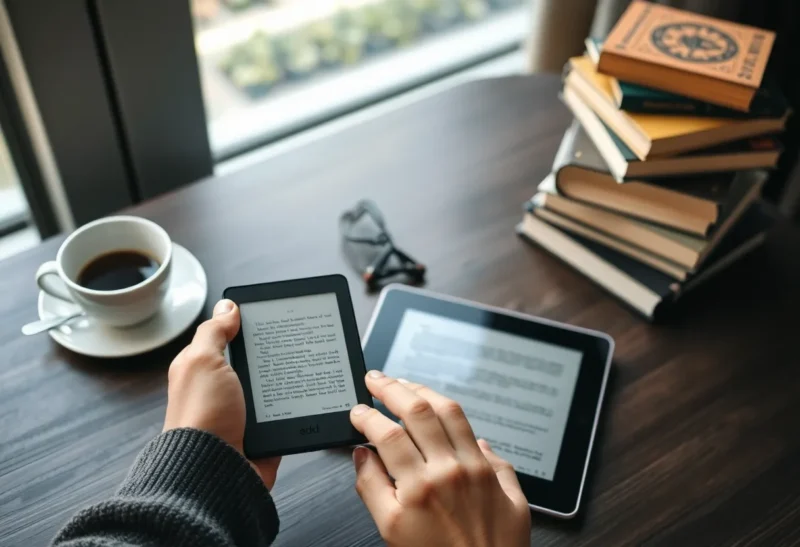
Screen size is the least interesting spec on a spec sheet and the most important spec for how you actually read. In 2026, pocket e-readers and ten-inch e-ink slabs share similar marketing language—paper-like, distraction-free, weeks of battery—yet they train different muscles in your attention. Choosing between them is less about pixels than about the kind of reading life you want to protect.
This guide assumes you already want e-ink for eye comfort and focus—not a direct tablet comparison. The question here is intra–e-ink: small glass versus large glass, and what that does to comprehension over months, not minutes.
What “deep reading” demands from hardware
Deep reading is not mystical; it is logistical. You need comfortable line lengths, predictable pagination, minimal UI friction, and a device you are willing to carry to the places where reading happens. Pocket devices win on proximity—they live in coat pockets and small bags, so they are present at bus stops and checkout lines. Large panels win on visual bandwidth—fewer page turns per chapter, room for footnotes beside body text, and less squinting when typefaces run small.
Think of screen size as controlling how much context sits in foveal vision versus peripheral vision. Novels thrive when the world outside the paragraph fades; complex nonfiction often benefits when a diagram, caption, and paragraph can share the stage without constant zoom choreography.
Both formats can support depth; neither guarantees it. The hardware removes excuses. It cannot replace habit.

Pocket e-readers: the case for constraint
Small screens enforce a narrower field of view. That sounds like a downside; for narrative reading it is often a feature. You see less chrome, fewer competing panels, and fewer temptations to multitask—especially if you avoid browsers and side-loaded apps that pretend to be “just another book.”
Pocket devices also change posture. One-handed reading while standing encourages shorter sessions but higher frequency. Many people finish more books per year not because each sitting lasts longer, but because the device is simply there when the phone would otherwise appear.
Trade-offs appear with PDFs, textbooks, and anything that assumes a printed page layout. Reflow helps until it does not—equations, sidebars, and dense two-column journal articles fight small screens regardless of e-ink’s comfort.
Ten-inch e-ink: the case for canvas
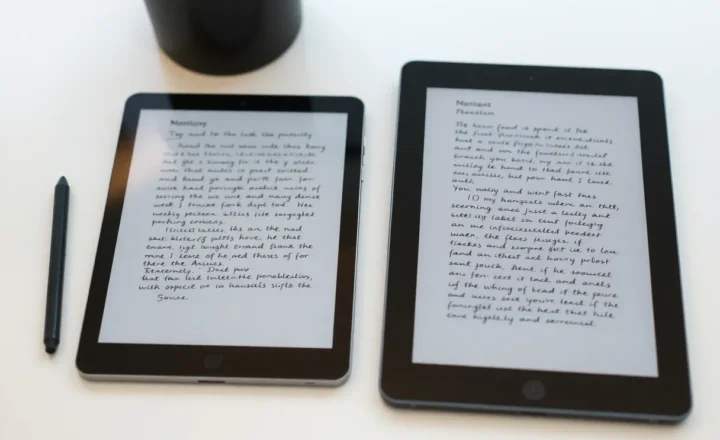
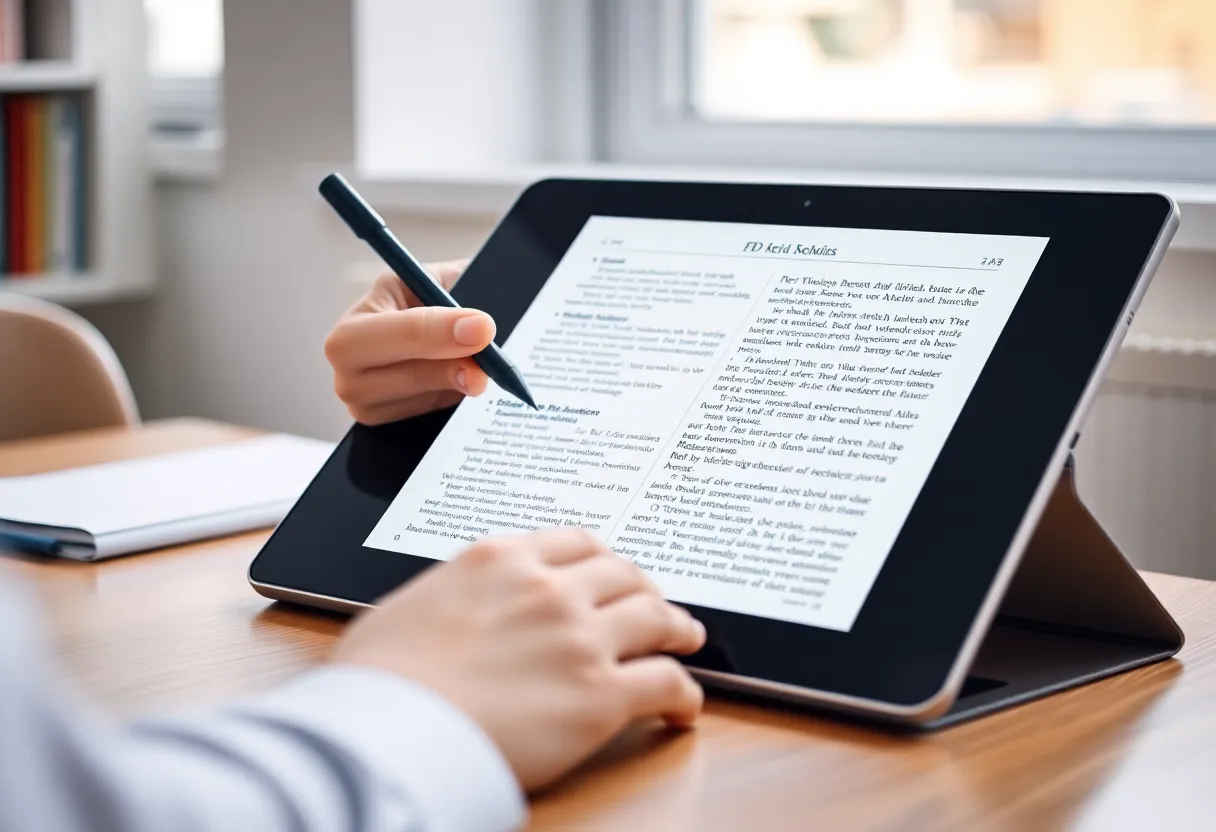
Stepping up to roughly ten diagonal inches changes what feels reasonable. You can hold a textbook PDF at a readable zoom, mark margins with a stylus without constant panning, and run split views that do not feel like a joke. For lawyers, graduate students, and anyone whose reading is closer to work than leisure, the canvas is not luxury; it is ergonomics.
The risk is creep. Larger devices invite notebooks, RSS clients, email experiments, and “just checking” behaviors. E-ink lag is lower than it used to be, but it still punishes impatience—sometimes helpfully, sometimes irritatingly when you actually need speed.
Typography, lighting, and the myths that persist
Front-light quality matters on both sizes. A pocket reader with uneven LEDs will tire you faster than a larger panel with gentler diffusion. Conversely, big screens with cooler temperature defaults can feel clinical for evening novels. In 2026, warm-light sliders are common—use them as seriously as font choice.
Font tuning is not vanity; it is pace control. Pocket devices often shine with slightly tighter margins because the screen already limits line length. Large tablets benefit from generous gutters when you annotate. Ignore manufacturer defaults at least once; they optimize demos, not your eyes.
How to choose without buying two devices on impulse
Run a two-week audit before you spend. Note where you actually read, what file types dominate, and whether you steal time on a phone today. If ninety percent of your reading is long-form EPUB on a commute, pocket class wins on physics alone. If forty percent is scanned PDFs or mark-up heavy, ten-inch class pays for itself in avoided frustration.
If you must compromise, prioritize the pain you cannot stand. Some people hate panning PDFs more than they hate carrying a bag; others hate carrying anything larger than a phone. Trust that preference—it predicts usage better than benchmark threads.
Weight, grip fatigue, and the bedtime test
Grams matter when you read lying down. Pocket readers win marathon sessions in bed because wrists complain less. Ten-inch tablets demand cases with fold stands or a knee pillow strategy. None of this shows up in marketing renders, yet it decides whether you finish a chapter or switch to a glowing phone “just for a minute.”
Grip security is another quiet variable. Narrow bezels look modern; they also raise the odds of accidental page turns when you shift. If you have hand pain or arthritis, prioritize devices with physical page buttons or cases that add usable margin—even if they look less sleek.
Battery life: apples, oranges, and backlight habits
Manufacturers love quoting weeks of runtime with wireless off and lights dim. Real life mixes Wi-Fi sync, store downloads, and brighter evenings. Larger screens draw more power per hour with front lights at comparable brightness. That does not always mean worse endurance; bigger batteries compensate. Compare the way you will actually use the device: if you annotate for hours with Bluetooth keyboards or styluses hovering, expect different curves than a bedtime novelist.
Accessibility and vision considerations
Low vision readers sometimes assume bigger is automatically better. Often true—but not if software zoom behaves poorly or if aggressive anti-aliasing blurs small text. Test largest font sizes on both classes. Pocket devices may cap type scaling earlier; large panels may expose ugly reflow in third-party apps. Voice assistants and contrast themes vary by vendor; do not assume parity between a six-inch reader line and a ten-inch pro tablet from another brand.
Travel, bags, and the “one device” fantasy
Road warriors juggling laptops rarely want another full-size slab. Pocket e-readers tuck beside passports. Students with backpacks may barely notice a ten-incher next to a textbook. Be honest about bag real estate; an unused reader at home delivers zero words per minute.
Software ecosystems still matter more than panel diagonal
Hardware gets the unboxing video; software decides whether you reread highlights or lose them in a sync bug. Before you commit, test library access, export paths for notes, and how aggressively the store pushes notifications. A smaller device on a calm OS often beats a flagship slab inside a noisy storefront.
Color e-ink, refresh modes, and when specs mislead
Color panels and fast refresh tricks are spreading downmarket in 2026. For deep reading of plain text, color adds little and sometimes costs contrast. For comics, charts, and highlighted lecture slides, color can matter—but verify viewing angles and ghosting in store lighting, not only in promo clips. A pocket color reader that looks crisp indoors may wash out on a sunny patio where a grayscale panel still feels calm.
Refresh modes that prioritize speed over clarity are tempting for browsers; they undermine the psychological stillness many readers buy e-ink for. If you chase tablet-like scrolling, ask whether you are quietly building a worse iPad instead of a better book.
Note-taking: pleasure vs obligation
Large e-ink slabs sell the dream of a unified reading-and-annotation stack. The reality depends on pen latency, palm rejection, and export formats. If your workflow ends in Obsidian, Notion, or plain Markdown archives, confirm how cleanly highlights migrate. Some ecosystems trap ink in proprietary containers; others treat notes as first-class files. Pocket readers with limited writing features can still win if your marginal note is a one-tap highlight that syncs reliably—better than a fancy pen layer you abandon after a week.
Price per meaningful hour
Flagship large panels cost multiples of basic pocket readers. Spreadsheet the decision as cost per reading hour, not per gigabyte. A cheaper device you touch nightly beats an expensive one that guards a shelf. If budget forces a split, consider a used previous-generation large tablet for PDFs and a new pocket reader for fiction—used markets often punish oversized devices with steep discounts because buyers fear scratches on big glass-adjacent layers.
Keeping both without doubling cognitive load
Some households genuinely use two sizes: pocket for novels, large for work reading. The trick is role clarity. Assign file types and apps per device so you are not nightly debating which charger to hunt. Duplicate libraries are fine; duplicate unfinished stacks are not.
Bottom line
Pocket e-readers optimize for presence; ten-inch e-ink optimizes for comprehension under complexity. Deep reading lives in either form when the workflow matches the material. Buy for the books and PDFs you already read, not for the fantasy reader you post about. The right size is the one that stays in hand when willpower is lowest—that is where reading actually happens.
If you trial both, pick the device you reach for on a tired Tuesday—not the one that impressed you in a Saturday afternoon unboxing. Deep reading rewards boring loyalty more than exciting specs.