n8n Queue Nodes vs Zapier Delay Steps: A Fair Comparison for Scheduled Workflows

Taylor Kim
April 8, 2026

Scheduled workflows sound simple until you try to express them honestly. You want “wait until business hours,” “retry with backoff,” “hold this lead until CRM sync finishes,” or “process five items but never more than two at a time.” In Zapier, delays and scheduling steps are the hammer everyone learns first. In n8n, queue-oriented patterns—built-in nodes, external brokers, or database-backed waits—are the workshop where more complex timing becomes legible.
This article compares the two approaches without declaring a winner. The right tool depends on hosting model, observability needs, and how often your schedule is actually a policy rather than a timer. If you only need a polite pause, favor simplicity. If you need civilization under load, favor structures that show you the line—not just the clock.
What Zapier delay steps do well
Zapier’s Delay actions are easy to reason about in small doses: wait a fixed duration, wait until a specific time, or pause until a defined moment. For straightforward drip sequences and gentle pacing, they are perfect. You can explain them to a non-technical teammate in one sentence, and that matters for adoption.
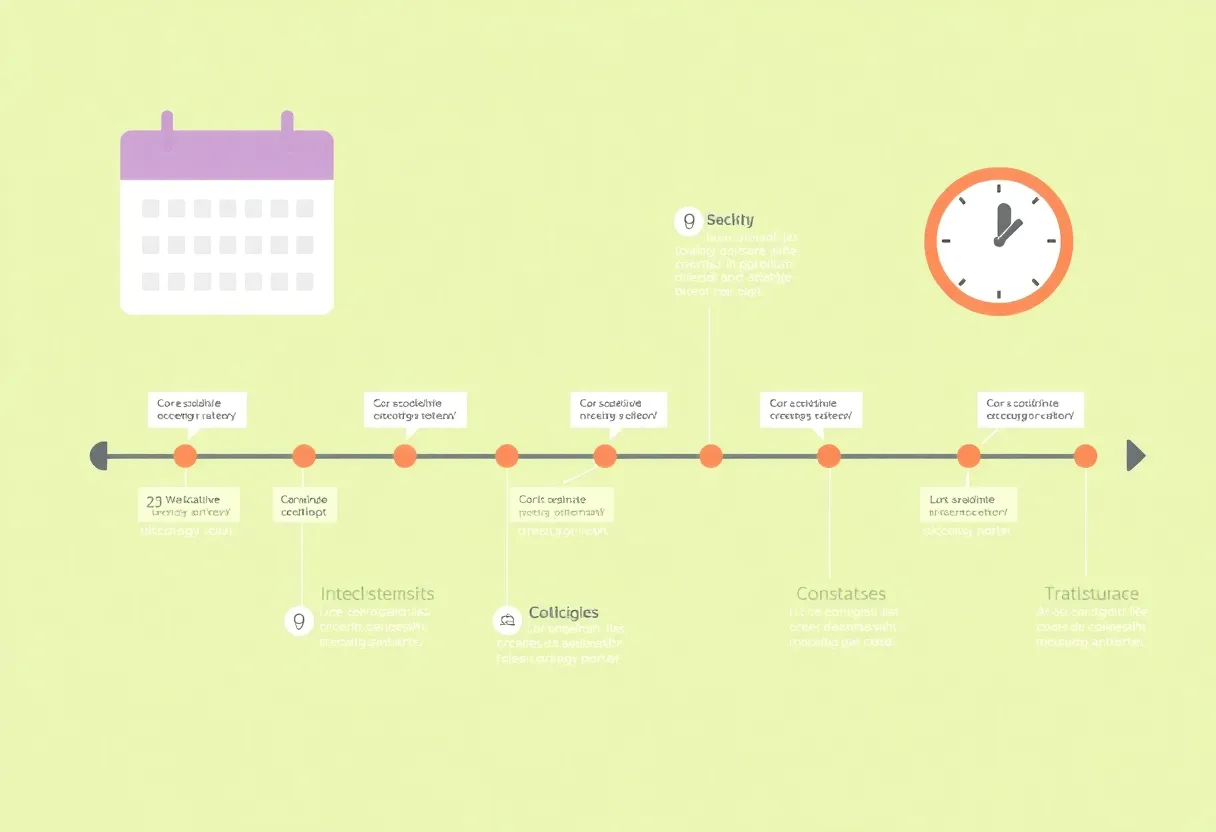
Where delays strain is composability. Long chains of waits interact with task limits, retries, and app-specific timeouts. A delay is not a queue; it is a pause in a single run. If upstream events arrive faster than downstream capacity, delays do not absorb backpressure—they multiply concurrent runs.
What n8n “queue thinking” changes
n8n runs on infrastructure you control, which unlocks patterns that are awkward in pure SaaS: pushing work to Redis, RabbitMQ, or Postgres queues; using Cron nodes with explicit concurrency; splitting orchestration from execution. You can model “only one at a time” without pretending a sleep step equals a mutex.
It is worth naming the difference in vocabulary. A delay answers “when should this run resume?” A queue answers “where should this wait until the world is ready?” Those sound similar until you have five hundred competing resumes and a vendor API that accepts three requests per second. At that point, “when” is not your problem—concurrency is.
“Wait until” is two different problems
Sometimes you wait for a clock—business hours, a campaign start, a contract date. Delays and schedule utilities handle clocks well. Other times you wait for a condition—a file appears, a ticket moves to “approved,” a balance clears. That is not a timer; it is a state machine. Zapier can poll; n8n can poll too, but self-hosted setups often pair polling with a database so you do not hammer APIs blindly. The implementation changes even if the user story sounds the same in a ticket.

n8n also lets you externalize state. A wait is not only “pause this execution”—it can be “resume when webhook arrives” or “poll until condition,” with a clearer separation between scheduler and worker. That is closer to how engineers talk about jobs.
Fair comparison axis: not features, constraints
Throughput — Zapier plans scale with money and architecture; n8n scales with your VPS and your discipline. If you need thousands of timed operations per hour, economics and observability favor self-hosted patterns.
Recovery semantics — When a step fails, do you retry the whole run from the trigger, or replay a job with the same idempotency key? Hosted SaaS retries are convenient until they interact badly with duplicate-sensitive endpoints. Queue-backed workers often make retry decisions explicit: send to dead-letter, backoff, or escalate.
Operational clarity — Zapier run history is excellent for linear flows. n8n execution logs are powerful when you own the instance, but you also own backups, upgrades, and incident response.
Complexity — Zapier hides infrastructure until you hit hidden limits. n8n exposes infrastructure immediately—sometimes more than small teams want.
When delay steps are the right answer
- Human-scale cadences. A few hundred events per day with simple timing rules.
- Cross-team transparency. When stakeholders need to read the Zap like a story.
- Zero DevOps preference. If you will not maintain queues, do not buy them accidentally.
When queue patterns earn their keep
- Backpressure. You must process slower than events arrive.
- Idempotent workers. You want retries with shared state stored outside the workflow.
- Cross-system coordination. Multiple producers must funnel into one consumer safely.
Migration mindset
Moving from Zapier delays to n8n is not a one-to-one port. It is a shift from “pause this run” to “enqueue work and acknowledge completion.” That shift pays off when your workflow is not a straight line but a system.
Practical migration often starts with one hot path: the automation that wakes you at night. You extract that path into n8n, keep Zapier for the long tail, and measure whether incidents drop. If they do, you have evidence—not ideology.
Concrete Zapier patterns and where they crack
A classic pattern is “new lead → enrich → wait one day → email if still unassigned.” Delays work until marketing doubles inbound overnight. Each lead spawns its own sleeping run. Your CRM updates still succeed, but your brand’s email frequency becomes unintentionally aggressive because the system never globally throttled—only locally delayed.
Another pattern is “wait until next business morning.” Timezone math in SaaS automation is never as innocent as it looks. Daylight saving edges, holidays, and team calendars do not live inside a delay step; they live in policy. If you encode policy as a pile of delays, you will eventually encode bugs as well.
Concrete n8n patterns worth naming
Instead of a long sleep, teams store a “next_action_at” timestamp in a database, emit lightweight ticks from a scheduled workflow, and claim work with row-level locks or atomic updates. That sounds heavier—and it is—but it behaves correctly under load: only one worker processes a given row, duplicates are visible in SQL, and you can requeue failures without replaying the entire story from step one.
Another pattern uses a message broker. Producers push events; consumers acknowledge after success. n8n can be producer, consumer, or both, depending on how you wire webhooks and credentials. The mental model matches how payments, shipping, and inventory systems already think.
Observability: what you see when things go wrong
Zapier’s run history answers “what happened to this record?” brilliantly when runs are one-to-one with business events. It struggles when you need aggregate questions: “how many jobs are waiting right now?” or “what is our average queue depth?” Those questions belong to metrics, not screenshots.
Self-hosted n8n can export execution metrics to Prometheus, log to your stack, and alert when failure rates spike. You pay setup cost; you gain operational adulthood. For some businesses that is unnecessary overhead. For others it is the difference between guessing and knowing.
Security and compliance angles
Delays seem harmless until they hold PII in a paused run. A queue-backed approach can minimize retention: store identifiers, not full payloads, and fetch sensitive fields only at execution time. Neither tool removes your responsibility to classify data, but queue-first designs often make boundaries clearer because you are forced to decide what belongs in durable storage versus ephemeral transit.
Cost modeling beyond subscription price
Zapier pricing maps to tasks; n8n pricing maps to servers plus your time. A misleading comparison treats VPS dollars as “cheap.” The honest comparison adds on-call attention, backup testing, and upgrade cadence. If your team already runs infrastructure, incremental cost is small. If not, you may pay more in human hours than you saved in SaaS fees.
Hybrid architectures that work in production
Many teams keep Zapier as the friendly intake layer—webhooks, simple transforms, notifications—and push heavy scheduling into n8n or a dedicated worker. The boundary matters: intake should be dumb and fast; processing should be smart and observable. If you blur the boundary, you get two sources of truth and twice the failure modes.
Failure modes side by side
Zapier delays fail loudly when limits hit: throttling, run stops, or app disconnects. n8n failures can be quieter if your instance disk fills or your broker drifts out of support. Mature operations teams prefer predictable loud failures to silent drift; choose tooling that matches how you actually operate, not how you wish you did.
2026 context: automation sprawl
Automation tools proliferated, and so did “shadow workflows” built by well-meaning teams. Scheduling discipline is partly technical and partly governance. Delays are easy to add; queues require naming conventions and ownership. If your organization struggles with ownership, fancy infrastructure will not fix culture—but it can make debt visible sooner.
Takeaways
Zapier delays are a friendly on-ramp for scheduled work. n8n queue patterns are a better fit when scheduling is really capacity management. Choose based on the shape of your load, not based on which logo looks more “modern.”
If you remember one test, make it this: when inbound spikes, does your automation absorb the spike or amplify it? Delays amplify when every event insists on its own timeline. Queues absorb when the system admits it has finite throughput and forces work to wait in a single ordered place you can measure. Pick the pattern that matches the failure you fear most—noise, backlog, or complexity—and you will sleep better either way. That is the trade.