How Modern Automation Workflows Handle Failure And When to Use Something Else

Naomi Brooks
July 7, 2026
Automation tools like Zapier, Make, and n8n make it easy to connect applications and trigger actions based on events. The happy path—trigger fires, data passes through steps correctly, action executes—is easy to build. What happens when something goes wrong is where the real design work lives, and it’s the part that most automation builders think about last and learn about the hard way.
Understanding how modern automation platforms handle failure—what they can do automatically, what requires explicit configuration, and where they simply can’t help—is essential for building automations that work reliably rather than just working in demos.
The Failure Modes in Automation Workflows
Automation workflows fail in a predictable set of ways, and handling each requires different approaches.
API errors from external services: A step in your workflow makes an API call to a third-party service—a CRM, a database, an email provider. The API can return an error for many reasons: rate limiting (you’ve made too many calls too quickly), authentication failure (a token expired), service downtime, or invalid data in your request. Different error types warrant different responses: rate limit errors typically want a retry with backoff; authentication errors need human attention to refresh credentials; service downtime errors want a retry later; invalid data errors indicate a problem upstream in your workflow that a retry won’t fix.
Missing or unexpected data: Automation workflows are triggered by events that carry data, and that data is often assumed to follow a consistent structure. When a trigger event arrives with missing fields, null values, or data in unexpected formats, downstream steps may fail—sometimes silently, producing no output rather than a visible error. A contact form submission missing the email field will cause any step that tries to use that email address to fail; whether that failure is noticed depends on your monitoring setup.
Partial execution: A workflow that completes some steps before failing leaves the system in a partial state. If step 3 of a 5-step workflow fails after steps 1 and 2 have already written data, the state of the connected systems may be inconsistent—a record created that shouldn’t exist, or a record that should have been updated remaining unchanged. This is one of the hardest failure modes to handle gracefully.
Silent failures: Some failures don’t generate errors—they just produce no output. A filter step that incorrectly excludes all records silently does nothing; the downstream steps never execute and no error is raised. These failures require monitoring of expected outcomes, not just error monitoring.
What Zapier and Make Do By Default
Zapier’s default failure behaviour is to retry failed tasks with exponential backoff—it will attempt a failed step up to three times at increasing intervals before giving up and marking the task as errored. The errored task appears in the Task History, generates an email notification to the workspace owner (if configured), and can be manually replayed from the Zapier interface once the underlying issue is resolved.
This default retry behaviour is appropriate for transient errors (API timeouts, brief service unavailability) but inappropriate for others (permanent API errors, invalid data that won’t improve on retry). Zapier does not natively distinguish between error types when deciding whether to retry; it retries on all errors up to the configured limit. This means some tasks waste retry attempts on errors that will never resolve, and others don’t retry aggressively enough when the underlying API is temporarily flaky.
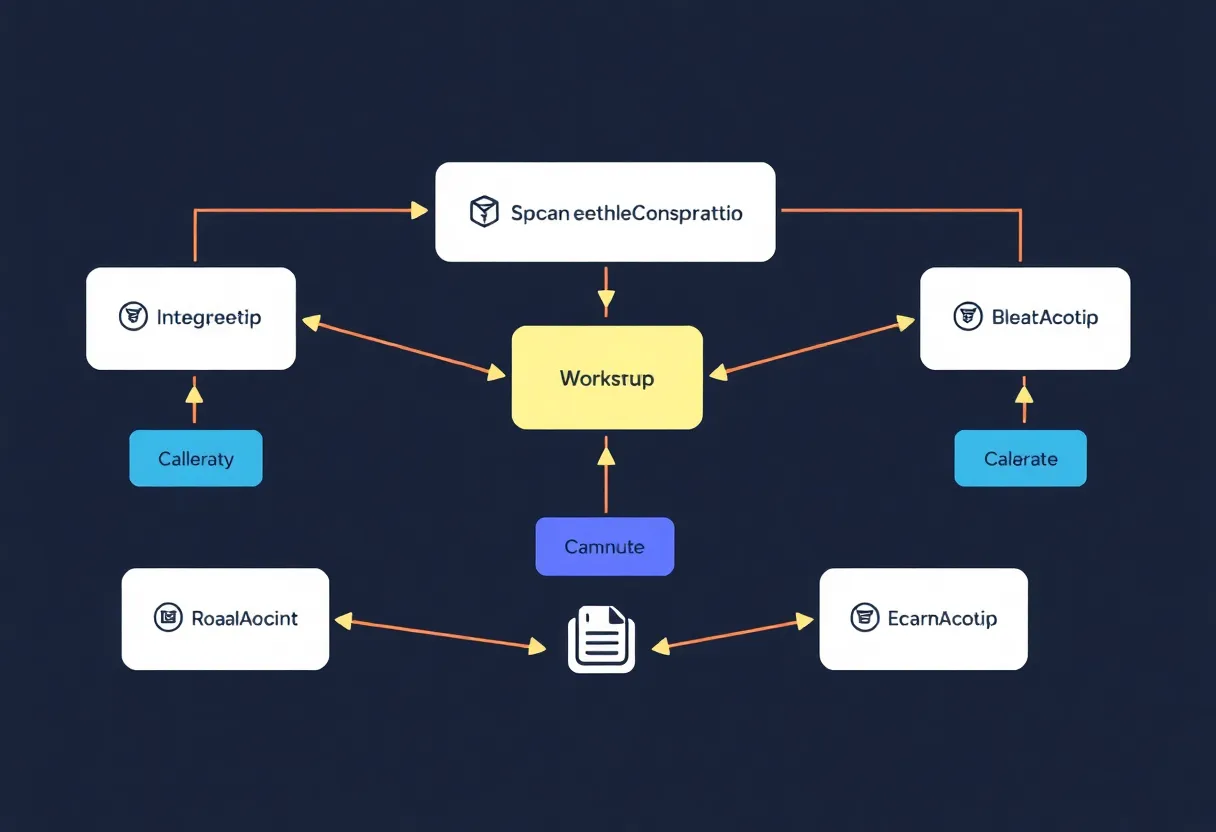
Make (Integromat) has more sophisticated error handling built into its workflow structure. Individual modules can have error handlers attached—dedicated routes that execute when a specific module fails, allowing you to take different action based on error type. Make can resume execution, roll back to a saved bundle, ignore the error and continue, or break execution with a specific message. This granularity makes Make better suited for workflows where precise failure handling matters.
n8n, the open-source self-hosted option, provides similar per-node error handling to Make, with the additional flexibility of running custom code in error handler nodes. For teams with engineering resources, n8n’s error handling can be as sophisticated as a bespoke application—but that sophistication requires engineering investment.
Idempotency: The Most Important Concept Nobody Explains
An operation is idempotent if executing it multiple times produces the same result as executing it once. Creating a unique record is not idempotent—running a “create contact” step twice creates two contacts. Upserting (insert if not exists, update if exists) is idempotent—running it twice produces one record with updated fields. Sending an email is not idempotent—running it twice sends two emails.
Retry logic makes idempotency critical. When a workflow step is retried after a failure, the step may execute even if the first attempt partially or fully succeeded—the failure may have occurred in transmitting the success response rather than in the operation itself. A step that creates a database record may create the record successfully but fail to report success; on retry, it creates a duplicate. This is not a problem in the automation platform—it’s a design problem in the workflow that the automation builder must solve.
Designing idempotent workflows requires using external IDs or deduplication keys wherever possible—a stable identifier from the trigger event that the downstream service can use to avoid creating duplicates. Most well-designed APIs support this: Stripe’s idempotency keys, Salesforce’s upsert by external ID, and similar mechanisms exist specifically for this purpose. Using them requires explicit design; the automation platforms don’t enforce it.
Monitoring: The Gap Between “Running” and “Working”
A workflow that is active and running is not necessarily working correctly. Monitoring for errors (which the platforms provide) is different from monitoring for expected outcomes (which you must build separately).
Error monitoring—getting notified when a task errors—is straightforward and should be configured for any production workflow. Zapier, Make, and n8n all have notification mechanisms for failures. The gap is that not all problems generate errors: a filter that incorrectly excludes records, a field mapping that sends the wrong data, or a conditional that never evaluates to true will all execute without errors while producing incorrect results.
Outcome monitoring requires instrumenting the downstream systems. If your automation is supposed to create a CRM record for every new form submission, you can monitor whether the record count in the CRM matches the submission count in your form tool—a discrepancy indicates a silent failure. This kind of monitoring requires engineering beyond the automation platform itself and is often skipped for low-stakes workflows, then missed when it matters.

When to Use Something Else
No-code automation platforms are optimised for the common case: a trigger, a few sequential steps, minimal branching, tolerant of occasional failures. When a workflow’s requirements diverge significantly from this pattern, the right tool changes.
Use a proper task queue (Celery, Bull, Temporal, AWS SQS with Lambda) instead of a no-code platform when: you need guaranteed at-least-once or exactly-once delivery semantics; you need sophisticated retry strategies with different backoff curves per error type; you need transactions or rollback capability; your workflow involves thousands of executions per hour at costs that no-code platforms make prohibitive; or your failure handling logic is complex enough that you’re fighting the no-code interface to express it.
Use custom code when: the workflow involves complex data transformation that the platform’s built-in transforms can’t express without becoming unmaintainable; when the workflow has complex branching logic that is clearer in code than in a visual interface; or when the workflow requires capabilities the platform doesn’t expose through its step library.
Use a workflow orchestration platform (Prefect, Dagster, Apache Airflow) when: you’re running data pipelines with complex DAGs (directed acyclic graphs) of interdependent tasks; you need sophisticated scheduling, backfilling, and manual intervention capabilities; or you need visibility into pipeline runs at a level of granularity that general-purpose automation platforms don’t provide.
The Decision Framework
For most teams building internal automations with 10–100 workflow executions per day, tolerant of occasional missed tasks, and with straightforward linear step sequences: Zapier or Make are appropriate. The platforms handle the infrastructure, the retry logic, and the monitoring basics. The main investment is in designing the workflows to be idempotent and building outcome monitoring for critical paths.
As volume, reliability requirements, or complexity increase, the no-code platforms start showing their limits—not through failure, but through the increasing engineering investment required to work around what they don’t natively provide. The point where custom code or a proper task queue becomes cheaper than fighting the platform depends on the specific requirements, but it arrives earlier than most teams expect. Recognising it early saves the cost of building elaborate workarounds for a tool that wasn’t designed for the job.