How API-Based Workflows Replace the Spreadsheet Middleman

Sam Rivera
February 25, 2026
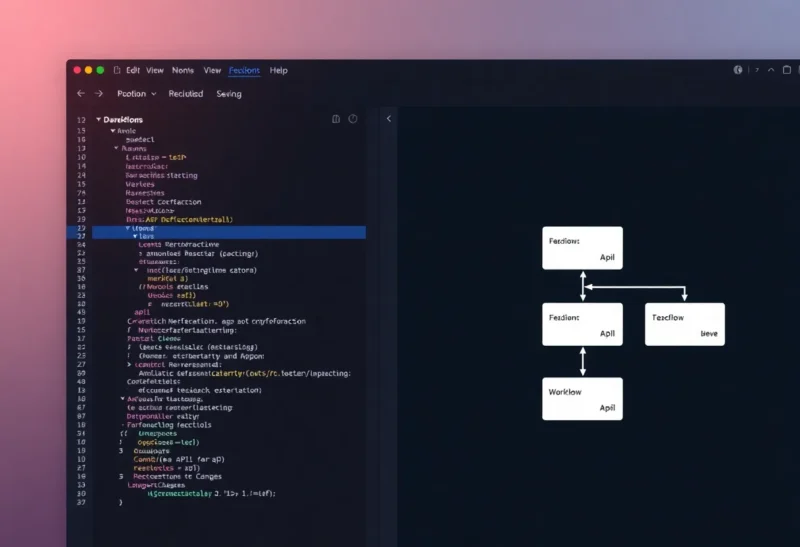
For years, the spreadsheet was the universal middleman. Export from one system, paste into Excel or Google Sheets, transform, then import somewhere else. It worked—until it didn’t. Manual steps, copy-paste errors, and the limits of formulas made it brittle. API-based workflows replace that middleman with direct, automated connections. Here’s how the shift works and when it’s worth making.
The Spreadsheet Was Never the Right Tool
Spreadsheets are great for analysis and ad-hoc data. They’re terrible as integration layers. Every time you export, edit, and re-import, you’re adding latency, error risk, and a single point of failure—you. If you’re on vacation or forget to run the process, the pipeline stops. If the format changes in one system, the whole chain breaks. The spreadsheet becomes a bottleneck and a liability.
APIs, by contrast, let programs talk to each other. You define the flow once: “When X happens in system A, get the data, transform it, and send it to system B.” No manual paste. No formulas that break when someone adds a column. The workflow runs on a schedule or in real time, and it scales beyond what any human could do with a spreadsheet.
What API-Based Workflows Look Like
In practice, you’re using a workflow engine or a bit of code. Tools like n8n, Zapier, Make, or a simple script (Node, Python, etc.) call APIs, map fields, and push results elsewhere. Trigger: new row in a database, new form submission, or a time-based schedule. Actions: create a record in another app, send an email, update a dashboard, or run a calculation. The logic lives in one place, versioned and repeatable.
For example: instead of exporting orders to a sheet, matching them to customer data, and then uploading to a CRM, you run a workflow that pulls orders via API, enriches with customer data from another API, and writes to the CRM via its API. One run, no hands. The spreadsheet is gone from the chain.
When to Make the Switch
Switch when the process is repetitive, time-sensitive, or error-prone. If you’re doing the same export-transform-import weekly (or daily), that’s a candidate. If mistakes in the spreadsheet cause real problems—wrong amounts, missed notifications—APIs reduce that risk. If the volume is growing and the spreadsheet is getting unwieldy, it’s past time.
You don’t need to replace every spreadsheet. One-off analysis, exploration, and reporting can stay in sheets. The target is the recurring, manual integration that has become part of “how we do things.” That’s what API workflows are for.
Getting Started
Start with one flow. Pick the most painful or frequent spreadsheet-based process. Map the inputs and outputs: which systems, which fields, how often. Then implement it as a single workflow—either in a no-code/low-code tool or with a small script. Run it once, verify the result, then schedule it. Once that runs reliably, move the next process over. The spreadsheet middleman shrinks one workflow at a time.
The Bottom Line
API-based workflows replace the spreadsheet as the glue between systems. They’re automated, repeatable, and less error-prone. Use them for recurring integrations; keep spreadsheets for analysis and one-offs. The middleman doesn’t have to be you.