E-Ink Weekly Planners: Do Dedicated Devices Beat Apps in 2026?

James Webb
April 7, 2026
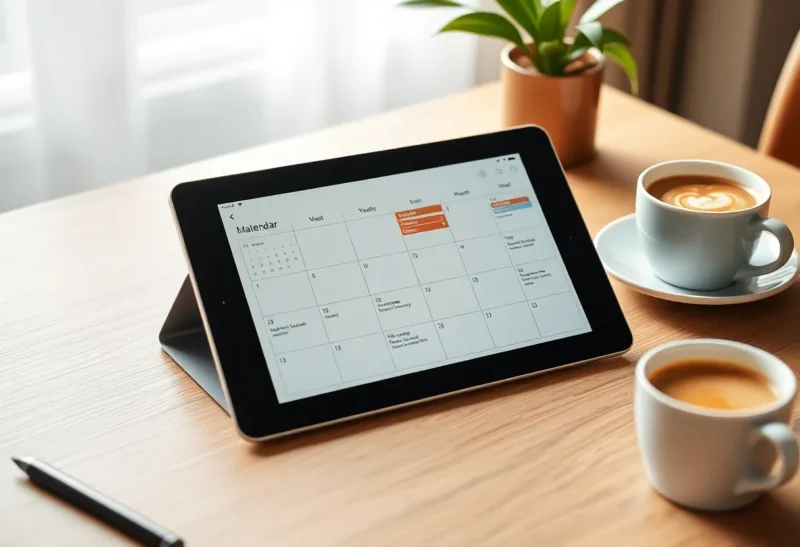
In 2026 your phone already runs a calendar, a task manager, three chat apps, and a browser that remembers every rabbit hole. So why are people still buying e-ink tablets just to draw a seven-column grid and call it a week? The honest answer is not “nostalgia for paper.” It is attention architecture—the way a dedicated surface changes what your brain treats as work versus what it treats as interruption.
This article compares weekly planning on dedicated e-ink hardware versus phone and tablet apps, where each approach wins, and how to choose without collecting another expensive desk ornament.
What “weekly planning” actually requires
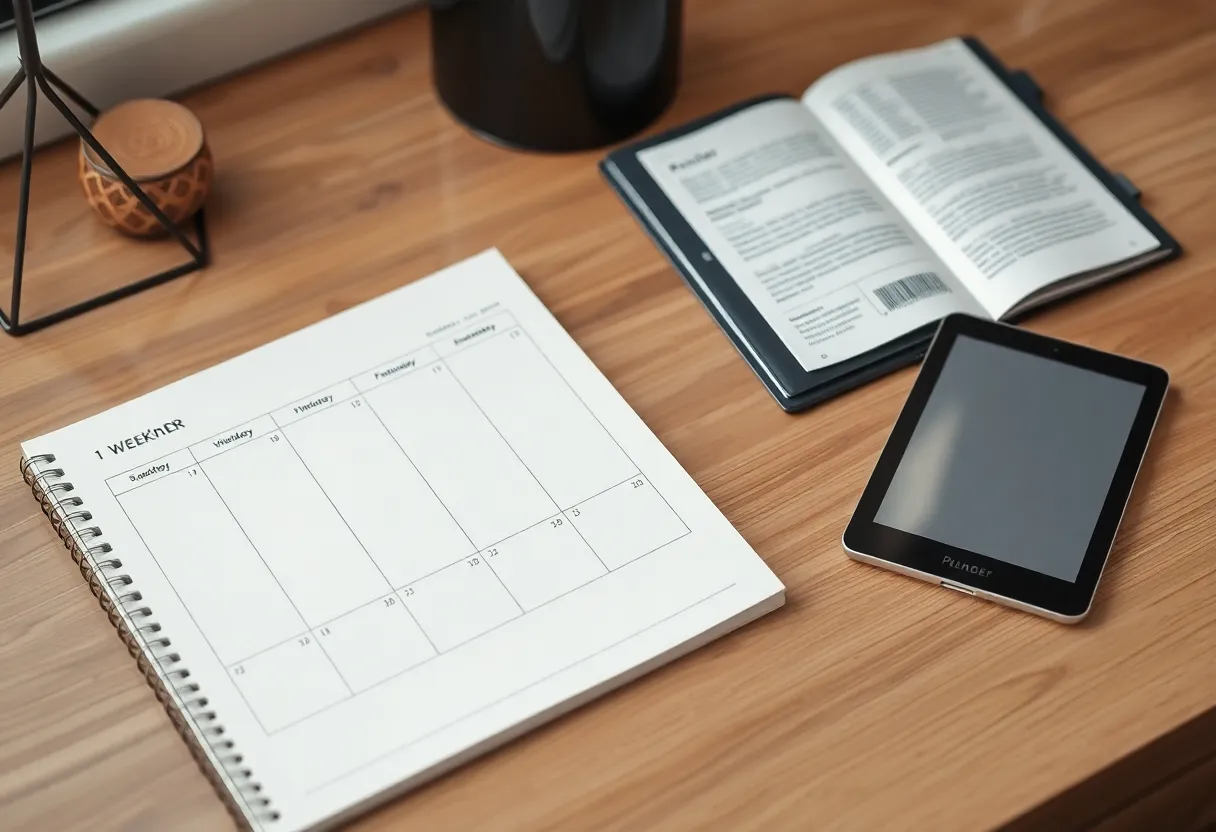
A useful weekly view is more than dates. It is spatial memory: seeing commitments at a glance, noticing collisions before they hurt, and leaving margin for deep work. Apps can do that, but they compete with badges, banners, and the same swipe path that opens social feeds. E-ink hardware is slower and less tempting—which is precisely why some people trust it for planning.
Where phone apps still dominate
Collaboration and live updates. Shared family calendars, workplace scheduling, and meeting invites assume internet-speed sync. E-ink ecosystems have improved, but they are rarely the fastest place to resolve a conflict between two executives—or two toddlers’ soccer practices.
Reminders in context. Geo-fenced nudges, travel-time estimates, and voice capture on the go favour the device already in your pocket. A planner on the wall (digital or not) cannot ping you when you pass the dry cleaner.
Rich media and links. If your week embeds Zoom URLs, Notion pages, and ticket trackers, apps integrate cleanly. Exporting that graph to e-ink often means flattening complexity into handwriting or PDFs—fine for some, lossy for others.
Where e-ink weekly planners earn their keep
Reduced novelty reward. Colour LCDs and OLEDs train your eyes to seek motion. E-ink resists that dopamine loop. For people who open “just the calendar” and emerge twenty minutes later in email, a separate device can be cheaper than therapy—not literally, but in recovered hours.
Outdoor and bright-room legibility. Weekly layouts on matte screens remain readable on patios and café terraces where glossy glass fights glare. That matters if planning doubles as a morning ritual away from a monitor.
Annotation without app churn. Circles, arrows, and margin notes on a static grid can be faster than tapping through three modals to reschedule a task template. Pen-first workflows reward muscle memory.
The hidden costs nobody puts on the box
Template lock-in. Some devices excel at PDF planners; others want you inside a proprietary notebook format. Before buying, confirm you can get a weekly layout you will still like after month three—not just a pretty demo grid.
Latency and friction. E-ink refresh rates improved, but rapid rescheduling across many events still feels better on glass. If your job is reactive, a slow planner becomes shelf art.
Carry weight and ritual honesty. A device you leave at home does not plan your week. If you will not carry it, a wall-mounted whiteboard or a paper planner may outperform $400 of good intentions.
Hybrid setups that actually stick
Many productive people split the truth: phone holds authoritative calendars and alarms; e-ink holds intention—blocks for writing, exercise, family time—sketched once and adjusted lightly. The e-ink layer is not the database; it is the narrative. Fighting to duplicate every meeting on both surfaces breeds inconsistency. Choose a single source of truth for hard deadlines, then let the slower medium handle meaning.
2026 hardware realities to weigh
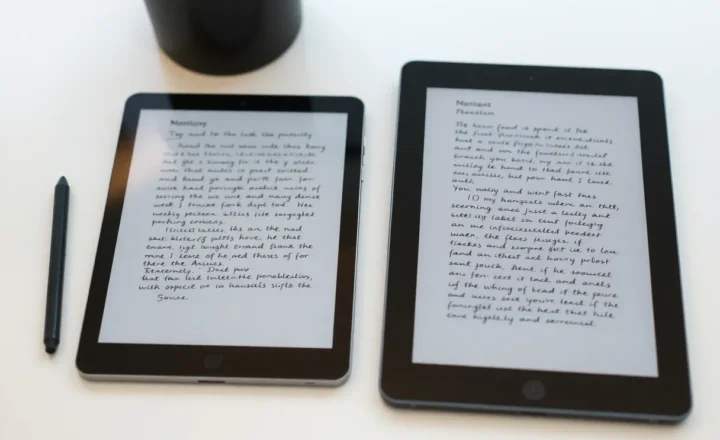
Screen sizes cluster around pocketable readers, midsize notepads, and large slates. Weekly planning wants width: too narrow a screen turns a week into microscopic columns. If you cannot read Wednesday without zooming, the layout has failed.
Pen latency and palm rejection still vary by vendor. Try real handwriting in a store or via generous return policies. A planner workflow lives or dies on whether writing feels like thinking—not like debugging drivers.
Who should skip dedicated e-ink for planning
- Operators living in Slack threads and shared Gantt charts
- Anyone who already ignores paper planners—digital paper will not fix avoidance
- Budgets better spent on time-blocking coaching or a simpler app setup
Who should seriously consider it
- Knowledge workers with deep-work blocks sabotaged by phone checks
- Students juggling classes who want one calm review surface
- People who journal by hand and want weekly context on the same device
Software habits matter more than panel technology
No device rescues a vague planning method. If you do not protect blocks on your canonical calendar, e-ink becomes decoration. Start by auditing how often plans change after you make them—high churn suggests you need better upstream commitments, not a new screen.
Environmental and longevity angles—without greenwashing
E-ink devices last years when treated well, which can beat annual paper planner purchases. They also contain batteries and rare logistics footprints. The honest comparison is against your consumption pattern: if you already live in digital calendars, adding hardware has a cost; if you burn through paper accessories, the trade may balance differently.
Templates: PDF, native notebooks, and the trap of perfection
Third-party planner PDFs exploded in popularity because they promise structure without vendor lock-in—print a week, duplicate a page, done. On e-ink, hyperlinked PDFs can jump between months; without links, navigation is swipe-and-search. Native notebook apps sometimes offer infinite canvases that fight the discipline of a bounded week. Experiment with two templates only: one dense (work-heavy weeks) and one sparse (recovery weeks). More choice usually means less consistency.
Accessibility and ergonomics
Not everyone benefits from pen input. Voice-first planners, screen-reader-friendly calendar apps, or large-print paper may outperform e-ink for certain vision or motor profiles. If tapping on glass with system font scaling already works, duplicating that workflow on a slower display could be a downgrade. Match the medium to the body, not to aesthetics alone.
Decision framework in five questions
- Do you need sub-minute sync with others? If yes, apps first.
- Does your phone derail planning sessions weekly? If yes, test separation.
- Will you carry the device where planning happens? If no, reconsider.
- Is handwriting part of your thinking, or a chore? Chore users should stay digital.
- Can you tolerate “pretty but static” versus “ugly but live”? Pick one truth source accordingly.
Conclusion
Dedicated e-ink weekly planners are not universally superior—they are environmental prosthetics for attention. Apps win on speed, collaboration, and alerts. E-ink wins on calm, glare-free focus, and pen-first thinking. In 2026 the best setup is often hybrid: authoritative schedule where notifications live, reflective schedule where your eyes can rest. Buy hardware when friction from your phone is measurable, not when marketing promises a mystical productivity upgrade.