E-Ink Tablets vs iPads for Reading and Focus: What 2026 Hardware Actually Delivers

Priya Sharma
April 6, 2026
If you are trying to read deeply, take long notes, or simply stop bouncing between notifications, the device in your hands matters more than any productivity hack. In 2026, the choice often narrows to two philosophies: an e-ink tablet that feels like paper and refuses to dazzle you, or an iPad that can do everything—including distract you with everything.
This comparison is not about declaring a winner. It is about matching hardware to the kind of attention you are trying to protect. Reading, markup, research, and “thinking work” each stress the screen differently. The best device is the one whose strengths align with your actual day, not your aspirational one.
What e-ink gets right (and why it is not just for novels)
Modern e-ink tablets are no longer glorified Kindles. Many ship with styluses, decent PDF engines, cloud sync, and handwriting recognition that is finally usable for everyday notes. The core advantage remains the same: the display does not emit light the way an LCD or OLED does, and it does not refresh like a television. In practice, that often translates to less eye fatigue over long sessions and a psychological cue that the device is “for work,” not “for everything.”
For reading-heavy workflows—academic PDFs, long reports, court filings, technical manuals—e-ink’s static, paper-like presentation can be a feature. You are less tempted to “just check” a bright app drawer. Many people find that the lack of color is a fair trade when the goal is sustained comprehension rather than visual analysis.

Where e-ink still fights physics
E-ink has improved dramatically, but it is not magic. Ghosting, refresh rate, and latency still matter for certain tasks. If your workflow involves rapid scrolling through dense web apps, hopping between browser tabs, or reviewing color-coded dashboards, an e-ink tablet can feel like the wrong tool—even an expensive one.
Video, smooth animation, and fast-paced UI interactions remain the domain of traditional displays. If you tell yourself you will “mostly read” but actually spend half your day in Slack, Notion, and Figma, you will fight the hardware more than you will benefit from it.
Battery life is often excellent relative to continuous backlight use, but real-world endurance depends on Wi-Fi, sync frequency, front-light usage, and how aggressively the vendor optimizes sleep states. Treat marketing claims as directional, not contractual.
What the iPad wins on (and why it can sabotage focus)
An iPad is a general-purpose computer with a phenomenal screen, a mature app ecosystem, and accessories that make it credible for drawing, typing, and real multitasking. If your reading is intertwined with research—pulling citations from the web, switching to email, joining a video call, editing a slide deck—the iPad is simply less friction.
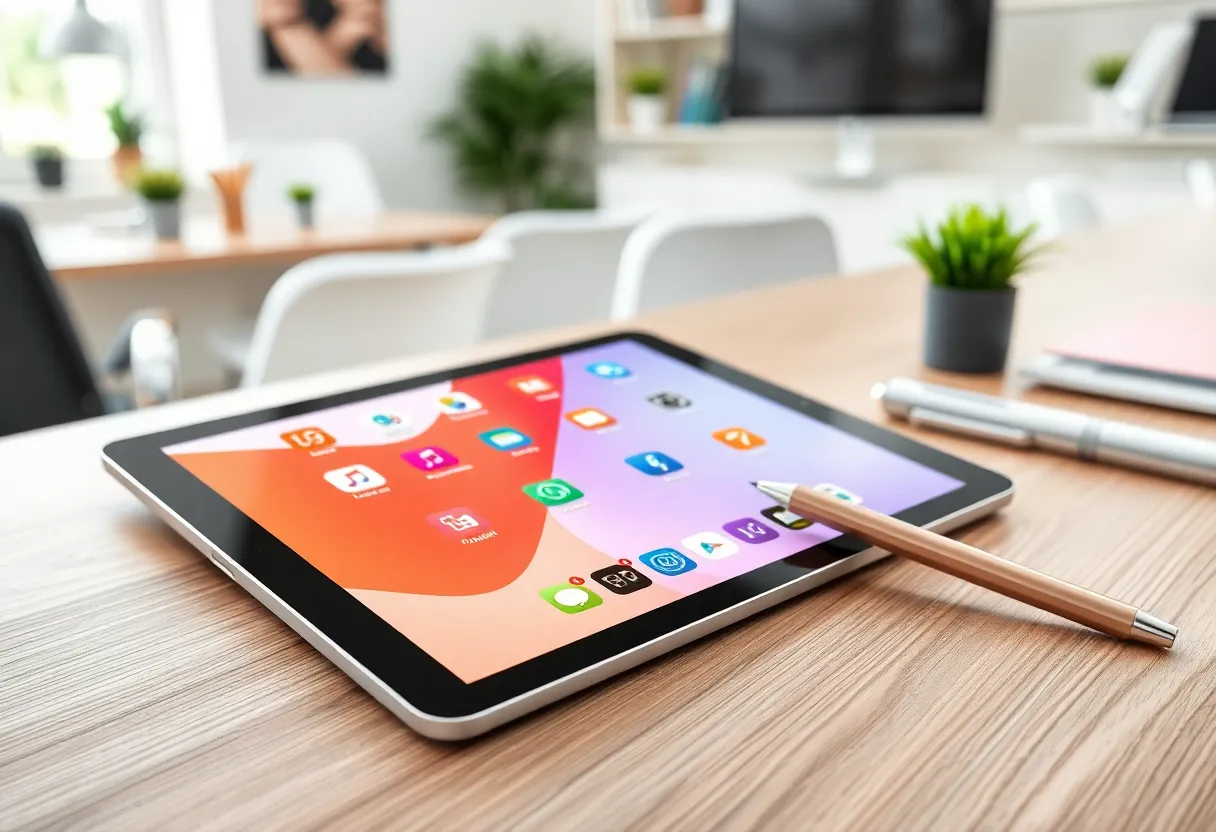
Color accuracy, high refresh rates, and responsive touch make the iPad better for visually rich content: textbooks with diagrams, design references, maps, and anything where hue matters. Apple Pencil latency and palm rejection are now at a level where handwriting feels natural for many people, not merely “possible.”
The downside is the same thing that makes the iPad powerful: it is excellent at capturing your attention. Notifications, tempting apps, and the infinite scroll of “just one more tab” are not bugs; they are the business model of modern software. If your problem is focus, the iPad’s hardware is rarely the bottleneck—your environment and defaults are.
Reading: comprehension, speed, and context switching
For straight reading, studies and anecdotes converge on a boring truth: the best device is the one you will actually use consistently. E-ink can reduce glare and visual noise outdoors; iPads can be tuned with accessibility settings, True Tone, and Night Shift, but they are still emissive displays.
Where e-ink tends to shine is in reducing context switching. A device that does not multitask like a laptop encourages a single-task mindset. Where iPad tends to shine is when reading is only one step in a chain: highlight, copy, paste into another app, screenshot, annotate, share. That loop is smoother on iPadOS for most people.
Note-taking and markup in 2026
Handwriting-to-text has improved across the board, but vendor implementation varies. If your notes must become searchable documents, test the export path before you commit. Some e-ink ecosystems lock notes into proprietary clouds; iPad apps often offer richer interoperability—but also more subscription churn.
For PDF annotation, ask whether you need layers, precise vector erasing, or collaborative review. Academics and lawyers sometimes prefer e-ink for marathon sessions; product teams often prefer iPad for color markup and quick screenshots into Slack.
Who each setup serves best (without stereotypes)
Students and researchers often split the difference: e-ink for papers and textbooks, a laptop or iPad for writing and collaboration. If you can only afford one portable device, choose based on whether your bottleneck is input (typing, apps) or intake (reading volume).
Knowledge workers in “meeting-heavy” roles frequently default to iPad because calendars, mail, and video are first-class citizens. An e-ink tablet can still be a superb weekend or travel reader—but carrying two devices is a lifestyle choice, not a moral one.
Creatives usually lean iPad for color pipelines, layering, and pro apps—though some artists keep an e-ink slate for sketching rough ideas away from RGB rabbit holes.
People with migraine or light sensitivity sometimes report better comfort on e-ink with controlled front lighting, but this is individual. If you have a clinical concern, treat consumer advice as secondary to professional guidance.
What changed heading into 2026
Across the industry, three trends are worth noting. First, e-ink devices are faster and more tablet-like, blurring the line between “reader” and “notebook.” Second, iPadOS continues to add windowing and keyboard features that make iPads behave more like laptops—which is great for power users and risky for focus seekers. Third, AI features are landing in both ecosystems—summaries, transcription, search—sometimes as bundled value, sometimes as a recurring fee.
None of those trends change the fundamental trade: emissive vs reflective displays, open multitasking vs intentional limits, and app breadth vs app discipline.
Ecosystem lock-in (and how to avoid regret)
Before you sink money into accessories, answer one question: where do my notes live? If the answer is “inside a vendor app with no clean export,” you are not buying hardware—you are buying a filing cabinet with a complicated key.
Prefer workflows that can move: standard PDFs, Markdown, plain text, or widely supported formats. On iPad, that might mean choosing apps with solid backup stories. On e-ink, it might mean accepting that the best writing experience is sometimes paired with the clumsiest sync.
Focus systems: it is okay to buy constraints
There is nothing irrational about purchasing a device because it is worse at certain things. That is the point. A dedicated e-ink tablet can function as a focus machine the same way a cheap MP3 player once did—by removing options.
On iPad, you can approximate constraints: guided access, downtime schedules, separate profiles, grayscale filters, and aggressive notification hygiene. Those work, but they require ongoing discipline. E-ink gives you guardrails by default; iPad gives you a gym membership.
Cost and longevity: think in total ownership
Flagship tablets in either category can get expensive fast—especially when you add keyboards, cases, styluses, and cloud subscriptions. When comparing prices, include:
- replacement tips and wear items
- storage tier (PDF libraries grow)
- sync and OCR features that may be paid
- app subscriptions you will actually need
Also consider repairability and vendor longevity. A note system tied to a single manufacturer is a bet that you will stay in that ecosystem for years.
Decision cheat sheet
Lean e-ink if: your primary output is reading and handwritten notes; you want less screen glare; you benefit from a device that does not tempt you into apps; you can tolerate slower refresh and limited color.
Lean iPad if: reading is mixed with web, video, meetings, and creative apps; you need color fidelity; you want one device for multiple roles; you can manage distractions with habits and settings.
Bottom line
In 2026, both categories are mature enough that “hardware quality” is rarely the whole story. The meaningful question is what kind of attention you are buying. E-ink tablets trade flexibility for frictionless focus; iPads trade focus risk for capability. Pick the trade you can live with—and then design your defaults so the device does not fight your intentions.
If you are on the fence, borrow a week with a friend’s device or buy from a retailer with a sane return window. Pay attention to the boring details: how PDFs render at 200% zoom, how quickly you can jump between documents, whether palm rejection fails in your favorite chair, and whether the front light feels pleasant at night. The spec sheet will not tell you whether the object becomes part of your rhythm—but a few focused days usually will.