E-Ink Color vs Grayscale: Which Devices Are Worth the Premium in 2026

Priya Sharma
April 6, 2026

Color e-ink finally stopped being a science-fair demo for enough products that normal buyers are asking a sensible question: should you pay extra for color, or is grayscale still the adult choice for reading, notes, and focus work? The answer depends less on hype and more on what you do with the screen—PDFs with diagrams, comics, marginalia-heavy textbooks, or plain text novels each pull the decision in a different direction.
What color e-ink gets right in 2026
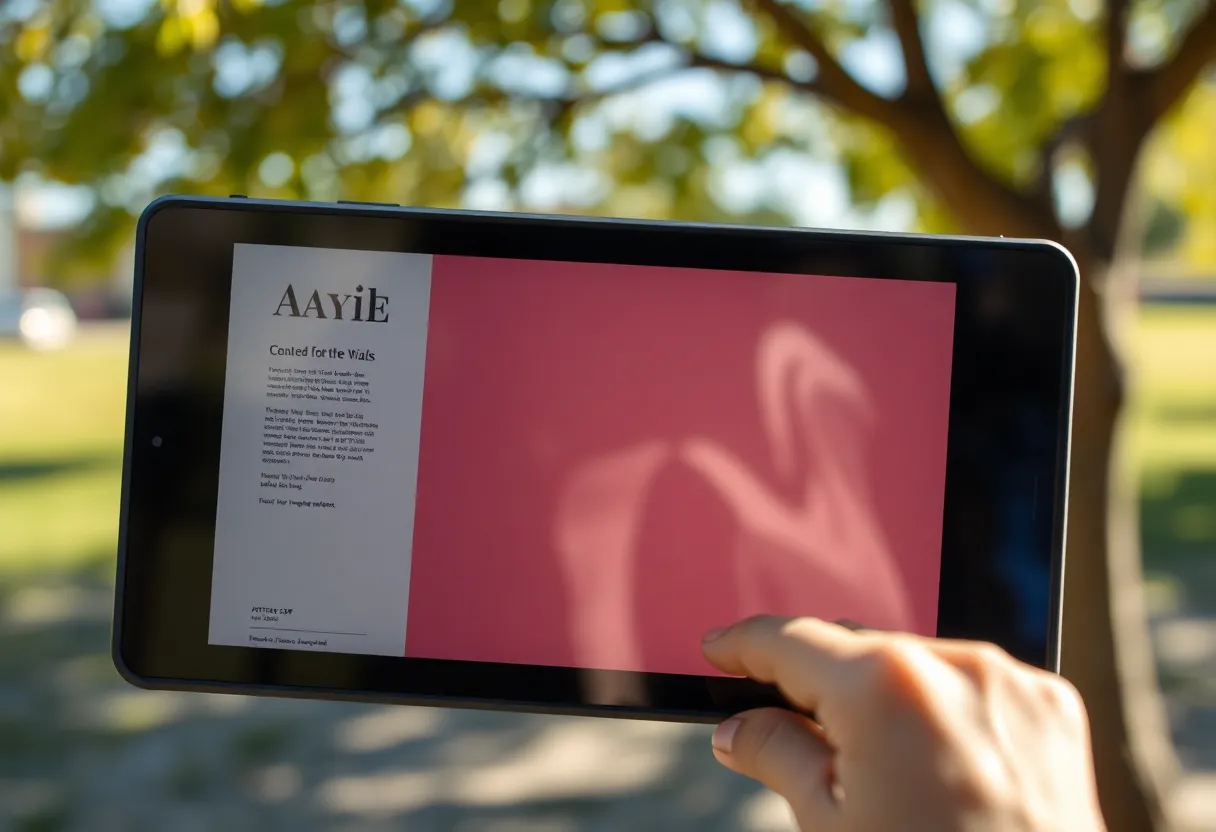
Modern color panels trade absolute resolution and contrast for tint. They are genuinely useful when color carries meaning: charts, maps, highlighted notes, UI accents, and illustrated articles where grayscale flattens information. If your workflow is “read the web and annotate slides,” color can save you from reaching for an LCD every ten minutes.
Manufacturers have also improved refresh behavior enough that casual navigation feels less like a 2009 Kindle stuck in molasses—though physics still matters. E-ink remains e-ink: it shines when the screen updates occasionally, not when you scroll social feeds like a phone.
What grayscale still wins
Grayscale panels remain the benchmark for text crispness, battery life, and price. If you mostly read long-form books, monochrome is not a compromise—it is the purpose-built tool. Higher effective sharpness and stronger contrast make small fonts more comfortable, which matters more than pastel covers for many readers.
Grayscale devices also tend to age gracefully in sunlight. Color stacks sometimes show a subtle “screen door” texture or muted blacks compared to the best monochrome readers. If your eyes are picky, demo in person when you can.

Tablet-shaped e-ink vs phone-shaped readers
Color premiums hurt more on large note-taking tablets than on six-inch readers. On a big canvas, you pay for panel area and digitizer quality. If you need handwriting, prioritize pen latency and software over whether a marketing slide says “Kaleido” or “Gallery.” Bad note software makes any panel feel expensive.
Small readers are simpler: grayscale often wins on weight, battery, and price. Color makes sense when you read manga, textbooks, or newsletters with visual structure.
Who should pay the color premium?
- Buy color if PDFs, comics, or illustrated references are central—not occasional.
- Buy color if you annotate diagrams where hue differentiates layers or highlights.
- Stick to grayscale if novels and RSS text are 90% of your hours.
- Stick to grayscale if budget matters and you already own a tablet for color tasks.
How to read spec sheets without drowning
Retail listings love acronyms and generation names. For buyers, the useful questions are practical: How sharp does small text look in your preferred app? How fast does the screen refresh in your typical mode—reading, note-taking, or browser skimming? How is outdoor performance in direct sun, which is supposed to be e-ink’s home turf? If reviewers only show studio photos, treat that as a yellow flag.
Also distinguish frontlight quality from panel chemistry. A great warm/cool frontlight can make grayscale feel luxurious, while a mediocre light stack can make color look muddy indoors.
Accessibility and eye comfort: color is not always the upgrade
Some readers with contrast sensitivity actually prefer high-contrast monochrome modes. Others rely on color cues for navigation or highlighting study material. If you buy for accessibility reasons, prioritize software: font controls, bold modes, screen rotation, and whether your reading app respects system settings. Hardware color alone does not guarantee inclusive design.
The hidden costs beyond the sticker price
Premium devices often hide costs in accessories: folios, pens, cloud sync subscriptions, and replacement nibs. Color panels can also tempt you toward heavier GPUs-in-software features—OCR, split-screen browsers, third-party reading apps—that chew battery if you leave them running.
Before you upgrade, audit your last month of actual usage. If you never missed color, you might be shopping for novelty. If you keep screenshotting charts to your LCD, color e-ink might finally consolidate your stack.
Bottom line
In 2026, color e-ink is worth the premium when color is load-bearing for your work—not when it is decorative. Grayscale remains the king of pure reading economy: sharper type, gentler price, longer peace between charges. Pick the panel that matches your real library, not your aspirational one, and you will not feel silly when the credit card bill arrives.