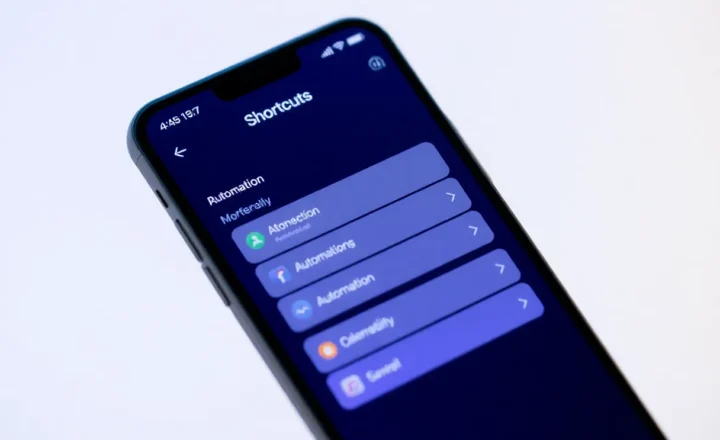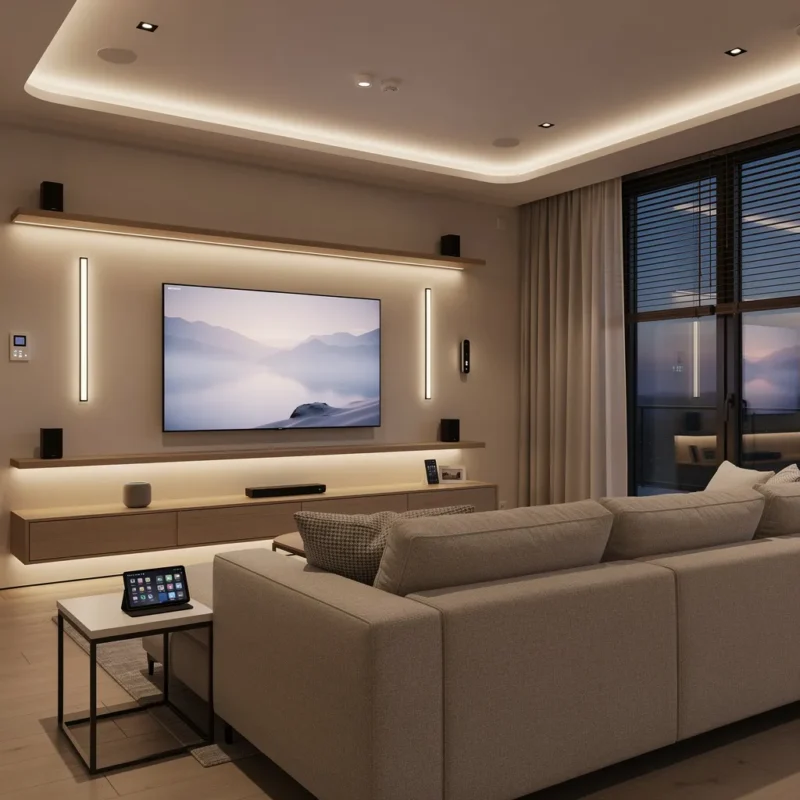
Lots of “smart” homes aren’t. They’re a pile of apps, a tangle of brands that don’t talk to each other, and routines that break the moment you change a light bulb. A smart home that actually feels smart is different: it’s reliable, simple to live with, and does useful things without you having to think about it. Here’s how to build toward that — without turning your house into a part-time IT project.
Start With One Problem, Not a Shopping List
The mistake is to buy a little of everything: smart bulbs, a thermostat, a doorbell, a speaker, and so on. You end up with a stack of boxes and no clear story for why they’re there. Better approach: pick one real annoyance or goal. “I want the lights to turn off when I leave.” “I want the heat to back off at night without me touching it.” “I want to know when a package arrives.” Solve that first, with as few devices as possible. When that works and feels good, add the next thing. The home that feels smart is the one that grew from actual needs, not from a checklist of gadgets.
That also keeps costs and complexity under control. A single use case might need one smart plug, one sensor, and one routine. You learn how your chosen platform behaves, how to debug when something doesn’t fire, and whether you actually like living with automation. If you do, the next problem is easy to add. If you don’t, you’ve only invested in a small slice instead of a whole-house experiment that you’ll resent maintaining.
Choose a Spine: One Ecosystem or One Hub
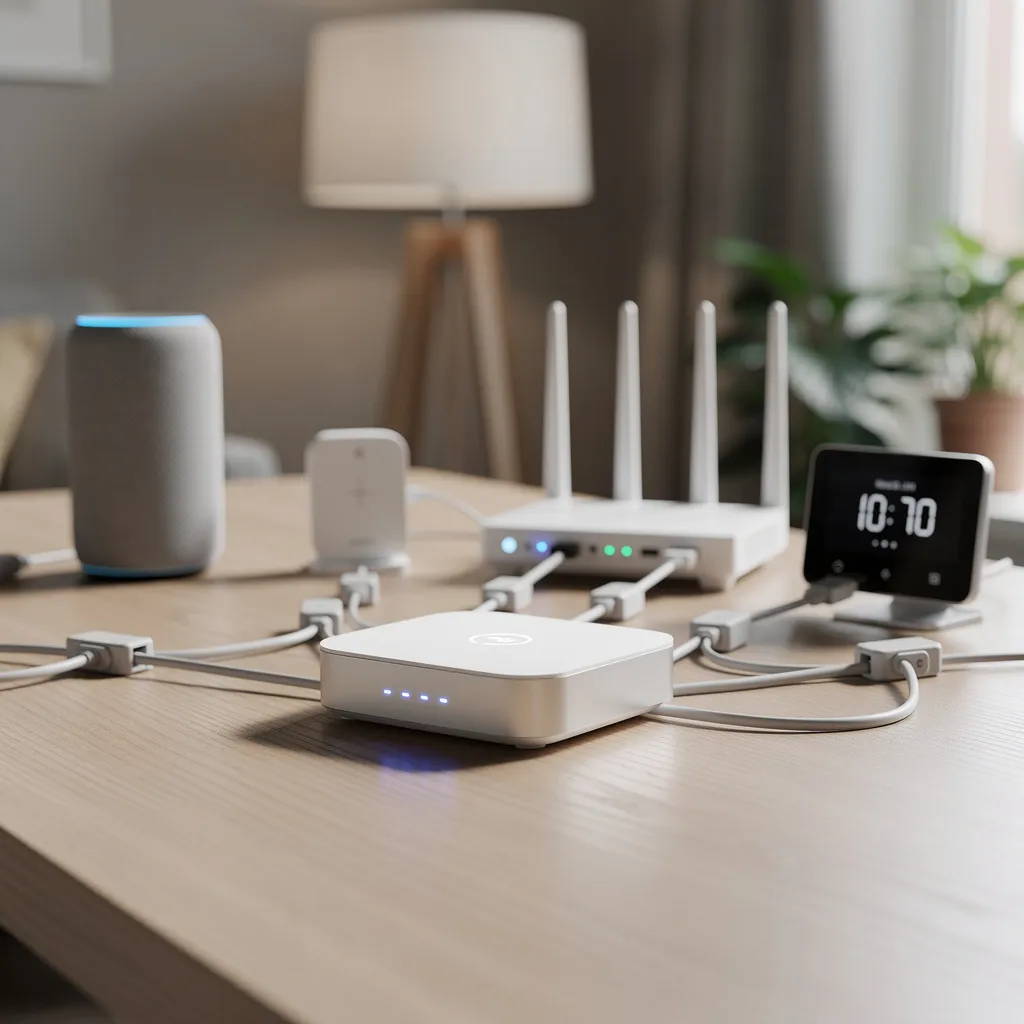
Smart home tech splits into camps: Apple Home, Google Home, Alexa, and a bunch of brands that plug into one or more of them. If you mix everything at random, you’ll be jumping between apps and wondering why the “goodnight” scene only half works. Pick one main system as your spine — the place where you set routines and check status — and add devices that work with it. That might mean Matter-compatible gear so you’re not locked to a single vendor, or it might mean committing to one ecosystem you already use (e.g. Apple if you’re in that world). Consistency beats having the “best” device in every category if the best device doesn’t play nice with the rest.
Matter is worth paying attention to even if you’re not all-in yet. It’s a standard that lets devices from different manufacturers talk to each other and work with multiple assistants. Buying Matter-capable devices now gives you more flexibility later: you can switch from one voice assistant or hub to another without replacing every bulb and sensor. You don’t have to wait until your whole house is Matter — just prefer Matter when you’re choosing new gear, and over time your spine gets less dependent on any one company.
Automation Over Remote Control
If you’re still opening an app to turn on a light, you’ve got remote control, not a smart home. The jump to “it just works” is automation: things happen based on time, presence, or sensors. “When I leave, turn off the lights and set the thermostat to away.” “When the sun goes down, turn on the living room lights at 30%.” “When the door opens after 10 p.m., turn on the hallway light for two minutes.” Those rules run in the background. You stop thinking about them. That’s when the home starts to feel smart — when the tech fades into the background instead of demanding attention.
Presence detection is where a lot of people get stuck. You can use your phone’s location (e.g. “when the last person leaves”), but that can be laggy and drain battery. Dedicated presence sensors or room-level occupancy sensors are more reliable for “turn off when nobody’s here” but add cost and setup. A practical middle ground: time-based and manual triggers first (e.g. “at 11 p.m. turn off everything” or “when I say goodnight”), then add presence-based rules only for the rooms or routines where it really pays off. Start simple; add intelligence where it matters.
Reliability Beats Features
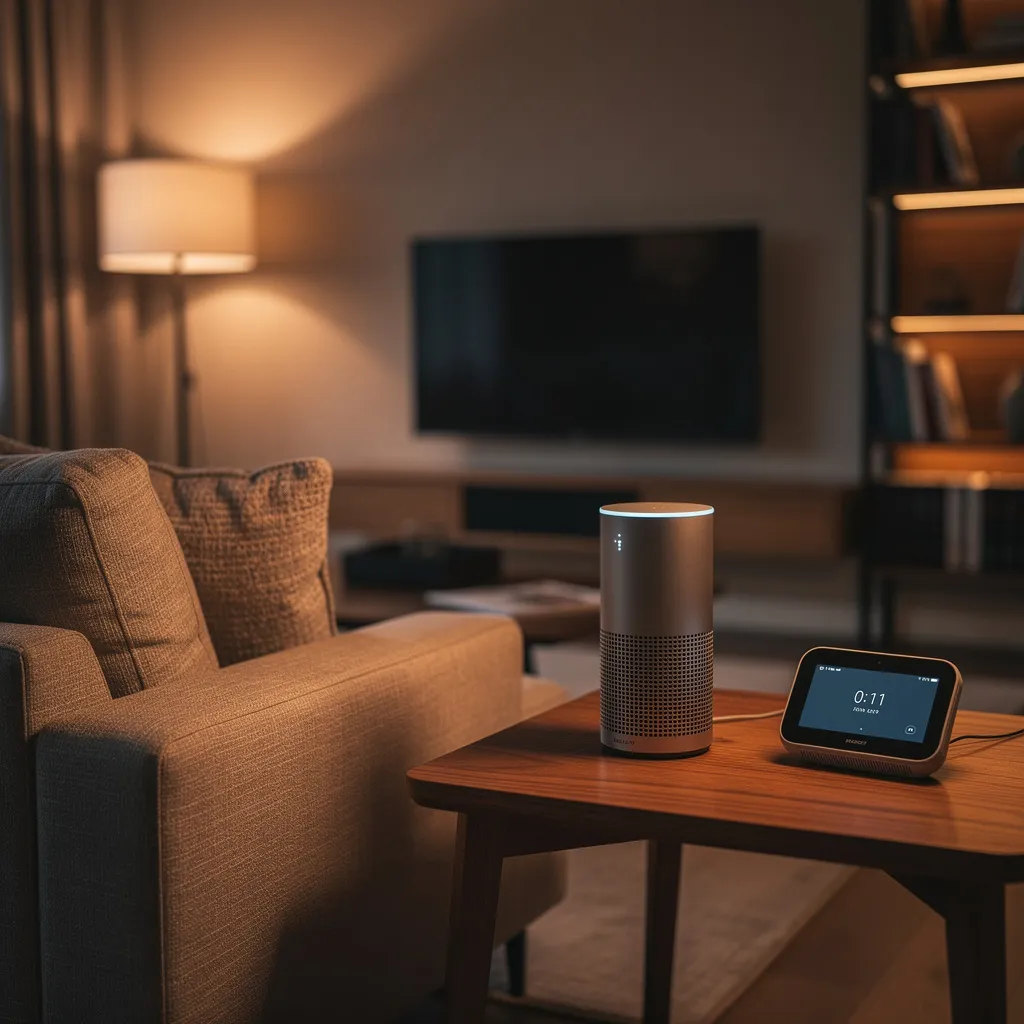
A routine that works 19 times out of 20 is worse than one that works every time. The 20th time is the one you remember: you’re in the dark, or the heat didn’t kick on, and you lose trust in the whole setup. So prioritize reliability. Prefer devices with a good local or low-latency connection (e.g. Zigbee or Thread where possible) so you’re not fully dependent on the cloud. Keep firmware updated. If something keeps dropping off the network or failing, replace it or simplify — a smaller, rock-solid setup beats a big, flaky one.
Voice and Physical Controls Both Matter
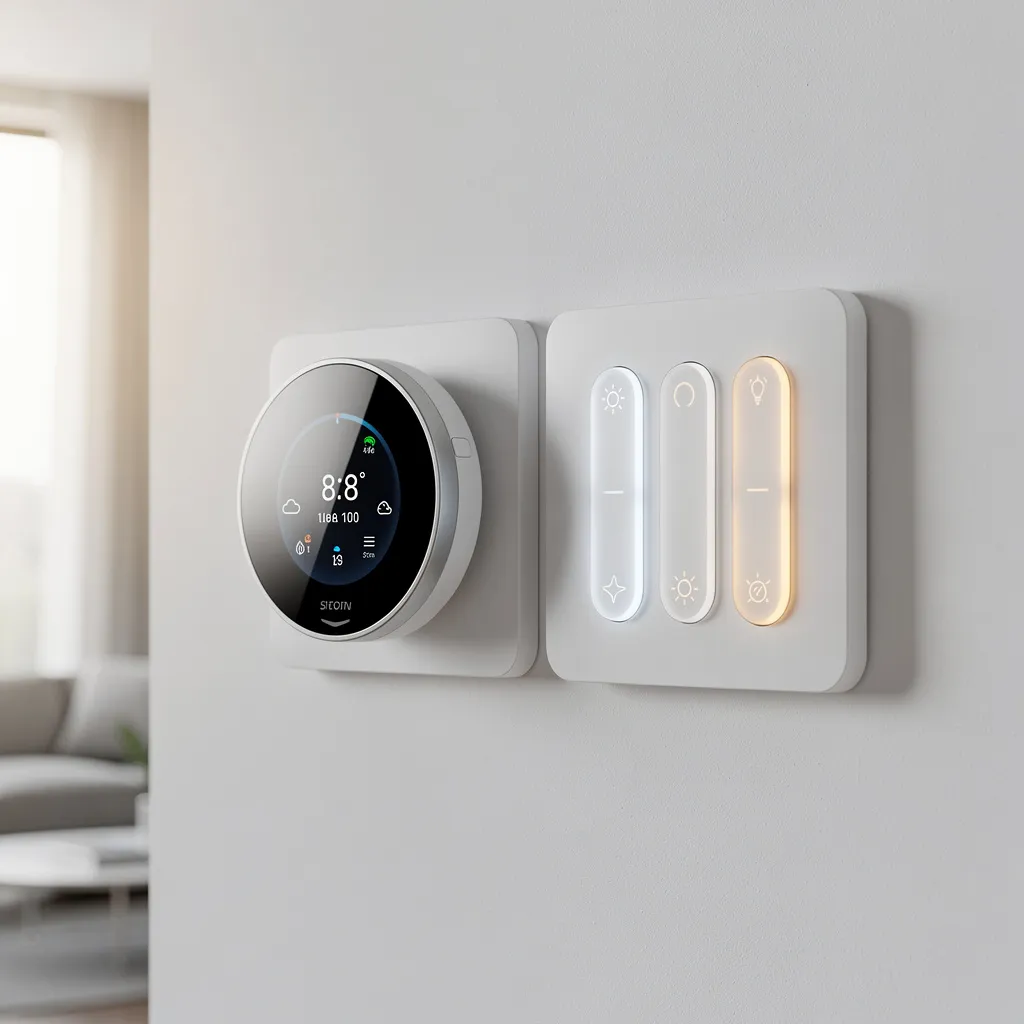
Voice is great when your hands are full or you’re across the room. But when you’re next to the light switch, you shouldn’t have to ask a robot to turn it on. A smart home that feels smart still has normal switches, buttons, or keypads where they make sense. Many smart bulbs and switches can be wired so the wall switch still works; the last thing you want is a guest (or you at 2 a.m.) staring at a dead switch because everything is app-only. Voice plus physical controls means the home works the way people expect, with tech as an extra layer, not a replacement for basic usability.
If you use smart bulbs, consider smart switches or dimmers that control them instead of cutting power (which would take the bulb offline). Or use bulbs that support “power-loss memory” so they come back in a sensible state after a quick flip. The goal is: anyone in the house can use the wall without opening an app, and your automations still work because the system stays online and predictable.
Privacy and Security Without Paranoia
Smart home devices often send data to the cloud — voice clips, usage patterns, sometimes video. You don’t have to avoid them, but you should know what you’re inviting in. Prefer devices that support local execution where possible (e.g. some processing happens on-device or on a local hub), and check whether you can disable or limit cloud features you don’t need. Cameras and voice assistants are the highest sensitivity; give them a thought before placing them in bedrooms or private spaces. A smart home that feels smart is also one where you’re not constantly wondering who might be listening or watching.
The Bottom Line
A smart home that actually feels smart starts with one real problem, grows on a single spine (one ecosystem or hub), and leans on automation so you’re not constantly tapping your phone. It favors reliability over feature count and keeps physical controls so the house still works when the tech doesn’t. Get that right, and the rest is just adding more of the same — instead of a pile of gadgets that never quite add up.