Boox Tab Ultra vs iPad Air for PDF Markup in 2026: Honest Battery Math

James Webb
April 7, 2026
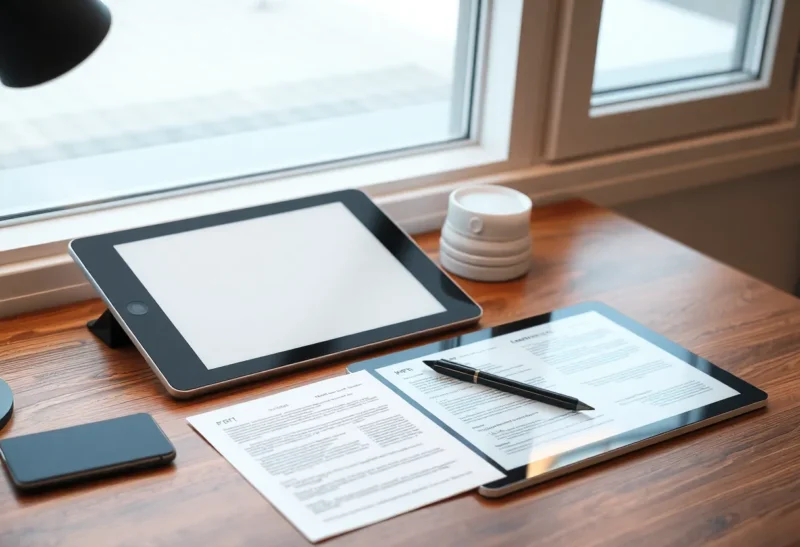
If your job is reading dense PDFs and leaving marks that survive a week of meetings, the device debate is not “which tablet is faster.” It is which one keeps you in the document instead of fighting the glass, the backlight, or the charger. On paper, an iPad Air wins benchmarks. In a backpack, a Boox Tab Ultra wins weeks. The honest comparison for 2026 is about work sessions: how long you can annotate before your eyes and battery beg for mercy, and what you sacrifice in app polish to get there.
This piece stacks the Tab Ultra against the iPad Air specifically for PDF markup — not gaming, not video, not creative suite flexing. You will get a battery mental model you can sanity-check against your own usage, plus the trade-offs that marketing slides leave out.
Define the workload: markup is not streaming
Reviewers love looping 4K video until devices thermally throttle. Markup workloads look different: mostly static pages, occasional scrolling bursts, stylus input at low duty cycle, background sync for cloud drives, and PDF engines re-rendering vector text when you zoom. E-ink stacks optimize for that “mostly idle” world. LCD/OLED stacks still pretend everything might become Fortnite in the next five minutes.
That mismatch is why spec-sheet wattage misleads. An iPad Air sipping power on a single page can look saintly — until you enable auto-brightness in sunlight, keep Mail refreshing, and let Slack live on the second device you swear you will not check. The Boox side tempts you to quote absurd “weeks of standby” numbers that assume you disabled Wi-Fi like it is 2007.
Battery math without fantasy numbers
Instead of trusting a single headline runtime, sketch three sessions:
- Deep read — Two hours of continuous annotation, moderate zooming, Wi-Fi on, cloud sync enabled.
- Conference mode — Intermittent bursts across an eight-hour day; screen on maybe 25–40% of the time; lots of idle at the table.
- Travel day — Bright environments, higher display power on the iPad; e-ink front light on for dim cabins; GPS off, but messaging still nibbles the iPad if it is your communications hub.
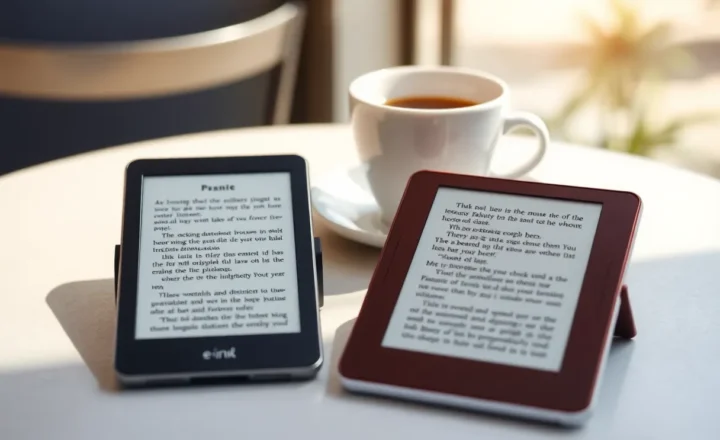
In deep read, a modern iPad Air typically lands in the “still comfortable, but you remember the cable exists” band. The Tab Ultra, with its large e-ink panel and Android stack, is not immortal — big refreshes and aggressive Wi-Fi can drain faster than a Kindle — but the dominant power draw is not fighting the sun at max nits. In conference mode, e-ink’s advantage compounds: static pages do not pay the full LCD tax. In travel, the iPad’s versatility becomes a liability if it is also your entertainment device; the Boox tempts fewer detours, which quietly preserves charge.
Translate that to decisions: If you need one device to survive a red-eye and a full next day of markup without hunting an outlet, e-ink usually wins — not because of magic milliamps, but because the workload maps to its strengths. If you need four hours of markup and twelve hours of everything else, the iPad’s general-purpose battery story is often “good enough,” especially on newer silicon.
Latency, feel, and the annotation loop
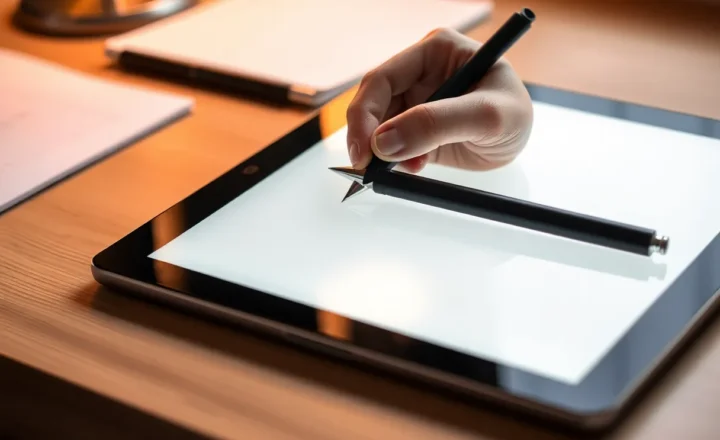
iPad Pencil latency remains the industry comfort king. Scrolling is glass-smooth; pinch-zoom on complex vector PDFs is effortless. Boox has narrowed the e-ink gap with faster panels and aggressive refresh modes, but physics still matters: partial refresh can ghost; full refresh clears ghosting at the cost of flash. For people who highlight more than they sketch, the compromise is workable. For rapid margin notes in tiny print, some users still prefer glass.
Software stacks diverge. On iPadOS, PDF Expert, GoodNotes, and Apple’s own Preview-class flows benefit from mature frameworks and predictable palm rejection. On Boox, NeoReader and third-party Android PDF tools are capable — sometimes surprisingly deep — but the polish varies by file type: scanned books versus born-digital spec sheets behave differently. If your corpus is mostly clean vector PDFs, Boox keeps up. If you live in weird corporate bundles with embedded forms, test your worst five files before committing.
Weight, glare, and the “will I actually carry it” factor
A device that stays home does not annotate anything. Large e-ink slabs approach small laptop heft. The iPad Air is easier to one-hand in a chair, slips into more bags, and doubles as the emergency Netflix panel. If your primary pain is eye fatigue in long sessions, the Boox wins ergonomics for reading. If your primary pain is pack weight on foot, measure both with your case and stylus holster included — marketing weights lie politely.
Glare is not cosmetic. Overhead lights in offices turn glass tablets into mirrors; e-ink matte surfaces tolerate bad lighting the way paper does. If you markup in courthouses, warehouses, or sunny patios, the Boox side of the comparison stops being aesthetic and becomes functional.
Ecosystem lock-in vs export sanity
iPad workflows love iCloud, Handoff, and the broader Apple gravity well. That is powerful until you need a file to land on a Windows work laptop without drama. Boox runs Android, which can be messier and more configurable at once: folder sync apps, WebDAV, odd corporate storage clients. If your team standardized on a niche DMS, verify Android support before romanticizing “openness.”
Charging logistics: the forgotten conference variable
USB-C ubiquity helps both sides, but charging speed and while-in-use behavior diverge. iPads tolerate pass-through power on many hubs; Boox devices vary by generation and cable quality. If your workflow is “mark up while tethered to a dock,” test that exact dock. Some monitors negotiate power in ways that keep Android tablets awake and warm — not dangerous, but unpleasant during long sits.
Carry a cable you trust. The best battery story collapses when the only USB-C cord in your bag is the one that fell out of a hotel drawer and negotiates five watts like it is doing you a favor.
Accessories and total cost of ownership
Apple Pencil pricing is a meme for a reason: it is excellent and not cheap. Boox bundles or discounts styluses depending on region and promotion; third-party EMR pens exist, with mixed palm rejection. Cases matter too — a heavy folio on a large e-ink tablet changes lap balance. When comparing prices, add pencil, case, screen protection (if you use it), and any subscription apps you consider mandatory on iPadOS. The headline tablet price is never the whole spreadsheet.
Security, updates, and IT departments
Corporate IT often smiles faster at iPads with MDM profiles than at Android tablets from smaller OEMs — fair or not. If your PDFs include confidential material, ask whether device encryption, remote wipe, and app sandboxing meet policy. Boox can be workable, but approvals may require more paperwork. Conversely, if you are independent, Android’s filesystem flexibility can be a feature: sideload a niche viewer, mirror a folder via Syncthing, or automate exports with tools Apple would rather keep invisible.
OCR, search, and the scanned-PDF nightmare
Both ecosystems can handle OCR through apps or external pipelines, but the “happy path” differs. On iPad, polished OCR subscriptions are one tap away. On Boox, you might batch OCR on a desktop and sync — clunkier, sometimes more reliable for huge archives. If your library is 60% scans from court filings or lab notebooks, run a timed test: find a phrase, jump to page, highlight, export. The winner is whichever stack respects your actual corpus, not a pristine demo file.
For markup fidelity, vector annotations usually travel fine; raster ink on scanned pages can get picky across viewers. Pick a canonical archive format for finished PDFs and stick to it — regardless of hardware brand.
Who should buy which in 2026
Choose the iPad Air if you need one tablet for markup plus video calls, creative apps, and buttery UI; if your PDFs are mixed with Office workflows that live in polished iPad apps; if you value Pencil latency above all; or if you already live in Apple’s services stack.
Choose the Boox Tab Ultra if your days are dominated by reading and marking long documents; if outdoor and bad-light ergonomics matter; if you want multi-day peace of mind without brightness anxiety; or if you want a device that does not constantly tempt you into distraction apps — Android is distractible, but e-ink makes procrastination slightly less shiny.
Bottom line
The Tab Ultra versus iPad Air decision is not about which device is “better.” It is about which failure mode you refuse to tolerate: eye strain and charger hunting, or software rough edges and refresh compromises. Run a real-world afternoon with your gnarliest PDFs on both form factors if you can. Numbers help, but the winner is the one that keeps you annotating when the meeting runs long, the outlet is taken, and the only thing that matters is the next margin note.
If you want a single heuristic for 2026 buyers: optimize for the screen technology that matches your dominant environment. Bright, mixed-use days favor the iPad’s versatility. Reading-heavy, harsh-light, charger-scarce days favor e-ink. Markup is the workload that reveals the choice — because it is never just markup; it is also where you live while you work.