Why Your ISP Is the Bottleneck You Can’t Optimize Away

Halima Okafor
February 25, 2026

You’ve got a good router, a solid modem, and maybe even wired Ethernet to your desk. So why does your connection still stutter, buffer, or lag when you need it most? Often the bottleneck isn’t in your home—it’s your ISP. The last mile (and sometimes the middle mile) is where control ends and hope begins. Here’s why your ISP is the bottleneck you can’t optimize away, and what you can actually do about it.
You Control Your Home. They Control the Pipe.
Everything inside your house—Wi‑Fi, router, cabling, device count—you can upgrade or fix. Once the signal leaves your modem and hits the ISP’s network, you’re along for the ride. Congestion on their nodes, oversubscription in your neighborhood, peering and backhaul choices, and how they manage traffic during peak hours are all outside your control. You can pay for “faster” tiers, but if the segment serving your area is overloaded or poorly maintained, that extra bandwidth won’t materialize when everyone’s home. So the first reality is: you’re optimizing one end of a chain. The other end is a black box.
Oversubscription and the “Up to” Speed
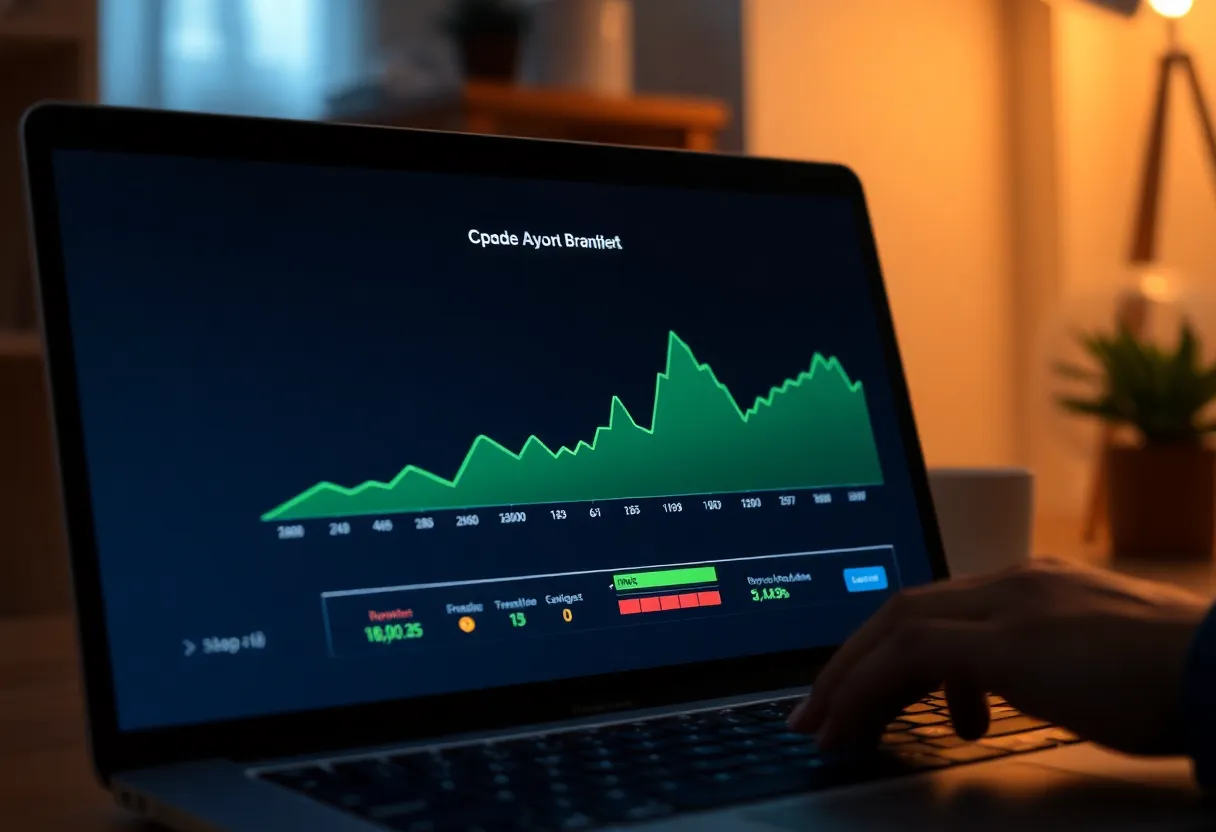
ISPs oversubscribe: they sell more capacity than they have, betting that not everyone will use it at once. That works until it doesn’t—evening peak, or when more people work from home. Your “up to 300 Mbps” plan might deliver that at 3 a.m. and half that at 8 p.m. You can’t fix that with a better router. You can’t fix it with QoS or a different DNS. The bottleneck is in the shared link and the ISP’s decision to oversubscribe it. So “optimization” has a ceiling: your ceiling is whatever the ISP is actually delivering to your modem at that moment.
Peering, Backhaul, and the Middle Mile
Even when your last mile is fine, your traffic has to get to the rest of the internet. That means your ISP’s peering and transit links. If those are congested or under-provisioned, you’ll see latency spikes, packet loss, or slow speeds to specific services (e.g., one streaming platform or game server) while others are fine. You can’t change how your ISP peers or how much they spend on backhaul. So again: the bottleneck can be outside your home and still feel like “your internet is slow.” The only fix at that level is the ISP fixing it—or you switching to one that has better peering in your area, if you have a choice.
When “Faster” Plans Don’t Help
Upgrading from 100 Mbps to 500 Mbps or 1 Gbps doesn’t help if the bottleneck is elsewhere. If your ISP’s node is oversubscribed or your neighborhood backhaul is saturated, you’ll get the same real-world performance on the higher tier—you’ll just pay more. So before you upgrade, measure. Run tests at peak and off-peak, and compare to what you’re promised. If you’re already getting close to your plan’s speed at 3 a.m. but not at 8 p.m., the limit is the ISP’s network, not your plan. Upgrading might not change that. The only way to know is to test and, if possible, talk to neighbors on the same ISP to see if they see the same pattern.
What You Can Actually Do
You’re not helpless. You can run speed tests at different times and document what you’re getting versus what you’re sold; that can support a complaint or a negotiation. You can try a different plan or modem if the ISP blames your equipment. In some areas you can switch to a different provider (fiber, cable, or fixed wireless) and see if the bottleneck moves. You can use a VPN or different DNS for privacy or routing quirks, but they won’t fix oversubscription or bad peering. The main lever you have is choice—when it exists—and pressure. Knowing that the bottleneck is the ISP, not your router, is the first step to not wasting time optimizing the wrong thing.
So: your ISP is the bottleneck you can’t optimize away because they control the pipe and the middle mile. Optimize your home network for sure—but when the problem is beyond the modem, the only real fix is a better ISP or them fixing their network. Everything else is working around the edges.