Which Kobo still syncs a purchased book after you install KOReader?

Walter Greene
October 7, 2026
Any current Kobo that still opens the stock reader. A Clara, Libra, Sage, or Elipsa keeps syncing Kobo store purchases in Nickel after you add KOReader beside it. KOReader does not do that sync, and it does not open the store file. The book lands in the stock library, still tied to your Kobo account. If the install replaced the stock home so the device only boots KOReader, the sync went with Nickel.
People install KOReader because sideloaded EPUBs look better, then panic that the shop broke. The shop did not move into KOReader. It stayed where it was. You leave KOReader, you are back in Kobo’s own software, and Wi-Fi syncs the book you bought this morning. Then you can read that book in Nickel. You still cannot hand the encrypted store file to KOReader and expect a chapter.
Which models does this cover?
The ones people actually install KOReader on in 2026: Clara BW and Clara Colour, the older Clara 2E, Libra 2 and Libra Colour, Sage, Elipsa and Elipsa 2E. They all keep a stock reading app, Nickel, and they all sync purchases there as long as that app still launches and the device is signed into the same Kobo account.
A Forma or an Aura that can still run a current KOReader install is the same pattern if Nickel remains. I would not buy one of those used in order to get this. I would buy a Libra or a Clara, add KOReader the usual way, through the stock system rather than by wiping it, and confirm the store still syncs before I load a hundred sideloaded books.
The model is not the variable. The install method is. A package that adds KOReader as an app you start from the stock home leaves sync alone. An image that is “KOReader only,” or a botched update that drops you into a file browser with no Kobo home, does not sync purchases because the Kobo app is what talks to the store. There is no secret Clara that syncs inside KOReader and a Libra that does not. Both sync in Nickel or not at all.
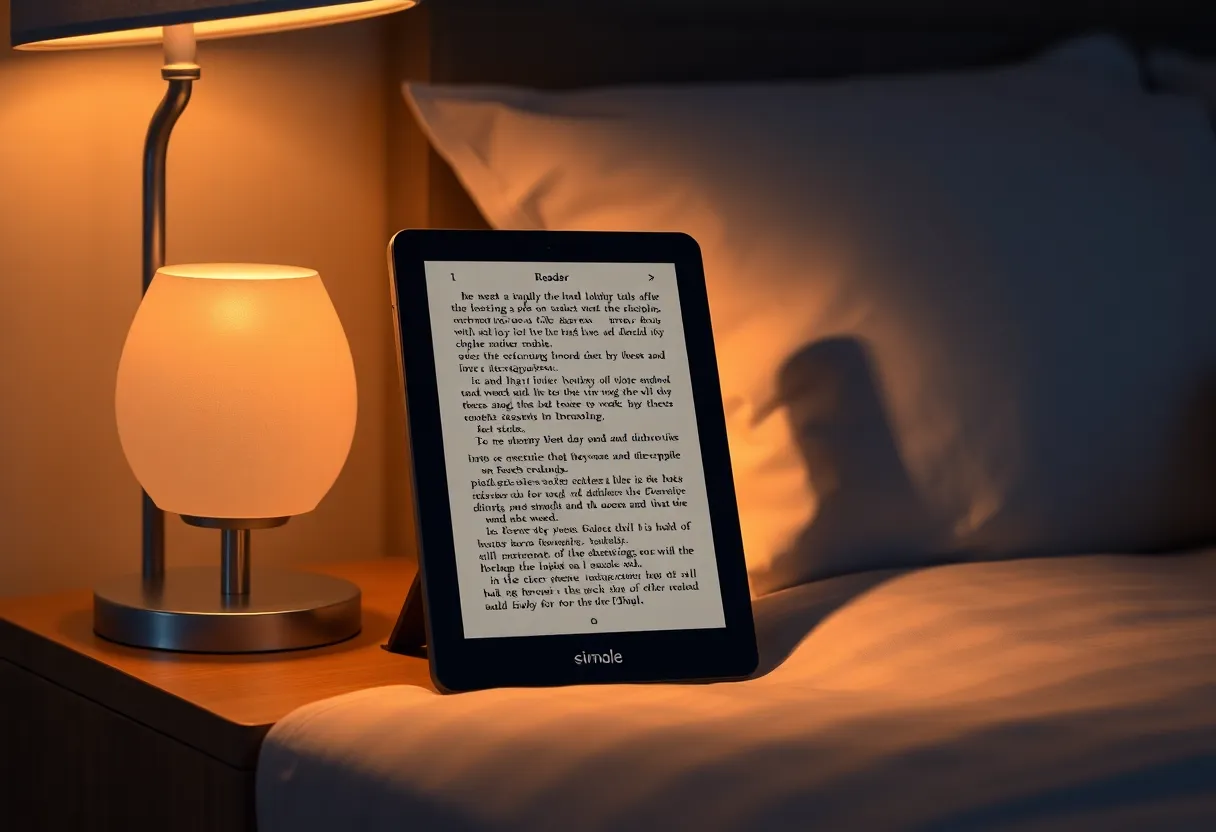
What does sync still mean after KOReader is installed?
Wi-Fi on, stock software in front, Kobo account signed in. Purchases download into the stock library. Reading position for those store books syncs back to the account when you read them in Nickel. Highlights you made in Nickel sync the way they did before you installed anything. KOReader’s own highlights on a sideloaded EPUB do not join that sync. They are a different library, in a different app, often in a different folder.
The store book stays in Kobo’s format, with Kobo’s lock on it. KOReader is built for files you can actually open: EPUB, PDF, CBZ. It is not a second front end for the Kobo shop. Installing it does not decrypt the purchase and it should not. If your goal was “one app for the shop and my sideloads,” you do not get that. You get two readers. Nickel for what you bought from Kobo. KOReader for what you copied on.
OverDrive and Libby loans, if you use them on the Kobo, also stay in the stock integration. KOReader will not renew them. Do not look for the loan inside KOReader and decide sync died. Open Nickel. The loan is either there or it expired. That was true before the install.
What install mistakes kill the sync?
Replacing Nickel instead of adding a launcher. If the only thing on the screen after a reboot is KOReader, you removed the app that owns the account. Purchases will not appear. The fix is to get the stock software back, not to poke KOReader’s wireless settings and hope it grew a Kobo login.
Signing out of the Kobo account while you are “cleaning up” the device for the install. Sync needs that account. KOReader does not use it. People sign out because a forum post said to, then the store is empty, and they blame the reader app they added. Sign in again in Nickel. The books come back. Your KOReader sideloads are untouched, because they were never in that account.
A Wi-Fi password that only got entered inside a plugin and not in the stock Wi-Fi list. Nickel syncs on Nickel’s Wi-Fi. If the stock software cannot join the network, nothing downloads, and KOReader’s own Wi-Fi for OPDS catalogs is a separate switch. Test sync by opening the stock library and pulling to refresh, or whatever the current Kobo UI calls the sync button, with KOReader fully quit.
A database the install corrupted. Rare, and it looks like a factory-reset problem, not a “this model cannot sync” problem. If Nickel opens and the account is signed in and Wi-Fi works, a missing book is a sync delay or a book that was borrowed, not a KOReader tax. If Nickel will not open, stop experimenting and restore the device from Kobo’s own recovery before you add KOReader again.
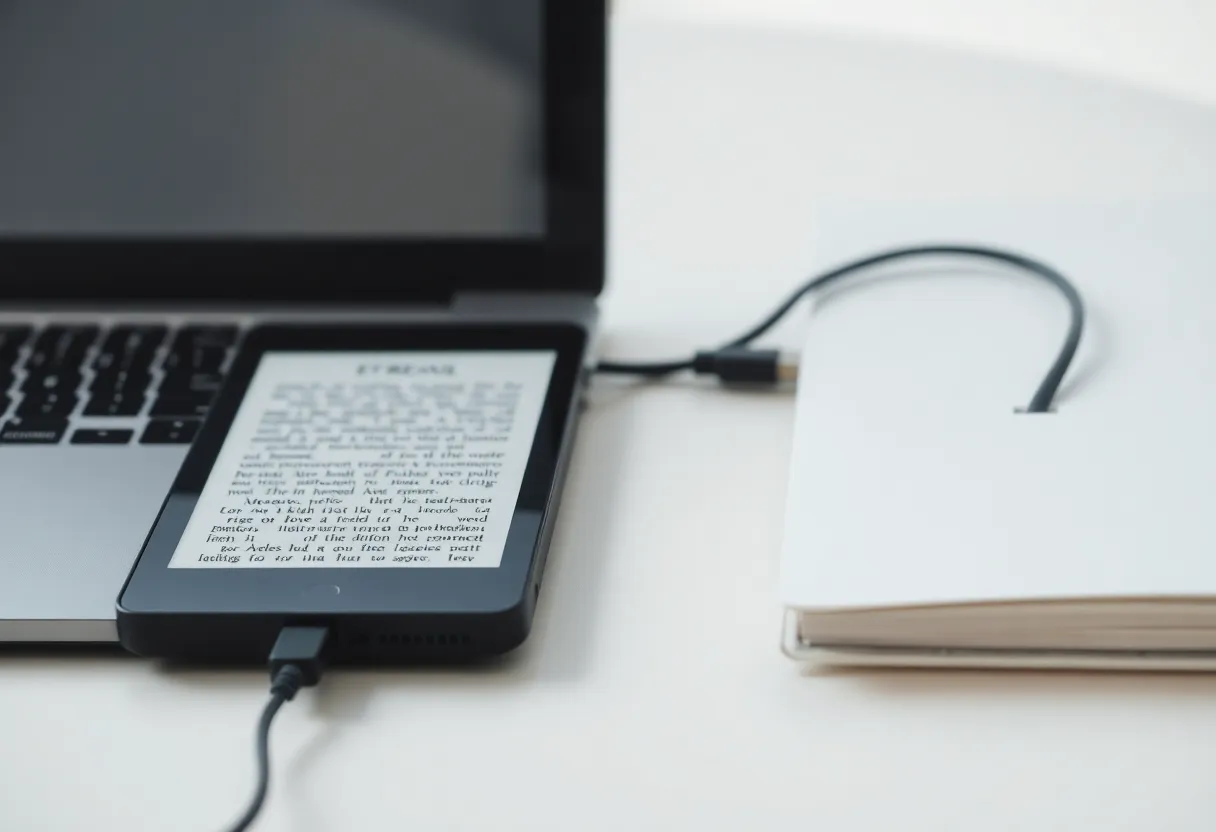
How do you prove a purchase still syncs?
- Quit KOReader so the stock home is what you see.
- Confirm the Kobo account name in settings. If it is signed out, sign in before you test anything else.
- Join Wi-Fi from the stock Wi-Fi screen, not from inside KOReader.
- Buy a cheap book, or download one you already own that is not on the device. Wait until it is in the stock library and opens in Nickel.
- Only then start KOReader. The new purchase should not be expected there. Go back to Nickel and confirm it still opens.
If step four works, every Kobo in that state still syncs, Clara through Elipsa. If step four fails and step two and three were right, you have an account or a firmware problem, and uninstalling KOReader is the test that tells you whether the add-on was involved. Do not uninstall first out of superstition. The stock sync test is enough.
Where do sideloaded books and purchases get confused?
A sideloaded EPUB never needed the Kobo account. It sits in a folder KOReader can see, and it also often shows up in Nickel as a document. That double appearance is why a sync test goes wrong. You open Nickel, you see a book, you assume sync brought it. It was the file you copied over USB last week. A real sync test uses a purchase that was not on the device before you tapped download in the stock library. If you only look at sideloads, you will “prove” sync by staring at a file that never touched the store.
The reverse confusion is a purchase you downloaded on the Kobo website’s “download” button onto a laptop and then copied by USB. That file is not the wireless sync this question is about, and it may not even open, depending on how Kobo wrapped it. Wireless sync, inside Nickel, is the feature that survives a normal KOReader install. USB copies are your own pipeline. Do not mix the two when you decide the install broke the shop.
Reading position is the other mix-up. You read three chapters in KOReader in a sideloaded copy, then open the store edition in Nickel and wonder why the page did not follow. They are different files. KOReader did not fail to sync. There was nothing for the account to sync, because the account does not know about the sideload. If you need the page to follow you to the phone’s Kobo app, read the store copy in Nickel. KOReader will not push that position to Kobo’s cloud.
Annotations split the same way. A highlight in KOReader lives with KOReader’s metadata. A highlight in Nickel on a store book can sync with the account. After you install KOReader, both still exist. They do not merge. If you highlight in the wrong app, you will think the sync ate your notes. It never saw them. Pick one app per file and stay there.
Who should not install KOReader on the device that holds the shop?
If you mostly read Kobo purchases and you want one library, do not add KOReader. You will spend the month leaving one app to find the book that synced into the other. Nickel is the shop. Leave it as the only reader.
If half your books are sideloaded EPUBs and you are tired of Nickel’s typesetting, add KOReader and keep Nickel for the shop. That is the split that works. The purchased book still syncs. It syncs into the app you did not customize. Learn the gesture that exits KOReader before you need a book that is not in the sideload folder.
A Kobo still syncs a purchased book after you install KOReader when the stock reader is still there to do it. Clara, Libra, Sage, and Elipsa all qualify. KOReader qualifies for your own files, not for the shop. Two libraries is the result. One of them still syncs. Quit KOReader, open Nickel, and let that library finish before you decide the install took the store away.