Tailscale Exit Node on a Travel Router: What Still Uses the Hotel’s DNS

Devin Harper
September 21, 2026

You plug a travel router into hotel Wi-Fi, join it to your tailnet, advertise an exit node, and feel clever. Your laptop’s public IP becomes home. Then a browser still resolves through the hotel, a captive portal tab bypasses the mesh, or a phone app uses hard-coded DNS and phones home beside your “secure” path. Exit nodes move packets. They do not automatically seize every name lookup or every app’s stubborn network stack.
This is what still uses the hotel’s DNS—and how to design a travel-router exit setup that fails closed where it matters without breaking the captive portal you need to get online at all.
What a travel-router exit node changes
When a client uses an exit node, Tailscale routes that client’s internet-bound traffic through the exit. Observers on the hotel LAN see a tunnel to Tailscale infrastructure / peer paths—not your cleartext browsing to every site (with the usual caveats about trust and metadata). What they still may see depends on how DNS and captive portals are handled before and beside that tunnel.
An exit node does not magically reconfigure:
- Devices that never enabled Tailscale
- OS DNS that still points at the hotel resolver
- Apps that embed DoH or custom resolvers
- Captive portal detection traffic that must touch the hotel
- Guest devices on the travel router’s LAN if you only exited the router’s own Tailscale client incorrectly

Travel router topologies
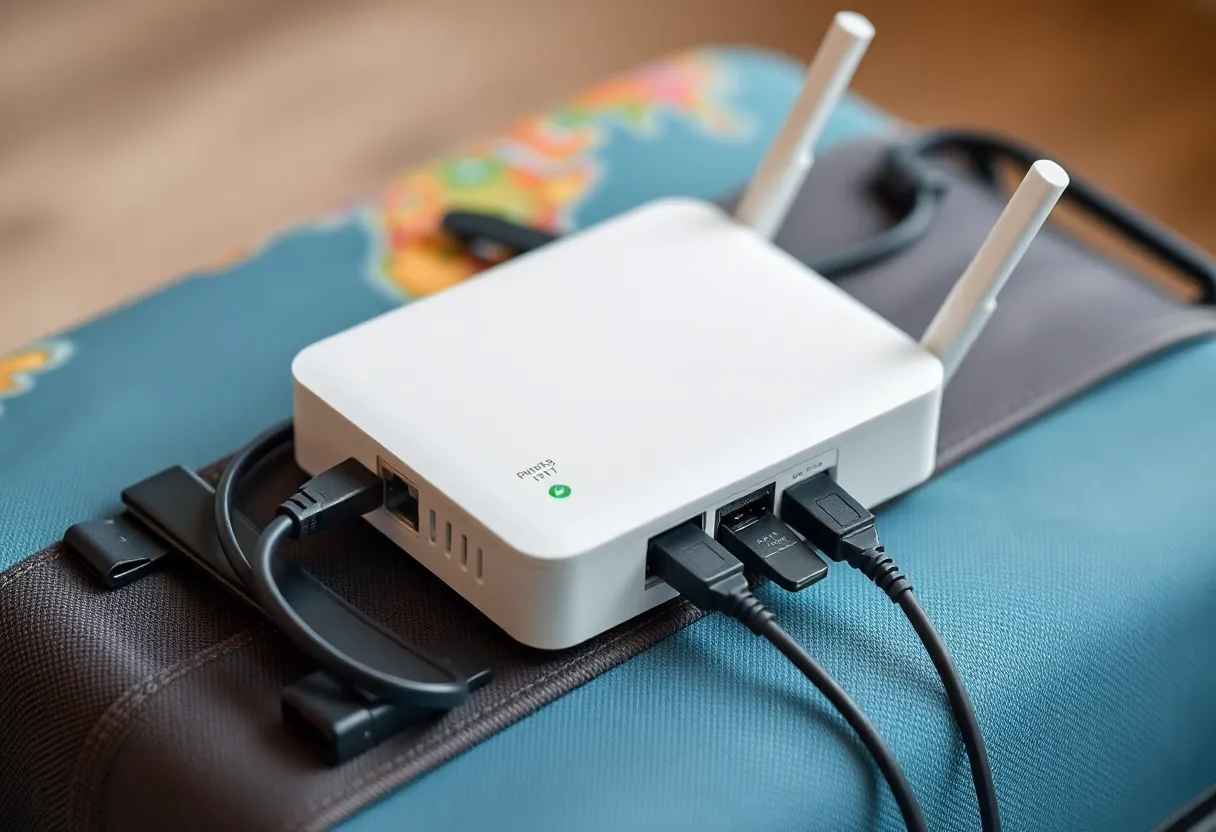
A. Router as Wi-Fi client + Tailscale exit for its downstream clients. Guests join your travel SSID. The router sends their traffic out via exit node. This is the “bubble of home IP” pattern—when routing and DNS on the router are consistent.
B. Router only as a convenience AP; each device runs Tailscale. More flexible, more chances for one phone to forget exit node.
C. Hybrid: router handles captive portal and raw connectivity; devices use Tailscale exit after portal login. Common, and DNS-leaky if devices keep hotel DNS from the first DHCP lease.
Most “hotel DNS still wins” stories are C with stale resolver settings.
DNS leak paths that survive exit nodes
DHCP DNS from hotel copied to clients. Even with exit node for IP traffic, queries may still go to 172.x hotel resolvers unless Tailscale DNS / override is active.
MagicDNS / Tailscale DNS not enabled on the client while exit is on—traffic exits, names do not follow your plan.
Browser Secure DNS. DoH to Cloudflare/Google ignores your carefully chosen Pi-hole-at-home path.
Android Private DNS / iOS limiters. Same idea, different toggle.
Smart TVs and consoles behind the travel router that never speak Tailscale and use whatever DNS the router still advertises from WAN-side DHCP.
Captive portal helper traffic. Often must use hotel DNS and cleartext HTTP to a special host. That is not a leak so much as a prerequisite—but it trains the OS to trust hotel resolvers longer than you want.
What you want the hotel to see versus what you want home to see
Be explicit. Goals differ:
- Hide browsing from hotel Wi-Fi operators → exit node + avoid cleartext DNS to hotel
- Use home Pi-hole → Tailscale DNS pointed at Pi-hole or global DNS override
- Reach home LAN services → subnet router / app connectors; exit node alone is not enough
- Get through captive portal → temporary bypass; then lock DNS down
People collapse these into “turn on exit node” and then blame Tailscale for physics.
A hardened travel ritual
- Connect travel router to hotel; complete captive portal from a throwaway device or the router’s helper flow.
- Bring up Tailscale on the router or clients; select exit node.
- Force DNS to Tailscale / home resolvers; disable browser DoH while traveling if you need consistency.
- Verify: public IP shows home/exit, DNS resolver is not hotel,
example.comresolves via intended path. - Only then join sensitive sessions (bank, admin UIs).
If verification fails, you are still on hotel trust for names—even if IP lookup websites claim success.
Router firmware quirks
GL.iNet and friends expose Tailscale with varying DNS options. Read which DNS the downstream LAN receives after exit enable. Some firmwares pass WAN DNS through unless you set custom DNS to Tailscale IPs or a home resolver over the mesh. Downstream clients cannot use an exit node they have never heard of if only the router’s own UI traffic is exited.
Also watch kill-switches: if Tailscale drops, do clients fall back to raw hotel WAN? For high threat awareness, prefer fail-closed. For family travel, fail-open may be intentional so Netflix keeps working—just know ads and hotel DNS return.
Exit node versus VPN apps
Commercial VPN apps often force DNS more aggressively and include portal workflows. Tailscale exit is mesh-native and better for reaching home, but DNS discipline is more on you. If your only goal is “hotel sees nothing” and not “reach my NAS,” a boring VPN might leak less by default. If your goal includes home resources, Tailscale plus explicit DNS is the coherent story.
Decision guide
An exit node on a travel router hides IP-level paths when clients actually use it. Hotel DNS still wins when leases, DoH, captive portals, or non-Tailscale devices keep using the property resolver.
Treat DNS as a second checklist item after exit enable—not an assumed side effect. Verify resolver and IP separately every time the hotel Wi-Fi login screen appears.
The travel router is a tool for a bubble. Bubbles need both doors closed: the packet door (exit) and the name door (DNS). Close both, or admit which one you left open for convenience.
Family devices and the weak link
Your laptop may be perfect while a partner’s phone still uses hotel DNS because Tailscale was installed but exit node was never selected—or was selected once and reset after an app update. Make exit node + DNS checks a shared ritual, or put everyone behind the travel router’s LAN so only the router must be correct.
Kids’ tablets that cannot run Tailscale should live on the router bubble with router-enforced DNS, not on the raw hotel SSID “for ease.” Ease is how homework devices become the noisy neighbor on the property network.
Home exit node health
None of this matters if the home exit is down, bandwidth-saturated, or ACL-blocked for your travel tag. Before a trip, test exit from a café. Confirm Pi-hole or MagDNS paths you depend on. Confirm the exit node’s ISP allows the traffic shape you use. A travel router cannot fix a sleeping home NAS that was your exit.
Prefer an always-on small machine as exit rather than a desktop that gets powered off for noise. Document which node is exit so you do not pick a laptop that left the house with you.
Legal and hotel ToS notes without scare theater
Some networks dislike tunnels. Captive portals may break oddly with exit enabled too early. You may need brief untunneled access to authenticate. That is normal. What is not normal is leaving DNS on hotel resolvers for the rest of the stay after authentication succeeds. Finish portal, then lock down.
Verification commands worth memorizing
You do not need a lab. On a laptop, check public IP via a simple HTTPS IP echo you trust, check DNS servers via OS network settings, and resolve a hostname while watching whether Pi-hole at home logs the query. If IP is home but Pi-hole sees nothing, names are going elsewhere. If Pi-hole sees queries but IP is hotel, you are not on the exit node. Both tests together tell the truth one test hides.
On phones, use Tailscale’s own connection details screens plus a DNS info app you already trust. Avoid installing random “leak test” APKs on a trip. Prefer two independent checks over one flashy website.
When to skip the travel router
If you only have one device, run Tailscale exit on that device and skip the router. If the hotel Ethernet is clean and you control DNS on one laptop, complexity is optional. Travel routers shine for multiple devices, Ethernet-only rooms, or sharing a bubble with people who will not configure Tailscale.
They add failure modes: another battery, another firmware, another captive-portal edge case. Bring the router when the bubble is worth the weight.
Closing the name door without breaking tomorrow’s portal
Save a “portal mode” profile: hotel DNS allowed briefly. Save a “secure mode” profile: exit on, Tailscale/home DNS on, DoH off. Switching profiles is faster than rediscovering toggles at midnight in a different timezone. The hotel DNS path is not evil—it is a tool with a time limit. Give it an expiry the moment the portal accepts your room number.
Put both profiles on a note in your password manager so you are not reverse-engineering your own setup under jet lag. Exit nodes move packets; rituals move DNS. You need both for a travel bubble that is more than a story you tell yourself after the IP lookup website turns green.
Green IP, green DNS, then login—never the reverse.