Starlink Bypass Mode vs the Included Router: When You Need Your Own Firewall

Lars Beckmann
September 18, 2026
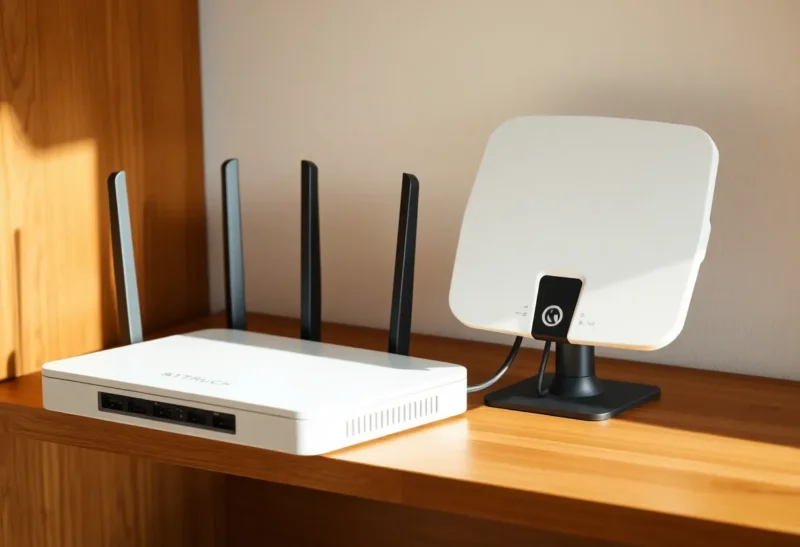
The included router is a product. Bypass mode is an admission that you already had a product. People flip bypass because a forum said “always,” then they lose Wi-Fi, they lose the nice app map, and they still have CGNAT. They did not get a public IP. They got a single NAT they control — if they actually own a firewall that can take a DHCP WAN from the dish. If they do not, they got a brick and a Saturday.
I run OpenWrt in front of household networks. I still leave the Starlink router in place for relatives who will not accept a second box. Bypass is not virtue. Bypass is when the included image is in the way of VLANs, of a dual-WAN you already designed, or of a guest network that is not their guest story.
What the included router is for
It gets a household online without a personality. Wi-Fi that works, an app that shows obstruction, a guest toggle, a power brick pairing that support understands. For a cabin that only needs browsers, that is the whole job. I do not replace it so I can say I replaced it.
It is also a second NAT. The dish already sits behind CGNAT on IPv4. Their router then NATs your LAN. Double NAT breaks some games, some SIP, some hairpin tricks, and a lot of “I forwarded a port” fantasies. The port was never yours. The second NAT just makes the funeral longer.
Their Wi-Fi is fine until you want an IoT VLAN that is not a vibe. Their guest network is fine until you want it to fail closed to luci. Their firmware is fine until an update moves a toggle. If those sentences are not your life, keep their box. If they are, you already know.
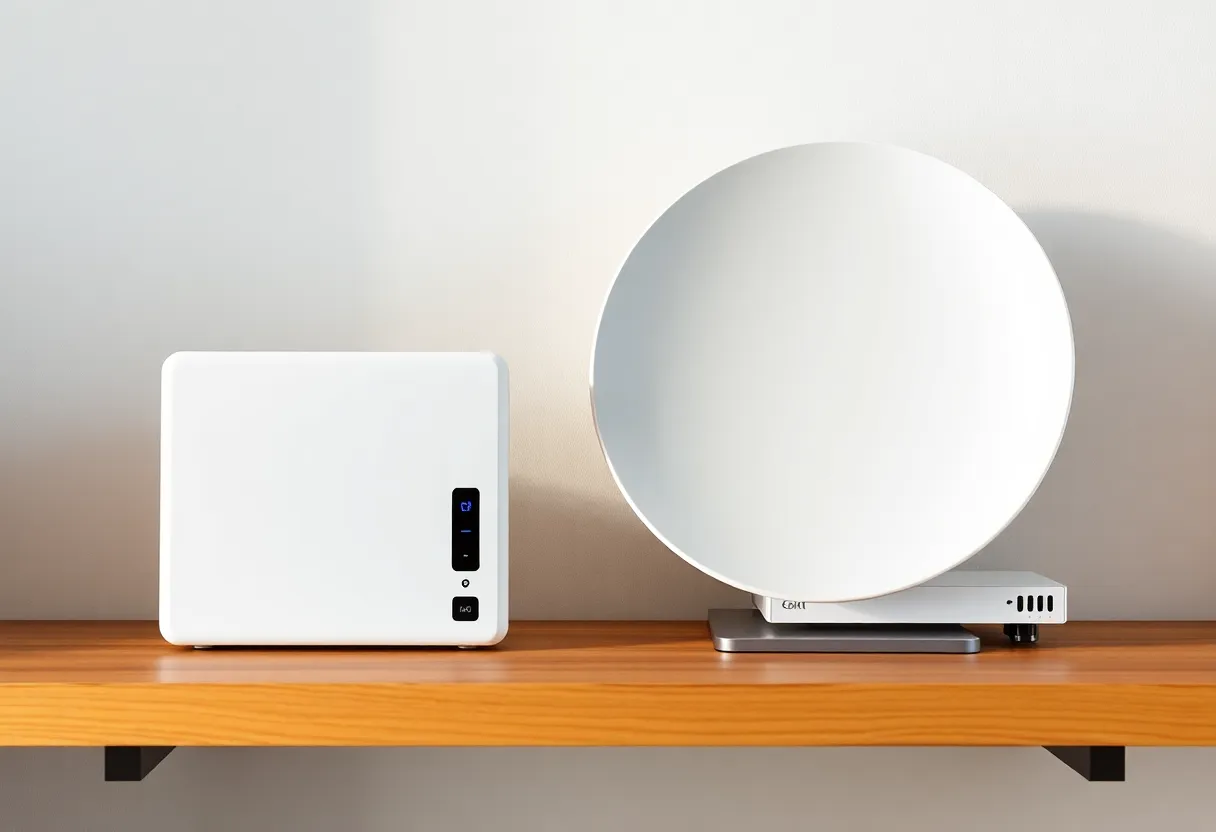
What bypass actually gives you
Bypass (or the Ethernet-only path, depending on kit and year) makes the dish a modem-shaped WAN. Your router gets an address and you are the DHCP server for the house. You own firewall rules. You own DNS. You own the Wi-Fi or you own the APs. The Starlink app may get quieter. Support may ask you to put their router back. That is the trade.
You do not own a public IPv4 because you bypassed. You own a cleaner LAN. I have had to say that twice in one visit. Bypass is not a static IP product. It is not inbound ports. It is not “becoming the ISP.” It is removing their LAN from your LAN.
IPv6 may look more like a real prefix than IPv4 ever will. If your firewall can do IPv6 correctly, bypass is how you stop treating their router as a mystery v6 hole. If your firewall cannot, you just moved the mystery.
When I flip it
When the house already has a firewall I trust — OpenWrt, a used Protectli, an Ubiquiti box I am willing to own. When Starlink is WAN2 next to fiber and I need one device to fail over. When I want IoT off the management plane. When their router Wi-Fi fights a mesh I already paid for. When SIP is dying in two NATs and I have already accepted CGNAT will still hurt.
I flip it after the firewall is configured to take WAN via DHCP, after I have a second path to the internet (phone hotspot), and after someone else in the house knows the new Wi-Fi name. Bypass as the first step of a Saturday is how you get a dark house and a dish that is “fine.”
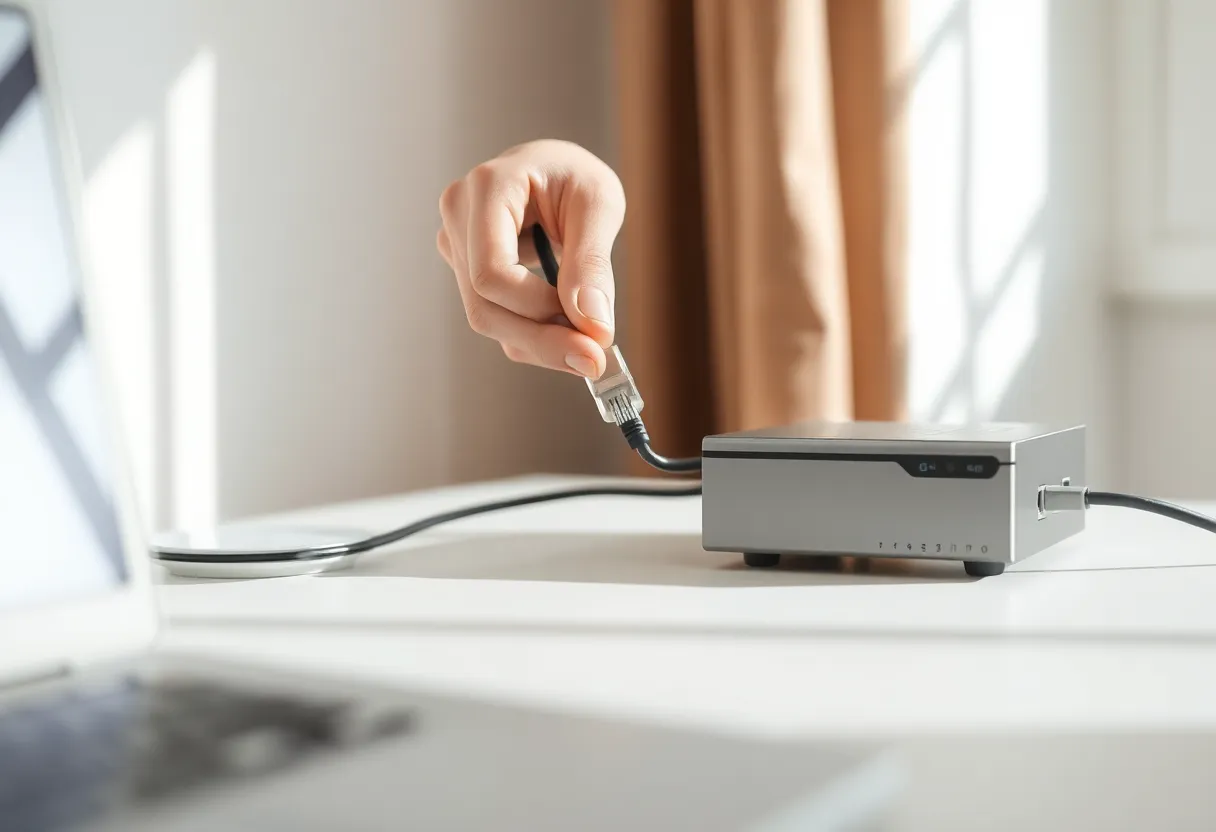
When I refuse
A household that will factory-reset whatever I leave. A rental where the next tenant needs the stock kit. A Mini on a table that is already a compromise. A person who wants the official app as their only obstruction view and will not learn luci. A setup where the only Ethernet run is to their router and I cannot pull a new one this month.
I also refuse when the “own firewall” is a random travel router with default passwords and UPnP on. That is not an upgrade. That is trading their image for a worse one. If you cannot name the failsafe, stay on theirs. I have written that about ISP gateways. It applies to dishes.
Wi-Fi after their radio goes dark
Bypass means you are the AP or you have APs. People forget. They disable the Starlink router and then stand in a hallway with laptops that still want the old SSID. Clone the SSID if you must, or accept a week of complaints. I clone only when I am sure I will not create a roaming fight between a leftover Starlink radio and my APs. Power theirs down. Do not leave two same-named clouds.
If you keep their router as an AP after bypass — some kits make this awkward — you now have two brains again. I would rather dumb APs I own. I would rather their router stay the router than a half-bypass that nobody can draw.
CGNAT does not care about your toggle
I still see people enable bypass and then scan from the outside hoping for a miracle. The miracle is a private WAN address on your firewall and a cleaner traceroute. Shodan does not start loving you. If you needed inbound, you needed a tunnel or a different ISP story before bypass. Bypass just stops you from lying to yourself about a port-forward screen on their app.
Outbound is usually the same. A few applications that hated double NAT get quieter. Most users will not write a poem. The poem is for the person who runs a PBX or a game that still believes 2005 is the year. Measure those. Do not measure Instagram.
The homelab reasons that are real
Pi-hole or Unbound as the DNS the phones actually use. VLANs that survive a guest. A VPN endpoint that is not “expose WireGuard on a box I cannot see.” Tailscale on a subnet router that is not double-NAT messy. None of that requires bypass if you can put a box behind theirs and live with the second NAT. Some of it gets cleaner with one NAT. Cleaner is not always required. Required is a firewall policy you can still explain at 11 p.m.
If the only goal is “I heard bypass is faster,” measure. I have seen no reliable miracle. I have seen fewer weird NAT helpers. Speed is the cell and the sky. Bypass does not cut trees.
Kits, years, and the menu that moved
Gen2, Mini, a rectangular kit, Ethernet adapter, “bypass” as a named mode versus unplugging their Wi-Fi router and using the LAN jack — the hardware generation changes the clicks. I will not screenshot a menu that will be wrong next quarter. I will say: read the current support page for your SKU, confirm you still have a path back, and do not take a Reddit post from a different dish as scripture. The idea is stable. The toggle is not.
If your kit cannot bypass cleanly, you can still put your firewall in the DMZ of theirs, or you can double-NAT and stop pretending. A bad bypass is worse than an honest double NAT. I have undone more clever Saturday than I have praised.
A short order of operations
Build the firewall on a table with a known WAN. Confirm it NATs, it DNS, it Wi-Fi or it feeds APs. Then put the dish in bypass. Then plug WAN. Then check IPv4 and IPv6. Then check that a laptop cannot hit luci from guest. Then put their router in a labeled bin so the next outage does not become a scavenger hunt. If anything fails, their router goes back. Pride is not a WAN.
Write the bypass step on the outage page that does not live on the NAS. Future you will not remember which menu hid the toggle.
Power and the brick you still need
Bypass does not remove their power supply. The dish still wants their brick, their cable, their PoE personality. People plan a pretty rack and then discover a proprietary injector that will not sit in a 1U tray. Leave space. Label the brick. If the only outlet is behind a couch, you did not build a firewall. You built a reach problem. I have crawled that couch. I do not miss it.
The decision
Use the included router when the house wants a supported living-room product. Use bypass when you already need your own firewall — VLANs, dual-WAN, DNS you can name — and you can recover without their app. Bypass does not gift a public IP. It gifts a single translator you own. If you do not own a translator, you do not need the toggle. I bypass the dish on my network. I leave theirs in the box at a house that will not read this far.