Raspberry Pi 5 NAS vs a Used Mini PC: When the Board Stops Being the Cheap Option

Sasha Pell
September 18, 2026
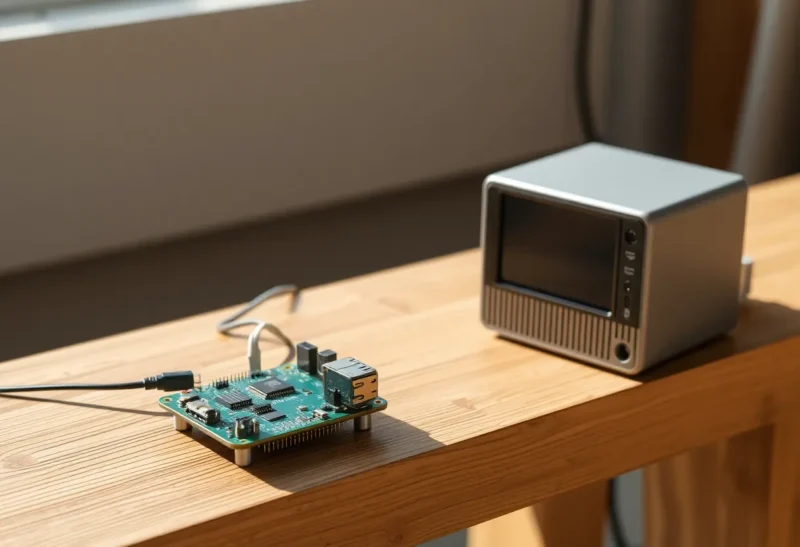
The Pi 5 NAS video always starts with a $60 board. It never stays a $60 board. Official 27 W supply, active cooler, case, NVMe HAT or a USB 3 enclosure that is the real bottleneck, a decent SSD, maybe a second SSD, a switch hop, hours of mdadm or OpenMediaVault. A used Dell or Lenovo SFF with six SATA ports and a real PCIe slot is sitting on Marketplace for the price of that kit, often with a 500 W PSU you will not use and a i5 that laughs at Samba. The board stopped being the cheap option around the moment you wanted two disks and a weekday.
I still buy spinning rust for bulk backups and I still refuse SMR that looked cheap on a spreadsheet. I will put that rust in a used mini PC before I put it on a Pi USB bus and call it a NAS.
What the Pi 5 actually is good at
Low idle watts if you are honest about peripherals. A quiet shelf. GPIO if you still care. A learning project. A Pi-hole plus a little NFS for a lab. The Pi 5’s NVMe options are real now. A single fast SSD as a small, efficient file server for two people and a laptop is a fine appliance. I have run that. I liked it until the third disk.
The Pi 5 is also a fine client of a NAS, and a fine sidecar (Arr, a scanner, a Zigbee stick away from the USB 3 SSD). Those jobs do not need SATA. People collapse “I want a Pi project” with “I want the household archive.” Different SKUs.
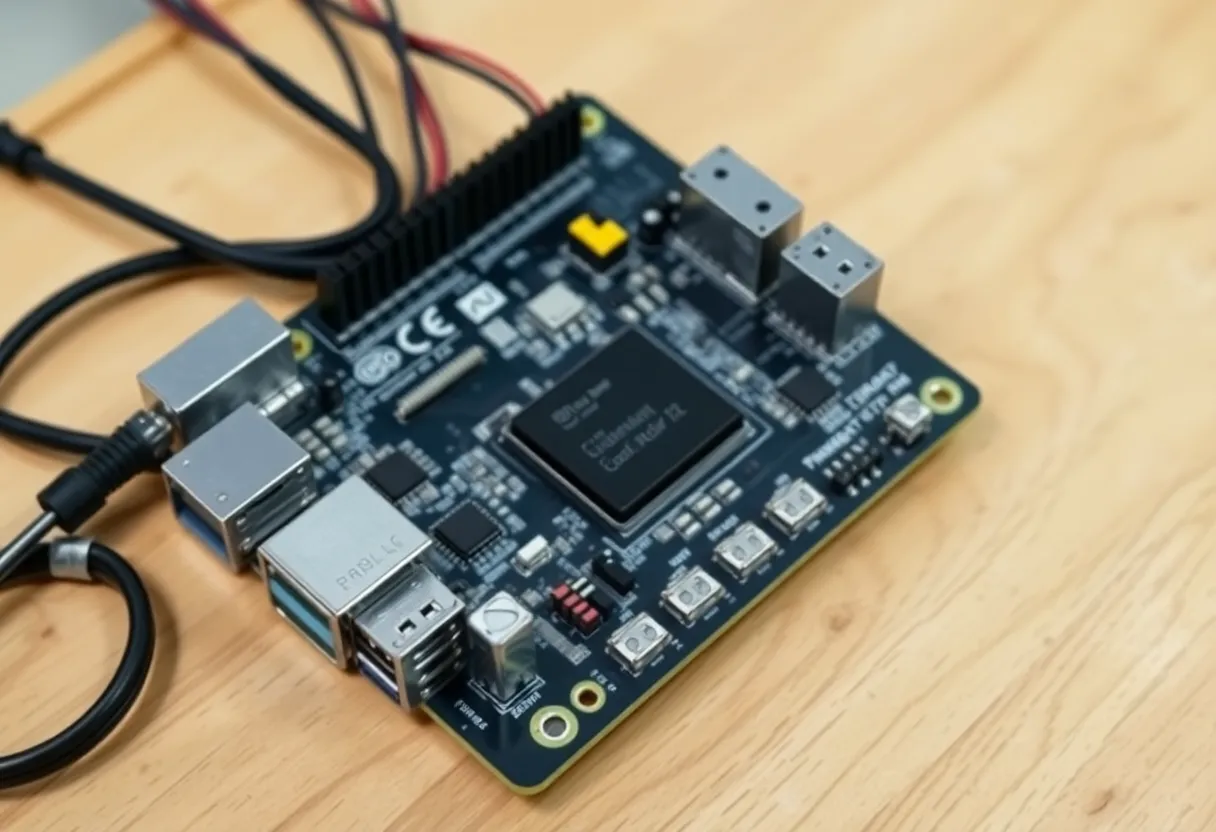
Where the money and the bus go
Add it up in the cart you will actually click:
- Pi 5 8 GB
- Official PSU (the phone charger will throttle and corrupt a disk at the worst time)
- Cooler and case that is not a toaster
- NVMe HAT plus a DRAM SSD, or a USB enclosure plus the same SSD
- A second disk if you have heard of backups
- A USB hub or powered enclosure when the second disk arrives
- A microSD you still need to boot, unless you have moved boot to NVMe and accepted that dance
That pile meets or beats a refurbished SFF with four empty SATA cages. The SFF already has NIC, video if you need it, and a chassis that can take a 3.5″ if you are not precious. Power draw is worse. Throughput and rebuild time are not.
USB storage on a Pi is the quiet tax. USB 3 is shared, adapters are flaky, UAS quirks, a cable that drops a disk. I have replaced more enclosures than I have replaced SATA backplanes. The mini PC’s SATA is boring. Boring is the NAS feature.
CPU, RAID, and the weekday
Samba plus encryption plus a scrub plus a Plex sidecar is how a Pi 5 becomes warm and slow. A used 8th-gen mini PC does that stack and still has a core for SSH. If the NAS is only SMB of media, a Pi can keep up on gigabit. If the NAS is also ZFS or btrfs RAID and a weekly scrub, I want x86 and ECC if I can steal it, and I will not steal it from a Pi.
ZFS on a Pi is a personality. People do it. I have watched scrubs take the network with them. The mini PC finishes the scrub and the living room keeps Netflix. That is the weekday test.
2.5 GbE HATs exist for the Pi 5. They cost more personality. Many SFF boxes already have a 2.5G NIC or a slot. I would rather buy one used box with the NIC than stack HATs until the official PSU is a suggestion.
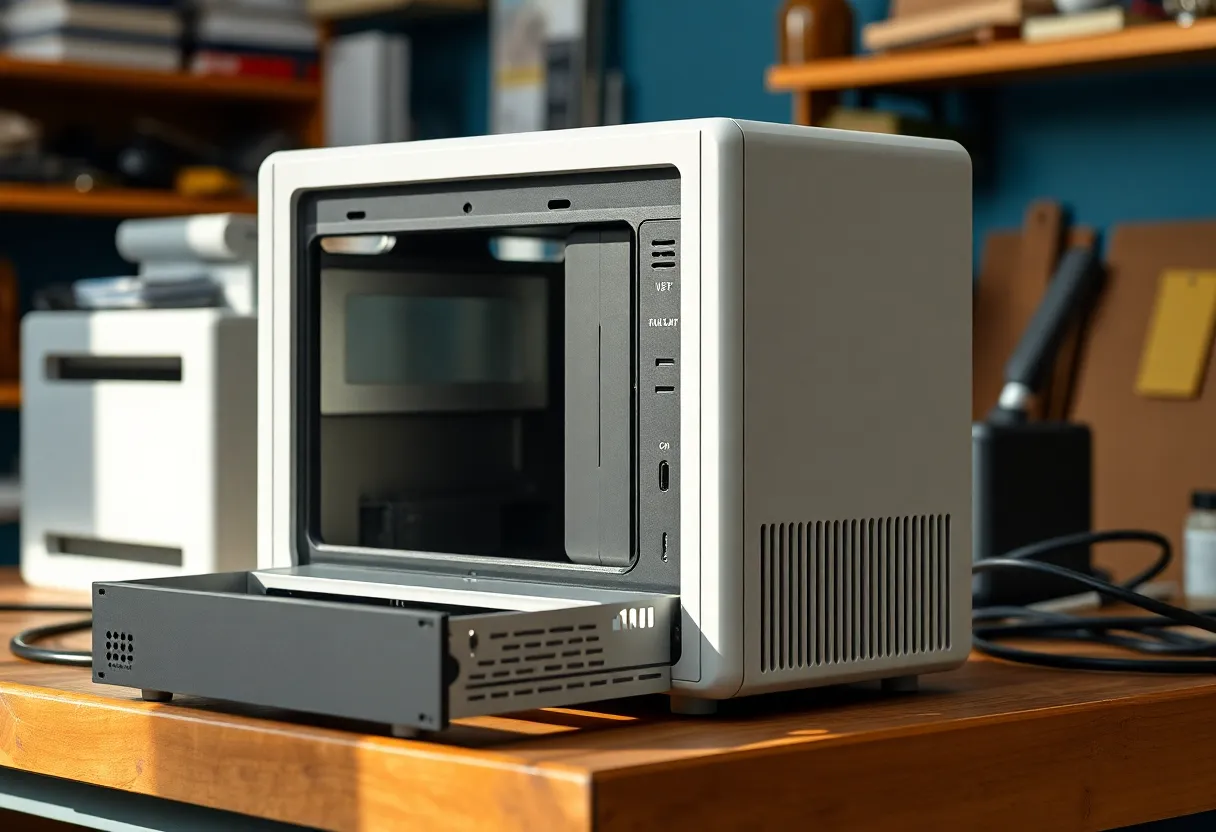
Power, noise, and the honest watt
The Pi wins idle watts if the SFF is a 65 W laptop brick feeding a machine that never C-states. A modern used 8th/9th-gen SFF can idle in the teens if you turn off the spinning disks or spin them down — which you should not do every five minutes if you want the disks to live. NAS disks like to run. The watt story becomes “always-on rust plus a small brain.” The Pi brain is smaller. The rust still draws. People compare Pi idle to SFF idle with no disks and then add disks only to the Pi side in their head. Add the disks to both sides.
Noise is why some people stay on Pi. A fanless Pi plus a quiet USB SSD is a bedroom NAS. A used SFF with a dying fan is a divorce. I replace the fan. I do not pretend the Pi is the only quiet computer. There are used mini PCs that are silent enough. Listen before you buy, or budget a Noctua and a Saturday.
Software you will actually run
OpenMediaVault on Pi is a well-trodden path and a forum of USB grief. TrueNAS SCALE on a Pi is a dare. Unraid wants a USB boot stick and a machine that looks like a PC; a used SFF is that machine. If your mental model is “I’ll just run the YouTuber’s compose on the Pi,” count the services. Immich plus Samba plus a downloader is how the $60 board becomes a $200 thermal event.
I run Samba and restic. I do not run the Arr stack on the same CPU that scrubs disks if I can avoid it. The mini PC lets me avoid it by having cores left. The Pi makes me choose. Choosing is fine. Pretending I did not choose is how the living room buffers.
When I still pick the Pi
One SSD, two users, quiet shelf, under 10 W as a goal, and I will not add a third disk “just because.” Or: the NAS is a temporary lab and the data is not the family photos. Or: I already own the Pi and the HAT and I am not buying a third computer this month. Ownership changes the math. A greenfield cart does not.
I also pick the Pi when the alternative used SFF is a loud thin client with one SATA and a soldered disk. Not every Marketplace listing is a winner. Look for SFF with caddies, not a stick of RAM and a prayer.
When I pick the used mini PC
Family photos, more than one disk, any RAID, any 2.5″ farm, any “also run Immich,” any desire to pass through a GPU later. The board is not the cheap option. The used office PC is. I will spend the watt difference and I will sleep.
I will also pick the mini PC when I want TrueNAS or Unraid without fighting ARM kernel modules on a Tuesday. Pi NAS is usually Debian plus OMV or plain Samba. That can be enough. It is not the same product as a box that was born to host disks.
Resale and the sunk HAT
Pi kits fragment. A HAT for one revision is junk for the next. Used SFF parts stay SATA and DIMMs. When I am done with a mini PC NAS I can sell the chassis. When I am done with a Pi NAS I have a drawer of power supplies. That drawer is the real price of “cheap.” I say this as someone with the drawer.
A cart I would actually run
Greenfield household archive: used SFF, two used NAS HDDs that are not SMR, one SSD for metadata if I am fancy, restic off-site. Power cost noted. Pi not in the quote.
Greenfield tiny share: Pi 5, one NVMe, official PSU, OMV or Samba, UPS if the photos land there anyway. No RAID on USB. Off-site copy mandatory because one disk is one disk.
The YouTube title will still say the Pi is $60. The comments will still ask which HAT. The Marketplace listing will still be $90 and ugly. Ugly is allowed. A bus that drops disks is not a savings. I have paid the HAT tax. I have also bought the ugly SFF. The SFF still holds the rust. The Pi still holds a stick and a lesson. If a commenter says the Pi 5 “changes everything” because PCIe is finally on the board, nod, then ask how many 3.5″ bays they attached to that PCIe. One NVMe is a fast laptop disk in a cute case. A NAS is a habit of disks. Habits want cages, not HATs. I will cheer the Pi 5 for what it is. I will not let a HAT talk me out of a used chassis that already knows how to hold rust. If the board is the cheap option in your spreadsheet, add the PSU, the cooler, the enclosure, and the Saturday you will spend on UAS quirks. Then look at Marketplace again. The listing is still ugly. The math is usually not.