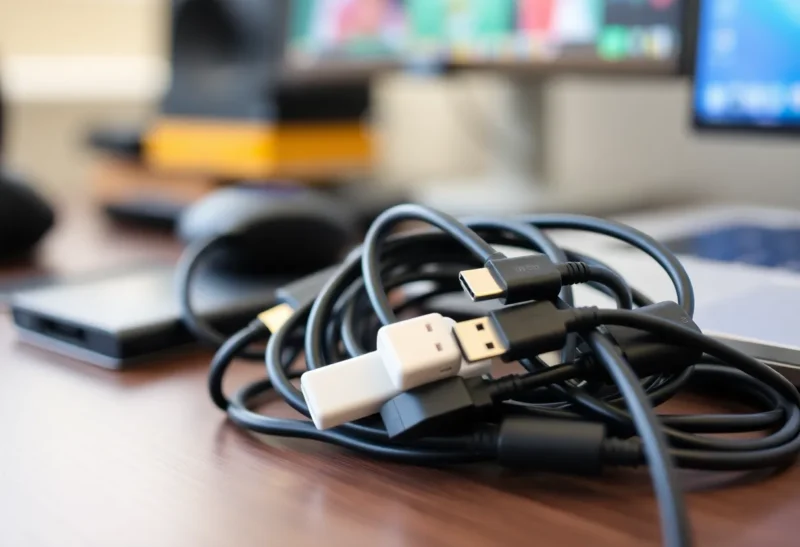
USB-C was supposed to fix everything. One connector for charging, data, video, and peripherals. No more drawer full of micro-USB, Mini-USB, and proprietary plugs. We’re years into the USB-C era—phones, laptops, and tablets have mostly standardized on the port—and yet most of us still own a mess of cables and adapters. Why? Because the port is only half the story. The rest is a jungle of standards, power profiles, and “USB-C” cables that do completely different things.
The Port Is Not the Protocol
USB-C is a physical connector. It has 24 pins that can carry power, USB 2.0, USB 3.x, Thunderbolt, DisplayPort, and more—depending on what the device and the cable support. So when you see “USB-C” on a laptop and “USB-C” on a cable, you know they’ll plug together. You don’t know if they’ll charge at 5 W or 100 W, transfer data at 480 Mbps or 40 Gbps, or drive a 4K display. Two cables can look identical and behave totally differently. That’s the core of the confusion.
Cheap cables often support only USB 2.0 and basic power. “Full-featured” cables support USB4 or Thunderbolt and high-wattage charging—and cost more. There’s no obvious way to tell them apart without reading the fine print or testing. So the dream of “one cable for everything” runs into reality: you need the right cable for the job, and the jobs are not all the same.
Power Delivery Chaos
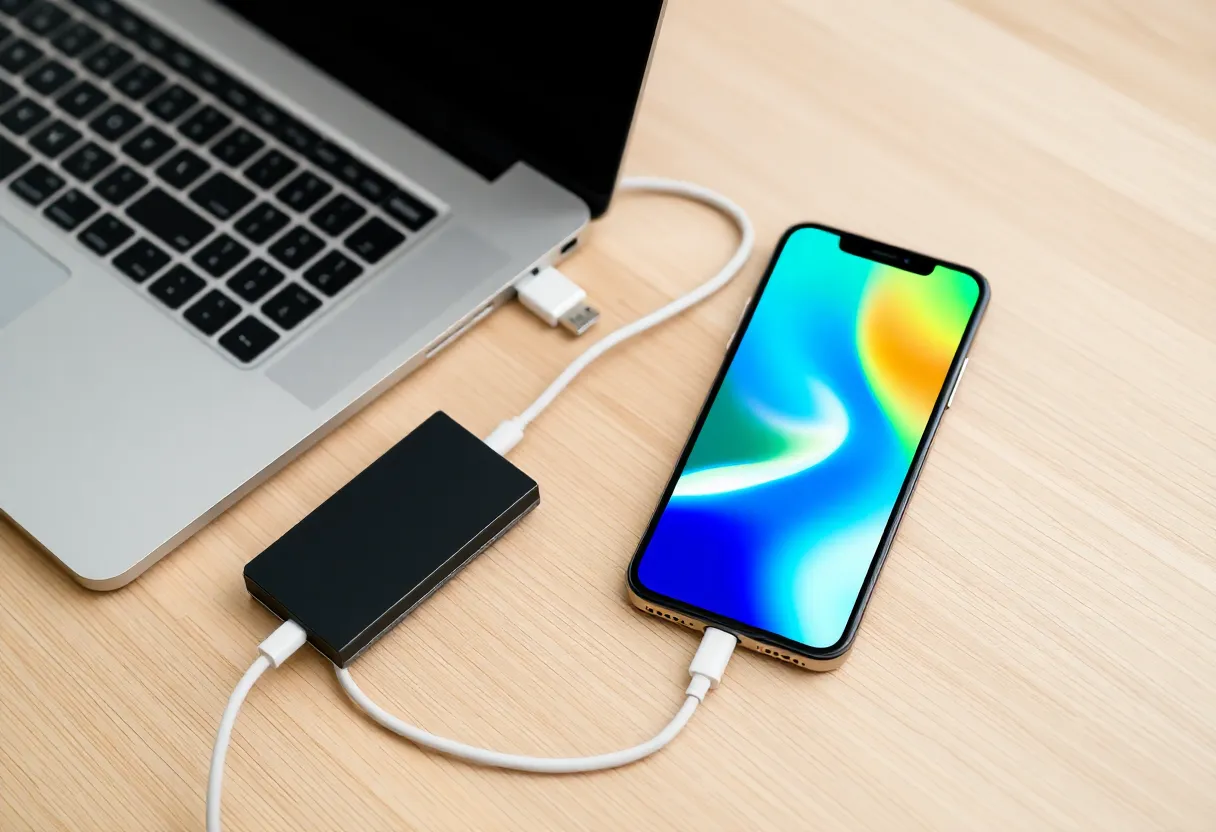
USB Power Delivery (PD) is the standard for negotiating higher power over USB-C. Your phone might want 18 W, your laptop 65 W or 100 W. The charger and cable have to support the right PD profile. A cable that only does 60 W won’t fast-charge a laptop that can take 100 W. A charger that tops out at 30 W will charge that laptop slowly. Again, the connector fits—but the capability doesn’t match. So you end up with a “charging” cable and a “data and video” cable and a “this one does everything” cable, and they all look the same in the drawer.
Video and Thunderbolt
Want to plug your laptop into a monitor with one cable? You need a cable that supports DisplayPort (or Thunderbolt, which carries DisplayPort). Many USB-C cables are charge-and-data only; they don’t have the pins or the electronics for video. So you buy a “USB-C to DisplayPort” or “USB-C to HDMI” adapter, or you buy a cable that explicitly supports video. The USB-IF and manufacturers have tried to label things (SuperSpeed, PD, Thunderbolt), but the labels are easy to miss and not always honest. So “one cable to rule them all” becomes “one cable per use case.”

What Would Fix It
Strictly enforced labeling (cable and port capabilities on the product and packaging), and devices that clearly state what they need. We’re not there. Regulation is pushing a common port (the EU’s common charger rule), but regulation doesn’t fix the capability mess—only the shape of the plug. So we’re stuck with a connector that’s universal in form and fractured in function. The best you can do is buy cables and chargers from brands that spell out specs: wattage, data speed, and video support. And keep a few known-good cables for the things that matter: fast charging and your main dock or monitor.
The Bottom Line
USB-C still isn’t one cable to rule them all because the connector is shared and the capabilities are not. Power, data speed, and video support vary by cable and device. Until labeling and standards make that obvious at a glance, the drawer full of cables is here to stay. Know what your devices need, buy cables that match, and don’t assume every USB-C cable is the same—because it isn’t.