iOS Shortcuts vs NFC Tags at a Desk: When Location Automations Never Fire Indoors

Samira Qureshi
August 25, 2026
Apple will sell you a Personal Automation that begins with “When I Arrive.” It looks like a commute ritual. In an office, a coworking loft, or a thick-walled apartment, it is a coin toss. The geofence is a blob the size of a city block. GPS is a rumor indoors. Wi-Fi positioning thinks you arrived while you were still in the elevator, or it thinks you never left the café downstairs.
I spent a year waiting for “arrive at desk” to mean arrive at desk. The shortcut that was supposed to flip Focus, open the work playlist, and set two HomeKit scenes fired in the parking garage, fired at lunch two streets over, or did not fire until I unlocked the phone and stared at it like a superstition. Location was the wrong sensor. The same class of “it ran on the workbench” lie shows up in Get Contents of URL versus a cron box. The desk is a piece of furniture. Furniture can hold an NFC sticker.
This is not a manifesto against geofences. They are fine for “roughly home” and “roughly the office campus.” They are the wrong trigger for a two-meter decision. Shortcuts still does the work. The tag decides when.
What “When I Arrive” is actually measuring
iOS location automations are not a doorbell. They are a significant-location guess. Apple batches and coarsens on purpose: battery, privacy, a radio that cannot see satellites through concrete. The radius you pick in Shortcuts is not a circle the phone respects like a surveyor. It is a hint. Indoors, the hint is often the last outdoor fix plus a Wi-Fi BSSID that three tenants share.
If your desk is in a building with a single public SSID on every floor, “When I Join [Office Wi-Fi]” is only slightly better. You join in the lobby. You join in the bathroom. You join when the laptop tethers and the phone prefers that network for a second. I used Wi-Fi as a middle ground for a month. It fired when I wanted a desk mode and also when I walked to a meeting room that used the same network. That is still a building-scale sensor.
Bluetooth device automations — “When [keyboard] connects” — sound desk-specific until you realize a portable keyboard connects on the couch. The desk is not a radio. The desk is a place you touch.
The NFC automation is a button you do not have to look at
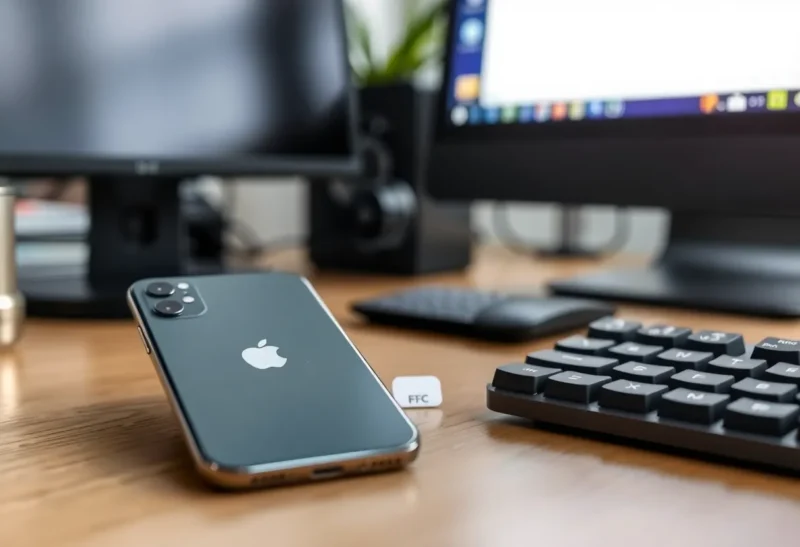
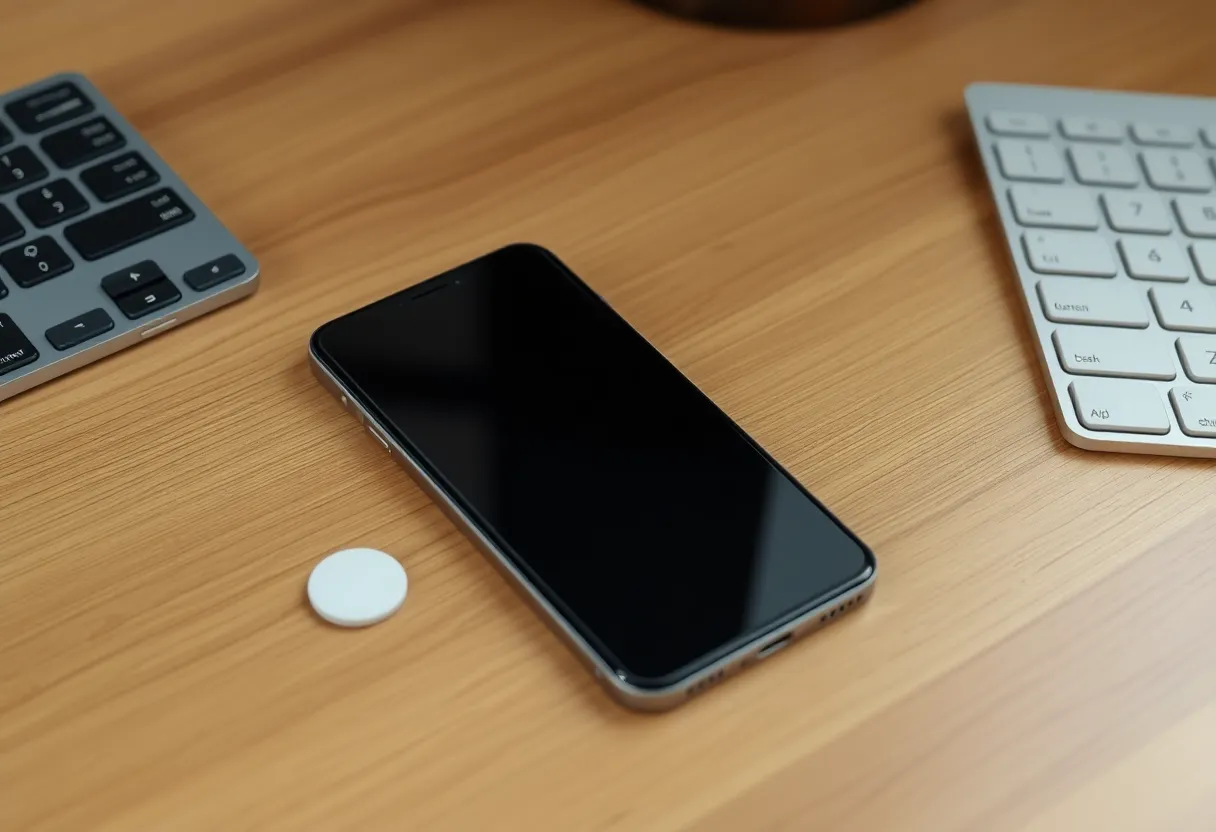
Shortcuts has a Personal Automation trigger named NFC. You scan a tag once, name it, and attach a shortcut. You can turn off “Ask Before Running.” The phone becomes a tap target. NTAG215 stickers cost less than a coffee and stick to the underside of the desk, the monitor stand, or the lamp base — anywhere the top-edge reader of a recent iPhone can find metal-free plastic.
Tap is intent. You sat down. You meant to start the work scene. The automation does not care that GPS thinks you are still on the ring road.
The cost is obvious: if you do not tap, nothing happens. That is the feature. Location tried to infer a life. NFC waits for a gesture you already make when you set the phone down. I put the tag where the phone naturally rests, just left of the trackpad. The tap is the same motion as putting the phone in its usual spot, with a half-second of contact.
What still hits a wall after the tap
NFC does not lift Shortcuts’ other limits. It only fixes the trigger.
Many actions still want the phone unlocked. HomeKit and Focus often run from a locked device. Opening an app, talking to a third-party app via App Intents, or doing anything that shows UI will wait or fail until you look at the screen. I split the desk shortcut into two layers: a locked-safe core (Focus, HomeKit, Do Not Disturb-ish Focus filter, volume) and an unlocked tail I run manually if I need a specific document in Drafts or a Scriptable widget refresh.
Background time is still stingy. A shortcut that waits, polls, or talks to a flaky webhook will die the same way it dies from a location trigger. NFC is not a cron. If you need “every weekday at 9:00 if I am at the desk,” you still do not have that. You have “when I tap, do this now.” Combine a morning time automation that only sets a flag with an NFC tap that checks the flag if you want a ritual. I stopped doing that. The tap is enough.
Apple Watch will not save you. The Watch is not a general NFC Shortcuts wand. The phone is the reader. If the phone is in a bag across the room, the desk tag is a sticker. Location at least tried to run from a pocket. That is the one indoor case where I still keep a coarse “arrived at work building” automation: it sets a weak Focus. The desk tag sets the real one.
A desk tag versus a door tag
I run two tags, not one.
The door tag is on the apartment light switch plate. It means “I am home and I meant to be.” It sets Home, unlocks a couple of scenes, and turns off the work Focus. Location “arrive home” used to do this from the sidewalk, which turned on lights while I was still talking to a neighbor. The door tap is rude in a useful way: it only happens at the door.
The desk tag means “deep work.” It enables a Focus that hides social apps, sets the Hue scene to a cold 4000K, and starts a 50-minute timer I actually notice. Leaving the desk is a second tag on the other side of the monitor — or, more honestly, I forget and the Focus stays on until the door tag or a time-based “evening” shortcut clears it. Forgetting is better than a geofence that cleared Focus because I walked to the kitchen.
If you only buy one sticker, buy the desk one. Home arrival is the geofence that fails least, because houses are larger than desks and you often walk the last twenty meters outdoors. Desks are indoor by definition.
Wi-Fi and Bluetooth as runners-up
Keep them for coarse modes. “Joined home Wi-Fi” can enable a low-stakes Home arrival if you live alone and the SSID is not a café. “CarPlay connected” is a great trigger because the car is not ambiguous. “Office Wi-Fi” is a building trigger. Use it to download a large file or connect a VPN, not to claim you sat down.
I tried “when Studio Display camera is in use” and other presence fantasies. They are not in Shortcuts. Presence is a HomeKit problem, a mmWave sensor problem, a laptop-idle problem. Do not ask an iPhone location API to be a chair sensor.

Building the shortcut so a failed tap is obvious
Silent success is how you stop trusting the system. My desk shortcut ends with a haptic and a notification that says “Desk mode” with the time. If I sit down and do not feel the haptic, I tap again. Location automations failed silently for months — no notification I had allowed myself to notice — which is why I thought they were “working sometimes.”
Log a line to a note or a ntfy topic if you are the kind of person who debugs a life. I logged for two weeks and learned I tap the desk tag 1.4 times per sitting because the first tap is too glancing. I moved the sticker two centimeters toward the front edge. The second tap rate dropped. That is not an Apple setting. That is furniture.
Name the automation after the furniture, not the vibe. “Desk-left-NTAG” is searchable when you have twelve NFC automations and iOS shows them as identical lightning bolts.
Tags, metal, and the cases that kill reads
Metal desks and metal monitor arms detune cheap stickers. If the read is flaky, the automation is worse than location: you will blame Shortcuts. Use a ferrite-backed NFC tag on metal, or stick the tag to the underside of a wooden keyboard tray. Thick MagSafe wallets and some camera-control cases add distance. If you changed a case and the desk “broke,” check distance before you rebuild the shortcut.
Do not write a URL to the tag and hope Safari does something clever. Use Shortcuts’ own NFC enrollment so the tag is an identifier, not a payload you have to keep in sync. Empty tags are enough. The shortcut lives on the phone.
When location is still the right trigger
Use location for campus-scale and home-scale: “left the neighborhood, turn off the rare window AC,” “arrived in the city I travel to, download offline maps.” Use it for reminders that can be early. Do not use it for a scene that is annoying if it is wrong — a work Focus that hides messages, a speaker that starts talking in a meeting room, lights that announce you are “at the desk” when you are in the hallway.
If a wrong fire is embarrassing or costly, it is a tap. If a wrong fire is cheap, it can be a geofence.
The decision
Shortcuts is the engine. Location is a weather report. NFC is a light switch. Indoors, at a desk, I stopped asking the weather whether I sat down.
Put a sticker where the phone already goes. Run Focus and HomeKit from the tap. Keep a loose location automation only if you want a building-scale hint. When “When I Arrive” misses again, you will not be surprised. You will tap the desk, feel the haptic, and get on with the work the geofence could not see.