KOReader vs Boox NeoReader: Sideloaded Libraries When the Vendor App Fights EPUB

Mira Chen
August 25, 2026
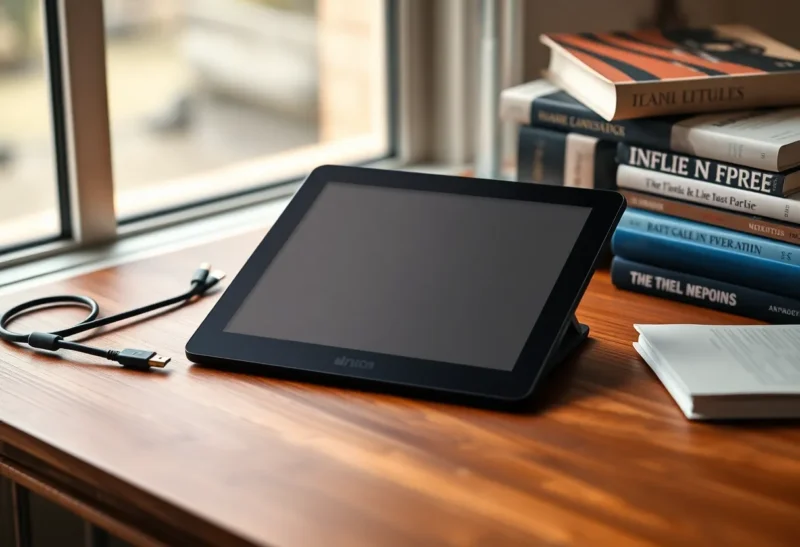
I bought a Boox because I wanted Android, sideloading, and a screen that did not glow at midnight. What I actually bought was a custody fight over every EPUB I dropped on the device.
NeoReader opens first. It always opens first. After an OTA it forgets that you set KOReader as the default, or it keeps the association and still intercepts .epub from the Files app. You sit there with two thousand sideloaded books and a vendor reader that treats CSS like a suggestion and publisher fonts like a threat.
This is not a review of which app has more buttons. It is the decision you make after the honeymoon week: do you live inside NeoReader because it is welded to the tablet, or do you treat Boox as a cheap Android e-ink chassis and let KOReader own the library?
What each app thinks a library is
NeoReader wants a database. It scans folders, builds a shelf, pulls covers, and then quietly decides that a book with a messy calibre identifier is a duplicate of one you deleted last month. Collections are NeoReader objects. If you move files in a file manager, the shelf lies to you until you rescan. If you keep books on an SD card and the card remounts with a different path after a reboot, the database points at ghosts.
KOReader wants a filesystem. The library is the folder. Covers come from the EPUB or from a sidecar. Collections, if you use them, are optional metadata, not a second source of truth. That sounds primitive until you have a Calibre library that already has a folder structure you trust. Then it feels like the only honest model.
The fight starts the first time you sideload from a laptop. Send-to-Boox, PushRead, Dropbox, Syncthing, a USB cable — it does not matter. The chassis question underneath is still reMarkable versus Boox: who owns the library after the honeymoon week. NeoReader notices new files and offers to import them. KOReader, if you opened it last, still has yesterday’s directory cached. You can end up reading chapter three in one app and highlighting chapter four in the other without realizing they are the same file.
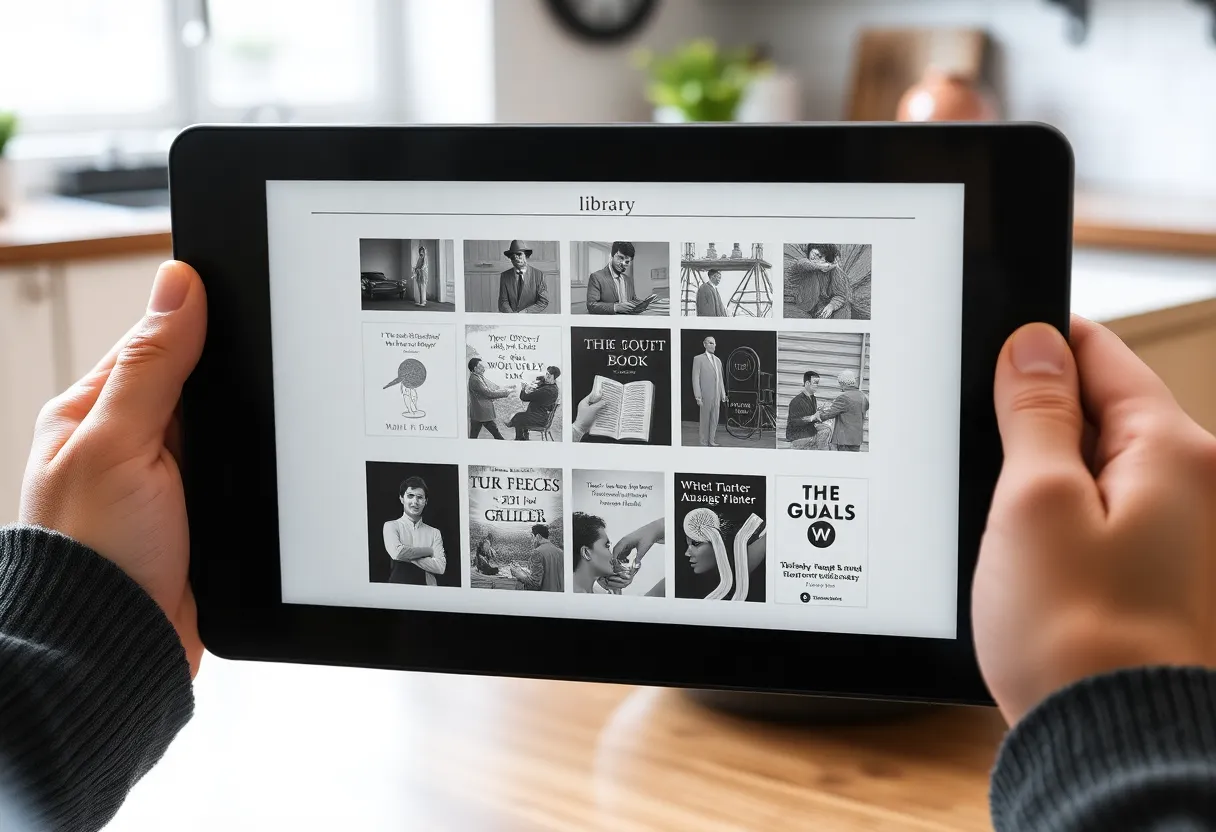
EPUB rendering: where NeoReader picks a fight
NeoReader is competent on simple trade paperbacks. Body text, a few italics, a chapter heading. It falls apart on anything a small press actually designed.
Drop in an EPUB that sets font-family on the body, uses a drop cap, or ships a dedicated small-caps face for running heads. NeoReader will often substitute the device default, ignore @font-face unless you hunt through settings, and then apply its own “enhancement” contrast curve that makes the remaining CSS look drunk. Publisher margins get clamped. Lists lose their indent. Poems become prose.
KOReader is not a perfect CSS engine. It is a conservative one. You pick a font, a hyphenation dictionary, a line spacing, and it stays there. Embedded fonts can be enabled per book. The CSS is still a subset, but it is a documented subset, and when something breaks you can open the HTML from the same zip and see why. NeoReader’s failures are harder to inspect. You get a pretty page that is wrong, and no trail.
Reflow on scanned PDFs is the one place I still open NeoReader on purpose. Its crop and reflow tools are faster than KOReader’s k2pdfopt path for a one-off journal article. For a library of born-digital EPUBs, that advantage never comes up.
The default-app war after every firmware
Boox ships firmware the way other vendors ship feature lists. A “reading experience” update arrives. NeoReader is newer. File associations reset. Sometimes the Open With sheet still lists KOReader, but tapping an EPUB in NeoReader’s own shelf never offers an escape hatch — you are already inside the vendor app.
I keep a checklist after each update:
- Settings → Apps → Default apps → Opening links and files: set KOReader for EPUB, FB2, MOBI. Leave NeoReader on PDF if you still want its crop tools.
- Disable NeoReader’s auto-scan of the download folder, or it will import the same Calibre dump twice and create a second coverless entry.
- In KOReader, pin the Calibre wireless or USBMS folder as home so you do not browse into Android’s
Downloadjunk. - Turn off Boox “smart recommendations” that reopen the last NeoReader title on wake. That setting has moved three times in two years.
None of this is hard. All of it is unpaid labor you would not do on a Kobo that simply runs Nickel, or on a jailbroken Kindle that you already accepted as a science project. You bought Android so you could install KOReader. The tablet keeps trying to talk you out of it.
Highlights, export, and the lock-in you did not notice
Highlights are the real switching cost. NeoReader stores marks in its own database and can sync them through a Boox account. Export exists — text, sometimes a note file — but the mapping back to EPUB CFI or chapter href is messy. If you ever leave the device, you get a pile of quotes without stable anchors.
KOReader writes highlights next to the book. Sidecar files. You can export to HTML or text. You can point a script at the folder and get a vault of clippings that still know which file they came from. That is uglier on day one and much kinder in year three, when you want those notes in Obsidian or a git repo instead of a Boox cloud you stopped paying attention to.
I tried the hybrid for a month: novels in KOReader, work PDFs in NeoReader. The hybrid failed because my hands do not remember which app owns which file. I opened a novel in NeoReader after an update, highlighted a page, and only noticed the split when I searched KOReader’s clippings folder. One book, two highlight stores, no merge.
Sideloading paths that actually stay out of NeoReader’s way
USB MTP is the honest path. Calibre talks to the tablet, writes into a folder you chose, and you open that folder in KOReader. NeoReader will still scan it unless you exclude the path. Exclude the path.
Calibre wireless / smart device is cleaner if you hate cables. KOReader’s Calibre plugin speaks the same language. Books land where you pointed them. NeoReader does not have to be in the room.
Cloud folders are where the vendor app wins by accident. Boox’s built-in transfer drops files into a watched directory. NeoReader imports. You then have a library entry that points at a file KOReader can also see. Delete from one shelf and the file may remain. Delete the file and NeoReader keeps a tombstone. If you insist on Dropbox or Syncthing, point the sync root at a directory NeoReader is forbidden to index, and only open it from KOReader’s file browser.
OPDS is the path I wish more people used. A Calibre Content Server or a tiny COPS instance on the LAN, KOReader as the client, no Android share sheet, no NeoReader import prompt. It feels like 2012 in the best way: a catalog, a download, a file on disk.
Typography, hyphenation, and the “I paid for a typeset book” problem
KOReader lets you set a hyphenation language per book, pick a font that actually has a hyphenation dictionary that matches, and keep publisher justification or override it. You can also disable embedded fonts globally and then enable them for the one edition that was designed around them. That sounds fussy. It is the difference between a 2018 Verso paperback EPUB looking like a Verso book and looking like a web article.
NeoReader offers font size, a handful of typefaces, and a contrast slider. Hyphenation is on or off. When it is on, it hyphenates like a phone browser. Fine for a Kindle store novel. Insulting for poetry, for anything with wide margins, for bilingual editions that mix scripts.
Dark mode on e-ink is a separate argument. NeoReader’s inversion is convenient and sometimes leaves ghosted UI chrome. KOReader’s night mode is a real theme. I leave both in daytime contrast. The point of the panel is that it is paper-ish, not that it can pretend to be AMOLED.
Battery, refresh, and the Android tax
KOReader can be lighter. It is one process, aggressive about sleep, and it does not keep a cloud sync service awake to “enhance your reading.” NeoReader sits next to Boox account services, shop integration, and whatever the last firmware added for AI summaries. On a Go-sized device, that is the difference between four days and two if you also leave Wi-Fi on for sync.
Refresh modes are a wash if you pick similar settings. A2 in either app will streak on small text. HD mode in either app will chew battery on a dense PDF. The app is not the panel. The app is whether background work steals the panel’s sleep.
If you sideload a lot, you will also feel Android’s file indexer. Media scanner wakes, NeoReader rescans, KOReader does nothing. Disabling unused Boox apps is not optional if you want KOReader’s battery story to be true.
When NeoReader is still the right default
I am not a KOReader maximalist. NeoReader wins in a few boring cases:
- You read mostly Kindle-store-quality EPUBs and a lot of magazine PDFs with NeoReader’s crop/reflow.
- You want Boox notes and reading on the same account without exporting anything.
- You share the tablet with someone who should not be taught a file browser.
- You need TTS that is wired into Android’s accessibility stack and you do not want to configure KOReader’s extra bits.
If those are you, stop fighting. Leave KOReader uninstalled. The misery is the dual-stack, not NeoReader by itself.
The misery is also DRM. Neither app will save you from Adobe ADEPT or Kindle lock-in. Sideload means you already stripped or bought DRM-free. If your library is still in a walled store, this comparison is entertainment. Fix the library first.
A working split that does not rot
The split that lasted for me is not “novels vs PDFs.” It is “filesystem library vs one-off documents.”
Everything I intend to keep — the Calibre library, the long-term highlights — lives in one folder, opened only by KOReader, excluded from NeoReader’s scan. Everything I will delete in a week — a preprint, a user manual, a scanned form — can open in NeoReader from the Downloads tray and die there.
That split survives firmware. NeoReader can steal the default again and I lose a week of manuals, not a year of annotations. KOReader stays the library. NeoReader stays the utility.
What I would tell someone flashing a new Boox
Install KOReader from the official release, not a random APK mirror. Set it as the EPUB handler before you copy a single book. Create the library folder first, then copy. Turn off NeoReader’s automatic import. Decide on day one whether highlights will ever leave the device. If yes, KOReader sidecars. If no, enjoy NeoReader and stop reading comparison posts.
The vendor app is not evil. It is optimized for people who buy books from Boox and want a storefront. You sideloaded a library. You are not that customer. The tablet will keep offering you their reader because that is the product. KOReader is the part you actually wanted when you paid for Android on e-ink.
Once the defaults hold for a month, the fight goes quiet. The books look like books. The folder is the catalog. And the next firmware will try again — which is why the checklist lives in a note, not in your memory.