How Dark Mode Actually Affects Battery Life and Eye Strain

Helena Voss
July 7, 2026
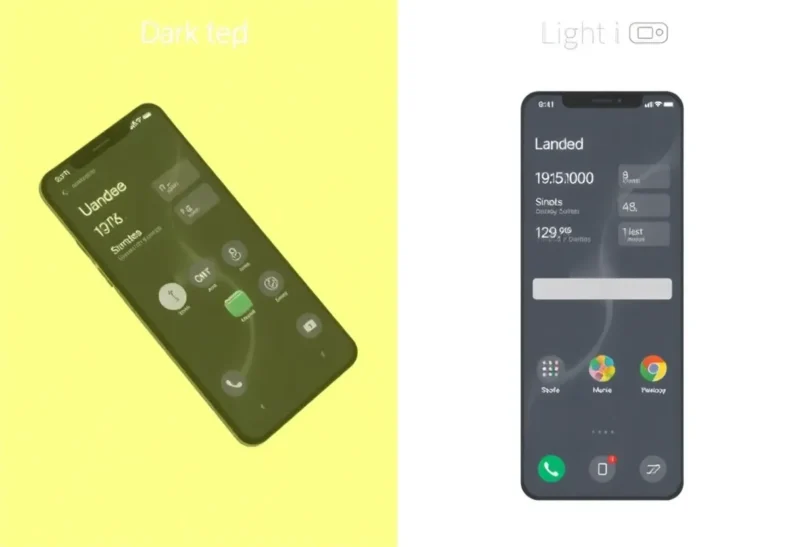
Dark mode has become one of the most universally adopted display preferences in modern computing, supported by every major operating system and most applications. The reasons people use it are varied — aesthetic preference, perceived eye comfort, supposed battery savings, or simply following the default — and the claims made for dark mode’s benefits in health and battery content range from well-supported to significantly overstated. The actual evidence is screen-type-dependent, ambient-light-dependent, and more nuanced than the “dark mode is better for you” narrative suggests.
Battery Life: When Dark Mode Helps and When It Doesn’t
The battery savings claim for dark mode is real but depends entirely on the screen technology. OLED (Organic Light-Emitting Diode) and AMOLED displays — used in most flagship smartphones and increasingly in high-end laptops (MacBook Pro, select Samsung and LG laptop panels) — produce light by illuminating individual pixels. A black pixel in an OLED display is a pixel that’s turned off and consuming essentially no power. A white pixel requires full illumination of all three sub-pixels (red, green, blue) at maximum brightness. Dark mode interfaces, with predominantly dark backgrounds, display far fewer bright pixels and thus consume substantially less power on OLED screens.
Google’s testing showed that switching to dark mode on a Pixel phone at maximum brightness reduced screen power consumption by up to 63% for certain interfaces. More practically, a medium-brightness OLED phone running dark mode throughout the day will have meaningfully more battery remaining at the end of the day than the same phone running light mode — the difference is real and measurable, though the magnitude depends on how much of the screen is dark (a mostly-black Netflix app consumes very little screen power; a dark mode web browser still displays many light content images).
LCD (Liquid Crystal Display) screens work completely differently: they have a constant backlight that illuminates the entire panel, with liquid crystals blocking some of the backlight for dark pixels. The backlight runs at the same power regardless of what’s displayed on screen — black pixels in an LCD display are achieved by blocking the backlight, not by turning it off. Dark mode on an LCD display saves essentially no power, because the backlight is constant. Most desktop monitors, budget laptops, and older phones use LCD displays, and dark mode provides no battery benefit on these.
Eye Strain: A More Complicated Picture
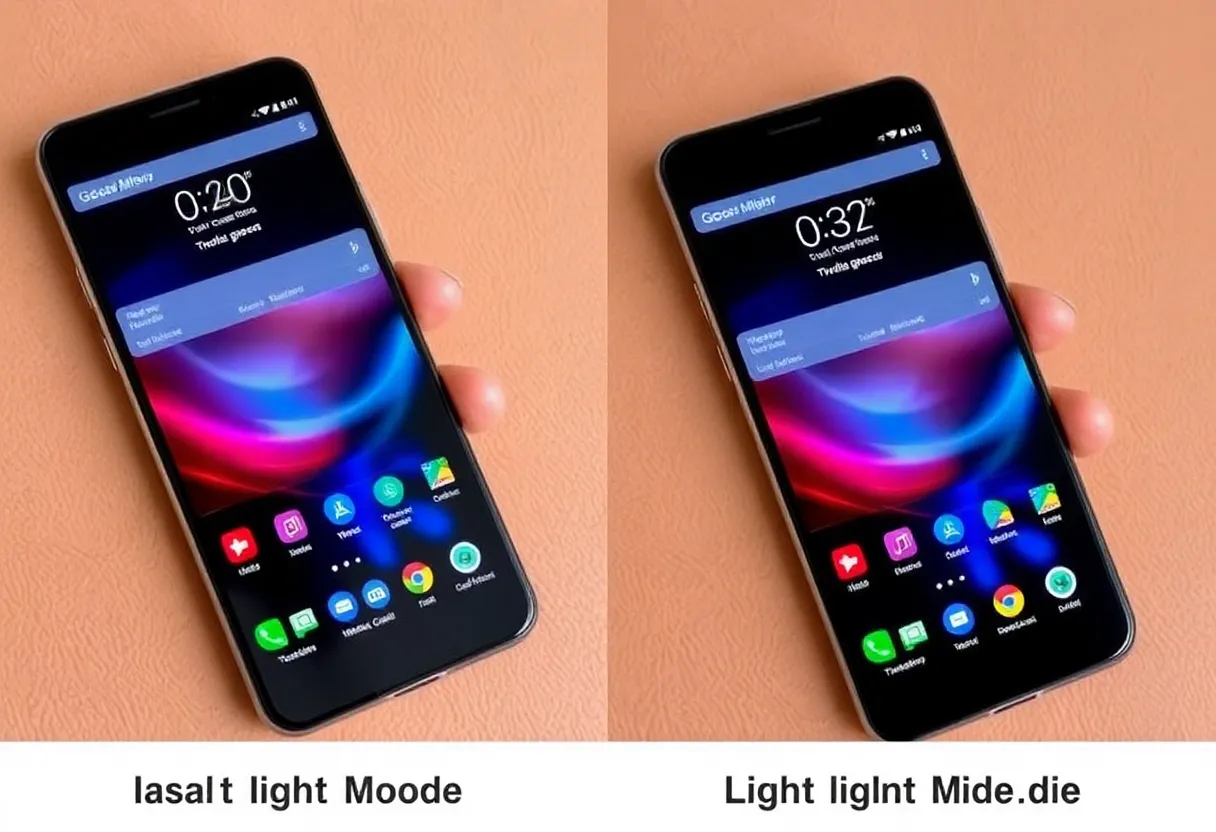
The eye strain evidence for dark mode is more mixed and context-dependent than the battery savings story. Several mechanisms are cited for dark mode’s eye comfort benefit, and the evidence for each varies:
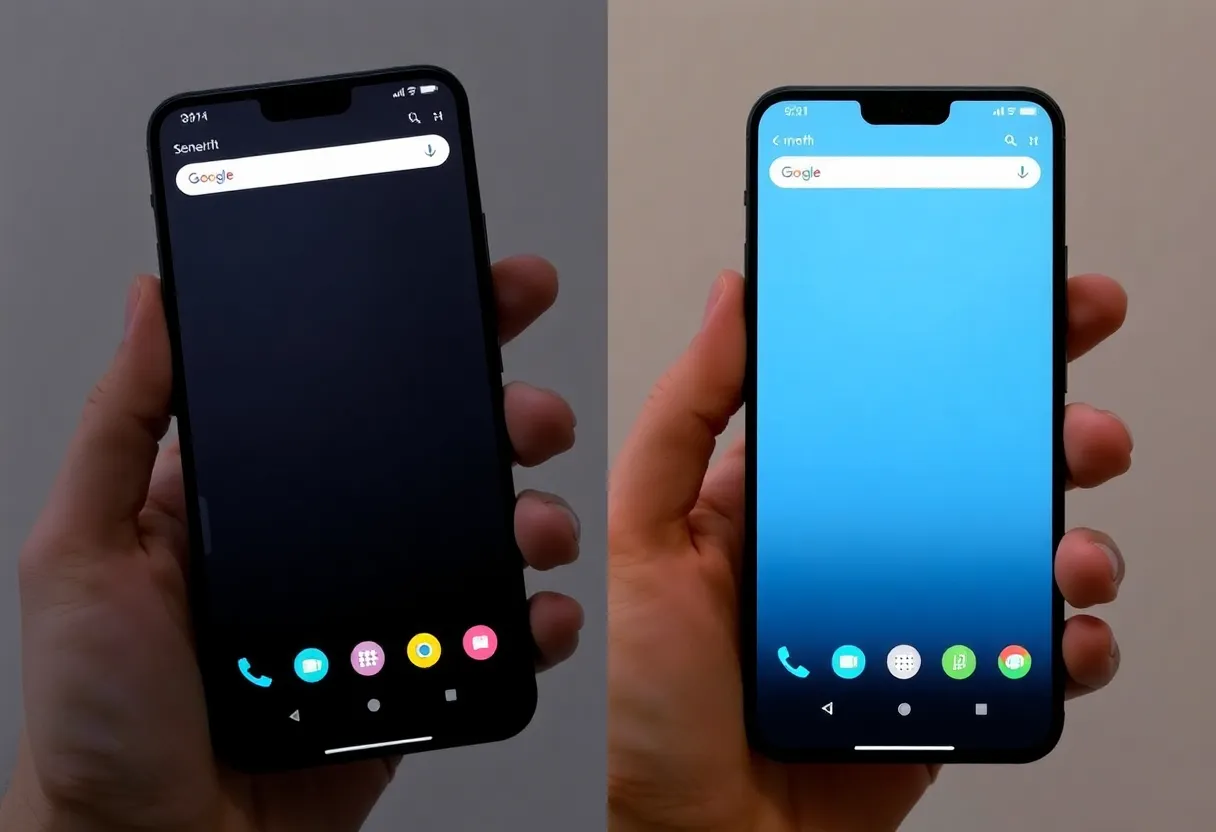
Brightness reduction: A dark interface requires less backlight power to achieve comfortable viewing brightness than a white interface at the same ambient conditions. In a dark room, a white-background browser at comfortable brightness emits significantly more light than a dark-background interface at the same comfortable brightness. This brightness reduction effect is real and is the most valid basis for dark mode being more comfortable in low-light environments.
However, the research on dark mode versus light mode for text readability and sustained reading performance consistently favors light mode (dark text on light background) in typical ambient lighting conditions. A 2018 study by Pedireddi, Widdel, and Küppers found that light mode produced better reading performance and accuracy. Research on contrast sensitivity consistently shows that dark-on-light text (positive polarity) provides better legibility than light-on-dark text (negative polarity) for most people under normal lighting conditions. The reason: the pupillary response to bright backgrounds slightly reduces the pupil diameter, reducing aberration effects that blur text edges.
The “dark mode reduces eye strain” claim is most accurately stated as “dark mode reduces eye strain in low ambient light conditions” — which is true, because the bright background of light mode creates a high-contrast differential between the screen and the dark environment. In normal daytime ambient light, light mode is generally more legible, and the evidence for dark mode producing superior comfort or reduced eye strain doesn’t hold up across studies.
The Individual Variation Problem
Meaningful individual variation in dark mode preference exists and is not purely subjective. People with astigmatism may find dark mode specifically uncomfortable — the visual artifact of light-on-dark text (called “halation,” where bright text appears to bleed into the dark background) is more pronounced for people with uncorrected or partially corrected astigmatism due to how the eye’s optical aberrations interact with high-contrast bright text on dark backgrounds. People with certain forms of visual processing conditions may also find light mode more comfortable. Conversely, people with light sensitivity find dark mode considerably more comfortable in all conditions.
This individual variation means that “which mode is better for eye strain?” has a genuinely individual answer rather than a universal one. The research average favoring light mode for readability doesn’t override the experience of individuals with conditions that make bright backgrounds uncomfortable.
The Practical Summary
The evidence-based summary: use dark mode on OLED devices if battery life matters (measurable savings); use it in low-light environments if the bright-screen discomfort is noticeable (real effect); use whichever is more comfortable for your individual vision (personal preference is valid). Don’t use dark mode on LCD screens expecting battery savings (none), and don’t assume dark mode is universally better for eye strain (the evidence is mixed and individual). The preference people have for dark mode — which is strong and widely held — is real, but its basis is aesthetic and contextual as much as health-driven, and understanding the actual evidence lets you make choices calibrated to your specific setup rather than following generic recommendations.