The Real Differences Between ARM and x86 Architecture That Matter to Users

Dmitri Volkov
July 7, 2026
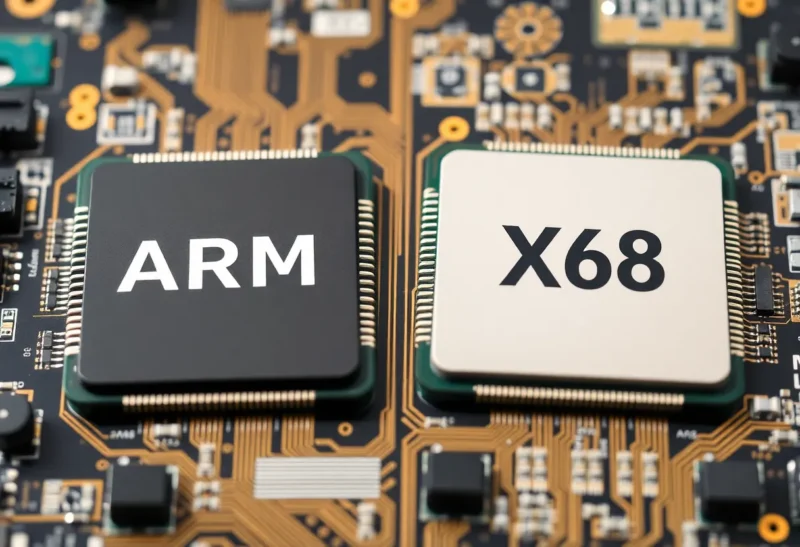
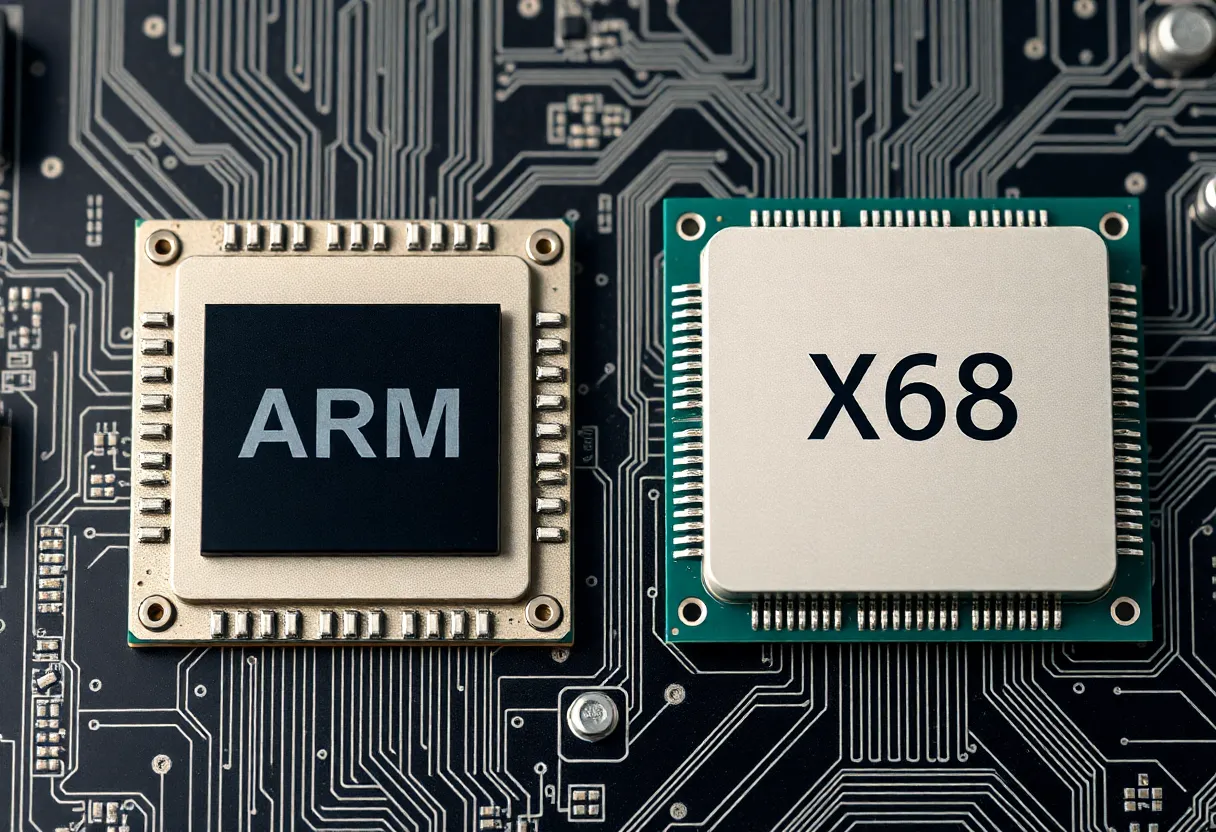
The transition of Macs from Intel to Apple Silicon—chips based on ARM architecture—brought ARM vs x86 into mainstream computing conversation in a way it hadn’t been since the architecture wars of the 1980s. Before Apple Silicon, ARM was the architecture of phones and tablets; x86 (and its 64-bit extension, x86-64) was the architecture of “real computers.” Apple Silicon broke that association so thoroughly that the question “should I care about the architecture of my processor?” has become genuinely relevant for everyday users.
Most explanations of the ARM/x86 difference start with instruction set design philosophy—RISC vs CISC—and quickly become too abstract to be actionable. The differences that matter in practice for users and developers in 2026 are more specific and more interesting than the textbook architectural distinction.
The RISC/CISC Distinction: What It Actually Means
ARM is a RISC architecture (Reduced Instruction Set Computing); x86 is a CISC architecture (Complex Instruction Set Computing). The names come from the original design philosophy of each: RISC processors use a smaller set of simple instructions, each of which executes in a predictable number of clock cycles; CISC processors support more complex instructions that can perform multi-step operations in a single instruction.
The practical relevance of this distinction has declined significantly since the 1990s. Modern x86 processors (Intel Core and AMD Ryzen) internally translate complex x86 instructions into simpler micro-operations before execution—a process called micro-code translation. The chip you buy that executes x86 instructions is internally behaving more like a RISC processor. Modern ARM processors, conversely, have become more complex, adding SIMD extensions (NEON, SVE), floating-point units, and hardware cryptography acceleration that blur the original RISC simplicity.
The instruction set difference still matters for a specific reason: software compiled for x86 doesn’t run natively on ARM, and vice versa. This has practical consequences for compatibility and performance that the RISC/CISC distinction itself doesn’t capture.
Energy Efficiency: Where ARM’s Architecture Advantage Is Genuinely Real
ARM’s original design context—mobile devices with small batteries—shaped an architecture with a consistent emphasis on energy efficiency per instruction. This emphasis has produced real advantages in the battery-constrained scenarios where ARM has historically dominated.
Apple Silicon (M-series chips) demonstrated this advantage in the laptop category in a way that quantified the gap for the first time with competitive performance. An M1 MacBook Air sustained workloads for 15–20 hours that an equivalent-performance Intel laptop sustained for 6–10 hours. The performance-per-watt advantage was approximately 2–3x for sustained workloads, and fanless operation in the M1 Air at loads that would require active cooling in comparable x86 designs became a practical differentiator.
The energy efficiency advantage comes from several architectural features: ARM’s instruction encoding is more compact, reducing memory bandwidth; the load-store architecture reduces the number of memory accesses per operation; and the Apple Silicon unified memory architecture eliminates the energy cost of data transfers between CPU and GPU memory—the CPU, GPU, and Neural Engine share the same physical memory, reducing bandwidth duplication.
The efficiency gap has narrowed as Intel’s manufacturing process has improved (Intel 4nm chips are meaningfully more efficient than 14nm-era designs) and as AMD’s RDNA/Zen has been competitive with good efficiency. But Apple Silicon retains a meaningful efficiency lead for mobile workloads, and Qualcomm’s Snapdragon X Elite has brought ARM-based performance to Windows in a way that is competitive with mainstream Intel and AMD options.
Raw Performance: Where x86 Still Has Advantages
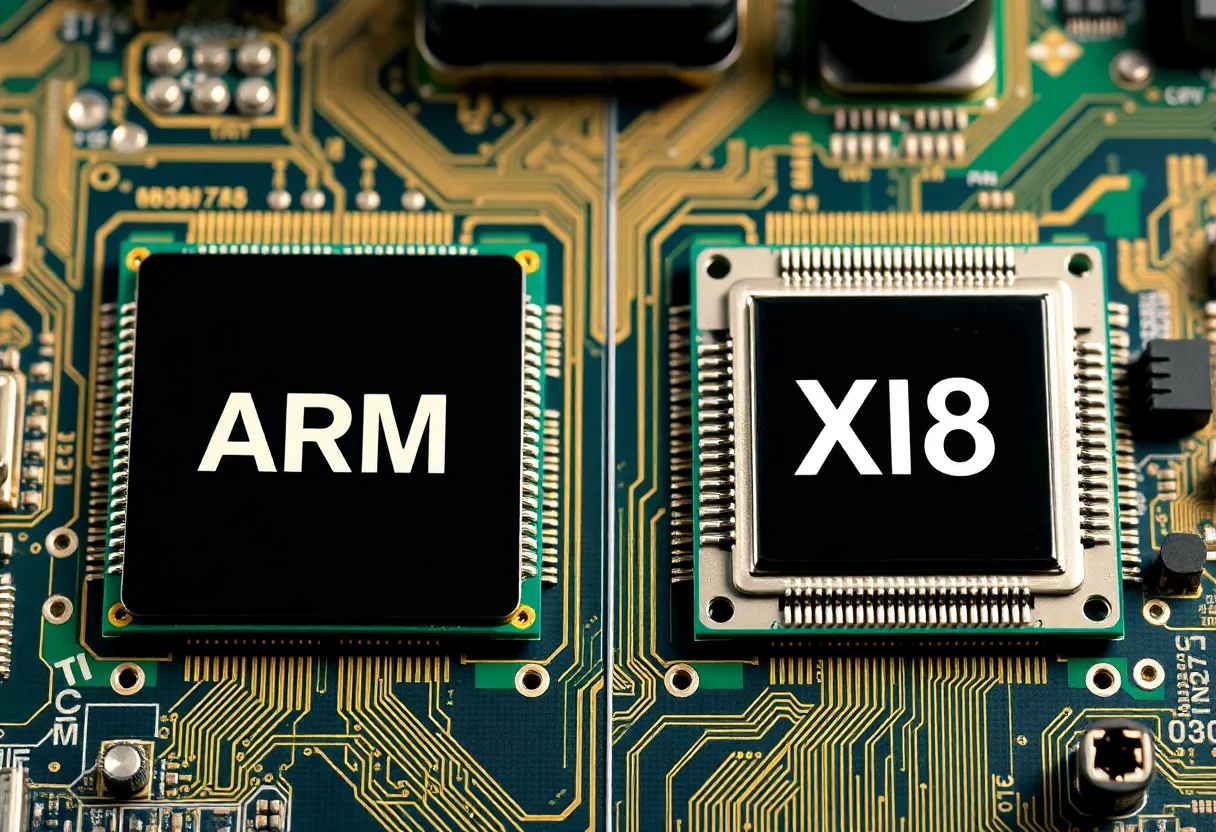
For peak single-core performance in x86-native workloads, Intel’s Core Ultra and AMD’s Ryzen 9 series remain competitive with or superior to current Apple Silicon in some benchmarks. Intel and AMD processors can sustain higher power draw (100W+ TDP processors are common in desktop and high-performance laptop segments) than the thermally-constrained designs typical of ARM chips, which allows more transistors to switch at higher frequencies when thermal limits aren’t the constraint.
For the specific case of Windows on ARM, the competitive landscape shifted with Qualcomm’s Snapdragon X Elite in 2024. Qualcomm’s chip delivers performance competitive with Intel Core Ultra 7 for most laptop workloads while maintaining ARM’s efficiency advantage. The remaining x86 performance advantages are most visible in professional workloads that have been heavily optimised for x86 instruction extensions (AVX-512 in particular) and in gaming.
Gaming is the significant exception. The PC gaming ecosystem is built on x86. DirectX, Vulkan implementations, and decades of game engine optimisation have targeted x86 hardware. Most games run on Windows, and Windows on ARM’s compatibility layer (Prism) handles x86-native games through emulation at a significant performance penalty—typically 20–40% slower than native x86 execution. Apple Silicon Macs have growing game support (Macs with M-series chips run Metal-based games well) but the Windows/x86 game library remains the dominant gaming platform and runs better on x86 hardware.
The Software Compatibility Reality
Software compatibility is where the architectural difference creates the most concrete user impact:
On Apple Silicon (macOS): Rosetta 2 translation has made x86-compiled Mac software largely transparent to M-series chip users. Apps that haven’t been updated to native ARM binaries run through Rosetta 2 with performance that is often competitive with the same app running natively on an equivalent Intel Mac—the translation efficiency is remarkably good. For macOS users, compatibility concerns are minimal in 2026; the overwhelming majority of Mac software has either been updated to universal binaries or runs well through Rosetta 2.
On Windows ARM (Snapdragon X Elite): Microsoft’s x86 emulation layer (Prism) handles a broad range of x86 Windows applications, but with more caveats than Rosetta 2. Kernel-level components (anti-cheat software, certain security tools, some drivers) don’t emulate reliably. ARM-native Windows software is growing but not as comprehensive as the Mac ARM ecosystem. Professional software (Adobe Creative Suite, Microsoft Office) has ARM-native versions; some specialised professional tools don’t.
For developers: ARM and x86 have different assembly instructions and different SIMD extensions, which matters for code that is tightly optimised at the instruction level (scientific computing, video codecs, cryptography). Libraries that have been hand-optimised for AVX-512 (Intel’s wide SIMD extension) may not have equivalent ARM NEON or SVE implementations, producing performance differences that benchmark comparisons often don’t capture. This is a developer and system software concern rather than an end-user concern for most workflows.
Memory Architecture: The Hidden Differentiator
Apple Silicon’s unified memory architecture (UMA) is a larger practical performance differentiator than the ARM vs x86 instruction set distinction for many workloads. In a conventional x86 laptop, the CPU and discrete GPU have separate memory pools connected by a PCIe bus. Data passed between them (for tasks like GPU-accelerated video processing, machine learning inference, or display rendering) crosses the PCIe bus, consuming time and bandwidth.
In Apple Silicon, CPU, GPU, GPU, and Neural Engine all access the same physical memory pool through a high-bandwidth fabric. An M3 Pro’s memory bandwidth exceeds 150 GB/s—far higher than what an x86 laptop with discrete GPU achieves between CPU and GPU memory. For tasks that benefit from tight CPU-GPU coupling (video editing, ML inference, creative workflows), this bandwidth advantage produces disproportionate performance improvements relative to what CPU benchmark comparisons alone would predict.
Qualcomm’s Snapdragon X Elite also uses a unified memory design. Intel’s integrated graphics configurations (without a discrete GPU) don’t have a separate GPU memory pool, but the total system memory bandwidth is lower than Apple Silicon. This memory architecture distinction is increasingly the meaningful differentiator in the ARM-vs-x86 discussion for creative workloads.
The Practical Decision Framework for Users
For most users making a computer purchase decision in 2026, the ARM vs x86 question resolves to specific scenarios:
Choose ARM (Apple Silicon) if: You use macOS and prioritise battery life, the software you use has Mac/Apple Silicon versions (which covers almost all mainstream productivity, creative, and development software), and gaming is not a primary use case. The M-series MacBooks offer the best laptop battery life and performance-per-watt in the market.
Choose ARM (Snapdragon X) if: You want Windows with ARM efficiency gains, your software needs have been verified to work with Windows on ARM (check the application-specific compatibility), and your gaming needs are modest or handled by a separate system. Qualcomm’s ARM Windows systems are genuinely competitive with mid-range Intel/AMD laptops for mainstream workloads.
Choose x86 (Intel/AMD) if: You need broad Windows software compatibility without emulation concerns (kernel-level tools, niche professional software), PC gaming is a significant use case, you need maximum CPU performance for x86-optimised workloads (scientific computing, certain professional applications), or you need a desktop with upgradeable components and standard connectivity.
The era where ARM meant “phone chip” and x86 meant “computer chip” is over. The architectural differences persist and matter for specific scenarios. But for most general computing workflows, either architecture delivers capable, reliable computing—and the choice is better made on software compatibility and specific performance requirements than on architecture brand loyalty.