Apartment Networking When You Share a Fiber Drop: Segmentation Without Drilling Walls

Ethan Cole
April 8, 2026
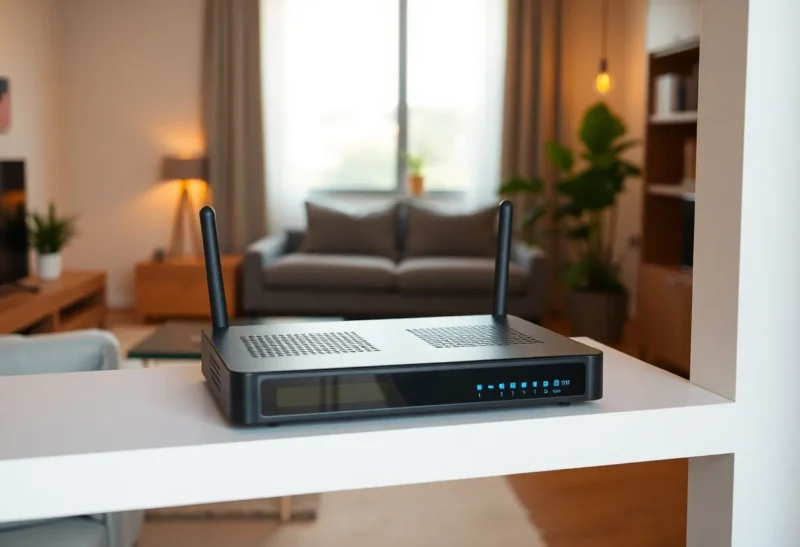
Renters rarely get to pull Cat6 through studs. Many buildings, however, now terminate fiber or Ethernet at a closet and expect tenants to bring their own Wi-Fi. That sounds simple until you remember: IoT gadgets, guest laptops, and your NAS do not deserve the same trust level. You can still segment networks without a landlord-funded construction project—if you understand the constraints of shared demarcation points and creative placement.
Find the demarc: who owns what
Identify where the ISP handoff ends—ONT, fiber jack, or wall plate. Everything beyond that is usually yours to configure, subject to lease terms about “attached fixtures.” If the building provides a shared router in a utility closet, you may be double-NAT’d or forbidden from bridging. Read the addendum; surprises are cheaper on paper than after a confused DHCP fight.
Segmentation without new copper
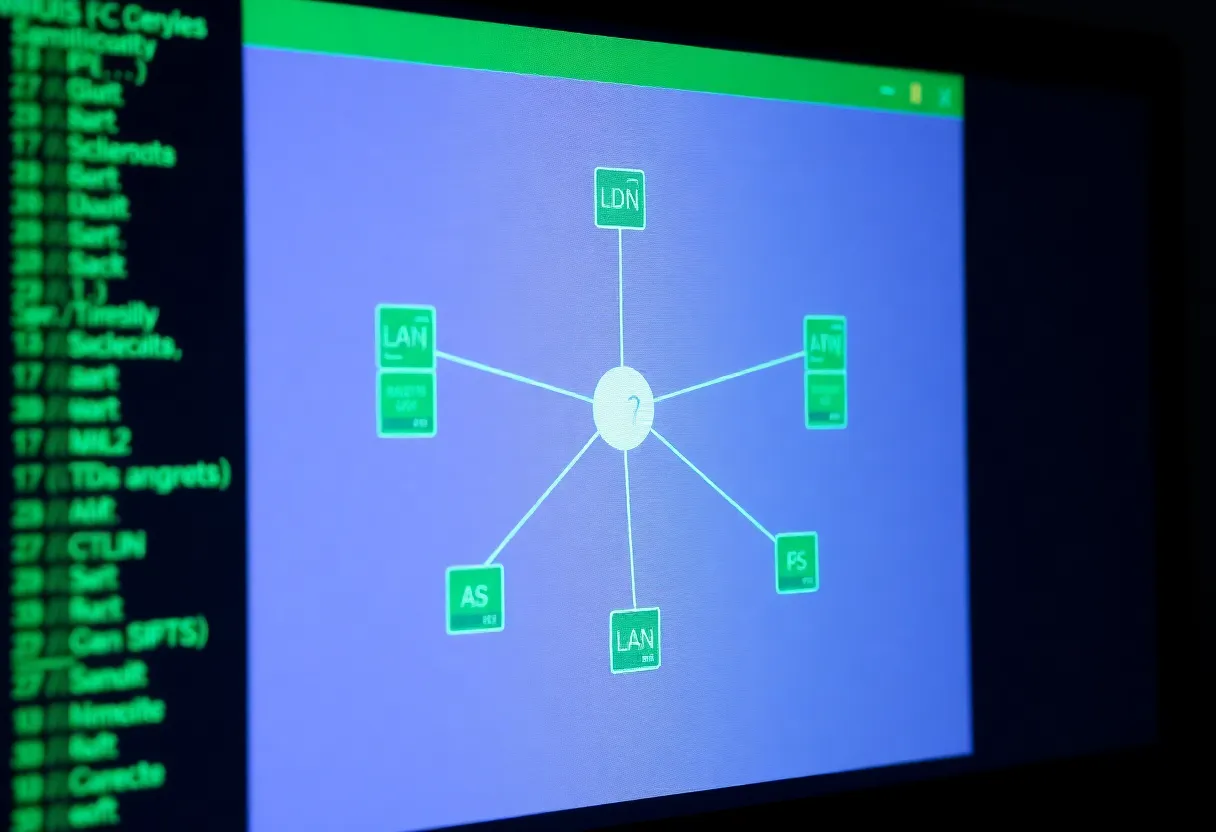
Wi-Fi VLANs and SSIDs are your first line. A router or firewall that supports multiple SSIDs mapped to VLANs lets you park cheap cameras and smart plugs on an isolated segment while keeping laptops on a trusted LAN. If your hardware cannot do VLANs, a small managed switch plus OpenWrt-class firmware on a supported box can still beat consumer mesh defaults.
Powerline and MoCA when Wi-Fi is hostile
Concrete and neighbor interference make wireless segmentation flaky. Powerline AV2 adapters or MoCA if coax exists can backhaul a desk or NAS without drilling. Neither is perfect—noisy breakers and old splitters exist—but both beat pretending 5 GHz penetrates three walls because marketing said “mesh.”
Guest access that does not leak LAN shares
Guest Wi-Fi should not reach your printer or SMB shares. Use a dedicated VLAN or router guest mode that blocks RFC1918 by default. QR codes for guests are friendly; lateral movement is not.
IoT quarantine with policy, not hope
Assign IoT devices DNS filtering and outbound-only rules where possible. Many cloud cameras insist on phoning home; blocking them breaks features. Decide consciously which cloud contracts you accept and which gadgets get the offline VLAN forever.
When you must involve the landlord
Structural cabling, roof antenna access, or tapping building conduit may require written approval. Bring a one-page diagram; supers respond better to plans than to “trust me, I’m a nerd.”
IPv6, CGNAT, and hosting from a rental
Some fiber ISPs hand out real IPv6 prefixes—use them thoughtfully with firewall defaults deny-all inbound. Others trap you behind carrier-grade NAT, which complicates self-hosting unless you add a tunnel or VPS tail. Know which world you live in before promising friends a public Minecraft server.
Neighbor noise and channel planning
Apartment stacks share air. Use automatic channel selection cautiously—sometimes manual picks on uncrowded DFS channels win, sometimes they trigger radar false positives. Spectrum scan on install day; re-scan after neighbors move in.
Moving day: portability as a feature
Renter networks should fit in a bin: labeled cables, saved configs, and DHCP reservations exported. Your next apartment’s RF landscape will differ; rebuild scripts beat manual re-clicks at midnight.
Shared fiber drops do not doom security—they force clear boundaries inside your four walls. Segment early, document VLAN IDs while you still remember why VLAN 30 exists, and treat the building’s edge like any other untrusted uplink—because someday it will be.