Wi-Fi 7 on Paper vs Your Apartment: When the Spec Outruns the Router

Lin Nakamura
April 8, 2026
Wi-Fi 7 brings bigger numbers to the box: wider channels on 6 GHz where regulators allow, multi-link operation that can combine bands for resilience, and PHY rates that look like science fiction compared to what your laptop negotiates in a real apartment. The spec is real; the experience often is not—because walls, neighbors, old clients, and bargain-tier internet plans cap what glossy marketing promises. Buying “future-proof” without checking the weakest link is how people end up with a router that could theoretically move gigabits while their ISP still ships a hundred megabits upstream.
This article matches Wi-Fi 7’s headline features to the constraints of typical urban and suburban homes: spectrum you can actually use, devices that speak the new dialect, and the boring infrastructure that still dominates daily speed tests.
We will not re-derive the IEEE standard. Think of this as a buyer’s lens: where the spec helps, where it collides with your walls, and where your money buys more happiness if spent elsewhere first.
What Wi-Fi 7 changes on the whiteboard
Key ideas include 320 MHz channel widths on 6 GHz (where available), 4096-QAM for denser signaling in ideal RF conditions, and multi-link operation that lets capable clients use more than one band at once for throughput or failover. Those capabilities assume clean air, modern clients, and routers with RF front ends that do not fall over thermally when pushed.
4096-QAM in particular rewards very high signal-to-noise ratios—think short range, low interference, good antennas. In a messy apartment, you may rarely see those conditions except near the router. Marketing graphs showing peak PHY rates are laboratory candy; your kitchen table is not a lab.
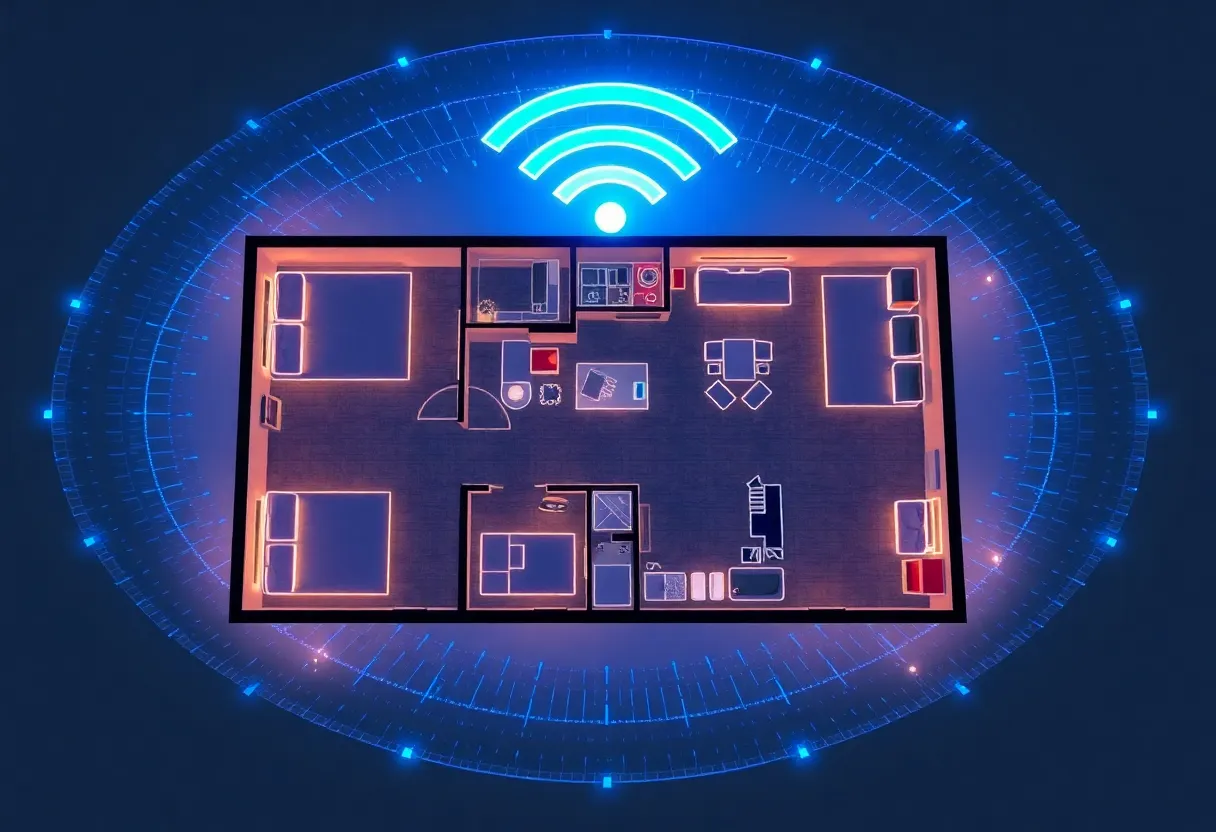
If your building lacks 6 GHz access—common in regions still phasing rules—or your clients are Wi-Fi 5 phones, you are paying for a runway while taxiing prop planes.
Apartment physics: concrete, neighbors, and noise floors
Urban RF looks nothing like an anechoic chamber. Your neighbor’s mesh system competes for the same airtime; microwave ovens still poke 2.4 GHz; Bluetooth stacks nibble spectrum. A wider channel is faster when it is clean; in crowded environments, auto-width algorithms may narrow channels anyway, erasing theoretical peaks.
Concrete cores and foil-backed insulation attenuate 6 GHz more aggressively than 2.4 GHz. That can be good for isolation—or bad if your office is three rooms from the router with no wired backhaul.
High-rise living adds elevator shafts, metal studs, and reflective glass—each pattern interacts differently with wavelength. Site survey apps help only so much; real testing with a laptop walking the lease beats trusting a single speed test beside the AP.
Clients matter more than the router’s ego
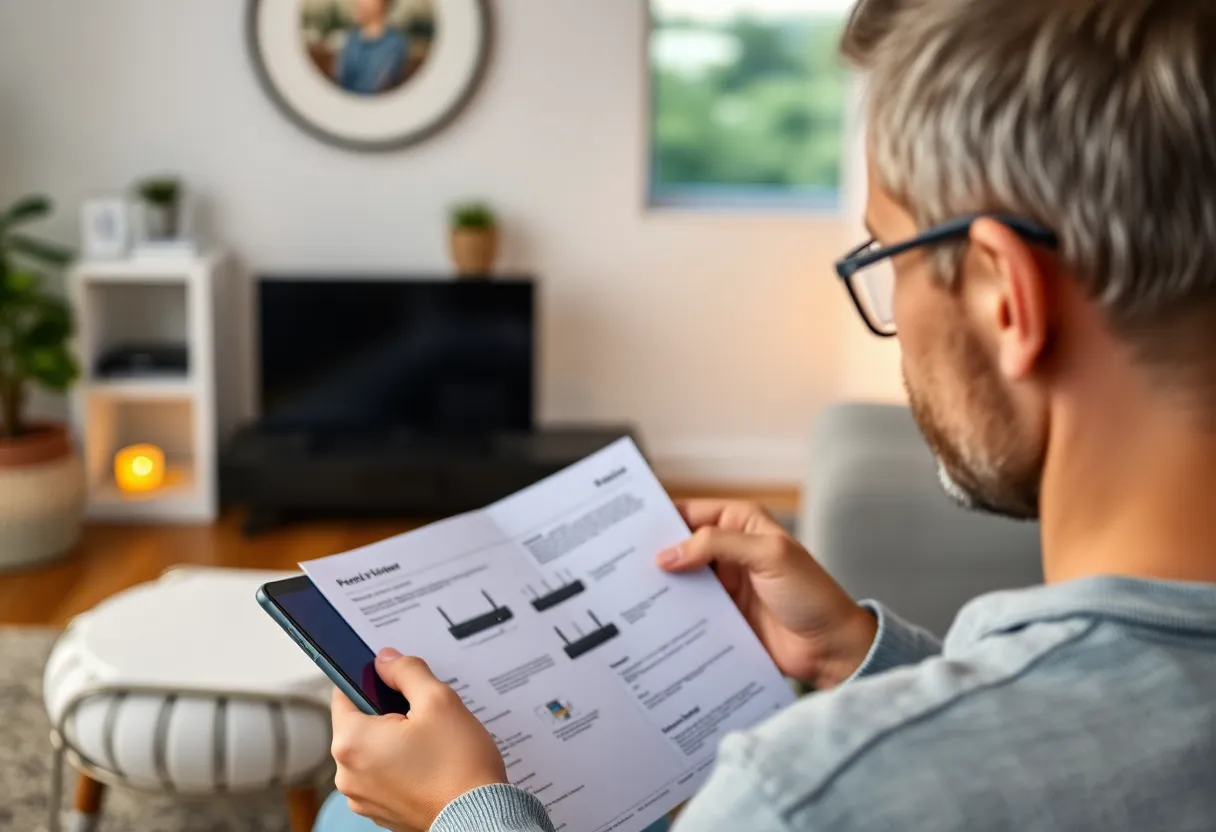
Your phone, laptop Wi-Fi module, and OS drivers determine negotiated link rates. A flagship router paired with a budget tablet may never show the “Wi-Fi 7” badge meaningfully in iperf. Upgrade paths should list clients alongside APs—especially if your work hinges on one machine.
Multi-link operation: promise and fine print
MLO can aggregate or steer traffic across bands for resilience or speed—when both ends support it and policy allows. Early implementations vary by vendor; debugging is harder than single-link setups. If you need predictable behavior for work VPNs, test carefully before betting a trip on exotic paths.
6 GHz, AFC, and outdoor power rules
Depending on region, automated frequency coordination may govern how loudly outdoor APs can shout on 6 GHz. Indoor home routers usually stay simpler, but community networks and roof-mounted gear bump into regulatory nuance. Misconfigured country codes remain a classic footgun—buy local SKUs when possible.
Legacy devices and airtime fairness
Older 2.4 GHz IoT gadgets do not vanish because you bought a futuristic router. They still consume airtime on crowded bands. Segment them; consider a dedicated IoT SSID; accept that your slick 6 GHz laptop cannot speed up a chatty doorbell from 2016.
Wired backhaul still wins
Even with multi-link cleverness, nothing beats Ethernet for stability. If you can run a cable to a remote office, do that before buying a second fancy AP. A second router on a wired backhaul is the version of that advice that still works after mesh stops helping. Wi-Fi 7’s tricks reduce some wireless-backhaul pain but do not repeal physics for whole-home coverage.
ISP caps and upload asymmetry
Fast Wi-Fi does not widen a garden hose feeding your house. Check real-world upload if you stream, back up, or work from home with large assets. Multi-gig LAN tests are fun; cloud reality often laughs at them.
If your provider offers upload upgrades, run the numbers before you splurge on indoor radios—sometimes fifty extra megabits upstream changes daily life more than any antenna tweak.
Gaming: latency, not peak Mbps
Competitive players care about jitter and queueing under load more than poster PHY rates. A good router with modern SQM (smart queue management) on a sensible firmware can beat a “Wi-Fi 7” label on stock firmware that buffers badly. Measure ping to game servers during household Netflix hours, not only at 3 a.m.
Working from home: videoconferencing and uplink bursts
Zoom and similar tools spike upstream when you turn video on in busy scenes. If your ISP upload is modest, Wi-Fi 7 indoors cannot invent headroom. Consider wired Ethernet for the desk where you present to clients; reserve wireless for mobility.
Smart home saturation: counting radios
Each new Wi-Fi camera adds sustained traffic. Plan PoE where possible; use local NVRs to keep cloud uploads predictable. Wi-Fi 7 helps aggregate capacity, but cameras still need planning—especially if 2.4 GHz-only devices cluster.
Security and management surfaces
New bands and features increase firmware complexity. Buy vendors with a track record of patches. Change default admin passwords; segment IoT; keep guest networks isolated. Shiny PHY rates mean little if your router joins a botnet.
Also audit remote management toggles—cloud accounts that simplify updates can expand attack surface. Choose consciously; convenience and exposure often trade places.
When upgrading makes sense
Upgrade when you have—or soon will have—clients that benefit, when your current system cannot handle device counts, or when latency jitter under load hurts video calls. Skip if your pain is DNS, bufferbloat, or a dying modem masquerading as Wi-Fi trouble.
Multi-gig LAN and the USB dongle trap
Some laptops need Thunderbolt or USB adapters to exceed a gigabit on wired tests. If you benchmark Wi-Fi 7 against a laptop whose NIC tops out at 1 Gbps on Ethernet, you may misattribute bottlenecks. Align NIC speeds with expectations before declaring wireless victory.
Heat, power bricks, and shelf placement
High-end routers run hot. Cramped TV cabinets choke airflow and raise noise from fans or thermal throttling. Give the AP space; avoid stacking on warm amplifiers. Stability beats a few theoretical megabits you only see on paper.
Landlords, shared walls, and what you cannot fix
Renters may be unable to relocate fiber drops or run cables through walls. In those cases, mesh with wireless backhaul might still be the pragmatic choice—Wi-Fi 7 can help there—but expectations should stay realistic. Document speeds for lease disputes if “gigabit included” marketing fails in practice.
Testing methodology: how to avoid placebo upgrades
Before swapping hardware, log three things for a week: speed tests at peak hours, bufferbloat grade on DSLReports or equivalent, and ping jitter to a stable target. After upgrading, repeat under similar conditions. Anecdotes feel persuasive; spreadsheets keep budgets honest.
Future firmware: buy the vendor, not only the chipset
Reference designs ship quickly; polish arrives later. A mature Wi-Fi 6E implementation sometimes outperforms an early Wi-Fi 7 drop on stability. Read long-term reviews, not only launch-day unboxings.
When Wi-Fi 6E is “enough”
If you already have 6 GHz clients and a stable 6E router, incremental gains from Wi-Fi 7 may be modest until your ecosystem catches up—especially if your ISP is the choke point. Consider deferring until a client refresh cycle aligns: new laptops, new phones, and maybe a new lease that lets you run cable cleanly.
Bottom line
Wi-Fi 7 is a toolkit for dense spectrum use and smarter client orchestration, not a magic carpet. Match the spec to your floor plan, your devices, and your ISP—then spend any leftover budget on cabling or a better modem before chasing another antenna.
When in doubt, buy the boring upgrade that removes a measured bottleneck. Radios are glamorous; modems, DNS, and Ethernet are the quiet workhorses that decide whether your “Wi-Fi 7” sticker ever leaves the box’s imagination.
Shopping checklist you can actually use
Before checkout: confirm 6 GHz availability in your country; list your two slowest clients; measure current WAN speeds; note whether you can run one Ethernet drop; check modem compatibility for multi-gig plans; read return policies if performance disappoints. After install: update firmware; scan channels at busy hours; verify guest network isolation; schedule a revisit in thirty days when novelty bias fades.
If the checklist surfaces weak spots outside Wi-Fi—DOCSIS limits, DNS, laptop Wi-Fi cards—fix those first. Spec sheets love heroes; homes prefer boring reliability.
Finally, remember Wi-Fi is shared: your “upgrade” radiates into neighboring units too. Be a good citizen—use minimum necessary transmit power, pick sane channels when auto tools fail, and teach roommates that torrenting at full blast hurts everyone’s latency—not just yours.