Local-Only Smart Cameras Without the Cloud Subscription: A Realistic Setup Path

Rachel Kowalski
April 8, 2026
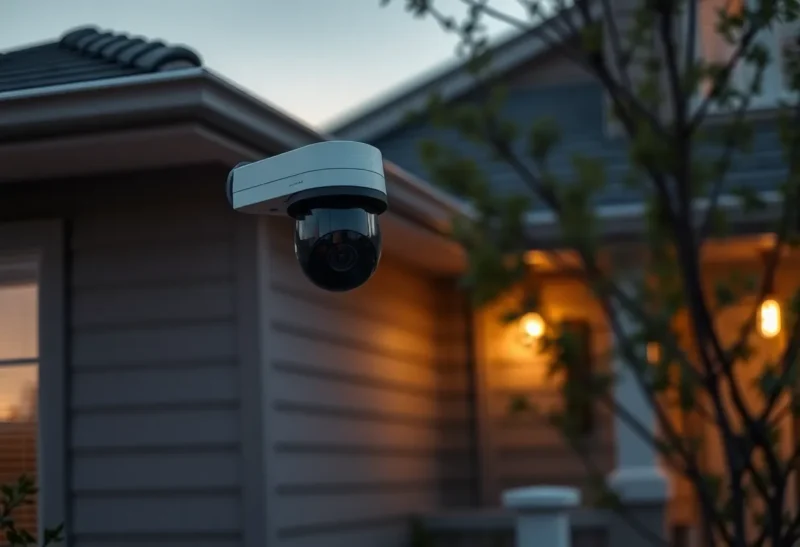
Cloud cameras sold the dream of effortless security: open an app, see your porch, pay a modest monthly fee for AI highlights. The trade was always there—your footage transits someone else’s servers, their terms change, and outages become your problem at the worst moment. Local-only setups flip the contract: you own storage, you own backups, and you accept responsibility when a disk dies at 2 a.m. This article sketches a realistic path for homeowners who want smart alerts without a subscription leash—not the mythical “air-gapped fortress,” but a maintainable design ordinary people can live with.
We will talk about networking because cameras are IoT devices with lenses; about power because attics get hot; about law because pointing glass at sidewalks has consequences; and about psychology because the best system is the one your household will not unplug after a false alarm streak. If you want a shopping list, skip to the checklist near the end; if you want durable understanding, read the middle sections twice before buying hardware.
Define “local” honestly
Truly offline systems exist, but most practical homes still use the internet for remote viewing. “Local-first” means recordings land on your disk first; cloud is optional, not mandatory. Be suspicious of cameras that refuse to function without vendor accounts—those are rental devices, not purchases.
Hardware lanes: NVRs, NAS, and DIY
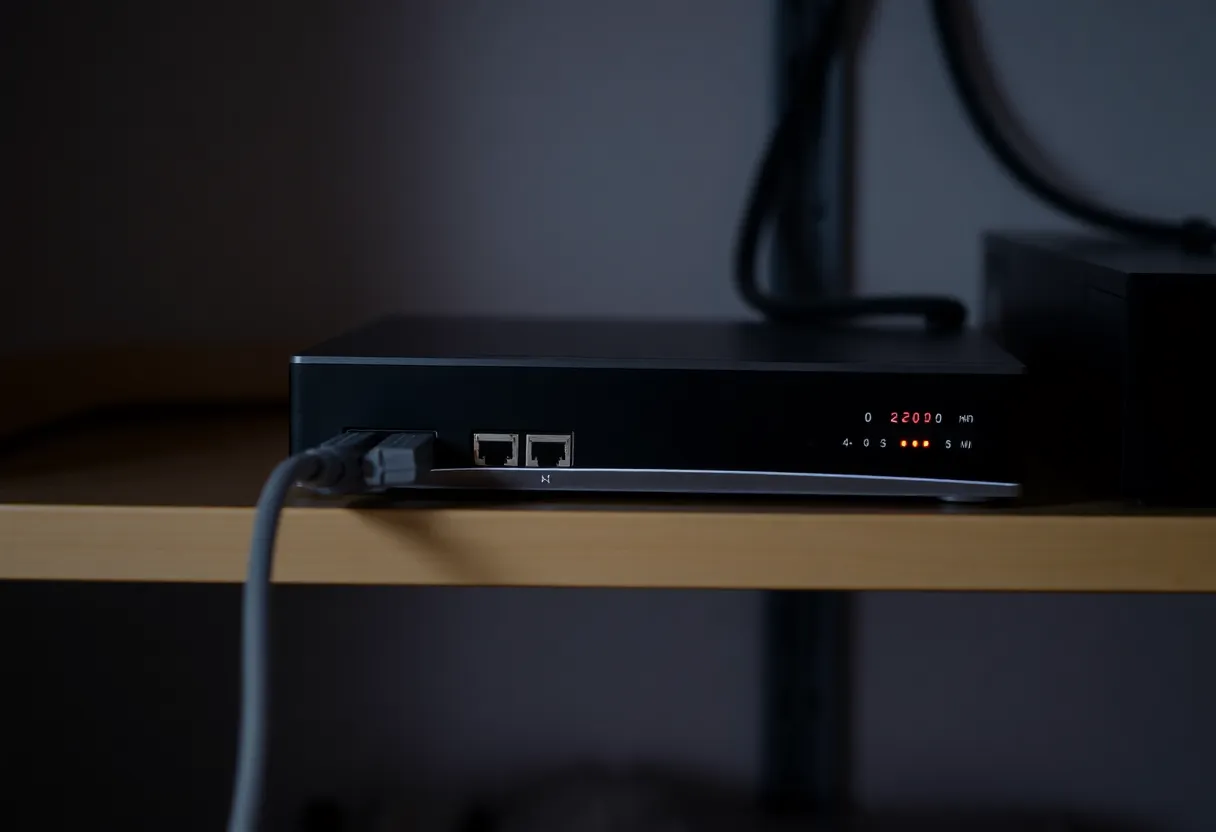
Vendor NVR kits offer the lowest friction: cameras speak one protocol, the box just works—until the vendor stops updates. NAS apps like Surveillance Station or Frigate on a home server trade flexibility for setup time. DIY on a PC or Pi saves money and teaches you exactly where the files live—also exactly where the sharp edges are.
Pick based on who will maintain it. A tinkerer’s Frigate box is a burden for a household that wants appliances.
If you choose ONVIF-compatible cameras, you preserve optionality: today’s NVR can be tomorrow’s software project without throwing away glass optics. Proprietary wireless kits often lock you into one app forever—convenient until the app dies.
Protocols you will actually see
RTSP streams are the lingua franca of interoperability; substreams matter for motion detection on low-power hardware. MQTT hooks into Home Assistant if you want doorbell automations without cloud. Understand what your stack supports before you buy a dozen cameras on sale.
Threat modeling without the tinfoil
Assume cameras are buggy—they often are. Assume credentials leak eventually. Separate management interfaces from viewing apps where possible; enable 2FA on anything that touches your footage remotely. Disable UPnP unless you enjoy surprise port maps. These basics matter more than exotic hardening if you are not running a data center.
Network placement and VLAN discipline
Cameras should not sit on the same flat LAN as laptops if you can help it. VLANs or guest-style isolation limit blast radius when a cheap firmware stack misbehaves. If VLANs sound intimidating, start with a dedicated SSID + firewall rules blocking camera access to your file server except the NVR port.
Power and cabling reality
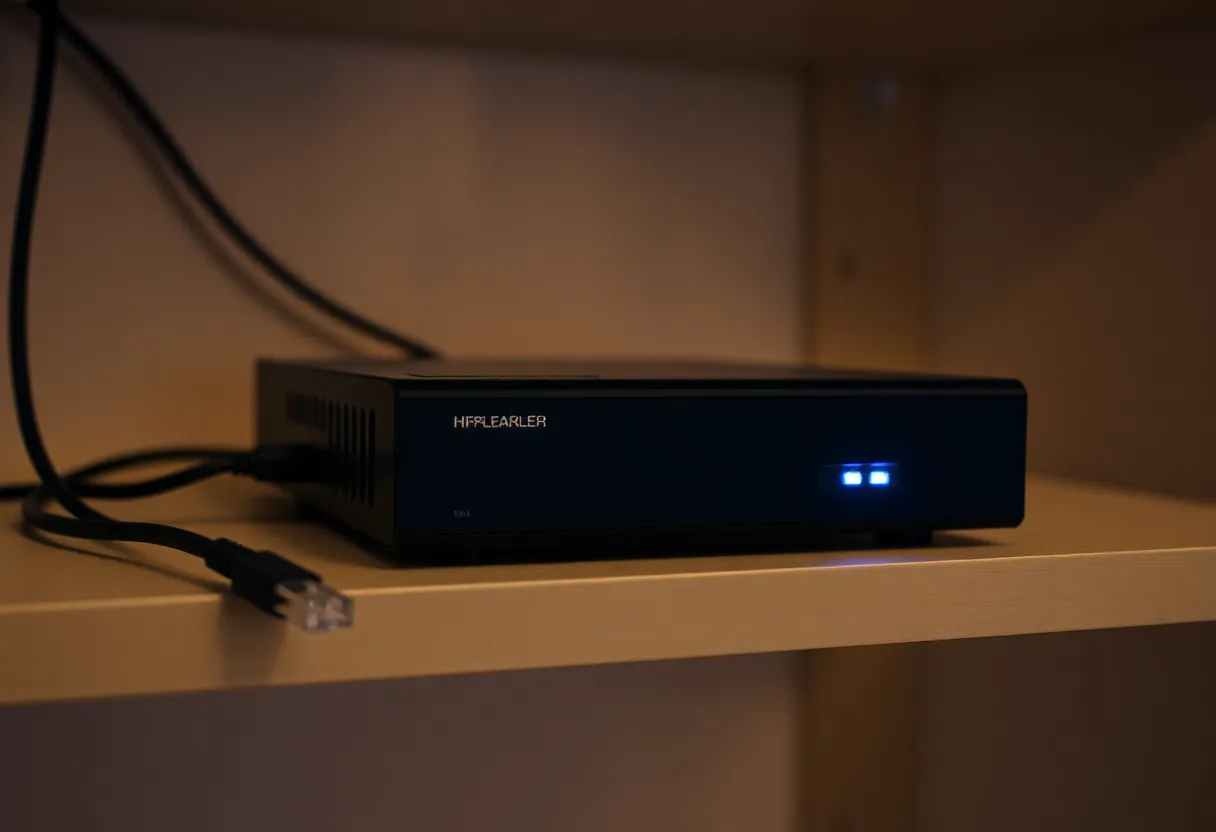
PoE (Power over Ethernet) beats wall warts in attics. If you must use Wi-Fi cameras, plan for signal strength at the eaves—mesh helps, but latency still matters for motion alerts. Battery cameras are convenient until cold weather shrinks charge cycles; know the maintenance trade.
Storage math and retention
Bitrate × cameras × days retained = disk size. Overshoot disks; RAID or btrfs copies help when a drive fails. Decide whether you need 24/7 recording or smart-triggered clips—each choice changes storage and privacy exposure.
Write-heavy workloads punish consumer SSDs; surveillance-rated spinning disks still dominate bulk recording. If you mix SSD cache with HDD bulk, read vendor guidance—silent data corruption is rare but annoying. Keep SMART monitoring enabled and silence alerts you will ignore.
Backups that respect privacy
Encrypt off-site copies if you mirror footage to cloud storage you control. Name buckets clearly—“camera-archive” not “misc.”—so future you does not publish links by mistake. For some families, encrypted USB drives rotated to a safe deposit box beat monthly cloud fees; for others, automated uploads win on consistency. Pick habits you will actually maintain.
Remote access without handing keys to a vendor
VPN back to home is the gold standard for viewing NVRs. Tailscale, WireGuard, or plain OpenVPN each have fans. Port-forwarding NVRs directly to the internet is common and risky—patch aggressively or accept the consequences.
Split-tunnel versus full-tunnel VPNs matter on mobile: you may not want all phone traffic routed through your house. Certificate pinning and HTTPS on NVR web UIs vary wildly—some are fine, some are ancient. If the interface feels like a decade-old router page, assume it needs isolation and never exposure.
For guests, consider a read-only viewer account with limited camera access. Babysitters do not need PTZ control; dog walkers do not need garage cams.
Power outages and graceful degradation
When power fails, PoE switches die with cameras unless you have UPS coverage. Decide whether you care about recording during brief outages—battery UPS for network core, larger UPS for NVR if continuity matters. Generators help in storm-prone regions; remember that modems and fiber ONTs need power too, not just the router.
If everything fails, a simple cellular battery camera on the porch is a pragmatic backup—just label it clearly as a different system so you do not chase ghosts in logs.
Legal and neighbor etiquette
Point cameras at your property; avoid capturing neighbors’ windows. Post signage where required. Audio recording is legally sensitive in many regions—mute or disable if unsure.
Work-from-home realities complicate indoor cameras—babysitter cams, dog cams, and nanny cams overlap with workplace privacy expectations. If household members object, treat that as a design requirement, not a debate to win. Consent beats clever angles.
Budget tiers that map to effort
Budget-conscious: a pair of PoE cameras, a modest NVR, one decent disk. Expect weekend cable pulls and crimping lessons.
Mid-range: NAS with surveillance app, better cameras with varifocal lenses, redundant disk. Expect occasional firmware dance parties.
Enthusiast: Frigate + Coral, Home Assistant automations, Grafana dashboards. Expect Discord tabs open forever.
Choose the tier that matches your patience, not your fantasy self.
When cloud still sneaks in
Even “local” stacks sometimes phone home for firmware or push notifications through vendor relays. Read privacy policies; block domains at the firewall if you must. Notifications can be routed through self-hosted services or plain SMTP if you accept latency trade-offs.
Integrating alarms and sensors
Cameras complement door sensors; they do not replace them. Link motion events to lights for deterrence. Avoid strobe overload that annoys neighbors—steady illumination often beats Hollywood effects.
Testing before you mount everything
Bench-test cameras on a desk: verify streams, passwords, time sync, and overlay text. Nothing teaches humility like discovering a camera defaults to Chinese NTP servers at midnight. Document baseline settings in a text file you will thank yourself for later.
What you give up
Fancy cloud AI features may lag on local stacks unless you add GPU compute. Vendor ecosystems integrate doorbells and sensors tightly; mixing brands takes more glue. Support calls are replaced by forums—price that into your decision.
Person detection on-device improves yearly; still, cloud vendors will always demo shinier classifiers first. If package detection is your main goal, budget a Coral TPU or a small GPU box—otherwise adjust expectations and use motion zones intelligently.
Household politics and shared access
Decide who gets admin rights. Kids do not need NVR credentials; partners might. Document the recovery path if you are hit by a bus—morbid but kind. A sticky note with VPN details beats a perfect system nobody can operate when you travel.
Teach partners how to export a clip for police without handing over admin rights—export workflows matter in stressful moments. Practice once on a calm Tuesday, not during an actual incident—panic and passwords mix poorly.
Maintenance checklist
- Monthly: verify firmware, test alerts, confirm disk usage.
- Quarterly: rotate admin passwords, prune old clips, verify off-site backup if configured.
- Annually: review camera placement as landscaping changes.
- After storms: check for water ingress in junction boxes and corrosion on outdoor connectors.
Seasonal maintenance beats heroic recoveries: spiders love IR LEDs, pollen loves domes, and wasps love eaves. Five minutes with a microfiber cloth saves hours of false motion clips.
Closing
Local-only security is not about paranoia; it is about ownership. Choose a lane you can sustain, isolate cameras on the network, plan storage like you mean it, and accept that “no subscription” means “you are the ops team.” For many households, that trade feels better than a cloud bill and a privacy policy.
Start small: one or two cameras, one reliable recording path, verified backups. Expand once the basics bore you. Reliability loves incremental scope; hero projects love weekend failures during storms. The goal is footage when you need it—not a rack photo for social media.
If you outgrow your first box, migration is easier when you chose open protocols and documented passwords in a password manager your family can access. Future you—debugging motion alerts at midnight—will appreciate the paper trail.