Moving House With Home Assistant: What Actually Breaks and What Survives

Drew Morrison
April 8, 2026
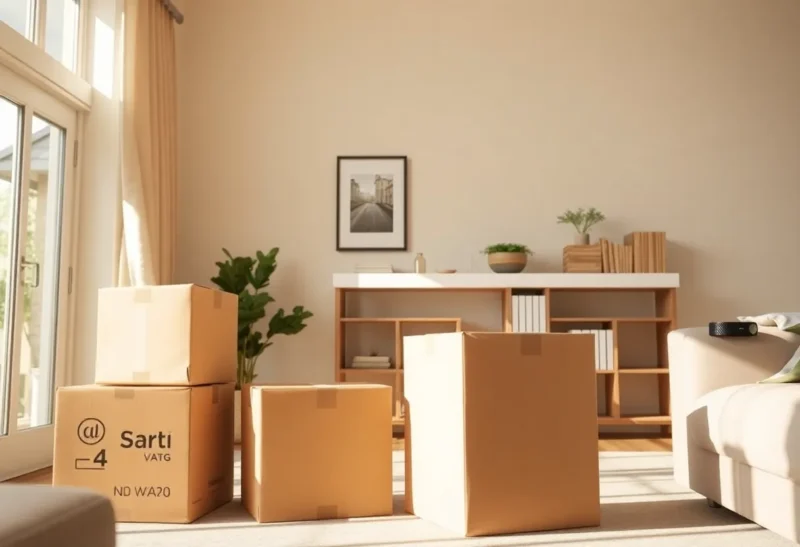
Home Assistant users love to talk about portability: YAML in Git, containers on a Pi, and “it is just configuration.” Then moving day arrives. Suddenly you are staring at a cardboard canyon of labeled boxes, a new ISP handoff, and a mesh of IP addresses that made sense at the old address only because you memorized them. This article walks through what usually survives a move intact, what breaks in predictable ways, and how to plan so your automations come back online without a week of evening debugging.
What tends to survive
Your entity logic, mostly. If you have invested in clean areas, consistent naming, and automations that reference entities rather than hard-coded IPs, the conceptual system moves with you. Scenes and scripts that assume “living room lamp” still mean living room lamp once the hardware is re-paired—assuming you bring the same devices and rebuild in a sensible order.
Your habits and mental model. The hardest part of smart home work is not YAML—it is knowing which sensors lie, which switches need neutral wires, and which automations are safety-critical versus nice-to-haves. That knowledge transfers even when the network does not.
Hardware that is not landlord-specific. USB dongles for Zigbee and Z-Wave, spare routers you own, and wall-powered hubs you purchased outright are portable. The flaky relay your electrician installed behind a wall switch is less portable.
What breaks first
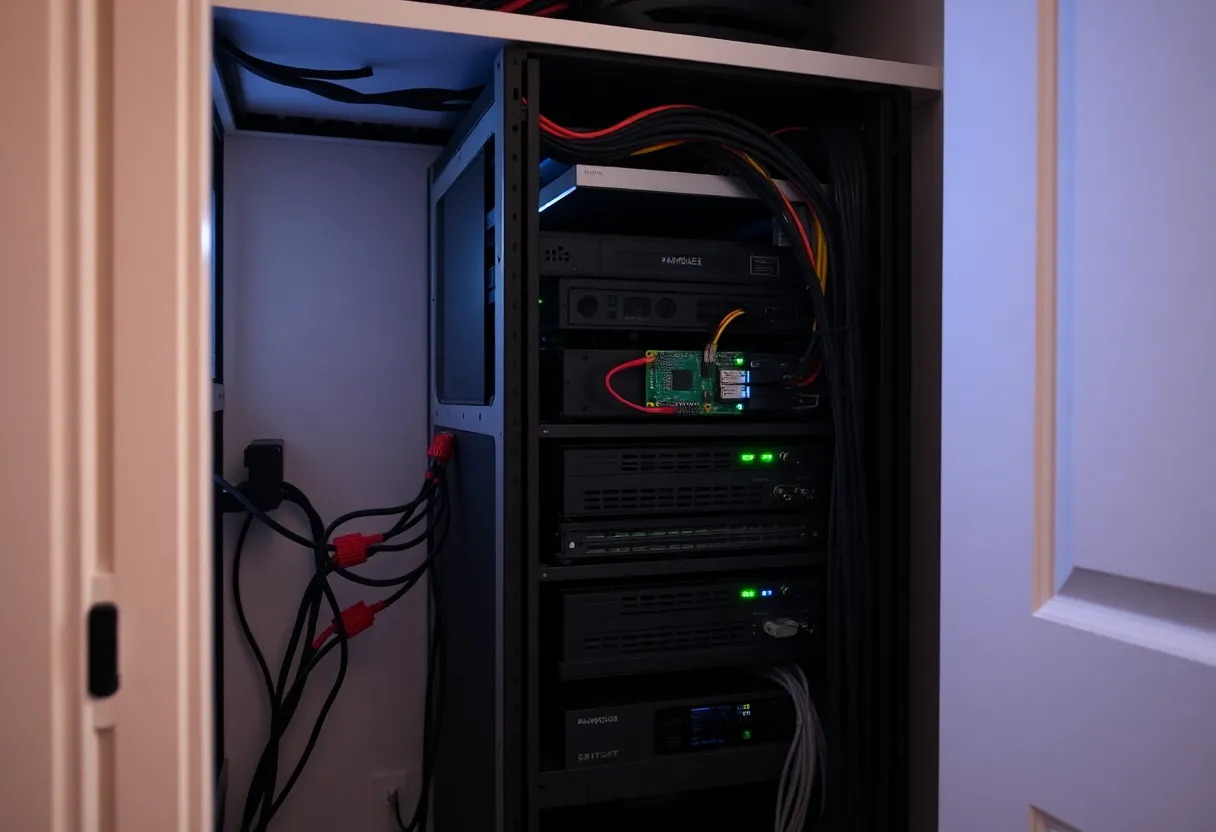
Anything tied to the old LAN. Static DHCP leases, firewall rules, and split-DNS tricks that pointed “ha.local” somewhere special will not survive unchanged. If your automations call cameras or media players by IP, expect pain. Prefer hostnames and stable discovery patterns, and accept that you will still renumber something at 11 p.m.
Cloud-linked accounts and OAuth tokens. Integrations that piggyback on vendor clouds sometimes need reauthentication after major network changes—not because Home Assistant forgot you, but because upstream sessions invalidated. Budget time to walk through Integrations and fix yellow warnings methodically instead of randomly clicking “reload.”
Geofencing and presence. Moving changes GPS baselines, Wi-Fi SSIDs, and sometimes the phones your household uses. Presence detection that felt rock-solid may need retuning—especially if you relied on router integrations or subnet-specific tricks that no longer apply.
Voice assistants and cast targets. Speakers and displays often need to join the new Wi-Fi before they answer to the same names. Until they do, morning routines that relied on voice or Chromecast groups will feel “broken” even when Home Assistant itself is healthy.
The moving plan that saves weekends
Freeze a snapshot of truth before you pack. Export your configuration, note add-on versions, and screenshot critical integration settings. If you run supervised or OS installs, document how you installed—future you will not remember whether MQTT used authentication or anonymous LAN access.
Decide what powers down last and boots first. Sequence matters: modem, router, Ethernet backbone, then Home Assistant host, then mesh satellites, then battery devices. Rushing this order produces phantom “unavailable” states that waste hours.
Label physical devices like you mean it. “Kitchen dimmer” is not enough when twelve switches look identical. Painter’s tape with MAC addresses or room names pays off when you re-adopt Zigbee routers in the right topology.
ISP handoffs, public IP, and remote access
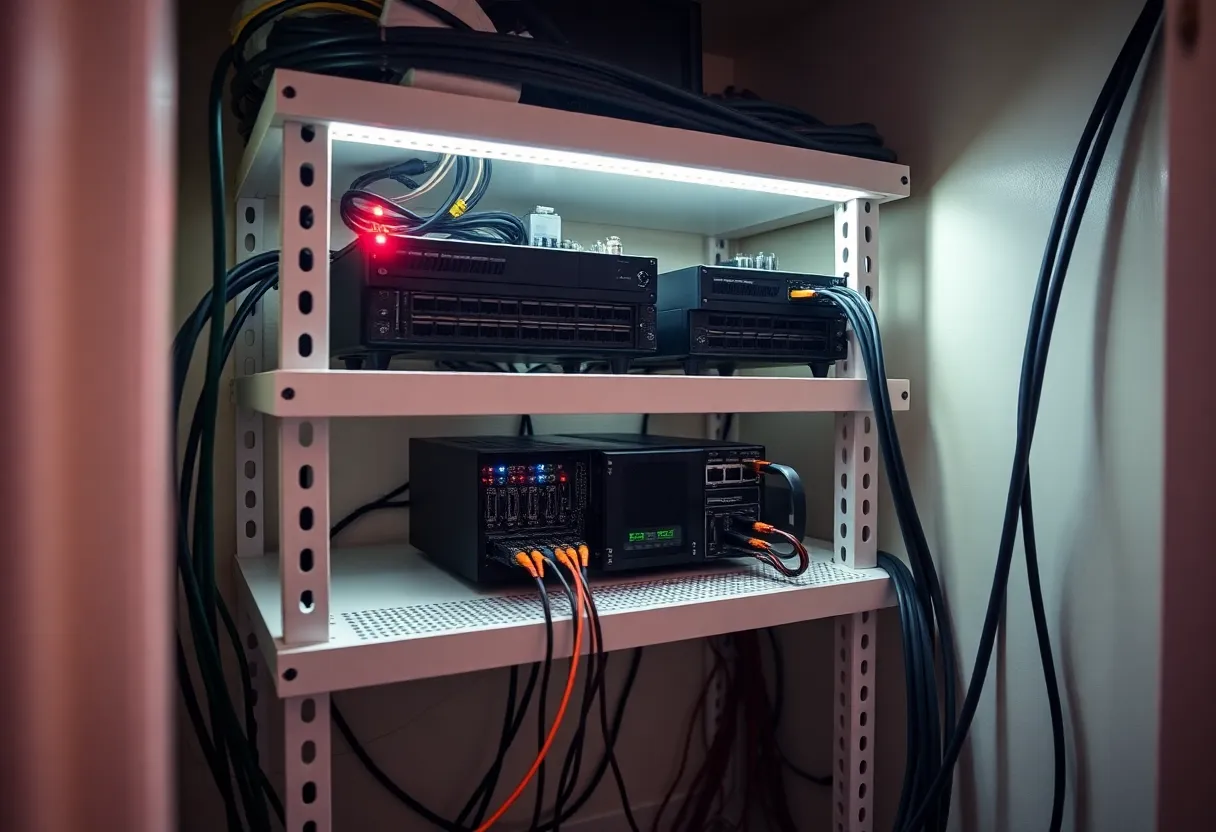
Moving often means a new modem, a new subnet, or both. If you exposed Home Assistant through a reverse proxy with Let’s Encrypt, your certificates may still be valid—but DNS pointing at the old public IP will strand remote access until TTLs expire. If you used Duck DNS or Cloudflare tunnels, update tokens and verify propagation before you declare defeat. Double-NAT from a carrier-grade NAT at the new building is more common than people admit; symptoms look like “works on LAN, never from outside” even when port forwarding is “correct.”
For readers who relied on Nabu Casa or another hosted remote layer, re-linking accounts is usually smoother than raw port forwarding—but you should still confirm which household members’ logins are authoritative. A partner’s phone still pointed at a test instance is a classic post-move mystery.
MQTT, databases, and the “it worked on the old SD card” trap
If you run Mosquitto or another broker locally, moving is a good moment to confirm authentication. Anonymous MQTT on a trusted LAN feels fine until your SSID changes and a neighbor’s misbehaving IoT device shows up on the same channel. Rotate passwords while you are already touching config—future you pays interest on shortcuts.
Recorder databases grow quietly. Before migration, prune or archive if you are tight on storage, but do not optimize so aggressively that you lose diagnostic history you might need when debugging flaky entities after the move. A middle path: snapshot, move, stabilize, then prune.
Docker, VLANs, and “helpful” new routers
Container installs often hardcode host networking assumptions. A new ISP router that defaults to 192.168.0.0/24 when you lived on 10.0.0.0/24 can break compose files that publish ports or mount devices by path. If you segment IoT on a VLAN, confirm the new switch actually tags traffic the same way; “it worked before” is not proof the trunk port survived the truck ride.
Some moving crews power-cycle gear in a hurry. If your Home Assistant host shares a UPS with networking, label outlets so someone does not “helpfully” consolidate plugs and starve the host while the mesh is half-alive.
Zigbee, Thread, and the mesh reality
Mesh networks are spatial. Your new walls, foil-backed insulation, and neighbor Wi-Fi change where routers belong. Expect to relocate one or two mains-powered routers before battery sensors stop dropping. After a move, resist the urge to re-pair everything immediately; start with backbone routers, verify map health, then touch end devices. Rebuilding from panic creates duplicate entities and ghost routes that confuse automations for weeks.
If you are crossing from a crowded urban RF environment to a quieter suburban one—or vice versa—interference patterns shift. What worked as “channel 25 forever” might deserve a revisit. Give the mesh a few days to settle before chasing ghosts; some devices re-route slowly.
Renters, landlords, and installed gear
Renting adds constraints: you may not replace every switch, and some “smart” thermostats are technically property of the utility or prior tenant. Before you move out, decide what travels with you versus what stays for the next occupant. Document what you removed—landlords remember mysterious holes less fondly than labeled breaker notes. If you leave sensors behind, remove them from Home Assistant cleanly so automations do not reference ghosts.
If the new place has proprietary security panels or vendor-locked hubs wired in, budget time for parallel operation: keep your portable stack running while you learn what you are allowed to change. The goal is continuity of alerts, not a purity contest on day one.
Backups are not optional theater
Full backups before disconnecting power are obvious; fewer people rehearse restoring them. Copy backups off-site—encrypted cloud or a drive that travels separately from the Pi. A drowned basement or stolen moving truck does not care how carefully you labeled the U-Haul.
When you restore onto new hardware, minor version skew between add-ons can still bite. Keep a text file with “known good” versions if you rely on niche community add-ons. The goal is not perfection—it is reducing unknown variables when stress is high.
When “unavailable” is telling the truth
After power returns, expect a storm of transient errors. Batteries dip when devices wake hungry; Wi-Fi clients race to reconnect; DHCP may assign new addresses before reservations apply. Watch logs with patience—fix topology before you chase individual entities. If a sensor stays unavailable after routers stabilize, swap batteries deliberately rather than randomly re-pairing. Many apparent failures are just timing.
For Thread and Matter setups, border router placement deserves fresh thought. A router tucked behind a metal entertainment unit in the new living room can starve sleepy accessories that used to live closer to the old kitchen hub. Sometimes the fix is a $25 smart plug acting as a repeater—cheap compared to another evening lost to mysticism.
Psychology: why the house feels “dumb” for a week
Even when everything works, a new floor plan breaks muscle memory. Lights are in different places; motion paths change. Give your household permission for the system to feel worse briefly. Prioritize safety-adjacent automations—exterior lighting, sump alerts, smoke listener integrations—before ambient color scenes. Emotional buy-in returns faster when night walks to the bathroom are not battles with unfamiliar switches.
What to tell friends who think Home Assistant is “just a hobby”
It is a hobby the way a well-maintained car is a hobby: mostly boring maintenance punctuated by high-stakes days. Moving is one of those days. The payoff is not avoiding work—it is avoiding unbounded work. A disciplined export, a staged boot order, and honest mesh planning turn a potential outage into a checklist.
Closing checklist
- Export config and verify backups off the old premises.
- Document network layout: WAN, VLANs, static leases, and anything that referenced the old street address.
- Stage power-up: backbone first, flaky Wi-Fi gadgets second, voice last.
- Revisit integrations for OAuth and discovery errors before tuning automations.
- Relocate Zigbee routers before re-pairing sleepy end devices.
- Re-test presence, geofencing, and alerts that protect people and pipes.
If you treat the move like a controlled migration rather than a surprise reboot, Home Assistant usually comes back stronger: fewer one-off hacks, clearer naming, and a mesh that fits the new place instead of the old walls.