Thread Border Router Failover: What Users Expect vs What the Spec Actually Guarantees

Ethan Cole
April 8, 2026
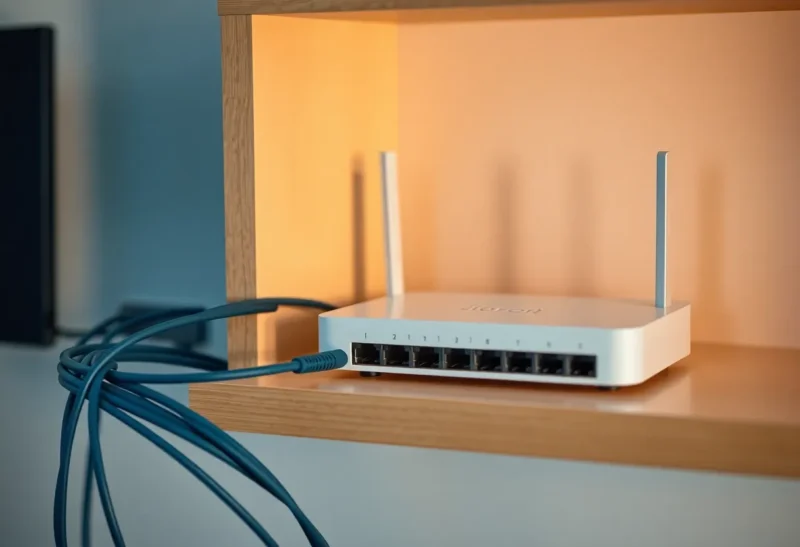
Buyers shopping for Thread border routers often bring expectations shaped by Wi-Fi: if one access point dies, clients should roam to another and life continues. Thread is a low-power mesh with different goals. A border router is not merely an AP—it is a bridge between your Thread mesh and your IP network (typically Ethernet/Wi-Fi). Understanding what can fail over—and what cannot—prevents expensive hardware swaps and household arguments about “the smart lights again.”
This article separates user expectations from what the Thread architecture and typical consumer products actually implement in 2026, with practical guidance for builders and power users.
Nothing here replaces vendor documentation for your specific hub—always defer to the manufacturer when troubleshooting a live outage. Think of this as a map of common misunderstandings, not a replacement for support channels.
What a Thread border router does, in one paragraph
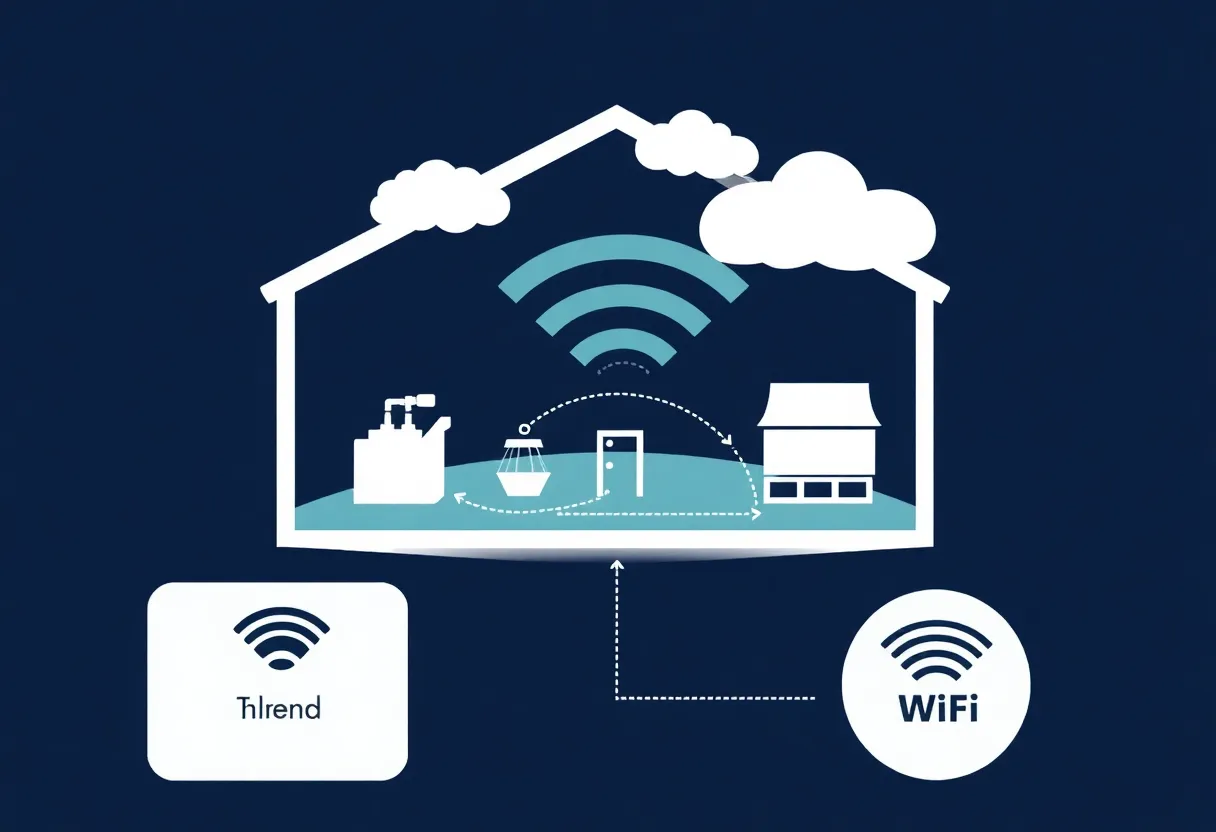
Thread devices talk to each other over 802.15.4 mesh links. Most consumers want those devices to appear in apps on phones and hubs that speak IP. Border routers translate between Thread and your home LAN. They also participate in mesh formation, routing, and service discovery. When a border router disappears, pieces of that translation layer can disappear with it—unless another border router is present and already participating correctly.
What users expect: seamless failover
People want redundancy: if the Apple TV or the dedicated hub goes offline, another border router should instantly pick up. Sometimes that happens. Sometimes it does not—because “having two Thread routers on the shelf” is not the same as “two border routers participating in the same mesh with the right credentials and topology.”

Matter, Thread, and why the stack matters as much as the radio
Consumers rarely buy “Thread” in isolation; they buy Matter accessories and ecosystems that use Thread as a transport. That means your border router behavior is co-determined by app policies, hub firmware, cloud pairing flows, and local commissioning history. A Thread mesh can be healthy while a Matter fabric still looks confused if certificates, fabric keys, or admin permissions are out of sync.
When someone says “Thread failed,” ask whether they mean the mesh dropped, the border router vanished, or the Matter controller could not reach the device. Those are different diagnoses with different fixes.
What the ecosystem often delivers: partial redundancy
Many homes run a single border router because it is simpler and cheaper. Adding a second device can help—but only if:
- Both devices are commissioned as Thread border routers on the same fabric.
- Your ecosystem supports multiple active border routers without fighting for leadership.
- Physical placement allows the Thread mesh to remain connected when one router drops.
If any of those conditions fail, failover feels random. That is not necessarily a “bad spec”; it can be incomplete setup, immature vendor stacks, or physics.
Where Wi-Fi analogies mislead
Wi-Fi roaming is optimized for throughput and latency to phones and laptops. Thread prioritizes battery-powered sensors and small payloads. Border router failover is closer to “replace the bridge” than “find another AP.” The mesh may heal, but IP-side services may need time to re-register depending on implementation.
Also, Wi-Fi clients are usually numerous and chatty; Thread sleepy end devices may not even notice a border router change for minutes if their wake schedule is sparse. Your app might show “offline” briefly while the mesh is fine—another reason to triage carefully.
Apple Home, Google Home, and ecosystem-specific behavior
Even when Thread behaves identically on the wire, ecosystems differ in how they surface border router health, how they prioritize controllers, and how they handle remote access. A failover that is technically successful might still produce user-visible hiccups in automations tied to cloud schedules. Testing locally matters, but so does testing with the same account and same remote access configuration you use daily.
Do not extrapolate from one ecosystem’s forum to another’s hardware. Similar chips do not imply identical UX.
Enterprise and prosumer gear: when Thread meets VLANs and firewalls
Advanced users sometimes isolate IoT devices. Thread border routers must still reach controllers and sometimes cloud assistants. Over-aggressive firewall rules can create “partial failover” where the mesh survives but IP bridging fails intermittently. If you run Pi-hole, IDS, or TLS inspection, expect occasional oddities with discovery protocols. Document exceptions rather than chasing ghosts in the Thread layer.
Commissioning: the hidden prerequisite for failover
Failover discussions often skip past commissioning because it is tedious. Yet border router participation is a function of correct onboarding into the fabric. If a second router was added as a generic Wi-Fi gadget but never elevated into its Thread role, you effectively still have one bridge. After major ecosystem updates, re-check router status screens—not because you enjoy menus, but because silent downgrades happen.
Failure modes you will actually see
Single point of bridging. Only one border router was ever active; the second device is present but not participating as expected.
Power events. A router reboots faster than the mesh stabilizes; automations hiccup.
Ethernet upstream issues. Thread is fine while LAN routing is broken; apps blame Thread.
Vendor-specific quirks. Ecosystem updates can change border router behavior—especially during Matter transitions.
Topology: placement beats shopping
Thread is still a mesh; physics applies. If your border routers sit at opposite ends of the house but your mesh is starved of mains-powered routers in the middle, failover may not matter—you will lose connectivity before redundancy is tested. Plan router placement alongside smart plugs and bulbs that strengthen paths—without turning your home into a radio science project. Sometimes the “fix” is moving a repeater, not buying another border router.
Design guidance for people building reliable homes
1. Plan for two border routers if you need resilience, not just because marketing says so. Verify in software that both are active Thread BRs, not merely powered on.
2. Separate concerns: stabilize Wi-Fi and Ethernet first; Thread cannot fix bad LAN topology. If your ISP drops nightly, fix WAN failover before you chase mesh ghosts.
3. Document which device is primary for commissioning new Thread accessories. Consistency reduces accidental multi-fabric messes when guests help set up devices.
4. Test failure deliberately: unplug one border router during a quiet hour and observe recovery time. Write down what broke and what self-healed; memory is unreliable after midnight troubleshooting.
What the spec guarantees (and what it leaves to vendors)
Standards define interoperable radio behavior and mesh fundamentals; consumer UX—including how quickly failover should complete—is often product-specific. Expect interoperability at the protocol level and variation at the experience level. That is not a comforting sentence, but it is an accurate one.
Roughly speaking, the spec family helps ensure devices can form meshes and exchange frames; it does not promise your favorite voice assistant will never stutter during a router swap. Vendor roadmaps decide how aggressively they optimize for instantaneous handoff versus eventual consistency.
That division of labor is intentional: standards move slowly; products must ship yearly. The gap is where marketing language sometimes overpromises “self-healing” without defining time bounds. Ask for recovery time, not vibes.
Operational playbooks for multi-router homes
Keep firmware schedules staggered: upgrading both border routers simultaneously is how you turn a planned improvement into an unplanned outage. Maintain a paper note of which device commissioned which accessories—when troubleshooting, that history saves hours.
If you run VLANs or guest networks, verify Thread bridges sit on the same logical LAN as your controllers. Segmentation is great for security; accidental segmentation is great for confusion.
Rental homes, power quirks, and the cruel role of UPS
Renters face constraints: fewer Ethernet runs, more reliance on Wi-Fi uplinks, and sometimes aggressive breaker trips. If your border router shares a UPS with noisy loads, verify the UPS actually supports the draw cleanly—brownouts masquerade as flaky radios. A small UPS for networking gear alone is often cheaper than another afternoon of “why did Thread die at 6 p.m.?”
What to tell family members when things blink
Household peace matters. A simple script helps: “The mesh is self-healing; give it five minutes; if lights are still wrong, toggle the known-good switch and avoid re-pairing everything.” Panic re-pairing creates new problems. Calm sequencing—power cycle the upstream router, then the border router—solves more than random app button presses.
Closing
Thread border router failover is possible, but it is not Wi-Fi roaming with a new logo. Treat it as distributed systems on your shelf: multiple correctly configured bridges, sane Ethernet upstream, and realistic tests. When you align expectations with that reality, the mesh stops feeling mystical—and starts behaving like infrastructure.
If you take one action after reading this, run a controlled failure test: note current device states, power down one border router, time how long until your critical automations recover, and power it back up. Numbers beat assumptions—and they make future upgrades far less stressful.
Keep the results somewhere boring: a note in your password manager, a README in a private repo, anything searchable. Future-you will not remember which router was the “good” one in 2027 unless you write it down.