Make.com Error Paths vs Dead Letter Queues: Where Visual Automation Hides Silent Failures

Rohan Mehta
April 8, 2026
Make.com (formerly Integromat) sells clarity: colorful modules, branching routers, and the comforting sense that if something goes wrong, you will see it. Reality is messier. Error routes can lull teams into thinking failures are “handled” when they are only redirected. Dead letter queues—whether implemented as a database table, an inbox folder, or a dedicated scenario—can silently fill while dashboards stay green. The gap between those two ideas is where money leaks.
This article compares error paths in visual automation with dead-letter patterns borrowed from message-queue engineering, explains how silent failures creep in, and offers operational habits that keep visual workflows honest.
If you have ever stared at a green execution history while customers complain, you already understand the problem. The rest is engineering hygiene dressed up as boring checklists.

What Make.com error paths actually guarantee
Error handlers in Make are a form of control flow: “If module X throws, run branch Y.” That is useful for retries, notifications, and compensating actions. What they do not guarantee is observability at scale. A scenario can fail softly—returning partial data, timing out on one connector while succeeding on another—without tripping the error route you drew last quarter when the API behaved differently.
Another subtlety: teams often attach error routes to the last module in a chain, forgetting intermediate modules that can fail with recoverable HTTP codes your filter does not classify as errors. The canvas looks protected; the runtime disagrees.
Dead letter queues: a mindset, not a single button
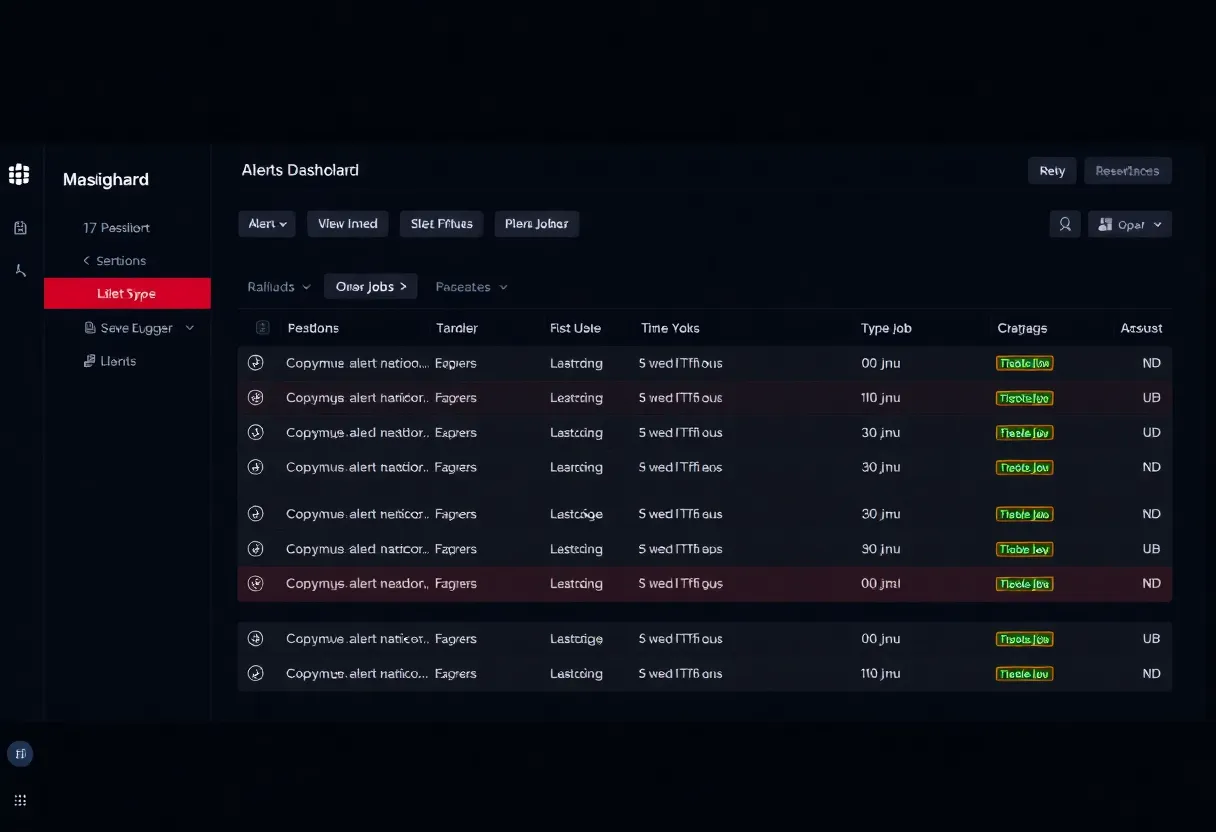
In distributed systems, a dead letter queue (DLQ) is where poison messages go after repeated processing failures. The point is separation: successful traffic keeps moving; suspicious payloads get quarantined for inspection. Translating that to Make means deliberately staging failed records—order IDs, webhook bodies, CRM record keys—into a durable store that humans or a repair scenario can revisit.
Without a DLQ mindset, teams rely on email alerts that get muted, Slack channels that scroll too fast, or error routes that log to nowhere because someone disabled the logging module to stop spam. That is how silent failure becomes cultural.
Where visual automation hides silent failures
Idempotency gaps. Retries are great until they double-charge a customer. If your error route blindly retries without keys, you fix outages and create finance tickets.
Partial success. Multi-module scenarios may update system A but not B. Without transactional semantics, “success” is ambiguous.
Rate-limit handling. Throttling sometimes surfaces as empty arrays rather than errors. Your scenario completes happily while doing nothing.
Schema drift. A SaaS vendor adds a nullable field; your mapper truncates silently. Tests in staging miss it because volume is low.
Comparing mental models: queue workers vs visual modules
In a queue-backed worker system, retries, backoff, and DLQs are first-class citizens. Observability is table stakes: lag, age-of-oldest-message, poison rate. Make scenarios can emulate those behaviors, but the emulation is manual—you drag the modules, you set the filters, you remember to update them when the business changes.
That does not make visual automation inferior; it makes it explicit where your discipline must substitute for platform defaults. Teams that succeed bring queue-like rigor into a canvas environment: explicit caps, explicit poison handling, explicit dashboards—even if the underlying transport is HTTP and not AMQP.
Design patterns that combine the best of both worlds
1. Error route → structured DLQ. On failure, write a JSON row to Postgres or Airtable with timestamps, correlation IDs, and raw payloads. Email alerts are optional; the database is mandatory.
2. Success route → lightweight audit. For high-value flows, log a checksum or hash of inputs/outputs to detect drift over time.
3. Repair scenario. A separate scenario replays DLQ items with guards: max attempts, exponential backoff, manual approval for anything touching money.
4. SLOs for automation. Track counts: failures per day, DLQ depth, mean time to clear. Visual tools need metrics too.
5. Human approval gates for irreversible steps. Anything that posts money, deletes data, or sends customer-facing email should pause for approval when uncertainty is high—route those cases to a review queue instead of auto-retrying into disaster.
Concrete example: order sync with a fake “all good”
Imagine an e-commerce stack where Make moves orders into an ERP. The ERP API returns 200 even when a line item fails validation internally, tucking the problem into a warnings array your scenario never inspects. The scenario completes successfully; the warehouse never sees the line; the customer service inbox hears about it first. An error route on HTTP status alone will miss this entirely.
A DLQ-oriented fix adds validation modules: parse the warnings array, branch if non-empty, write the payload to a quarantine sheet, and page a human. You have traded a few extra operations for a dramatic drop in silent breakage.
Observability without a metrics server
You do not need Prometheus on day one. A daily scheduled scenario can append counts to a spreadsheet: scenarios run, failures, DLQ inserts, replays succeeded. Trendlines beat vibes. If you cannot graph it, at least timestamp it. Future engineers—and future you—will not intuit what changed in March when the CRM started rate limiting harder.
Why “we get alerts” is not a strategy
Alerts fatigue humans. Dashboards fatigue fewer people if they aggregate signal. A DLQ depth graph trending upward for three days is more actionable than a hundred emails about individual retries. Invest in the boring chart.
Correlation IDs: cheap glue that pays rent
When something breaks across three SaaS tools, the first debugging question is “which execution was this?” If your Make scenarios generate a correlation ID at entry—webhook receipt or schedule tick—and pass it through every module and log line, you shorten incidents dramatically. Without that ID, your error route might notify you that “module 7 failed” while support is staring at a customer email that references an order number neither side connects cleanly.
Correlation IDs also make DLQ replay safer: you can prove you are reprocessing the exact same logical event, not a cousin that looked similar at 2 a.m.
Testing: why happy-path screenshots lie
Most teams test the sunny scenario: new lead arrives, CRM updates, Slack celebrates. Fewer teams test the rainy ones: duplicate webhook delivery, 429 storms, malformed JSON with unicode edge cases, or a CRM field that suddenly enforces uniqueness. Error routes need tests too—force a failure and verify the DLQ row exists, the notifier fires once, and retries respect caps.
Automated testing for visual platforms is never as clean as unit tests in code, but you can still schedule synthetic failures monthly. The goal is to catch rot before a vendor changes something subtle on a Friday.
Ownership: who wakes up when the DLQ is not empty?
Silent failure often means unclear ownership. If “ops” owns Make but “finance” owns the ledger, a payment scenario can fall between chairs. Document RACI-style ownership for each critical scenario: who clears DLQ items, who approves replays, who talks to vendors when an API misbehaves. A DLQ without an owner becomes a graveyard.
When to graduate to code
Make shines at connecting SaaS surfaces quickly. It struggles when you need strong transactional semantics, complex branching probability, or heavy transforms at volume. If your DLQ grows faster than you can clear it, or if replay logic becomes a second product inside the platform, that is a signal to extract the hot path into a small service with a real queue and tests—while keeping Make as the edge adapter if it still adds value.
The point is not “code good, no-code bad.” The point is matching tool complexity to failure cost. High-cost failures deserve stronger guarantees than a single error route can provide.
Vendor boundaries: what happens when Make is up but your data is wrong?
Platform status pages are seductive. “All systems operational” does not mean your scenarios are correct. It means their infrastructure is alive. Your integration health is a separate layer—one that only you can measure with business-level checks. Bake a small sanity probe into your stack: a known fixture record that should always round-trip, or a daily reconciliation between two systems’ counts. When the probe fails, you have a category of error that error routes cannot see because nothing “threw.”
Documentation that actually helps during an outage
Runbooks should live next to the DLQ, not in someone’s head. Minimum viable contents: what this scenario is supposed to guarantee, what “healthy” looks like, which vendor to call for which symptom, and how to replay safely. If onboarding a new teammate requires oral history, your automation is already fragile.
Closing
Error paths in Make are necessary but not sufficient. Dead letter discipline—explicit quarantine, inspection, and replay—is what keeps long-running automations from rotting quietly. Treat your no-code stack like production software: schemas, metrics, and runbooks. The canvas is pretty; the ledger still has to reconcile.
Build for the Friday afternoon incident, not the Tuesday demo. That is where error routes prove whether they are theater—or a real safety net.