E-Ink Notes to Obsidian (and Beyond): Sync Architectures That Don’t Fight the Hardware in 2026

Jonas Pike
April 8, 2026

E-ink tablets are wonderful for reading and surprisingly good for handwriting—until you ask them to behave like a laptop-class note graph. Obsidian, Logseq, and similar tools assume fast storage, instant search, and aggressive indexing. E-ink screens assume patience, partial refresh, and batteries that hate constant background work. If you bridge the two without a plan, you get sync conflicts, duplicated notes, and the creeping feeling that your “second brain” is actually two brains arguing.
The goal is not to make e-ink pretend it is an LCD. The goal is to route work so each device does what it is good at: distraction-free capture on the tablet, structure and linking on the machine with the keyboard and the fast disk.
This article lays out sync architectures that respect the hardware: where to put the source of truth, how to avoid sync storms, and what to expect when you insist on Markdown files everywhere.
Vendor stacks change—2026’s export button is not guaranteed to sit in the same submenu in 2028—so favor workflows where your long-term archive is boring, portable, and under your control, even if the daily capture tool is glossy.
Start with the constraint: what e-ink devices do well (and poorly)
Most e-ink tablets excel at capture: handwriting, marginalia, reading PDFs, and exporting highlights. They are weaker at being always-on clients for heavy sync engines. Cloud services that poll aggressively or rewrite metadata frequently can wake radios, drain batteries, and introduce jitter on the display stack. That does not mean the devices are bad—only that they reward architectures that batch work and sync deliberately.
If your mental model is “Obsidian is truth and the tablet is a thin client,” you will fight the device. A more stable model is “capture happens on the tablet; consolidation happens on the workstation,” with explicit handoff points.
Markdown as lingua franca: why it still wins in 2026
Markdown remains the most portable format between ecosystems. Native tablet notes apps vary—some export vector strokes, some flatten to images, some export text alongside handwriting. When you can export to plain text with stable filenames, you win the ability to drop files into a vault folder watched by Obsidian without exotic glue code.
When you cannot get clean Markdown, treat exports as attachments: PDFs or PNGs stored in dated folders, linked from an index note. It is less elegant than pure text, but it prevents silent corruption when the tablet’s handwriting engine updates and changes how lines serialize.
If your device offers layered notes, export both the flattened PDF and a vector or native archive when available. Redundancy beats perfect minimalism when formats evolve.
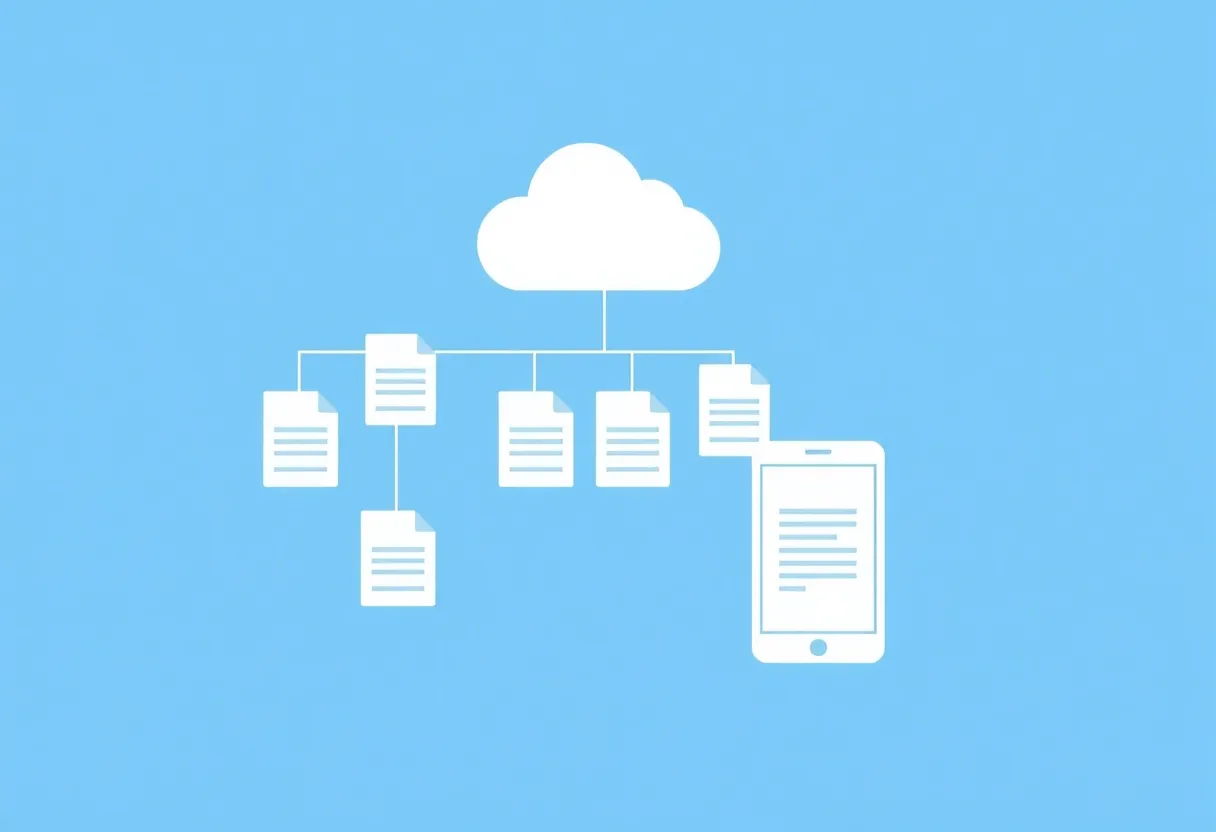
Three sync patterns that tend to survive reality
1. One-way capture with nightly merges. The tablet exports to a staging folder—cloud or local—then a script or a human promotes files into the vault. Conflict surface is low because the tablet does not continuously edit canonical notes.
2. Git as the adult in the room. Developers love this. Commit from the machine you trust; treat the tablet as an input device that never touches the repo directly. It is slower, but it is auditable. Great for people who already live in Git and can tolerate friction.
3. Cloud drive + Obsidian’s folder sync with strict naming. iCloud, Dropbox, or OneDrive can work if you avoid editing the same note from two devices simultaneously. The failure mode is “quick fix on phone” colliding with “long edit on tablet.” Policies beat hope: one device owns each note at a time.
What breaks: sync storms, case sensitivity, and plugin greed
Obsidian plugins that reindex constantly or rewrite front matter can create noisy changes on disk. On a fast SSD that is trivial. On a tablet that indexes slowly, those writes feel like lag. Keep your plugins lean on the mobile side, or split vaults: a “heavy analytics” vault on desktop and a “capture” vault on the tablet that syncs less frequently.
Case sensitivity matters when you move between Windows, macOS, and Android-based tablets. A file named Meeting.md and meeting.md are different files on Linux-style systems and the same file on Windows. If your sync layer resolves duplicates poorly, you will get split-brain notes. Standardize naming conventions early.
Handwriting: when to OCR, when to leave it alone
Handwriting recognition keeps improving, but it is still a source of semantic drift. If you rely on OCR to turn ink into Markdown, build a review step on the desktop. Batch OCR overnight rather than on every save. For notes that must be searchable verbatim, typed text still beats conversion errors—use the tablet for sketches and anchors, and summarize in typed text when precision matters.
Beyond Obsidian: Logseq, Capacities, and block-based tools
Not everyone wants a folder of Markdown files. Block outliners promise transclusion and daily notes with less manual linking. The trade on e-ink is similar: mobile clients vary in quality, and block IDs can churn when exporters change. If you mix systems, pick one canonical graph for links and treat the tablet as media input. Copying blocks between tools without a disciplined schema produces beautiful screenshots and unusable archives.
If you use Logseq-style workflows, consider periodic export to Markdown for long-term preservation—even if you still live in the outliner day to day. Future-you cares about file longevity more than today-you cares about novelty.
Syncthing, WebDAV, and “almost local” sync
Peer-to-peer sync can be magical on a home network: fast, no vendor middleman, and fine-grained ignore rules. It can also be fragile across sleeping laptops and asymmetric NAT. For e-ink tablets that do not run Syncthing natively, you often end up with a hop through a always-on server anyway. If you go this route, invest in monitoring: silent desync is worse than obvious failure.
WebDAV bridges many self-hosted stacks to mobile editors. Performance varies; large vaults with thousands of small files stress some clients. Splitting archives by year or project reduces directory listing pain.
Security and privacy: your notes are not “just files”
Third-party sync means trust. If you handle client data, student notes, or health-adjacent journaling, choose providers with clear encryption models and device controls. Self-hosting via WebDAV or a private Nextcloud can work, but only if you accept maintenance. The e-ink device does not care how principled you are if the network stack is flaky—optimize for reliability first, ideology second.
Mobile Obsidian on e-ink Android: expectations management
Some Boox-class devices run Android and can install Obsidian directly. That is convenient and also dangerous: the full plugin ecosystem assumes phone-class CPUs. Prefer a minimal mobile profile—core plugins only, disable heavy themes, and avoid opening the largest vault on first launch. Pre-index on a faster machine if you can. If the app feels sluggish, the problem is often not “e-ink is slow” but “search is indexing ten thousand files while you try to write.”
Keyboards and folios change the equation. If you add a Bluetooth keyboard, your tablet behaves more like a laptop and sync contention rises because you will edit more like one. Revisit your conflict policy when your input method changes.
A setup recipe that works for many solo knowledge workers
- Create a
00-inboxfolder in your vault for tablet exports. - Process the inbox weekly: rename, link, tag, delete duplicates.
- Keep long-form writing on the machine with better keyboard and plugins.
- Use templates in Obsidian for meeting notes so imports slot into a predictable structure.
The inbox is not a junk drawer if you empty it. It is a pressure valve that prevents half-finished sync states from polluting the graph.
Backups: sync is not backup
Even elegant sync setups lose data when human fingers delete the wrong folder. Schedule independent backups of your vault—versioned snapshots on a NAS, time-stamped zip exports, or a Git remote you never force-push to casually. E-ink exports are part of that story too: if your tablet keeps a local copy of notebooks, verify exports periodically so a device failure does not erase a semester of ink.
Test restores, not just backups. A backup you have never restored is a wish. Fifteen minutes once a quarter saves days of panic.
When to abandon purity and use the vendor cloud
Purists want plain Markdown everywhere. Pragmatists use the tablet’s native cloud because handwriting layers are proprietary anyway. If the vendor sync is reliable and exports exist, there is no shame in leaning on it for the art layer while Markdown handles the words. Fighting the manufacturer’s pipeline sometimes costs more cognitive load than it saves.
Closing
E-ink and Obsidian can coexist beautifully when you stop pretending they are the same kind of computer. Give the tablet a capture-first role, give the desktop the indexing and linking role, and choose sync mechanics that minimize simultaneous edits. Your hardware will last longer on a charge—and your notes will last longer without silent corruption.
If you only adopt one habit from this piece, make it deliberate handoffs: export, review, link—never “hope the cloud figured it out.” Hope is not a sync strategy.