Thread Border Router Placement: Why One Bad Corner Tanks Your Whole Mesh

Drew Morrison
April 8, 2026
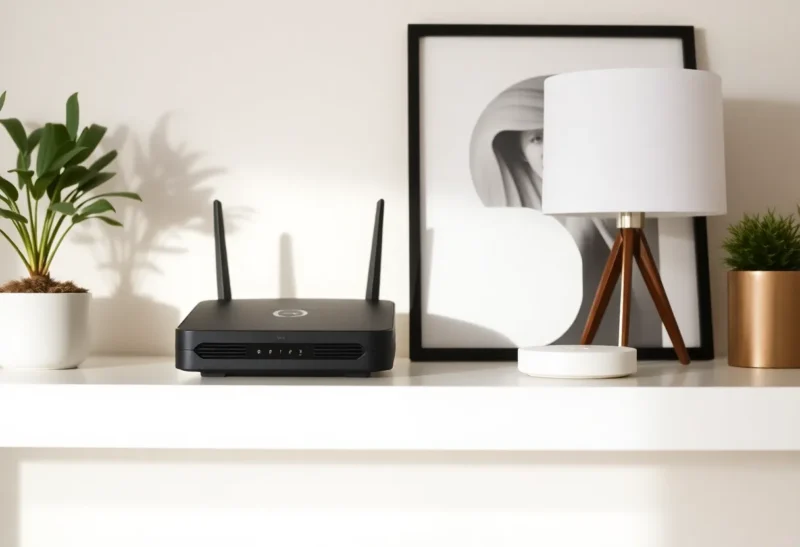
Thread is the protocol everyone agrees is “the future” until a light switch drops offline at bedtime. Unlike Wi-Fi, Thread does not shout its problems in megabits per second. It whispers in topology: parents, children, routers, sleepy end devices, and the border router that bridges the whole mesh to your home IP network. If that border router—or any critical router node—sits in the wrong corner, you do not just get a weak signal. You reshape the mesh itself. One bad placement can turn a promising setup into a fragile one.
This article explains why border router placement matters for Thread and Matter, how a “quiet” corner can still wreck reliability, and what to try before you blame the brand on the box. The goal is practical: fewer mystery dropouts, fewer 2 a.m. reboot rituals, and a mesh that keeps working when real life rearranges the room.
What a border router actually does
A Thread border router connects your Thread mesh to the outside world—typically your Wi-Fi or Ethernet LAN and, through that, the internet. Matter controllers, cloud services, and your phone (when you are not on Bluetooth) reach Thread devices through border routers. They are not merely accessories; they are gateways. If the border router has poor backhaul to the rest of your home network, the mesh can look healthy locally while remote commands time out.
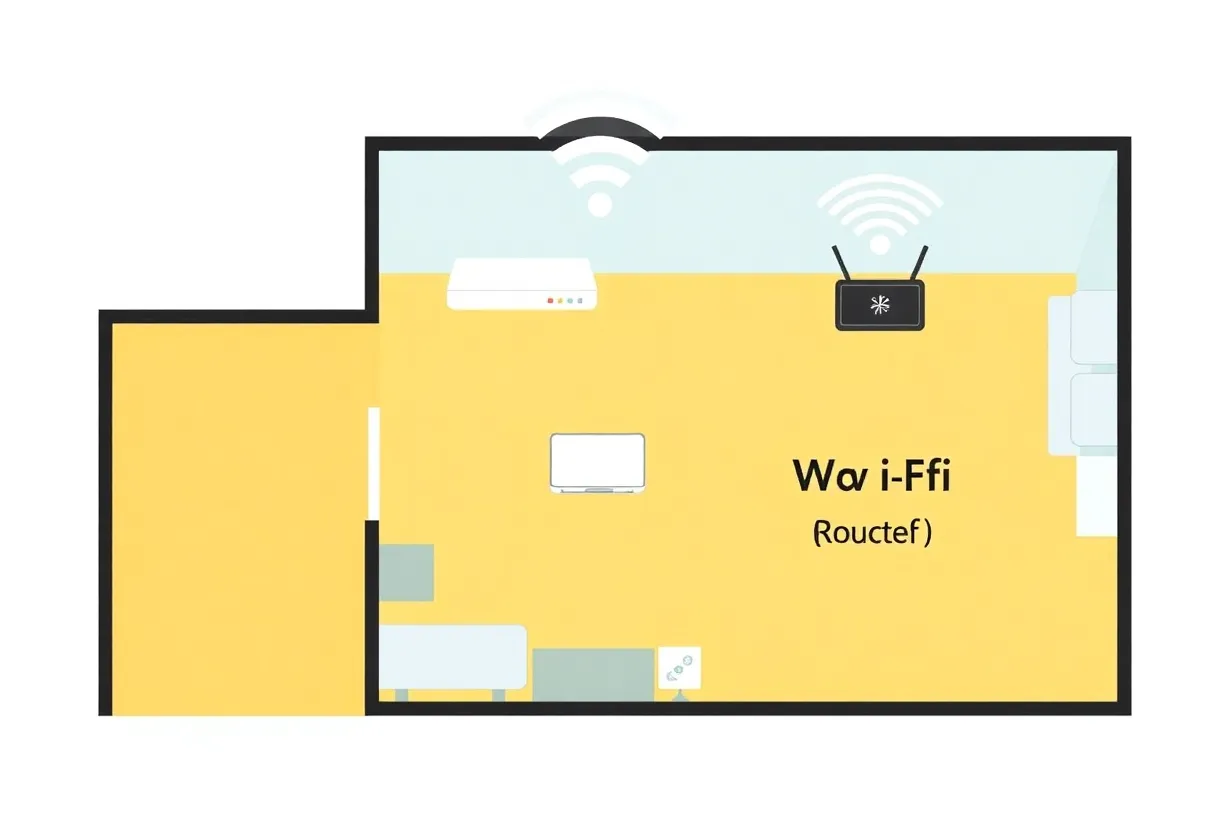
Thread routers inside the mesh forward traffic for other devices. Border routers add the extra job of translating between Thread and your IP network. That means they tend to be chatty and power-stable. Sticking one behind a metal desk, inside a closed cabinet, or on the far side of a concrete wall does not just attenuate RF—it can change which devices elect themselves as parents, how routes converge, and how quickly the network heals after power blips.
Why “one bad corner” is not hyperbole
Mesh networks route around failure—that is the promise. But routing around is not free. Every hop adds latency and opportunities for packet loss. When your border router lands in a corner with weak connectivity to other routers, you create a funnel. Traffic from half the house may need to traverse an awkward path to reach the exit node. In practice, users experience this as scenes that work sometimes, automations that lag, and devices that “come back” if you walk closer to the hub.
Corner placement also correlates with interference. Corners often sit near ductwork, foil-backed insulation, aquariums, or stacks of electronics. Thread operates in the 2.4 GHz band, crowded by Wi-Fi, Zigbee, USB 3 noise, and microwave ovens. A border router jammed behind a TV is not just far away—it is acoustically miserable.
Symptoms that point to placement, not junk hardware
- Directional weirdness. Devices on one side of the house respond instantly; devices on the other side stumble unless you add another router-class node nearby.
- Heal loops after power loss. After a brief outage, Thread takes longer than expected to stabilize, and the last devices to come online cluster in the same zone.
- Controllers work locally but cloud features flake. That pattern often tracks backhaul from border router to the internet, not Thread itself.
- Adding one mains-powered smart plug “fixes” multiple battery devices in a room. You accidentally improved mesh density by giving Thread a better parent candidate.
Principles for border router placement
Think center and line-of-sight. Elevate the router if you can—shelves beat floor corners. Aim for a location that sees multiple rooms rather than one distant wing.
Separate border duties from aesthetic hiding. The prettiest smart home is the one where switches work. If you must hide gear, hide repeaters—not your only border router.
Plan for redundancy if your ecosystem allows it. Multiple border routers can share load and survive one going offline, but only if each has sane placement and stable ethernet or strong Wi-Fi backhaul. Two border routers in the same bad corner just duplicate the bottleneck. A second box that never joins the same Thread dataset is the other failure — credential sharing versus buying another Apple TV.
Watch USB 3 hubs and HDMI cables. High-speed ports near radios are notorious noise sources. A border router perched on a media stack may be RF-pretty on paper and ugly in reality.
Where border routers hide in real homes
Depending on your ecosystem, the border router might be a dedicated hub, a smart speaker with Thread radio, a Wi-Fi access point with Matter support, or a Home Assistant Yellow. They all share the same physics. The difference is how transparently the vendor exposes placement guidance. Some vendors ship short USB-C cables that tempt you to tuck the puck behind a TV; others expect ceiling-mounted APs. In every case, ask yourself: Which wall outlet is closest to the geometric center of the devices I care about? Not the center of the house on an architect’s drawing—the center of your actual deployment.
If you are all-in on Matter, remember commissioning is only the first handshake. Day-to-day reliability is the mesh doing its job while you are not watching. A border router parked next to a harmonically loud switching power supply can pass day-one tests and fail week-three when the weather changes and heaters cycle.
Interaction with Wi-Fi mesh and VLANs
Many readers run Wi-Fi mesh alongside Thread. If your border router connects via Wi-Fi, you inherit mesh Wi-Fi behavior: roaming, steering, and occasional path changes. A border router that jumps between weak secondary nodes can look like flaky Thread. Where possible, prefer wired backhaul for at least one border router—powerline adapters are imperfect but often better than a corner Wi-Fi hop.
If you segment IoT onto a VLAN or guest network, ensure your border router still has a route to controllers and DNS that you expect. Thread does not care about your VLAN diagram, but your Matter controller does. Misplaced routing looks like protocol failure.
Thread vs Zigbee in the same room
Many homes run Thread and Zigbee concurrently. They are not interchangeable, but they compete for airtime. If you place a Thread border router inches from a Zigbee coordinator, you can create a local RF party where both protocols look flaky. Separation helps—different shelves, different heights, and ideally different USB noise environments. If you must stack, expect to spend more time tuning channel plans on the Zigbee side while Thread self-heals around you.
Calibration without a spectrum analyzer
You do not need lab gear to iterate. Move the border router to a more central outlet for a weekend. Note automations that improve. Add one mains-powered Thread router device in the previously cursed room and watch whether battery sensors stabilize. Document what you changed; future you will not remember which outlet was “the good one.”
Keep a simple checklist for each test: date, location, which devices improved, which stayed bad. If you change two variables at once—moving the border router and swapping Wi-Fi channels—you will not know what actually helped. Patience is a diagnostic tool.
Family politics and partner acceptance
Sometimes the “best” RF location is aesthetically hostile. Negotiate with small wins: paintable outlet covers, a short stand to lift the puck above a console, or a discreet shelf that moves the router six inches forward—often enough to clear a TV’s RF shadow. If you cannot win the living room, win the hallway that sees multiple rooms; corridors can be surprisingly effective mesh backbones.
When to stop moving routers and start moving expectations
Some homes defeat 2.4 GHz no matter what—thick masonry, radiant foil, multi-level HVAC metal. In those cases placement still matters, but you may need more powered Thread routers than marketing brochures imply. Treat additional routers as infrastructure, not defeat.
Also calibrate expectations for battery-powered sleepy devices. They are supposed to sip energy, which means they tolerate less drama in the mesh. If your border router is solid but sensors at the edge still struggle, the answer is usually more router-class mains devices nearby—not louder complaints in forums.
What changed in 2026 conversations
Matter adoption pushed Thread border routers into more mainstream hardware. That is good for interoperability and bad for oversimplified setup wizards that imply “plug it in anywhere.” The laws of physics did not get a firmware update. If anything, denser device counts make placement more important: more nodes mean more ways for a poor parent election to ripple through automations.
When you read marketing about “self-healing mesh,” translate it honestly: self-healing works best when the mesh has sane choices. A border router in a metal-lined closet removes good choices before healing even starts.
Takeaways
Border routers are exit ramps for your Thread mesh. In a corner with poor RF and noisy neighbors, they become choke points that masquerade as flaky gadgets. Center, elevate, reduce interference, and prefer stable backhaul. If adding density in the right room fixes multiple devices at once, you have learned something useful: your mesh was starving for parents, not loyalty.
Finally, treat placement as a living decision. Furniture moves, TVs upgrade, and holiday string lights appear. A border router that was perfect in April can drift into a bad corner by December. The best smart homes revisit RF the same way they revisit smoke detector batteries—quietly, regularly, and without drama.