Kobo Elipsa vs reMarkable Paper Pro in 2026: Library-First vs Sketch-First

James Webb
April 7, 2026

Choosing between the Kobo Elipsa line and the reMarkable Paper Pro is less about which device has “better e-ink” and more about what you are optimising for: a reading-first ecosystem with storefront access, or a distraction-free sketching and PDF markup rig with a subscription-shaped software story. Both families use large monochrome panels, both support styluses, and both will make your Instagram flat lay look thoughtful. The difference shows up after the novelty wears off—when you are halfway through a dense PDF, exporting notes, or trying to buy a book without touching a glass tablet.
This comparison assumes a 2026 buyer who reads long-form, annotates for work or study, and cares about latency, file handling, and total cost of ownership—not just the sticker on the hardware.
Philosophy: library-first vs sketch-first
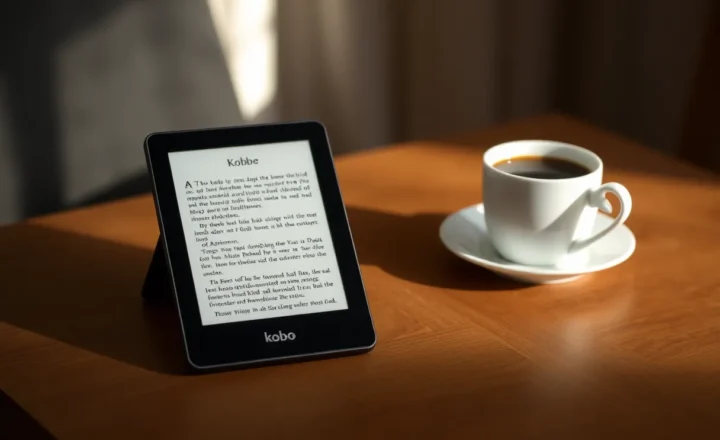
Kobo’s Elipsa products sit inside Rakuten’s bookstore world. You get OverDrive integration for library loans, Pocket for saved articles, and a path of least resistance toward buying EPUBs legally. The device wants to be a reading surface that also lets you scribble.
reMarkable’s Paper Pro pushes the opposite centre of gravity: paper-like writing with reading as a strong secondary. The lock-in version of that fork is Scribe versus Paper Pro on Amazon versus Connect. The UI, sync stack, and accessory story all orbit handwriting, templates, and typed notes that feel like a slim binder. If you rarely buy books and live in PDFs, that bias can feel like a feature, not a bug.
Hardware feel: size, weight, and daily carry
Both lines trend large—ten inches and up depending on exact SKU and generation. That is wonderful for split-screen reading and cramped margin notes; it is less wonderful in a small sling bag. Before you romanticise either brand, measure the bag you actually carry and decide whether “almost A4” is a commute-friendly format or a desk-only tool.
Build quality on flagship units is generally solid: soft-touch backs, gentle textures, magnets for folios. reMarkable’s industrial design is more aggressively minimal; Kobo often feels closer to a consumer ereader that grew up. Neither is a substitute for a rugged case if you travel hard.
Stylus latency and writing texture
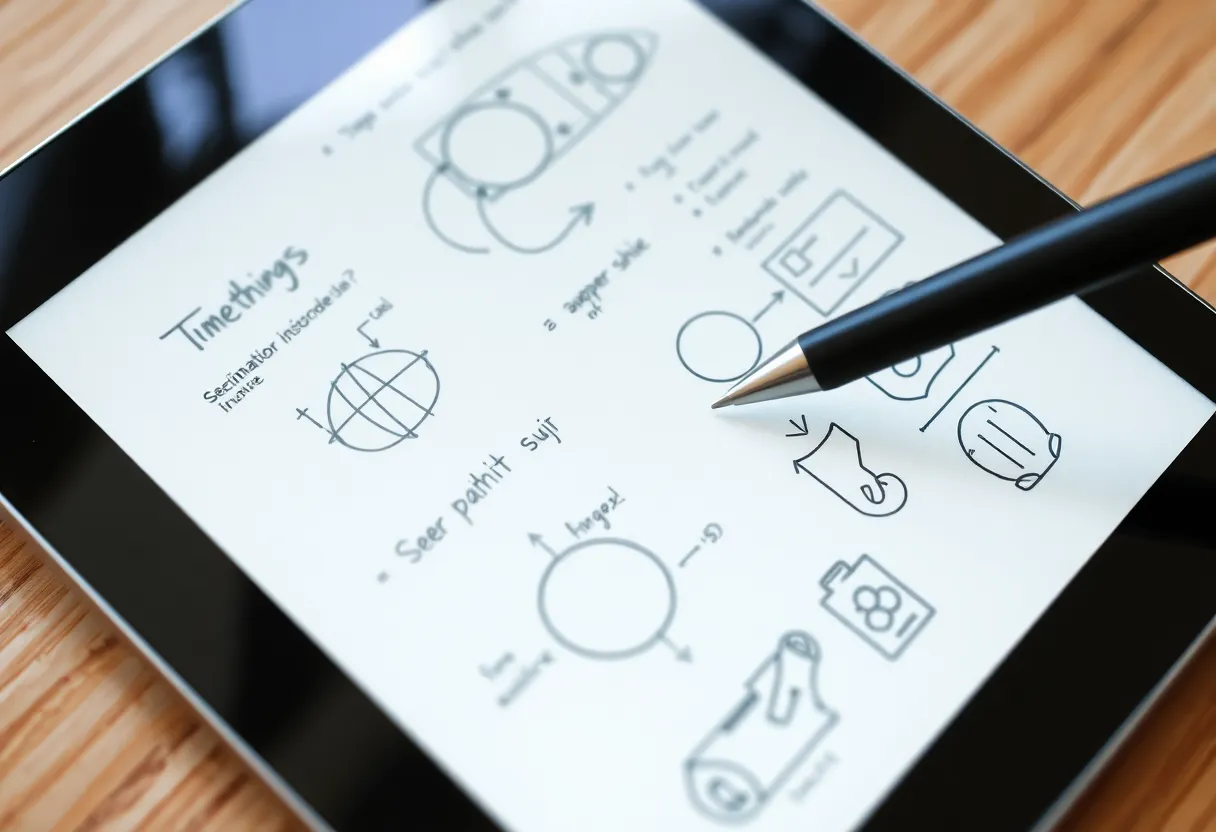
Latency on modern high-end Carta panels keeps improving; subjective “ink behind the nib” differences still matter for artists and fast note-takers. reMarkable has historically tuned for pencil-like drag; Kobo’s Elipsa pens aim for competent markup without pretending to be a Wacom replacement. If you sketch figures daily, try both in a store or borrow from a friend—YouTube slow-motion videos help, but hand tension does not lie.
Nib wear and replacement cost belong in your spreadsheet. Third-party pens may work on one platform and jitter on another; do not assume universal compatibility.
Reading: formats, store, and library loans
Kobo’s ace is ecosystem openness within mainstream publishing: buying books, syncing highlights, borrowing from libraries via OverDrive where supported. DRM realities still apply, but you are not sideloading as a default lifestyle.
reMarkable reads EPUBs and PDFs and handles many textbooks fine, yet it is not where you go if the primary joy is browsing a store with weekly sales. For academic PDFs, reMarkable’s focus can shine—fast page turns, cropping tools, and notebook pages sitting next to the document—provided you accept the software cadence.

PDF and academic workflows
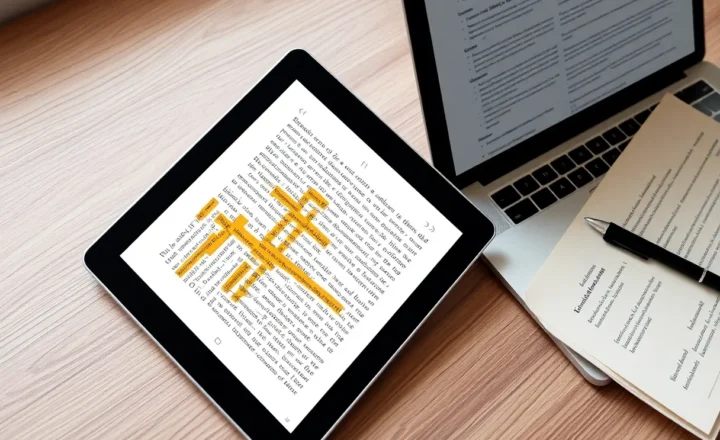
For giant scanned PDFs, CPU matters as much as ink. Expect occasional waits on huge files regardless of brand. The better question is how each OS handles outlines, search, and export. Researchers often duplicate notes into Obsidian or Zotero; check how cleanly highlights and annotations travel. Kobo tends to favour readers who live in books; reMarkable courts people who live in marked-up documents and want those marks on desktop quickly.
Software subscriptions and lock-in
reMarkable’s Connect tier history makes buyers wary of recurring fees for features that feel core—cloud sync, handwriting conversion, sometimes integrations. Read the current plan carefully before purchase; promotions change. Kobo’s costs skew toward content purchases rather than feature paywalls, though Rakuten account quirks and cloud services still deserve a skim of the terms.
Neither ecosystem loves the idea of you leaving. Export paths exist—PDFs, notebooks—but treat vendor clouds as convenient, not archival law.
Battery life and lighting
Front lights on both families make evening reading tolerable; colour temperature controls vary by generation. Battery life swings wildly with Wi-Fi usage, sync frequency, and how aggressively you crank brightness. For travel, aeroplane mode is still the honest friend of longevity.
Who should pick the Elipsa
- You read purchased and library ebooks as much as you annotate.
- You want fewer surprises around book acquisition and regional store support.
- You prefer a traditional ereader UX that happens to tolerate a pen.
Who should pick the Paper Pro
- You live in PDFs, meeting notes, and sketched diagrams.
- You value a calm, writing-centric interface over bookstore polish.
- You are willing to pay attention to subscription details and desktop companion apps.
Accessibility and reading comfort
Large e-ink panels help readers who need bigger type without scrolling every line. Contrast on Carta-class displays is excellent in sunlight; front lights reduce glare compared to LCD if tuned modestly. If you rely on text-to-speech, verify current firmware behaviour—e-ink readers implement TTS unevenly, and neither brand is an accessibility-first champion like mainstream phones. For dyslexia-friendly fonts and spacing, Kobo’s reading engine traditionally offers more knobs; reMarkable prioritises writing templates but still lets you scale type in many documents.
Accessories that change the experience
Folios that wake and sleep the device save battery and prevent pocket scratches. Keyboard folios exist in the broader market; check official compatibility before assuming Bluetooth keyboards pair cleanly for long typing sessions. Screen protectors alter friction; some writers love matte films, others hate the grain. Budget for a case before you blame the stylus for “weird” feel—flex in the cover affects lap writing stability.
Handwriting recognition and search
Converting ink to text is handy for meeting minutes; accuracy varies with script speed and language packs. reMarkable pushes conversion as part of its cloud story; Kobo’s angle is lighter—often enough for marginalia, less pitched as a full notebook replacement. If search across handwritten archives is mission-critical, test the exact build you plan to buy; marketing screenshots age faster than hardware cycles.
Third-party apps and hacks
Neither device is an Android playground. If you need Kindle exclusives, Readwise-heavy pipelines, or arbitrary APKs, you are shopping the wrong category—consider Onyx Boox and accept glass trade-offs, or carry two devices and stop pretending one slab can be everything.
Total cost snapshot
Compare not just tablets but folios, extra nibs, replacement pens, and any subscription. A “cheaper” tablet with a mandatory annual fee can outrun a pricier upfront competitor over three years. Build a simple three-year model with your realistic reading and note volume.
Conclusion
In 2026, Kobo Elipsa remains the rational pick when reading is the spine of your day—library loans, EPUB shopping, long novels between meetings—and markup is important but not existential. reMarkable Paper Pro still wins when the page is a thinking surface first: workshops, design critiques, dense PDF markup, and handwriting you want to trust. Pick the ecosystem that matches your primary file types and your tolerance for subscription shapes; the glass iPad in your drawer can handle everything else badly at twice the eye strain.