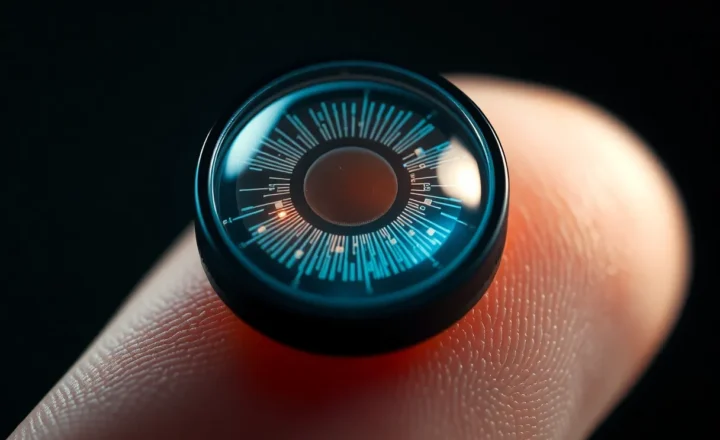
Wearable AR vs Smart Glasses: The Display Tech Gap Nobody Markets Clearly

Grant Webb
April 7, 2026
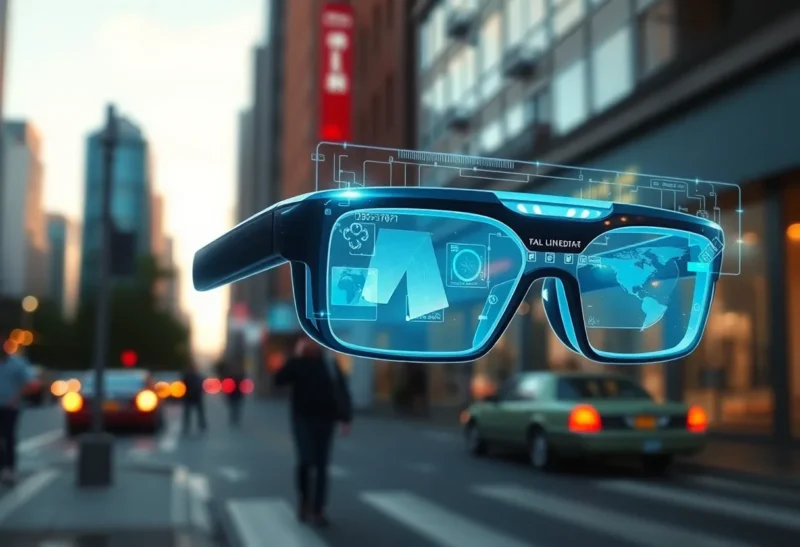
Marketing loves to blur lines. A wrist projector becomes “spatial computing.” A heads-up notification monocle becomes “augmented reality.” In 2026, buyers still deserve a cleaner split between wearable AR—interfaces that track your environment and anchor graphics to it—and smart glasses, which are often excellent heads-up displays with modest spatial awareness. The gap between those categories is optical physics, not adjectives.
This article names the technologies vendors muddle, what each form factor can realistically deliver today, and how to read spec sheets without expecting a magic lens to fix ergonomics your neck will veto anyway.
Smart glasses: HUD-first, world-second
Most consumer “smart glasses” prioritize lightweight optics and all-day wear. They may show notifications, directions, translations, or a floating rectangle that feels more like a second screen than a scene-aware layer. Spatial registration might be basic—stable in your field of view, not locked to a coffee cup on the table.
That is not a failure mode; it is a product choice. When the goal is glanceable data without pulling a phone, HUD-class devices win on battery, heat, and social acceptability.
Wearable AR: anchoring is the hard part
True wearable AR needs sensing—depth, SLAM, eye tracking in higher-end stacks—and optics that keep virtual objects stable as you move. Waveguides, birdbath combiners, and off-axis projection each trade brightness for form factor. Outdoor readability remains the perennial villain: sunlight laughs at nits that look heroic in a keynote.

When a product claims “AR,” ask whether graphics lock to world coordinates or simply hover in head space. The difference defines whether developers can build spatial apps or merely ship mirrored phone tiles.
Wrist and palm projects: niche, not replacements
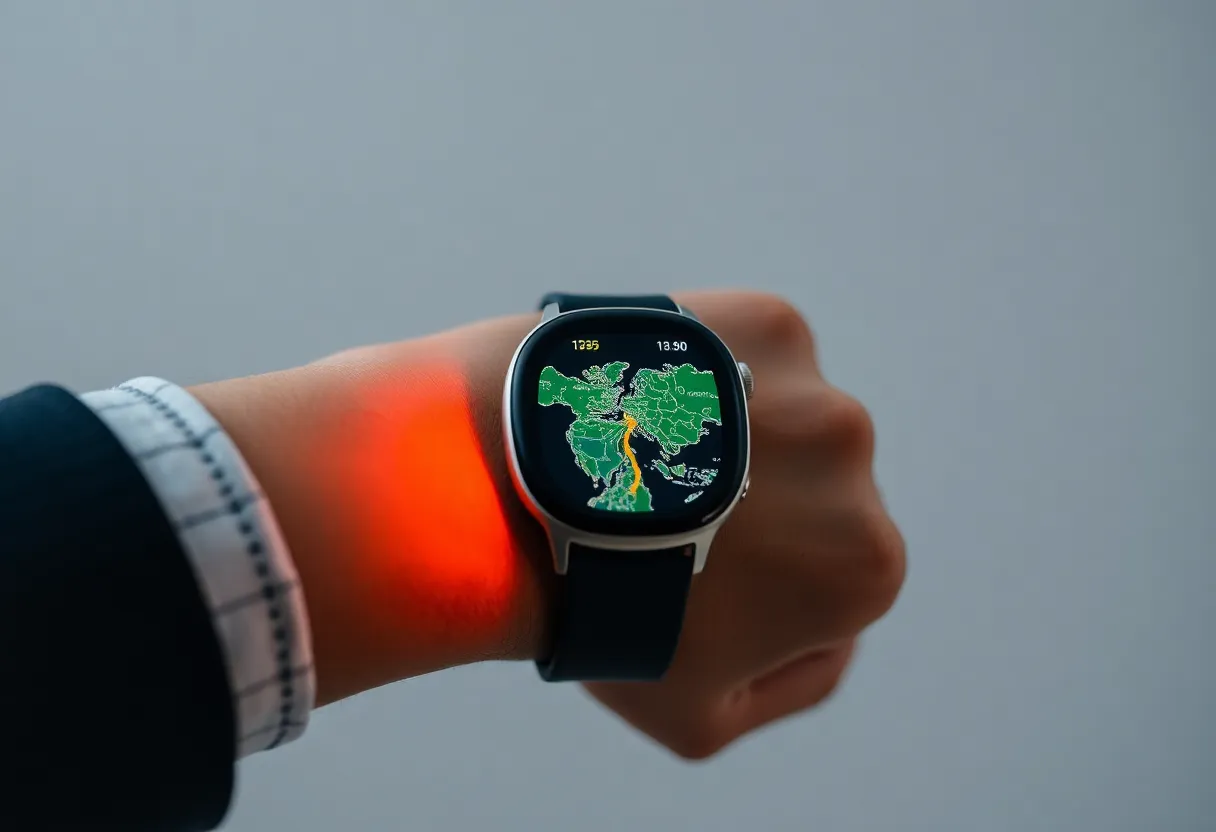
Alternate wearables try to dodge face-mounted optics by projecting onto your hand or forearm. They can be clever for specific tasks—quick maps, fitness cues—but they struggle with occlusion, skin tone variability, and ambient light. They compete with watches more than with glasses, and they rarely deliver the social stealth people imagine.
Latency, vergence, and comfort
AR that misaligns motion cues with visual updates causes discomfort fast. Smart glasses with simple HUDs sometimes feel smoother precisely because they avoid heavy spatial illusions. Do not assume more AR equals more comfort; often the opposite is true until optics and tracking mature.
Prescription and fit: the silent dealbreaker
Waveguide stacks add thickness. Temple arms stiffen to route heat. Nose pads that felt fine for ten minutes in a store can dig in after an hour. If you need prescription inserts, lead times and lens curvature constraints can shrink the field of view. Treat fit and optics as a combined system—marketing renders rarely include astigmatism or progressive lens compromises.
Audio strategies: open-ear vs isolation
Many smart glasses double as headphones via bone conduction or directional speakers. Open-ear designs preserve situational awareness but leak sound; isolation improves privacy and music quality but undermines the “glasses first” story. Wearable AR prototypes sometimes assume headphones are optional, then quietly depend on them for spatial audio cues that make interfaces feel convincing.
Privacy and cameras
World-facing cameras unlock better AR but invite scrutiny. HUD-first glasses sometimes omit cameras entirely, trading capability for trust in public spaces. Know which side your use case sits on before you optimize for features you will disable after one uncomfortable dinner.
How to choose without buzzword bingo
- Need world-locked UI? Demand explicit tracking architecture, not a logo.
- Need outdoor use? Verify brightness claims with third-party reviews in daylight.
- Need all-day wear? Favor lighter HUD glasses; accept limited AR.
- Need dev ecosystem? Check SDK depth, not launch trailer polish.
Bottom line
Smart glasses and wearable AR overlap in photos, not in engineering. HUD-class devices are maturing on sensible curves; environment-anchored AR still pays the physics tax. Buy for the interaction model you actually need—glanceable data versus spatial apps—and you will enjoy the hardware more than anyone chasing a label.