E-Ink Phones With a Second Screen: Use Cases That Aren’t Gimmicks in 2026

Mira Sandoval
April 7, 2026
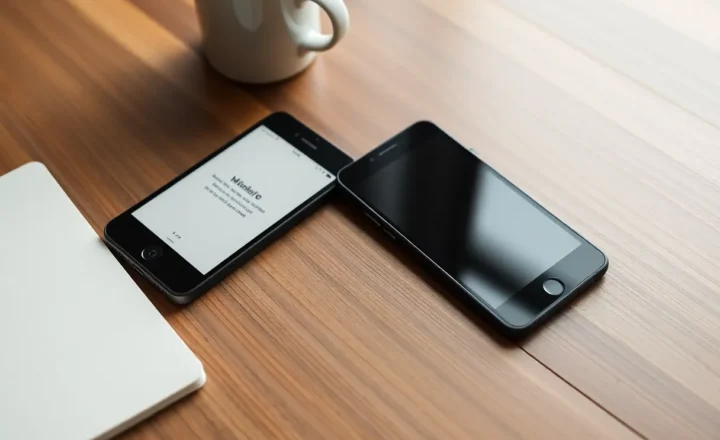
Dual-screen phones are not new. Neither is e-ink. What still feels like a niche experiment is the combination: a pocket-sized computer that keeps a full-color, high-refresh display for the apps that demand it, and a second panel—usually on the back, sometimes folded—that trades saturation for sunlight readability and battery sanity. In 2026, the category is still small, still uneven, and still oddly persuasive for a narrow set of people who are tired of being nagged by their own lock screen.
This piece is not a shopping list of models that will age badly. It is an honest look at where a second e-ink surface stops being a party trick and starts earning its glass—reading, notifications, focus modes, travel, accessibility-adjacent use cases, and the quiet economics of power draw.
A short history lesson that explains the skepticism
Readers with long memories will think of YotaPhone first: bold concept, uneven execution, software that never quite convinced developers the rear screen mattered. Later waves from Chinese OEMs experimented with larger e-ink backs, faster refresh modes, and tighter Android integration—sometimes excellent hardware paired with firmware that arrived late or stopped early. That lineage matters because it trained the market to ask one question first: will this be supported long enough to outlast the contract?
In 2026, the honest answer still varies by brand and region. The technology is more mature; the business incentives are not automatically aligned with niche longevity. That is why “gimmick or not” is less about physics and more about whether your specific device gets the reader patches, security updates, and bug fixes that make daily use tolerable.
Why manufacturers keep trying (and why most shoppers never notice)
Color OLED panels got brighter and smoother; batteries did not get magical. Every always-on feature, every widget, every glanceable complication is a small tax. E-ink’s trick is that it can hold an image without constantly pumping electrons the way emissive displays do. Put a slow-updating panel where the information is naturally static—book pages, boarding passes, tomorrow’s calendar—and you have a plausible story: less time with the “main” screen awake, fewer accidental dopamine hits from icons you did not mean to see.
The failure mode is familiar. If the e-ink side is hard to configure, lags behind the primary display in software support, or ships with a reader app that feels like an afterthought, reviewers call it a gimmick and move on. Fair enough. The surviving use cases are the ones where the hardware pain is low and the workflow fit is obvious.
Reading: the least controversial win
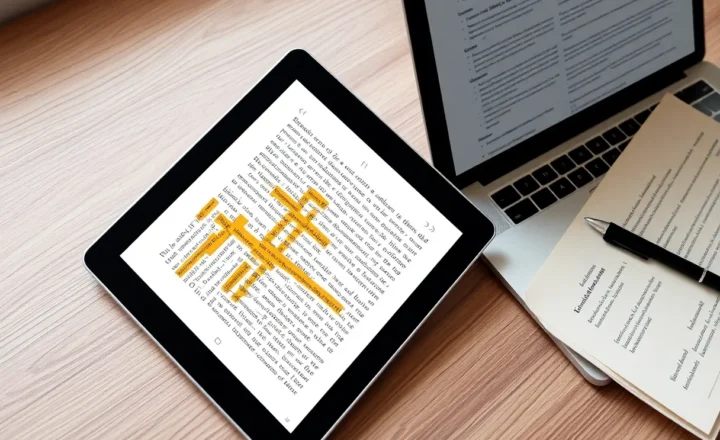
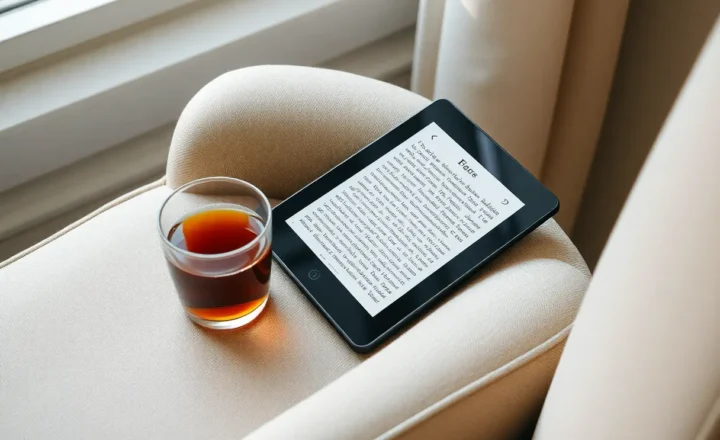
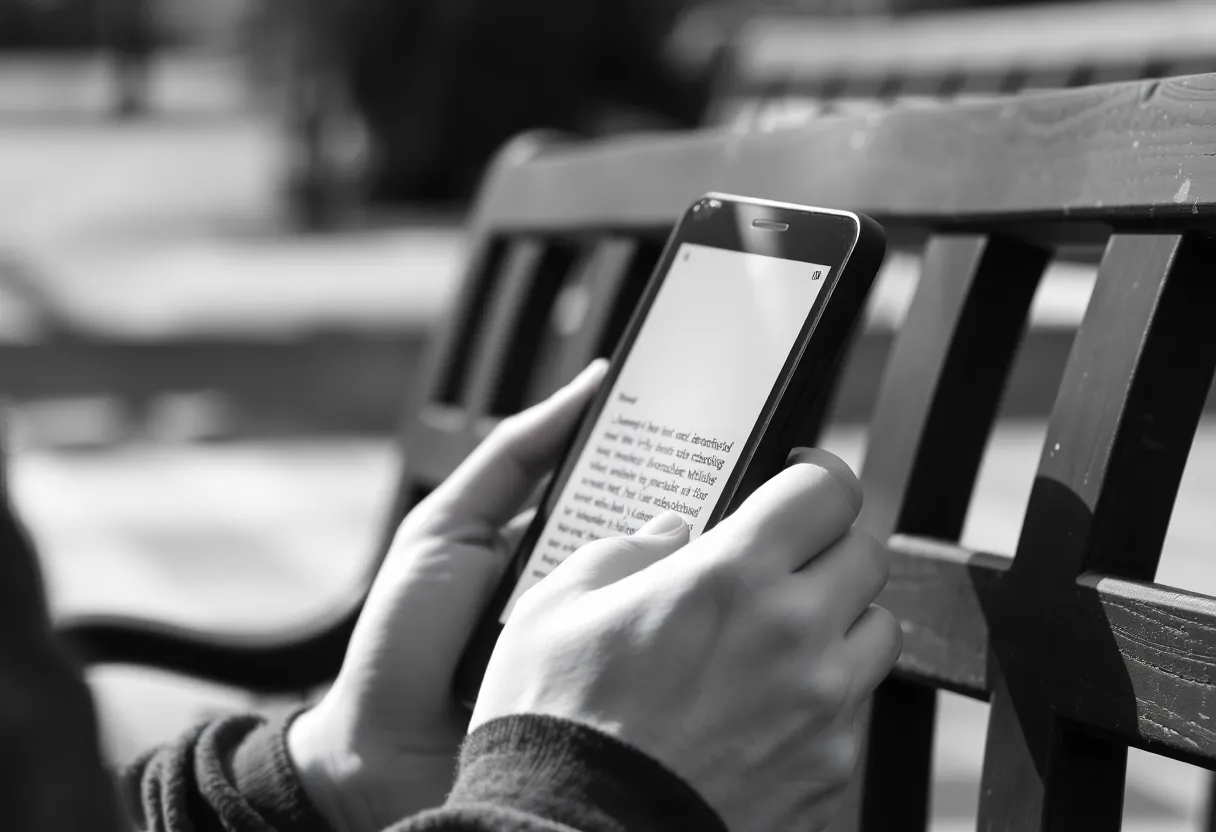
If you already read long-form on a phone, you know the trade-offs. LCD and OLED look great in bed and terrible in harsh sun; you fight glare, auto-brightness, and the subtle guilt of using a “video screen” for books. E-ink is not magic—refresh rates and ghosting still matter—but for text-first reading it remains the most comfortable pocketable technology we have.
A rear e-ink panel lets the phone stay thin in your hand while you read, without flipping a fold or juggling a dedicated e-reader. The experience rises and falls on software: fast page turns, sensible margins, support for common formats, and syncing that does not make you regret your ecosystem choices. When those pieces land, the second screen stops being spec-sheet decoration and becomes the reason you reach for this device instead of your primary slab on a long commute.
Notifications and glanceable status without unlocking the fun house
Color screens are engineered to capture attention; that is the business model of half the apps you install. An e-ink rear display can be configured to show a tighter subset: next calendar event, OTP codes, boarding gate, podcast now playing—information you want without opening the carnival. It is the same philosophical move as a smartwatch complication, but with more canvas and less wrist gymnastics.
Where this breaks down is when the OS treats the e-ink side as a novelty mirror of notifications. Piles of icons on washed-out grayscale are not a feature; they are clutter with fewer pixels. The phones that feel grown-up in 2026 are the ones that let you define allowed surfaces: who can ping the ink, what can’t, and what happens when you’re in a focus mode.
Travel, outdoor work, and the sunlight test
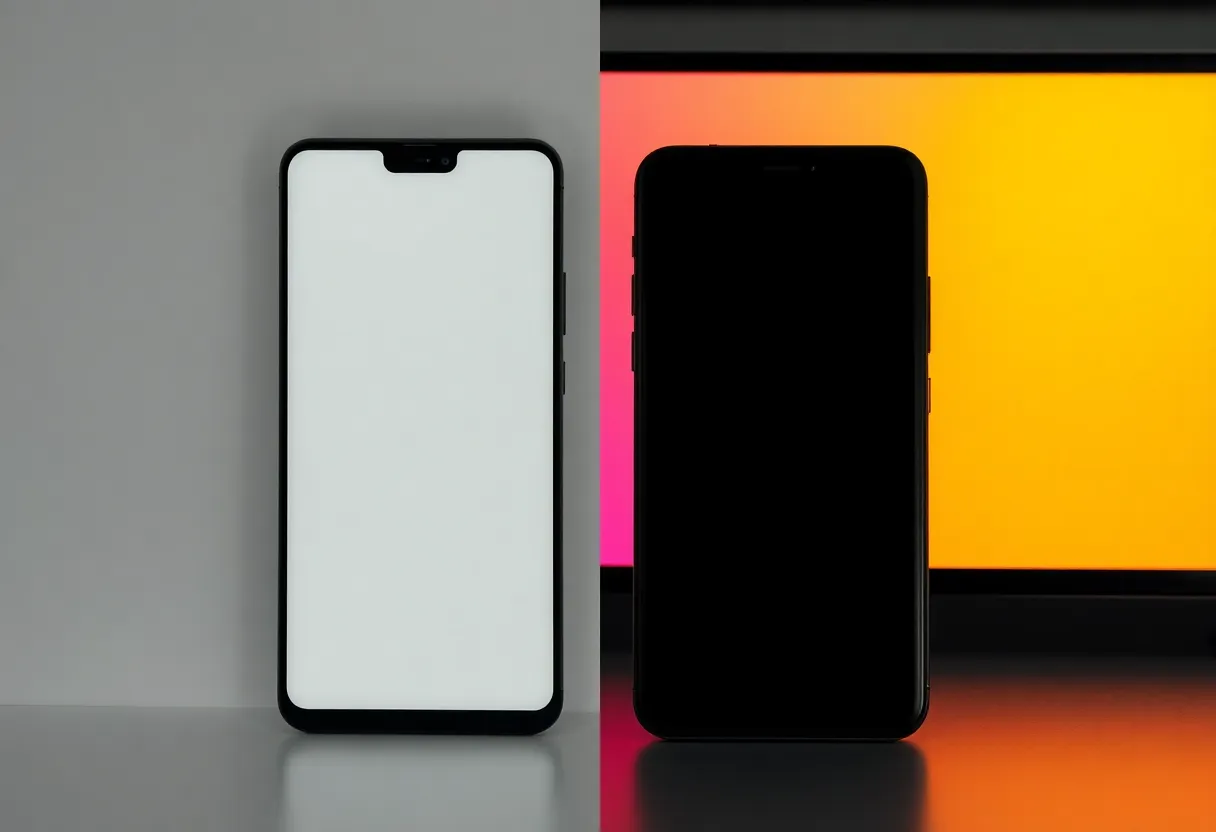
Photographers checking shot lists, field engineers referencing PDFs, parents squinting at QR tickets—there are plenty of “I need this readable in glare” moments. Folding phones can address some of that with sheer brightness; e-ink addresses it by not fighting the sun in the first place. A rear panel can show a barcode or map snippet while you keep the fragile main phone tucked away from rain or grit. It is a situational advantage, not a universal one, but travel is where situational advantages compound.
Battery: real savings, boring math
Marketing loves to promise “days of reading” and elide what happens when you shoot 4K video on the other side. The honest framing is marginal gains for specific workflows. If e-ink replaces thirty minutes a day of OLED-on reading, that matters. If you still live in TikTok, it matters less. Dual-screen e-ink phones reward intention: you decide which tasks belong on which surface, and the power story follows.
Compared with “phone plus Kindle” (or Boox, or Kobo)
The rational alternative is a small e-reader in the other pocket. It wins on page size, battery simplicity, and often on bookstore integration. It loses on consolidation: another charge cable, another device policy at work, another thing to forget on a plane. A dual-screen phone is a bet that you will pay for integration—one SIM, one photo library, one notes stack—if the e-ink side is good enough to shrink your carry.
Large e-ink tablets blur the comparison further. If you annotate PDFs for hours, a 10-inch panel still rules. The phone form factor targets different minutes: subway chapters, queues, five-page policy skims, a boarding pass that must live next to your authenticator. The competition is not “best e-ink experience on Earth.” It is “good enough e-ink where a phone already lives.”
Software ecosystems still make or break the hardware
Android’s openness helps and hurts. Helpful: third-party readers, sideloading, automation. Painful: every OEM ships a slightly different gesture map, refresh mode toggle, and split between “ink home” and “normal home.” The devices that feel least gimmicky are usually the ones where the e-ink stack is treated as a first-class surface: consistent fonts, predictable brightness policies, and a clear story for how content gets there (store apps, local files, read-it-later services).
If you are evaluating a purchase, spend ten minutes testing the boring stuff: PDF reflow, footnotes in EPUB, dark mode that does not crush contrast, and whether the rear display can show a static QR while the front is off. Those tests reveal gimmicks faster than benchmark scores.
Accessibility-adjacent benefits (with caveats)
Some readers find high-contrast, non-emissive text easier on migraines or light sensitivity—not universal, not medical advice, but a recurring anecdotal pattern. A rear panel can also reduce how often users crank OLED brightness in dark rooms. Caveats abound: e-ink ghosting can bother some eyes; front lights vary in quality; not every UI is legible at small sizes. Treat these as hypotheses to test personally, not promises printed on a box.
Who it is actually for in 2026
Heavy phone readers who resent carrying a second device. People with notification discipline goals who want hardware that nudges rather than nags. Travelers and outdoor workers who repeatedly lose the battle with glare. Tinkerers who enjoy mapping esoteric Android behaviors to a second canvas. And skeptics—rightfully so—who should not buy until they can test the specific reader app, refresh modes, and update policy, because this category still punishes impulse purchases.
What still feels gimmicky
Arbitrary widgets that exist because someone could draw them, not because they improve a workflow. Gaming on e-ink—still a meme. Treating the rear display as a low-res clone of your home screen. Any implementation that adds friction steps between “I want to read” and words on a page. Gimmicks are not inherent to the technology; they are what happens when the product story outruns the software ergonomics.
A practical buying checklist
Before you spend: confirm update policy in your region, test the reader app you will actually use, and map one week of real tasks to the rear display. If you cannot name three recurring moments where ink beats OLED for you, save your money. If you can—and the software clears the bar—the second screen stops being a spec and becomes a habit. Rent or borrow before you commit if you can; this category still rewards hands-on time.
Bottom line
Dual-screen e-ink phones will not replace the mainstream flagship. They do not need to. In 2026, their non-gimmick use cases cluster around reading comfort, glanceable information with less attention hijacking, and outdoor legibility—plus battery wins for people who actually route tasks to the right display. If those problems sound like your daily friction, the niche is speaking your language. If not, no spec sheet quote about “innovation” will change the math.