Mesh Wi-Fi Roaming: Why Your Phone Still Holds the Wrong Access Point

Sam Chen
April 7, 2026
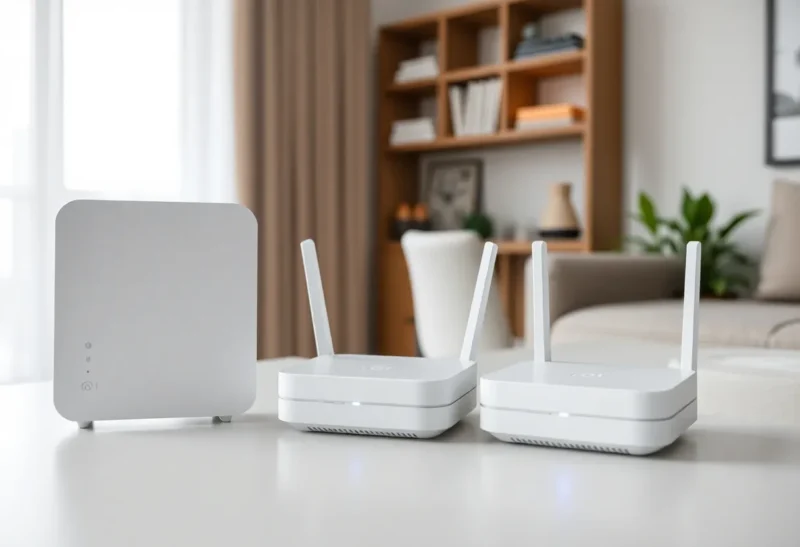
Mesh kits promise seamless Wi-Fi: one SSID, nodes sprinkled like sugar, bliss everywhere. Then you walk upstairs on a video call and audio turns to soup—because your phone is still hugging the living room node like a security blanket. Roaming is better than a decade ago; it is not magic. Clients, not vendors, ultimately choose when to jump.
This article explains why smartphones cling to the “wrong” access point, what mesh systems can and cannot fix, and practical tweaks that reduce sticky-client pain without blaming the router for physics and psychology.
How roaming decisions actually get made
Wi-Fi association is a dance between the access point advertising beacons and the client measuring signal, retry rates, and its own power-saving whims. Mesh backhaul quality matters, but the client chipset’s roaming algorithm is the gate. Some phones are aggressive roamers; others wait until throughput collapses. Laptops differ from phones; IoT devices may never roam intelligently at all.
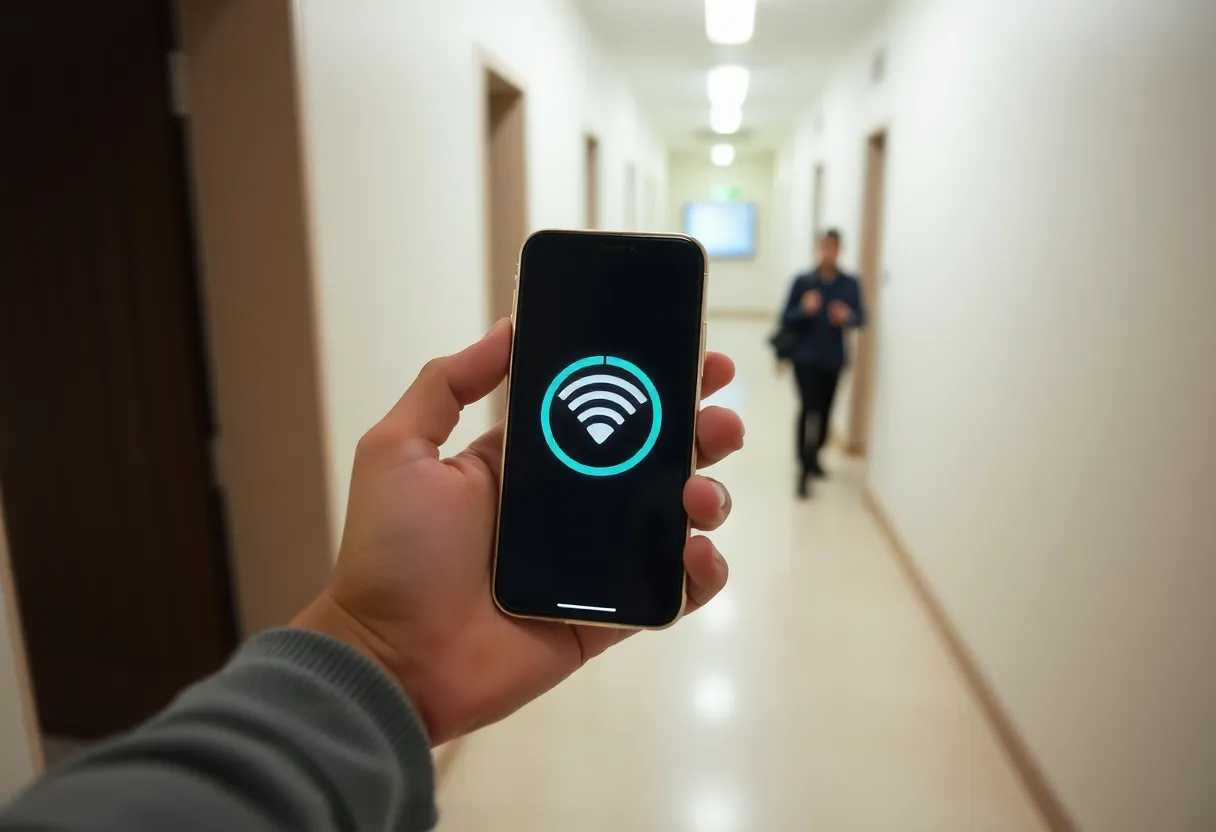
Why “wrong AP” is often rational for the phone
From the client’s perspective, the current link still passes packets—barely—so roaming risks a disruptive reassociation. Battery-saving modes stretch that conservatism. Dual-band clients may also park on 2.4 GHz longer than humans prefer because it looks “stable” despite congestion. Your mesh dashboard shows a better node two metres away; the phone does not share your impatience.
Mesh features that genuinely help
- 802.11k/v/r support — neighbour reports, BSS transition management, and faster handoffs when both infrastructure and client implement them well.
- Band steering and load-aware steering — nudges capable clients toward 5/6 GHz and less loaded radios; effectiveness varies wildly by vendor firmware.
- Consistent SSID and security parameters — mixed WPA modes or duplicate SSIDs from old routers create the worst sticky behaviour.
- Proper placement — nodes too close fight; too far leave dead zones that trigger desperate clings to distant APs.
What usually is not the mesh’s fault
Thick walls, metallic HVAC, and mirror glass skew RSSI readings. Bluetooth and USB3 noise on 2.4 GHz masquerade as “bad mesh.” VPNs and captive portals stall transitions. And yes, buggy phone Wi-Fi firmware ships on flagship devices—sometimes a monthly OS update changes roaming behaviour overnight.
Practical fixes before you replace hardware
- Update everything — mesh firmware, switch PoE negotiation if applicable, phone OS.
- Audit SSIDs — retire ancient extenders broadcasting the same name with different security.
- Lower 2.4 GHz transmit power slightly on some nodes if the vendor allows—encourages moves to 5 GHz when implemented carefully.
- Separate IoT to its own VLAN or SSID so cheap 2.4-only clients do not sway tuning for laptops.
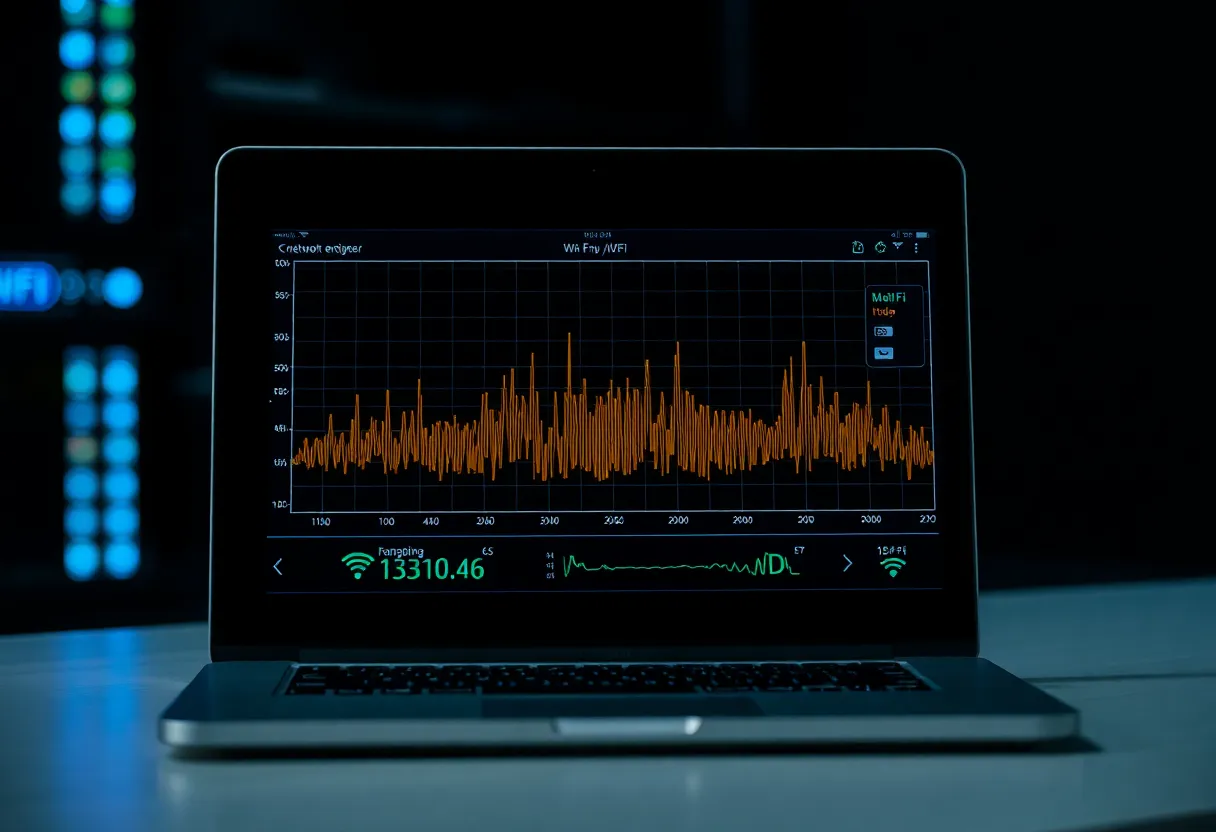
- Walk tests with a spectrum analyser app — confirm you are solving roaming, not coverage holes.
When to accept defeat and toggle Wi-Fi
Sometimes the fastest fix on a bad handoff is aeroplane mode for two seconds. That is not elegant; it is reality. For recurring problem spots, add a wired AP or relocate mesh nodes rather than expecting miracles from software knobs alone.
Wi-Fi 6E, MLO, and the band explosion
New spectrum adds capacity but also complexity. Clients that opportunistically scan 6 GHz may delay decisions while weighing three bands. Multi-link operation promises smarter bonding in theory; in practice, firmware maturity determines whether you see smoother handoffs or new edge cases. When upgrading, retest roaming instead of assuming a spec sheet fix.
The band-splitting debate
Some enthusiasts run separate SSIDs per band to force laptops onto 5/6 GHz while quarantining IoT on 2.4 GHz. That trades seamless roaming for predictability. Mesh marketing prefers one-name bliss; your environment picks the winner. Hybrid approaches—single SSID with strict IoT segregation—often beat ideology.
Enterprise vs home: lessons without the budget
Enterprise WLANs tune minimum RSSI and roam thresholds per SSID. Consumer mesh hides those dials or exposes them under advanced panes. Reading release notes helps—vendors occasionally ship default changes that make clients stickier to reduce support calls about brief drops, trading jitter for stability.
Conclusion
Mesh Wi-Fi smooths many rough edges, but your phone will still hold the wrong access point whenever its algorithms prefer the devil it knows. Improve placement, kill conflicting SSIDs, enable modern roaming aids, and verify with walk tests. The goal is not perfect instant handoffs—it is good enough voice and video while you move through a real house, not a showroom.