10.3-Inch E-Ink vs a Real Laptop: Where the Hardware Hits a Wall in 2026

Priya Sharma
April 7, 2026
The 10.3-inch e-ink tablet category keeps getting better: faster refresh, nicer pens, smarter note software, and hardware that finally feels premium instead of experimental. It is easy to watch a polished review and imagine replacing your laptop for “real work.” Sometimes that fantasy is healthy—it pushes you toward focus. Sometimes it is expensive, because e-ink at this size is still a specialized tool with hard ceilings.
This article is not a spec sheet shootout. It is a reality check about where 10.3-inch e-ink shines, where laptops remain non-negotiable, and how to choose without buying two nearly redundant devices—or regretting the one you picked.
What 10.3-inch e-ink is genuinely great at
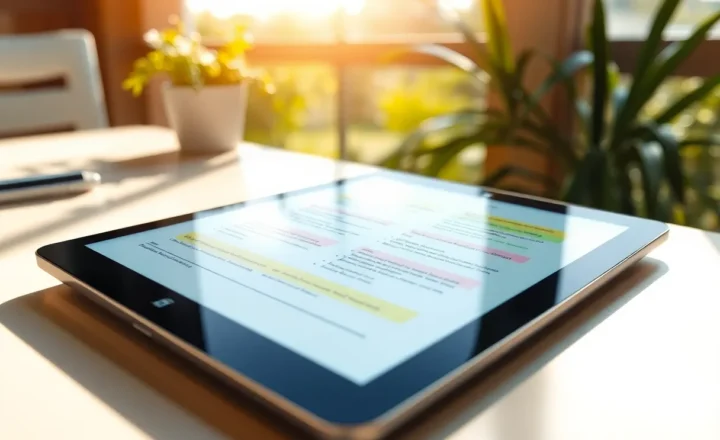
Reading long documents. If your job involves PDFs, briefs, textbooks, or manuscripts, e-ink wins on eye comfort and sunlight readability in a way LCD never will. The size is large enough for two-column layouts without constant panning, but still portable in a way 13-inch slabs are not.
Handwriting and markup. For people who think with a pen—annotations, margin notes, sketched diagrams—modern e-ink latency is finally “good enough” for daily use. Palm rejection and pressure curves vary by vendor, but the category as a whole crossed the threshold from novelty to utility.
Focus blocks. E-ink devices are bad at multitasking by design. That is a feature if your enemy is context switching. A 10.3-inch tablet can become a dedicated reading and writing surface while your phone stays in another room.
Where the hardware hits a wall (even in 2026)
1. Color accuracy and media workflows
If your work touches design, photo editing, video review, or anything requiring trustworthy color, e-ink is not a laptop replacement—it is a parallel device at best. Color e-ink improved, but it still trades fidelity and refresh for readability. Approving a brand palette or grading footage on e-ink is a category error.
2. Real-time collaboration at laptop speed
Video calls, screen sharing, simultaneous doc editing, and browser tabs full of SaaS tools are laptop territory. Some e-ink devices run Android and can technically launch apps, but the experience is usually slower, clunkier, and more frustrating than a midrange laptop—especially when someone asks you to “share your screen” and you feel the silence stretch.

3. Keyboards, trackpads, and “get it done” ergonomics
You can pair Bluetooth keyboards. You can add folios. You still rarely get a trackpad experience that matches a laptop’s precision for eight-hour days of email, spreadsheets, and admin. If your work is mostly typing and clicking, forcing e-ink is like choosing a beautiful sailboat for a daily highway commute.
4. Performance ceilings and software longevity
E-ink tablets are not priced like toys anymore, but their compute budgets still favor battery life and display constraints. Heavy browsers, large spreadsheets, and multitasking expose those limits faster than note-taking does. Also, vendor software policies matter: Android-based devices may lag on updates; closed ecosystems may be stable but less flexible.
The honest use-case matrix
Think in workloads, not vibes.
- E-ink-first: deep reading, research synthesis, handwritten notes, slow writing drafts, journaling, studying.
- Laptop-first: email triage, calendars, meetings, coding, multimedia, complex spreadsheets, admin-heavy roles.
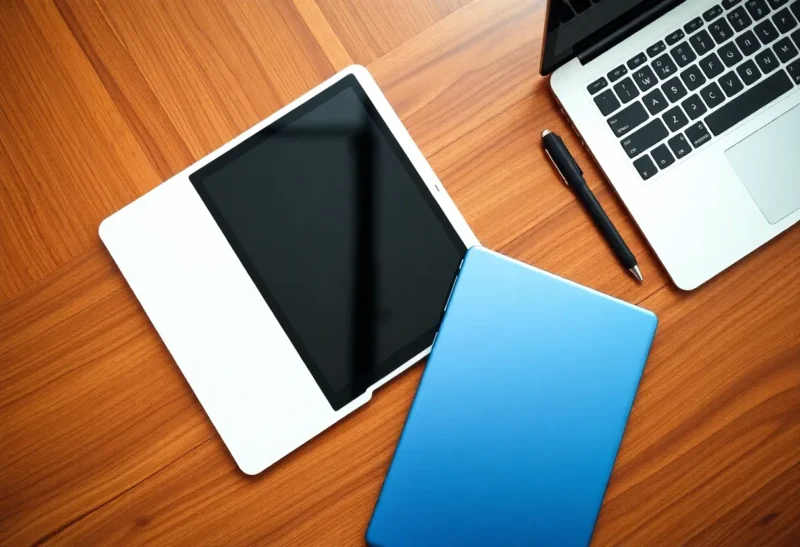
- Hybrid (common): read and annotate on e-ink; execute and communicate on a laptop. The goal is not one device—it is reducing context switches without pretending hardware can shapeshift.
Who should buy a 10.3-inch e-ink tablet in 2026?
Buy it if you can name three recurring tasks per week that exploit e-ink strengths and are not adequately served by your laptop plus a good monitor. Skip it if your pain is mostly “I need fewer distractions” but your actual work is meetings and browsers—software discipline and OS focus modes might fix more for less.
Students, lawyers, academics, analysts who read more than they type, and writers who draft longhand often get their money’s worth. People whose days are 70% communication and 30% deep work may find the tablet gathering dust unless they intentionally carve reading time.
E-ink vs an iPad: different trade-offs than e-ink vs a laptop
Readers often lump “tablet” together. An iPad is a better laptop substitute for many people because the app ecosystem is deep and the display is excellent for video and design. The trade-off is eye strain, distraction, and battery anxiety on bright outdoor days. E-ink is not trying to win that fight; it is trying to win calm depth. If your comparison shopping is only iPad vs e-ink, ask whether you need a general-purpose computer or a reading-and-writing instrument. Most people who pick e-ink already tried the iPad and bounced off it for long-form reading—not because the iPad is bad, but because temptations are one tap away.
Travel, battery life, and the “single carry” myth
E-ink’s battery life is a genuine advantage on long flights and travel days where outlets disappear. But travel also increases the odds you will need a laptop anyway: VPNs, hotel printers, sudden calendar changes, client portals. A 10.3-inch e-ink device can lighten your mental load on the plane while your laptop stays zipped—just do not confuse “light carry” with “only carry,” unless your role truly permits it.
Buying tips that prevent regret
- Prioritize pen feel and note software if handwriting matters more than apps.
- Prioritize ecosystem openness if you need specific Android tools—verify they run acceptably, not just “they install.”
- Check export paths for notes and highlights; pretty notebooks are useless if you cannot get text out cleanly.
- Match size to bags and hands; 10.3 is a sweet spot for many, but travel habits matter.
- Try a return-window workflow: on day one, load a real PDF you hate reading on a laptop and annotate it for an hour. If you reach for the e-ink tablet instinctively by day three, keep it.
Conclusion
10.3-inch e-ink tablets in 2026 are mature enough to earn a place beside a laptop, not inside it. They win on reading comfort, pen input, and focus. They lose on color-critical work, real-time collaboration, and the ergonomics of modern knowledge work. Choose based on the tasks you repeat weekly—not on the fantasy of one device to rule them all—and you will end up with a tool you actually open every day.