Building a Budget Zigbee Mesh That Doesn’t Drop Constantly

Drew Morrison
April 6, 2026
A budget Zigbee setup can be shockingly stable—or a festival of “device unavailable” notifications—based on one boring variable: mesh topology. The radios are inexpensive; the mistakes are expensive in time. If you want a cheap smart home that does not drop constantly, stop buying random gadgets and start designing repeaters on purpose. The failure modes that look like a bad hub are in why a Zigbee mesh fails.
Rule zero: your hub placement is not negotiable
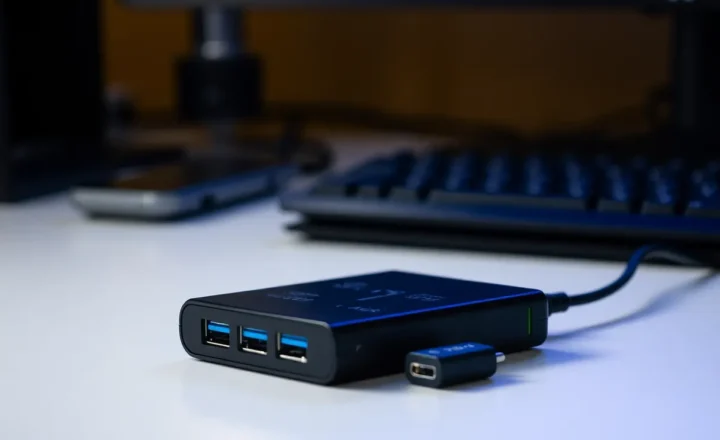
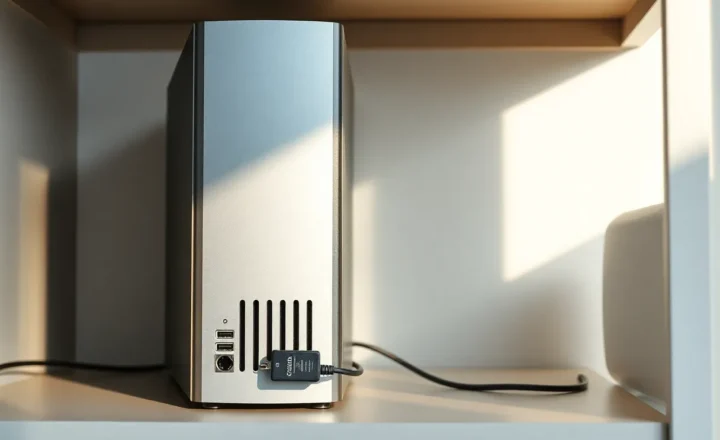
Stick the hub in a metal cabinet or behind a TV and you have chosen violence. The hub (or coordinator) should live centrally, elevated, and away from noisy USB 3.0 ports and thick walls when possible. If your coordinator is a USB stick on the back of a server, use an extension cable to move the antenna into open air.
Rule one: buy powered repeaters before you buy more sensors
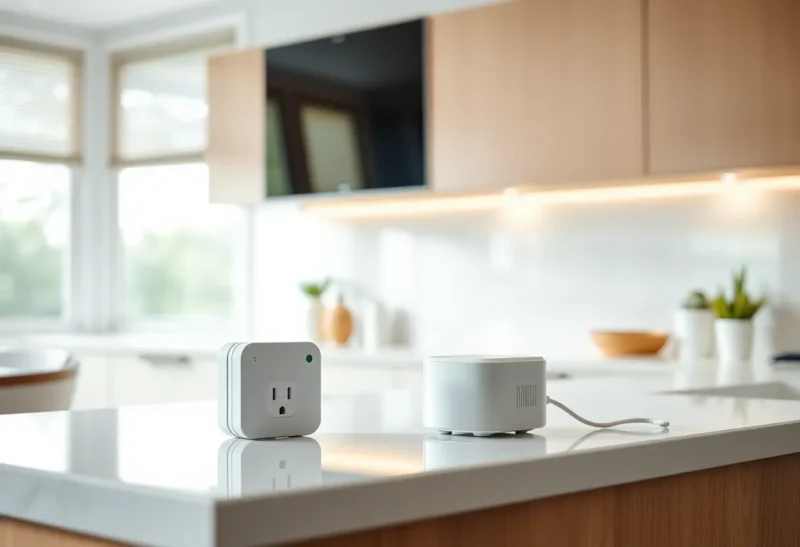
Battery devices—door sensors, buttons, leak sensors—are terrible mesh backbone. They sleep to save power and do not repeat well (or at all). Your mesh needs mains-powered nodes: smart plugs, in-wall switches, dedicated repeaters, or permanently powered bulbs that stay on the mesh even when “off.”
Budget hack: a few well-placed smart plugs can outperform a fancy hub if your topology is sane. Splurge hack: in-wall switches where aesthetics matter, plugs where they do not.
Rule two: map your house like a radio engineer
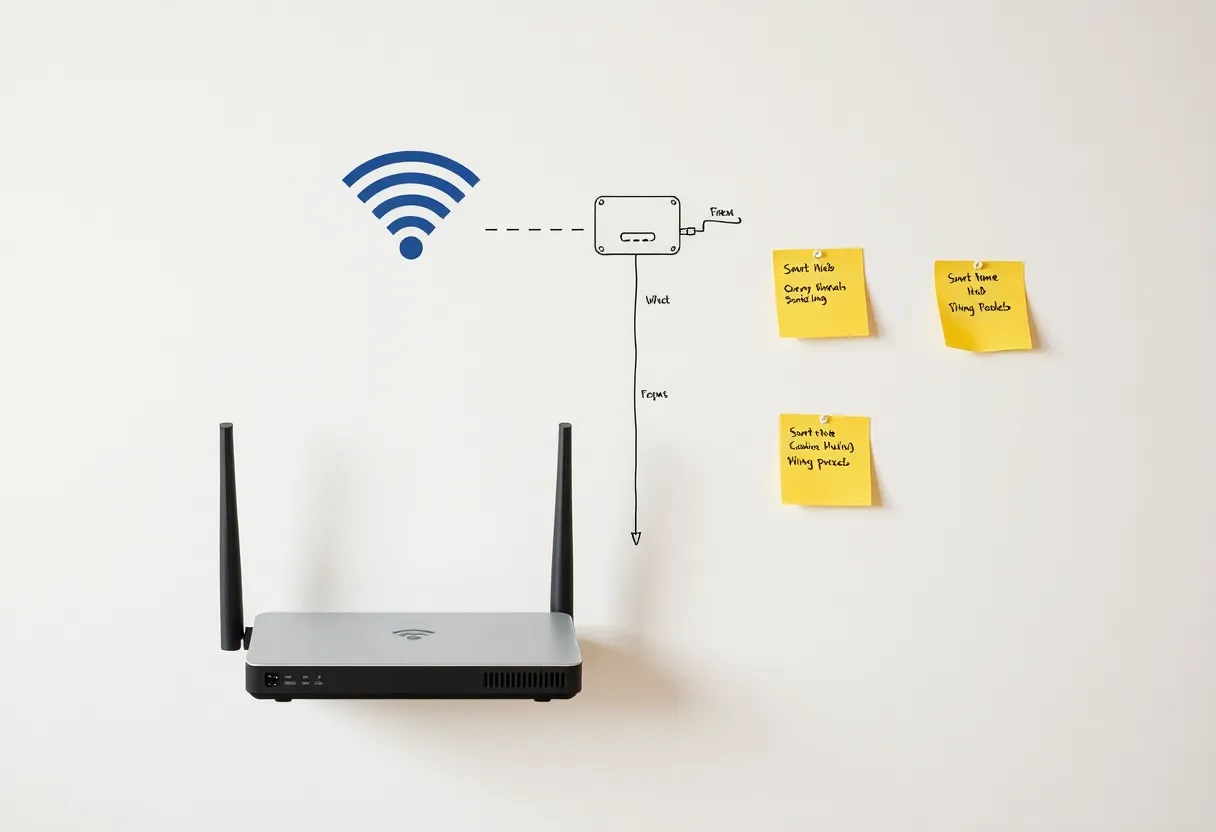
Draw a rough floor plan. Mark the coordinator, thick walls (brick, concrete), metal appliances, and far corners. Place repeaters halfway between strong and weak zones—not inside the dead zone itself. If a repeater cannot hear the coordinator reliably, it will happily amplify garbage.
Rule three: respect the 2.4 GHz neighborhood
Zigbee shares spectrum with Wi-Fi. If your router blasts 2.4 GHz on overlapping channels with your mesh, you get mystery latency. Prefer wired backhaul for access points when you can, tune 2.4 GHz width conservatively, and pick Zigbee channels with intent—not defaults you never inspected.
Rule four: standardize on one ecosystem layer
Budget builds go sideways when every device uses a different app and you try to glue them with cloud automations. Pick a hub platform that exposes local control if possible, and buy devices known to pair cleanly. Saving $8 on a random sensor is not savings if you spend a Saturday re-pairing it monthly.
Rule five: update firmware before you blame ghosts
Routers, hubs, and some end devices ship with bugs. Apply updates, read release notes, and reboot once like a civilized adult before declaring Zigbee “unreliable.”
A simple build order that works
- Coordinator in a sane location.
- Two or three mains-powered repeaters forming a triangle toward weak areas.
- Battery sensors after the backbone exists.
- Automations last—after stability holds overnight.
Troubleshooting drops without buying new gear
If devices fall offline in clusters, suspect topology before firmware. Move one repeater closer to the coordinator, wait 24 hours, and watch whether the flaky zone stabilizes. If only one device misbehaves, swap its battery, re-pair it closer to the coordinator, and check whether it is clinging to a distant parent. Intermittent issues that track meal times often point to microwave interference or a camera uploading huge files on congested 2.4 GHz—fix the Wi-Fi schedule or segment IoT when possible.
When to spend more money
Upgrade when you need better antenna hardware, PoE-powered hubs, or a second mesh network to isolate chatty devices. If you are mixing dozens of bulbs and sensors, consider whether Thread/Matter devices fit your next purchases—without ripping out working Zigbee overnight.
Bottom line
Budget Zigbee is not about buying the cheapest SKU. It is about buying the minimum set that creates a healthy mesh: coordinator placement, powered repeaters, sane Wi-Fi neighbors, and restrained app sprawl. Do that, and your automations stop feeling like a science project—and start feeling like infrastructure.