Mesh Router or One Powerful Router: How to Choose Without Regret

Sam Chen
April 6, 2026
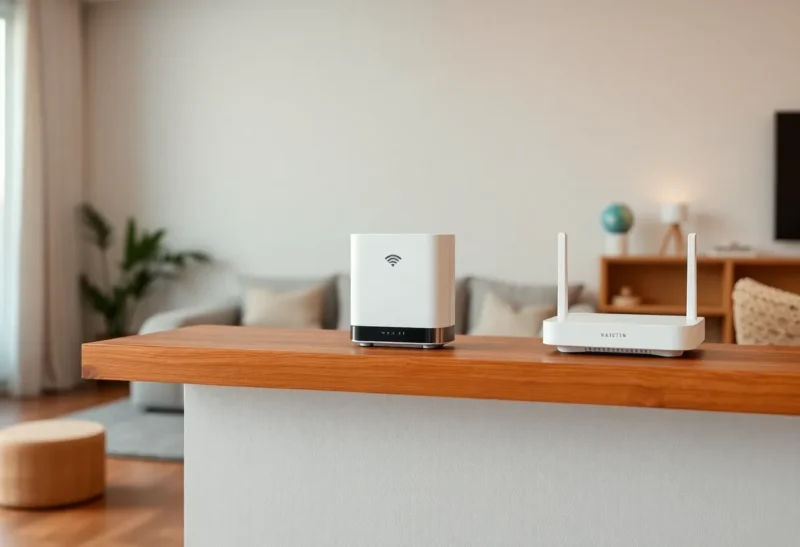
Shopping for home Wi-Fi in 2026 still boils down to a surprisingly emotional question: do you buy one serious router and hope for the best, or commit to a mesh kit with satellites sprinkled through the house? Both approaches can work. Both can also waste money if you pick for the wrong reason—usually marketing promises instead of your floor plan, your devices, and the way your family actually uses bandwidth.
What mesh is (and what it is not)
Mesh Wi-Fi is a system of two or more access points that share a single network name and steer clients between nodes. Good mesh feels invisible: you walk upstairs and your phone hands off without you thinking about it. Bad mesh feels like expensive repetition—multiple boxes still struggling in the same dead zones because the underlying problem was never radio placement or interference. If you can pull Ethernet, the boring alternative is OpenWrt as a dumb AP instead of vendor mesh nodes, especially once an IoT VLAN has to survive a roam.
Mesh is not magic range juice. It is a way to place more radios where a single router cannot hear clients well, usually because of walls, distance, or a weirdly shaped layout.
When one powerful router is the better buy
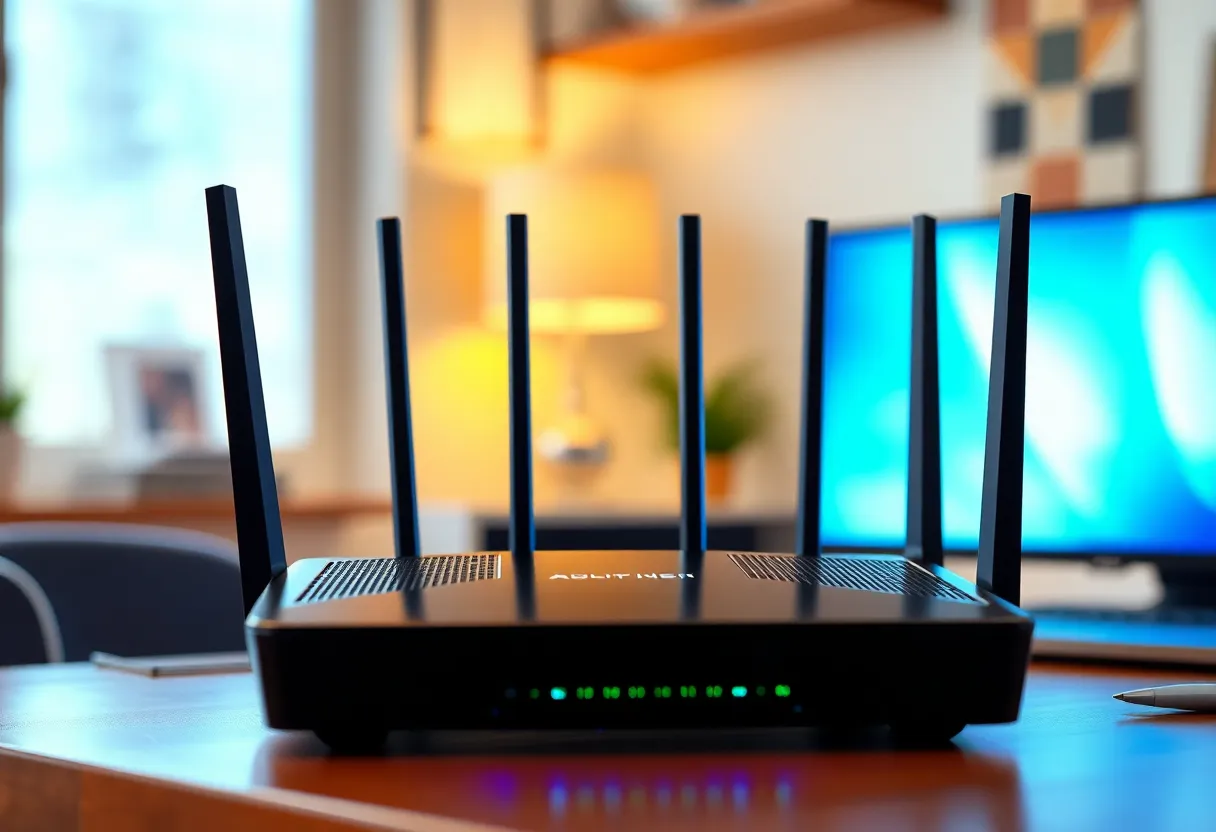
A single high-end router can be the cleanest solution when:
- Your home is modest and fairly open — apartments, smaller townhomes, or ranch layouts with the router near the center.
- You can place the router well — elevated, not inside a metal cabinet, not tucked behind a TV.
- Your pain is speed at the desk, not coverage everywhere — one or two dead corners may be acceptable.
- You want fewer boxes and simpler firmware updates — fewer things to reboot when the internet “feels weird.”
Powerful routers shine when the bottleneck is processing: lots of devices, heavy local traffic, or features like VPN offload. If your issue is purely “the far bedroom is a Faraday cage,” brute force from one box often loses to physics.
When mesh earns its keep
Mesh tends to win when:
- You have multiple floors or long horizontal wings.
- There is no sane central location for a single AP—fiber enters in a garage corner, for example.
- You need consistent coverage for video calls in several rooms, not just near the router.
- You are willing to place satellites thoughtfully — halfway between the router and the weak area, not at the edge of nowhere.
The goal of a satellite is to relay signal from a strong area into a weak one. If you place a node in the dead zone itself, it will cheerfully rebroadcast… nothing useful.
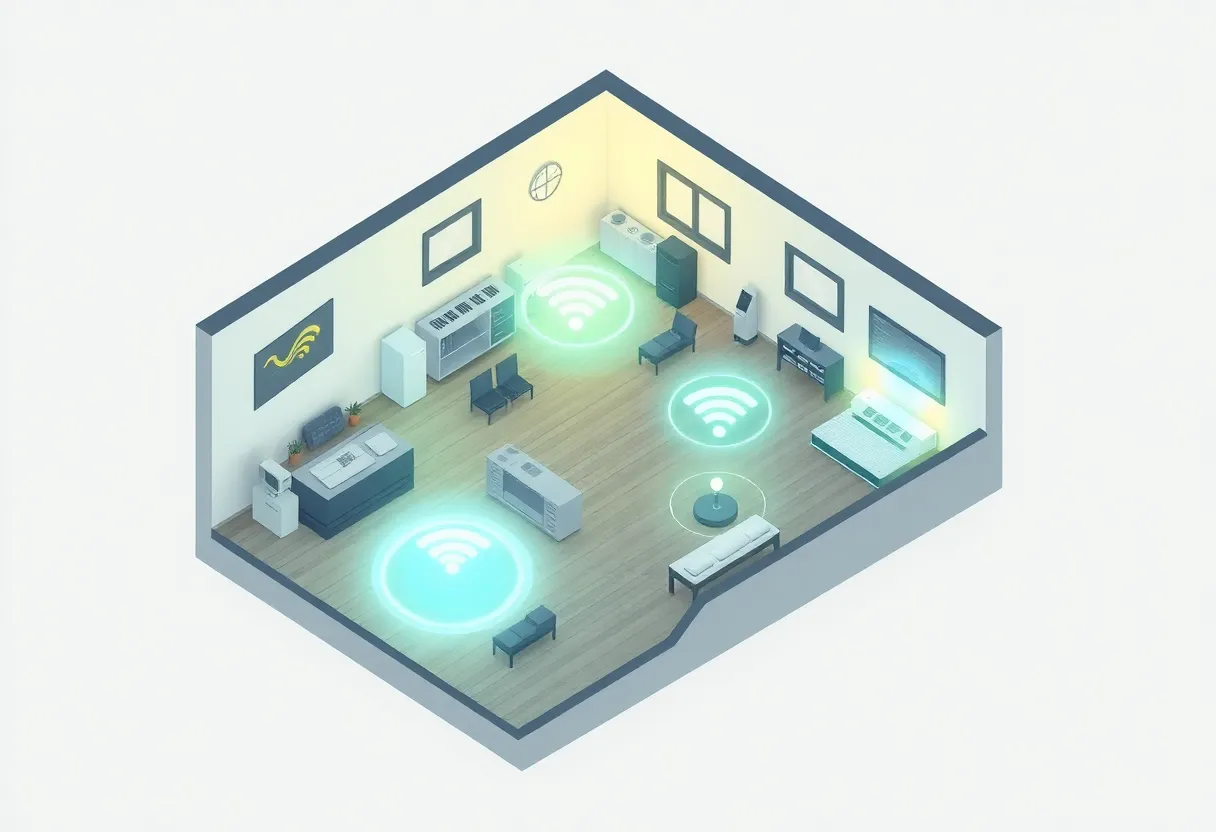
The “mesh vs one router” mistake people repeat
People buy mesh because it sounds modern, then install it like a single router—main unit in the worst corner of the house, satellites wherever a shelf looks cute. They also confuse signal bars with good throughput. You can have full bars on a satellite that is itself starved for backhaul, which produces laggy video calls and angry family members.
Backhaul matters: how satellites talk to the router. Wired Ethernet backhaul is the gold standard when you can run a cable or reuse TV coax with adapters. Wireless backhaul is convenient but competes with your devices for airtime. Tri-band mesh kits often dedicate a radio for backhaul; budget dual-band kits can feel fine until you load them with dozens of clients.
How to choose without regret: a practical checklist
- Sketch your layout — note where internet enters, where work and entertainment happen, and thick walls.
- Measure your actual pain — is it coverage, speed, stability, or roaming between rooms?
- Try placement first — sometimes moving a single router costs nothing and solves 80% of complaints.
- Decide on backhaul — if you can wire satellites, mesh becomes dramatically more predictable.
- Buy for standards, not hype — Wi-Fi 6 or 6E is useful in congested environments; the exact brand matters less than sane placement and sane expectations.
Budget reality: good enough vs overbuilt
You do not need flagship everything. A mid-tier mesh kit with reasonable antenna design often beats an expensive kit installed poorly. Likewise, a single “prosumer” router can outperform cheap mesh if your space is small enough.
Where premium gear tends to pay off is stability under load—many IoT devices, simultaneous 4K streams, uploads while downloads run—and software that receives security updates for years.
The third option: wired access points (when you can)
If you already have Ethernet drops—or you can add one or two without opening half the walls—a small set of wired access points can outperform mesh on wireless backhaul. This is the “prosumer” favorite for a reason: each AP gets a clean pipe to the router, and roaming still works if you configure a single SSID and compatible gear.
Mesh kits are often easier for non-experts because they ship as a matched bundle with a guided app. Standalone APs can be cheaper and more flexible long term, but they expect you to know enough to avoid double NAT mistakes and to place hardware where cabling exists.
Smart home and IoT: the quiet tiebreaker
If your house is full of smart plugs, cameras, and sensors, you are not just choosing coverage for laptops. You are choosing how many flaky 2.4 GHz clients stay connected while your phone hogs 5 GHz. Some ecosystems behave better with consistent roaming; others are perfectly fine on a single AP if you segregate IoT to a guest network or VLAN-capable gear.
If you do not know what a VLAN is, that is fine—just know mesh does not automatically fix misbehaving gadgets. It changes where packets enter the air.
Final call
Pick one strong router when you can center it, your space is manageable, and you value simplicity. Pick mesh when physics demands more than one well-placed radio, and you are willing to think about satellite placement and backhaul. The regret-free move is not the trendiest box—it is matching the architecture of your home to the architecture of your network, then buying one tier of hardware above “whatever was on sale,” because reliability is the feature you only notice when it disappears.