Zigbee Repeaters and Range: Why Cheap Bulbs Are Not Enough for a Reliable Mesh

Ryan Collier
April 6, 2026
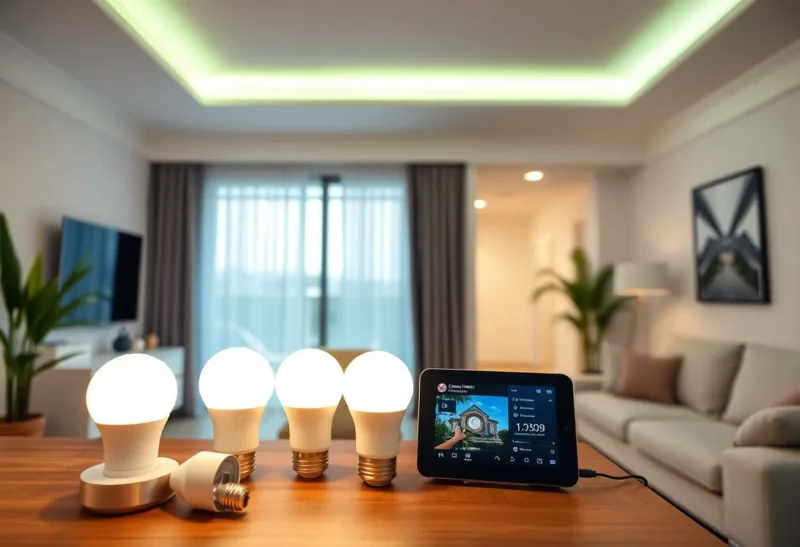
If you have ever watched a smart bulb drop off the mesh the week you added three more, you have already met the central truth of Zigbee: it is a mesh network, and meshes only behave when routing makes sense. Cheap bulbs can be excellent endpoints, but they are not automatically excellent routers. In many homes, the difference between “mostly works” and “actually stable” is not a fancier hub—it is deliberate repeater placement and realistic expectations about RF, power, and device behavior.
This article explains why bargain bulbs are not a substitute for a healthy mesh backbone, how repeaters actually help, and how to troubleshoot range issues without buying twelve new gadgets on superstition.
Whether you run Home Assistant, a vendor hub, or a mixed setup, the physics and topology rules stay the same—only the dashboards change.
Zigbee in one paragraph (the part that matters)
Zigbee devices communicate through a mesh: many nodes can relay messages for others, which extends range beyond a single hop from the coordinator (often your hub or a USB stick). That design is powerful and also finicky: the mesh must maintain routes, recover from interference, and deal with devices that go to sleep, misbehave, or refuse to repeat traffic usefully.
Your network is not “Wi-Fi with smaller things.” It is a low-power, low-data-rate radio environment where small placement mistakes show up as ghost failures.
Battery-powered sensors typically do not repeat traffic—they sleep to conserve energy—so your mesh backbone is almost always your mains-powered gear. If you only install endpoints at the edges, you are asking the center to shout louder instead of building ears in the middle.

Why cheap bulbs are a risky backbone
Smart bulbs are tempting repeaters because you already wanted them. They are powered, they are everywhere, and they feel like free mesh infrastructure. Sometimes they help. Sometimes they hurt.
Common issues include:
- Inconsistent routing behavior. Not all bulbs repeat well; firmware varies wildly.
- Power-state surprises. If a bulb is “off” at the switch, it may not participate in routing the way you expect.
- Density without topology. Ten bulbs in one room does not fix a dead zone two rooms away if nothing bridges the gap.
- RF noise and congestion. Cheap electronics, poor antenna design, and crowded channels can destabilize neighbors.
Bulbs can be part of the plan. They should rarely be the entire plan.
What a repeater is actually doing
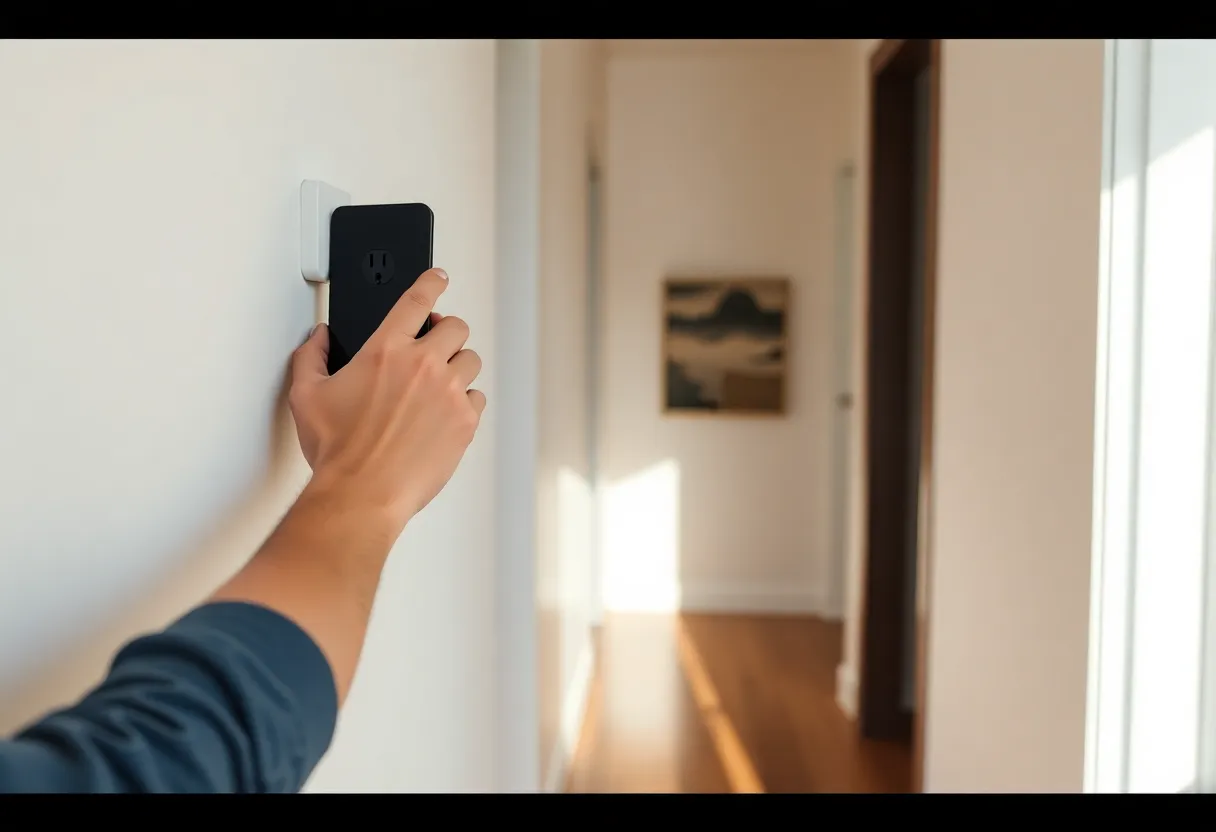
A repeater (often a smart plug, dedicated repeater, or known-good router-capable device) extends the mesh by offering a stable hop. Good repeaters tend to share traits: always powered, physically placed between weak areas, and built with routing as a primary job—not a side effect of lighting.
Think of repeaters as bridges across your floor plan. You would not build a bridge by tossing random planks into a river; you place supports where the span needs them.
Placement: the boring advice that works
Start with a simple map: coordinator location, farthest problematic device, and major obstacles (metal appliances, foil-backed insulation, concrete, large mirrors). Place repeaters along plausible paths, not only adjacent to the problem child.
Hallways and central closets often outperform “corner of the garage” placements because they see more of the house. Elevation matters too: a plug behind a metal washer may attenuate signal more than you expect.
Channel and interference: the silent saboteur
Wi-Fi and Zigbee can step on each other in the 2.4 GHz band. If your Wi-Fi router sits on overlapping spectrum with your Zigbee channel, you may see intermittent failures that look like “bad devices.”
Mitigations include separating channels when possible, reducing Wi-Fi transmit power on 2.4 GHz if you do not need it screaming, and using wired backhaul for mesh Wi-Fi nodes where you can. The exact best channel plan depends on your environment—there is no universal magic number.
How to diagnose without gaslighting yourself
When a sensor fails, collect evidence before buying hardware:
- Does it fail at a specific time of day (microwave, HVAC, neighbor Wi-Fi load)?
- Does it fail after hub reboots or power outages (route rebuild)?
- Does moving it one room closer stabilize it (range vs device defect)?
- Does the hub show link quality or neighbor tables (if exposed)?
If proximity fixes it, you likely have a topology problem, not a cursed sensor.
When to add dedicated repeaters vs more bulbs
Add dedicated repeaters when you have persistent dead zones, flaky sensors at the edges, or a hub that struggles after scaling past a dozen devices. Add bulbs when you want light—not because you believe each bulb is a networking hero.
If you are budget constrained, a couple of well-placed smart plugs often outperform a shopping spree of discount bulbs.
Security and hygiene
Mesh health is also firmware hygiene: update devices when vendors ship fixes, remove dead nodes that clutter routing tables, and avoid mixing incompatible ecosystems without understanding what each hub expects. “It paired” is not the same as “it routes.”
Router vs end device: why pairing order still matters
Many guides mention “pair close to the hub, then move the device.” That advice persists because initial pairing often happens at higher power or with simpler paths. If you pair at the edge of the network, you can end up with a fragile first route that never improves.
After installation, give the mesh time to settle. Some ecosystems take hours to optimize routes after large changes. Impatient rebooting can keep the network in a perpetual state of re-discovery.
Physical switches: the classic Zigbee trap
A smart bulb behind a traditional wall switch is a networking gamble. If humans cut power, the bulb disappears from the mesh, routes change, and downstream devices may need to find new parents. Solutions include smart switches wired for always-on power, bypass modules, or choosing devices that fit how people actually live—not how the install looked on day one.
Appliance-heavy rooms: kitchens, garages, utility spaces
Metal appliances reflect and block RF. Microwaves can raise noise while running. If your motion sensor works except when someone is reheating coffee, you are not imagining it. Mitigate with repeater placement outside the Faraday cage of appliances, not inside it.
Outdoor devices: weather plus distance
Outdoor Zigbee gear often fails for mundane reasons: weak routes through walls, moisture ingress on cheap hardware, and battery sag in cold weather. Before blaming Zigbee as a protocol, confirm the device has a plausible path back—often that means an outdoor-rated plug repeater bridging the exterior wall.
Multi-hub homes: when “more hubs” is not “more mesh”
Adding another hub does not automatically merge meshes. Sometimes it creates parallel islands. If you run multiple coordinators, understand what each network covers and avoid expecting seamless handoff unless your platform explicitly supports it.
Shopping criteria for repeater hardware
When choosing plugs or dedicated repeaters, prioritize boring attributes: stable firmware reputation, local-control friendliness if you care about cloud independence, and known compatibility with your hub ecosystem. Flashy specs matter less than community reports of steady routing over months.
A practical rollout plan for a flaky house
- Stabilize the coordinator location (not buried behind a TV metal shield).
- Fix physical switch problems for any “router” bulbs.
- Add one repeater halfway to the worst zone; test for 48 hours.
- Only then add a second repeater orthogonal to the first hop—think triangle, not starve-the-edges.
- Revisit Wi-Fi channel plans if instability remains intermittent.
Bottom line
Cheap bulbs can be a fine entry to smart lighting; they are a shaky foundation for network reliability. Treat repeaters as infrastructure, place them with intent, and respect RF reality. A stable Zigbee home is less about brand loyalty than topology: the right hops, in the right places, with interference under control.
If you remember nothing else, remember this: bulbs are consumers of convenience; repeaters are providers of connectivity. You can decorate with bulbs, but you engineer with plugs—metaphorically and literally. The homes that feel “effortless” usually hid a couple of deliberate hops where the floor plan demanded them.
FAQ-style pitfalls (because you will search for them at midnight)
“My sensor works during the day but not at night.” Check heating cycles, LED dimmers generating noise, and whether a bulb repeater lost power because someone used a wall switch.
“Everything broke after I upgraded Wi-Fi.” New access points move interference; re-check 2.4 GHz channel overlap and device placement relative to new metal shelving or TV mounts.
“The hub says the device is online but automations fail.” That can be application-layer flakiness, cloud dependency, or stale routes—separate mesh health from platform health before you rip hardware out.
“Should I just switch to Thread or Matter?” Maybe someday, but mixed ecosystems are the norm for years. Zigbee stability skills still pay rent even as standards converge.
Maintenance mindset
Finally, treat your mesh like plumbing: inspect it when you renovate, when you add large metal objects, or when you change ISPs and relocate equipment. Networks are not “set and forget” unless your house is static—and houses rarely are.