The Real Cost of Running Multiple AI Models Locally

Quinn Reed
March 15, 2026
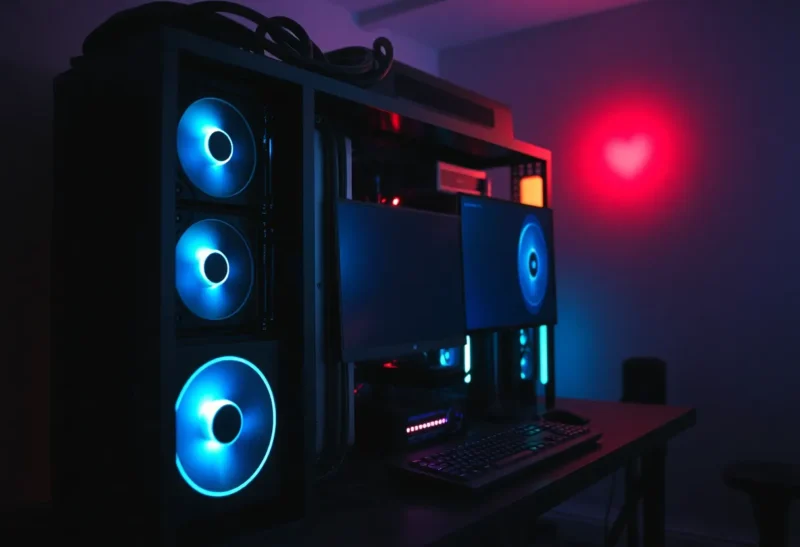
Running AI models locally is appealing: no API bills, no data leaving your machine, and the freedom to try different models whenever you want. But running multiple models—or even one large model—adds up. GPU memory, power draw, cooling, and the time you spend on setup and maintenance are all part of the real cost. Before you commit to a local AI stack, it’s worth adding up what “free” actually costs.
GPU Memory and Hardware
Each model you want to run has a minimum VRAM requirement. A 7B parameter model might need 8 GB; a 70B model might need 40 GB or more in fp16, and more if you want to run in higher precision or with longer context. If you’re running multiple models—say, a small model for quick tasks and a larger one for heavy lifting—you either need enough VRAM to hold them both (or switch between them) or you accept that only one runs at a time. Consumer GPUs top out at 24 GB on a single card for most people; prosumer and workstation cards go higher but cost a lot more. So the “real cost” of running multiple models locally often starts with the hardware: one or more GPUs that can actually fit the models you care about. That’s a one-time hit, but it’s a big one.
Power and Heat
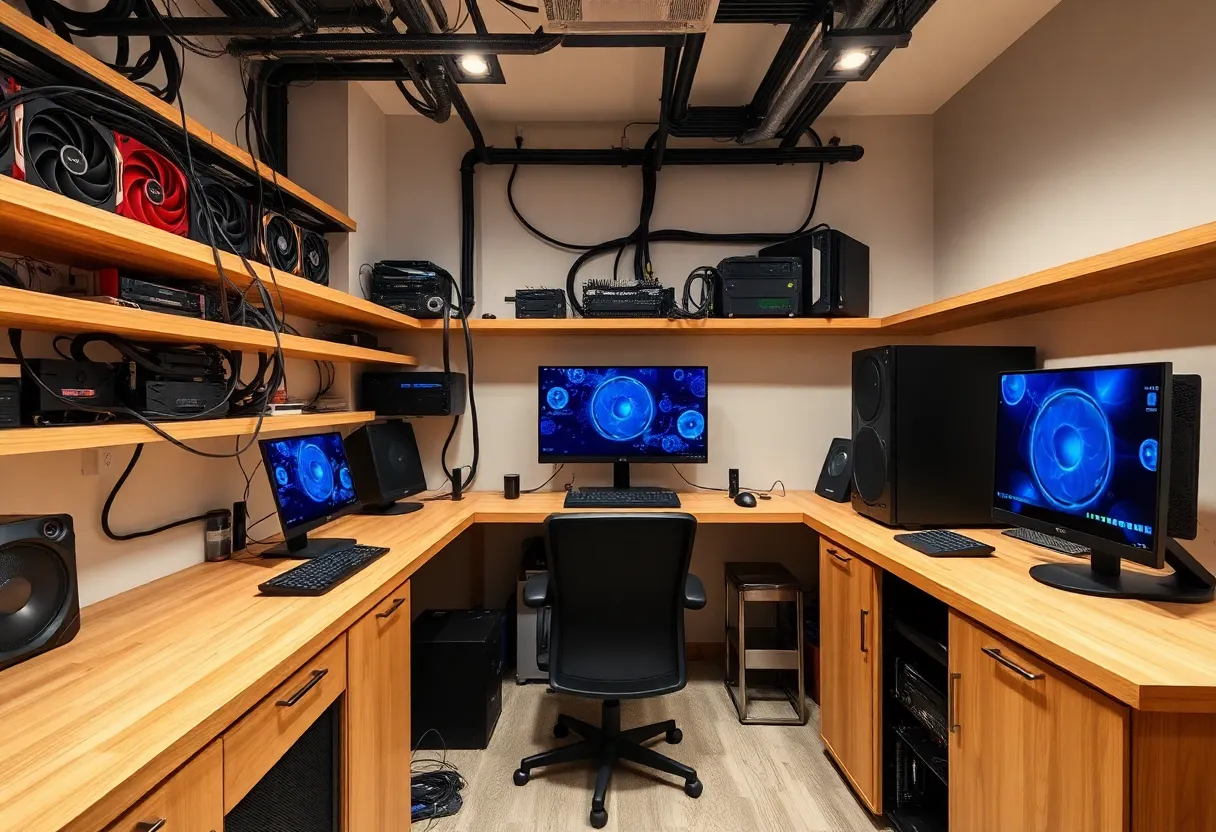
GPUs are power-hungry. A high-end card can draw 300 W or more under load. Run inference for hours or keep a model loaded for quick access, and your electricity bill goes up. In many regions, running a single high-end GPU 24/7 can add tens of dollars a month. Multiple GPUs or a workstation that’s always on can double or triple that. Heat follows power: you need adequate cooling, which means more fans, possibly a better case, and in some climates, more AC. The real cost of “running locally” isn’t just the hardware—it’s the ongoing power and thermal management. For occasional use, it might be negligible. For always-on or heavy use, it’s part of the equation.
Setup, Maintenance, and Time
Local AI stacks require setup: drivers, runtimes (CUDA, ROCm, etc.), model frameworks (Ollama, llama.cpp, vLLM, or similar), and the models themselves. Keeping multiple models means downloading and storing them—multi-GB each—and updating when new versions or quantizations come out. You’re also maintaining the machine: OS updates, driver updates, and debugging when something breaks. For some people, that’s a hobby. For others, it’s time they’d rather spend on something else. The “real cost” of running multiple models locally includes the hours you put into keeping the stack working. If you value your time, compare that to the cost of API calls: sometimes the API is cheaper when you add everything up.
Model Proliferation and Disk Space
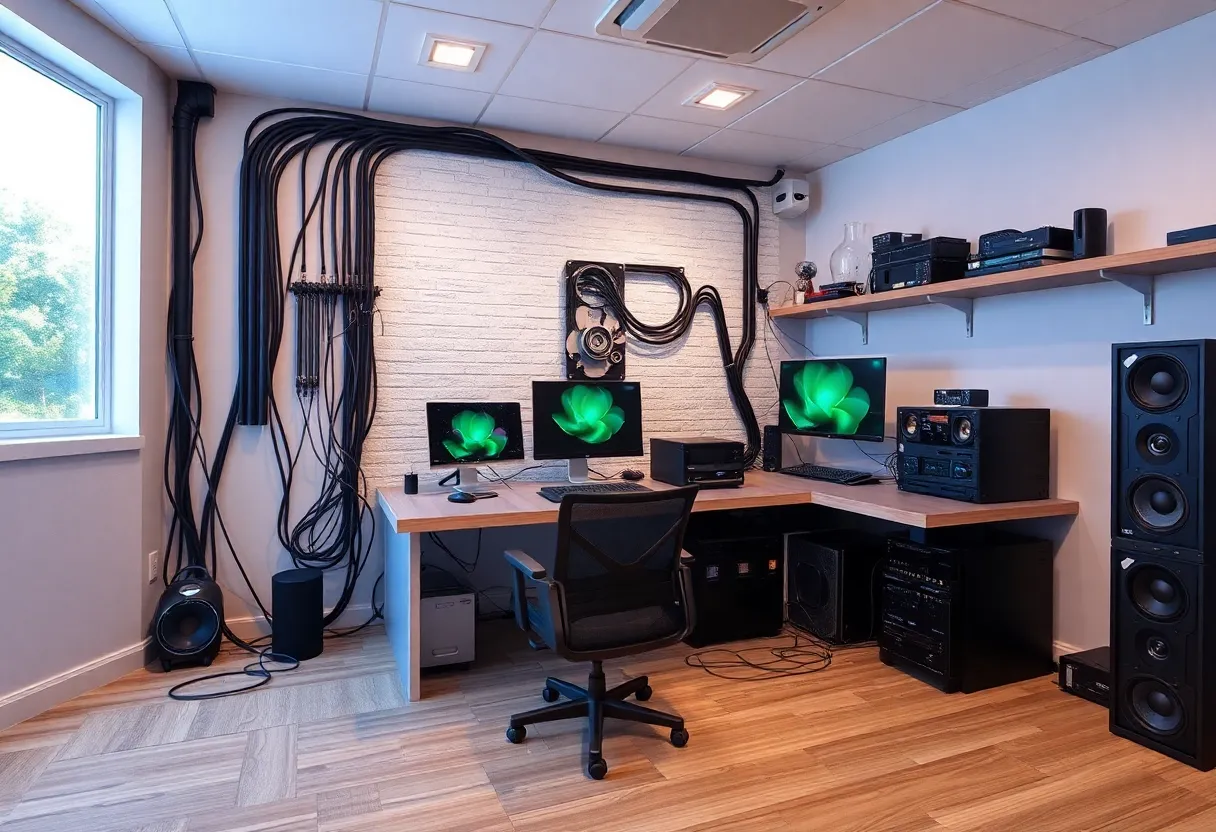
Modern model ecosystems move fast. New base models, fine-tunes, and quantized variants appear constantly. If you want to keep several models on hand—different sizes, different tasks—you’re soon looking at hundreds of gigabytes of storage. SSDs are cheaper than they used to be, but fast storage for large model files still adds up. And swapping models in and out of VRAM (or loading from disk when you switch) takes time. So “running multiple models” can mean either a machine with enough VRAM to hold more than one (expensive) or a single GPU with a library of models on disk that you load as needed (slower, and you’re still paying for the storage). The flexibility of local is real; the resource cost of that flexibility is real too.
When Local Still Makes Sense
None of this means local AI is a bad idea. If you need low latency, privacy, or offline capability, local is the only option. If you run enough inference that API costs would exceed your hardware and power costs over a year or two, local can pay off. If you enjoy tinkering and want to try many models without per-token fees, local gives you that. The point is to go in with your eyes open. Add up the GPU (or GPUs), the extra power, the cooling, and your time. Compare that to what you’d spend on APIs for the same usage. For light or sporadic use, APIs often win. For heavy, ongoing use or strict privacy requirements, local can be the right call. The “real cost” is the full picture—not just the sticker price of the hardware.
The Bottom Line
The real cost of running multiple AI models locally includes hardware (enough VRAM for your models), power draw, cooling, and the time you spend on setup and maintenance. Before you invest in a local stack, add it all up and compare to API pricing and convenience. For some use cases, local is clearly worth it. For others, the cloud is cheaper and simpler. Know which camp you’re in before you commit.