Why Your Next Laptop Might Be a Chromebook in 2026

Quinn Reed
March 15, 2026
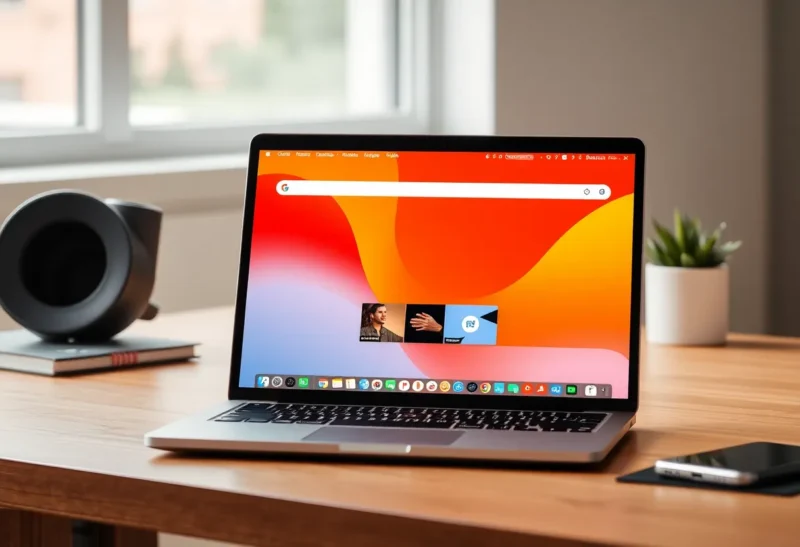
Chromebooks used to be “just browsers in a box.” In 2026, they run Linux apps, Android apps, and a growing stack of cloud and local tools. For a lot of people—students, light workers, and even some developers—a Chromebook might be the right next laptop. Here’s why.
What’s Changed
Early Chromebooks were limited: Chrome OS, the web, and not much else. Today’s Chromebooks support Linux (via Crostini), Android apps, and a much richer ecosystem. You can run VS Code, Docker (in dev mode or via Linux), and most web-based tools natively. For development, you’re often in the browser or a cloud IDE anyway; a Chromebook can be enough. For everyday use—email, docs, streaming, video calls—Chromebooks have been sufficient for years. The gap has narrowed: the question is whether your workflow fits.
Hardware has improved too. You can get Chromebooks with strong screens, good keyboards, and enough RAM and storage for serious multitasking. They’re still often cheaper than equivalent Windows or Mac laptops, and they tend to get long software support. So the “next laptop might be a Chromebook” isn’t about settling—it’s about whether a browser-first, cloud-first machine matches how you work.

When a Chromebook Makes Sense
Chromebooks make sense if your work lives in the browser and in the cloud: Google Workspace, Notion, Figma, web-based IDEs, and streaming. They make sense if you want something lightweight, fast to boot, and low-maintenance—no Windows updates or macOS major upgrades to manage. They make sense for students and families who need durability and simplicity. And they make sense for developers who are already in GitHub Codespaces, Gitpod, or a Linux environment and don’t need heavy local toolchains.
Cost is a real factor. A good Chromebook often undercuts a comparable Windows or Mac machine. If you don’t need native Windows or Mac software, that savings can be significant. Battery life is typically strong because the OS is lean. So “your next laptop might be a Chromebook” is another way of saying: if your workflow is web- and cloud-centric, the platform has caught up.
When It Doesn’t
Chromebooks still don’t make sense if you depend on Windows or Mac-only software—certain creative apps, enterprise tools, or games that don’t run on Linux or in the cloud. If you need maximum local performance for video editing, heavy compilation, or large datasets, a more powerful traditional laptop may still be the answer. And if you’re in an organization that standardizes on Windows or Mac, a Chromebook might not fit policy. So the “might” in “might be a Chromebook” is real: it’s the right choice for many, not all.
Support and Longevity
Chromebooks typically get long software support—often eight years or more from release—so a machine you buy today can stay updated well into the 2030s. That’s a real advantage over many Windows laptops that see shorter support windows. Combined with lower upfront cost and minimal local maintenance, the total cost of ownership can favor Chromebooks for the right user. If you’re evaluating “what laptop next,” and your workflow is mostly web and cloud, a Chromebook in 2026 is worth serious consideration.
The Bottom Line
In 2026, Chromebooks are a legitimate option for a wide range of users. They’re no longer just cheap browsing machines—they’re capable, supported, and often the right fit for cloud-first and web-first work. If you haven’t looked at one in a few years, it’s worth another look. Your next laptop might be a Chromebook.