Why Your Smart TV’s Operating System Will Be Abandoned First

Rita Chen
March 7, 2026
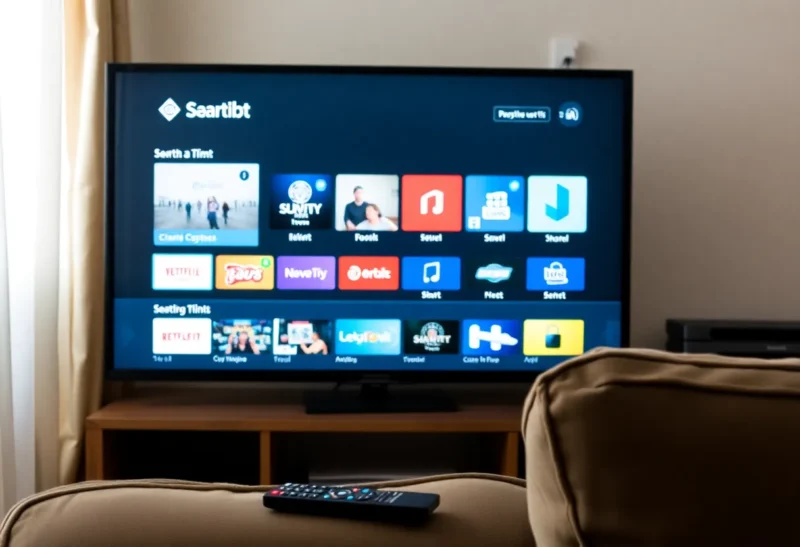
Your TV’s panel might last a decade. Its smart OS probably won’t. Smart TVs are built around a chipset and a software stack that the manufacturer has little incentive to maintain once the set is sold. Apps stop updating, security patches dry up, and the “smart” part of the TV becomes slow, outdated, or insecure long before the display itself is done. Here’s why the OS is the first thing to go—and what you can do about it.
TVs Are Sold Once; Software Costs Forever
TV makers make money when you buy the set. They don’t make ongoing revenue from the software running on it (unless they’re serving ads or selling data, which is its own problem). So the incentive is to ship a working OS at launch and then move engineering resources to the next year’s models. Supporting old hardware with updates is a cost with no direct return. The result: support windows that are short by phone or PC standards, and a lot of “smart” TVs that stop getting meaningful updates within a few years.
Fragmentation and Old Chips
Every TV model—often every size and region—can have a slightly different chipset and configuration. That’s a lot of SKUs to test and update. When a streaming app or a security fix requires a newer OS or more memory, older TVs may be left behind because supporting them isn’t worth the effort. So your “smart” TV from a few years ago might still work, but its Netflix or Disney+ app could be stuck on an old version, or the OS could have known vulnerabilities that will never be patched. The hardware is fine; the software has been abandoned.
Streaming Sticks Age Better
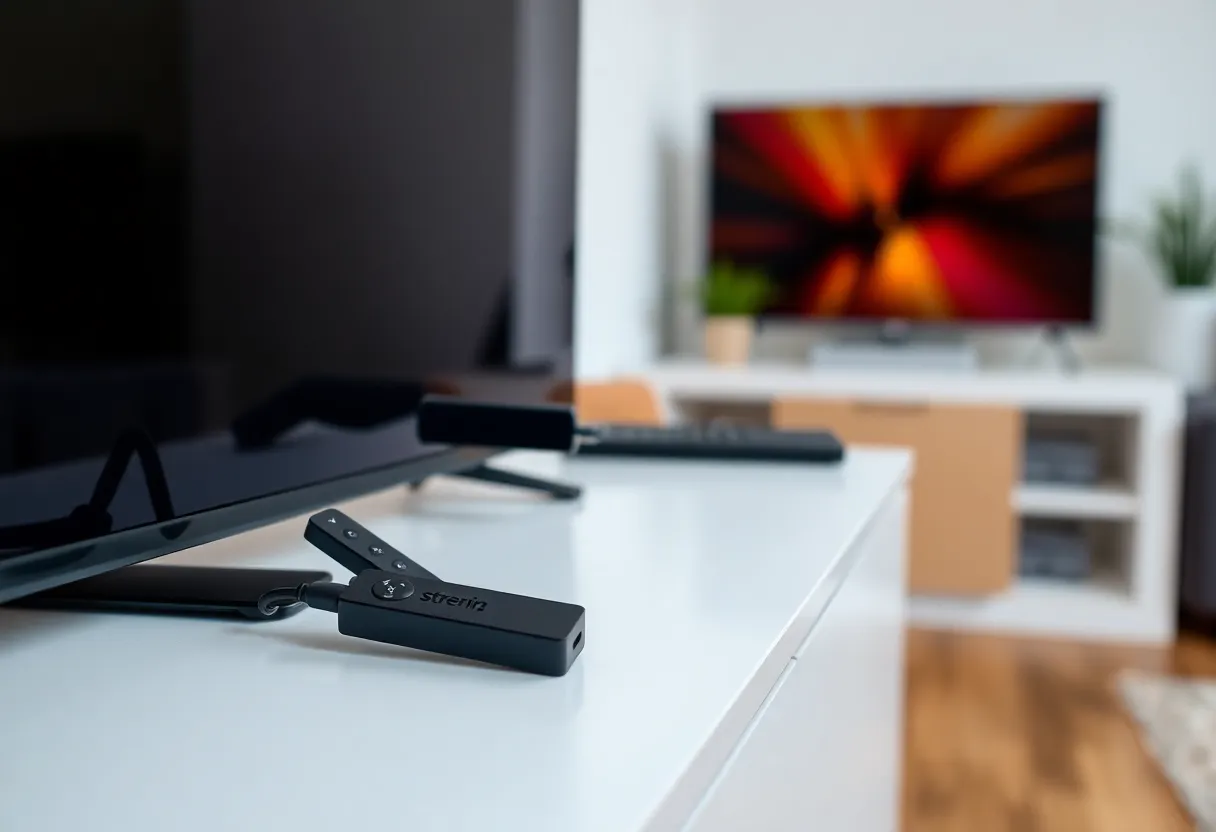
Dedicated streaming devices—Roku, Fire TV, Apple TV, Chromecast—are sold at low margins or as loss leaders to keep you in an ecosystem. The vendor has an incentive to keep those devices updated so you keep using their store, their ads, or their services. They also have far fewer hardware variants to support than a TV maker with dozens of models. So a $50 streaming stick from 2024 will often get updates longer than the smart TV you bought the same year. When the stick is obsolete, you replace it for tens of dollars; when the TV’s OS is obsolete, you’re still looking at a working panel with a brain that’s been left behind.
What You Can Do
Treat the TV as a display. Use an external streaming device for apps and updates, and treat the built-in smart OS as optional or temporary. If your TV has a good HDMI port and supports the resolutions you need, a Roku, Apple TV, or Fire Stick will often outlive the TV’s own software in terms of support and performance. Some people never connect their smart TV to the internet at all and use only an external device—that way the TV’s OS never gets a chance to phone home or go stale in a visible way.
When you’re buying a new TV, the “smart” features are a bonus, not a reason to choose one set over another. Panel quality, inputs, and form factor will matter for the life of the TV; the OS will age out. Plan for that from the start and you won’t be surprised when the built-in apps stop getting updates.
The Bottom Line
Smart TV operating systems are under-invested in after sale and fragmented across many models, so they’re abandoned sooner than the hardware. Plan for that: use a streaming stick or box for the stuff that needs to stay current, and think of the TV as a panel that might last a long time even when its built-in “smart” layer does not.