What LiDAR in Phones Actually Does (And What It Doesn’t)

Priya Sharma
March 7, 2026
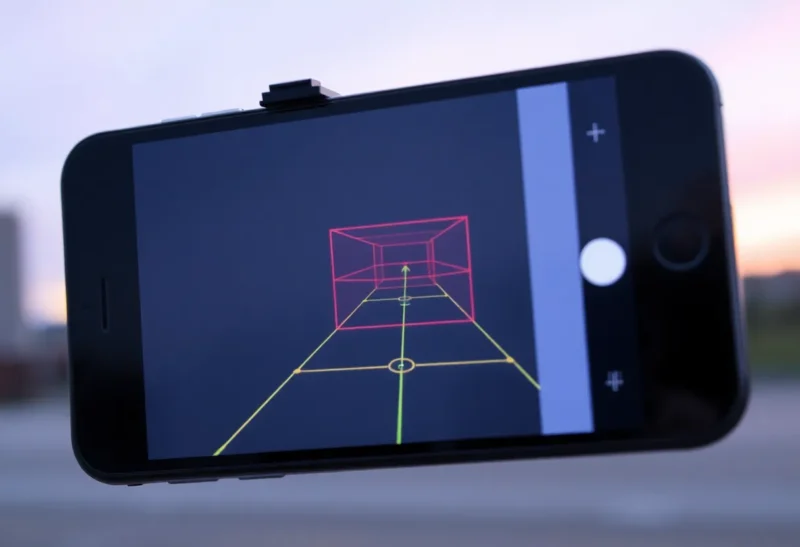
Apple added a LiDAR sensor to the iPhone 12 Pro and later Pro models, and a few Android phones have followed. LiDAR—Light Detection and Ranging—sends out laser pulses and measures how long they take to bounce back. That gives depth information. But what does that actually do in a phone?
Short answer: better low-light autofocus, slightly improved portrait mode, and AR apps that can measure and place virtual objects more accurately. It doesn’t turn your phone into a survey-grade scanner, and most users won’t notice it unless they use AR or low-light photography heavily.
How Phone LiDAR Works
Phone LiDAR uses near-infrared lasers—invisible to the eye—to pulse the scene in front of the camera. The sensor measures the round-trip time for each pulse. From that, the phone builds a depth map: how far each point is from the sensor. That’s different from the main camera, which captures color and brightness, and from software-based depth (which estimates depth from multiple camera views or AI).
Phone LiDAR is short-range—roughly 5 meters max—and relatively low resolution compared to industrial or automotive LiDAR. It’s designed for room-scale AR and camera assist, not for mapping a street or a building exterior.
What It Actually Improves
Autofocus: In low light, traditional phase-detect autofocus struggles. LiDAR gives the camera real depth data, so it can lock focus faster and more reliably in dim conditions. You’ll notice this in night mode and indoor shots—focus tends to be quicker and more consistent.
Portrait mode: Software-based portrait mode estimates depth from dual cameras or AI. LiDAR adds a hardware depth map, which can improve edge detection—fewer errant blur cuts around hair or glasses. The difference is subtle; some users won’t notice, others will.
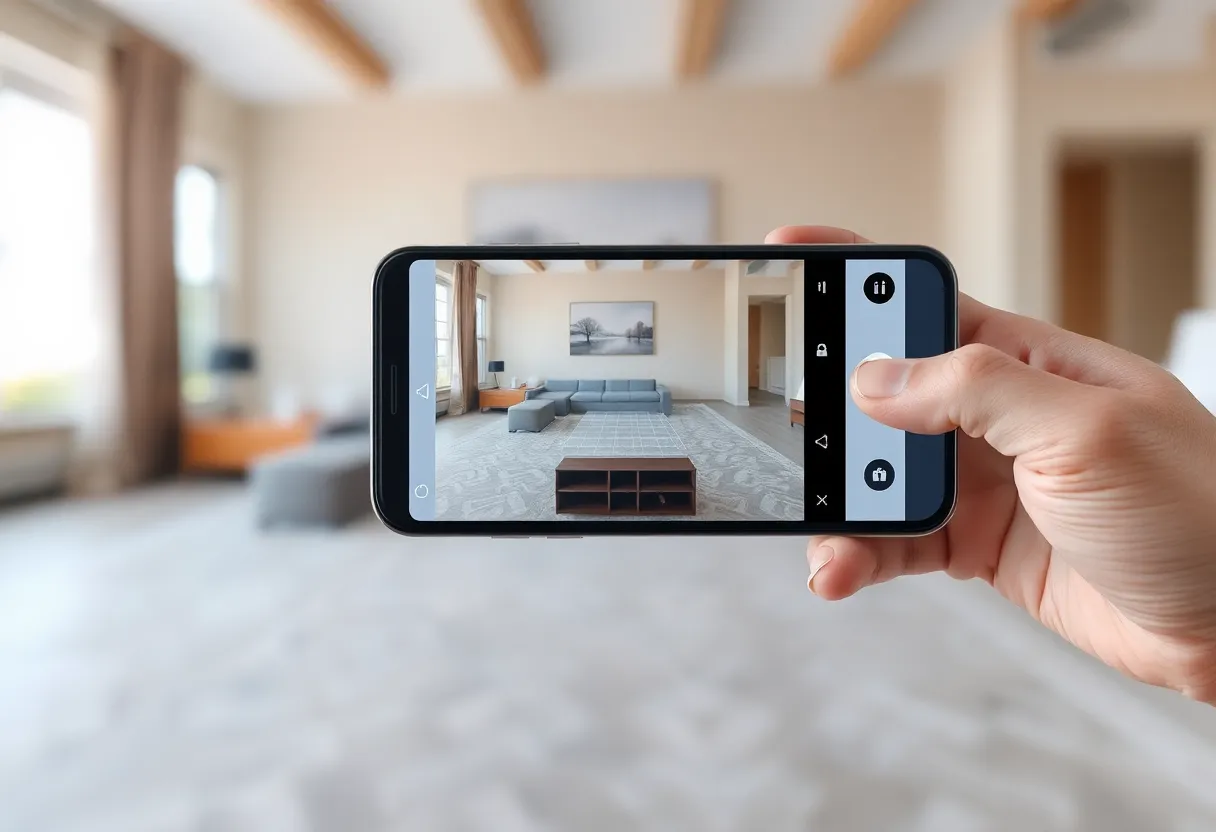
AR: LiDAR helps AR apps place virtual objects in real space. Furniture apps can measure a room and show how a couch would fit. Measure apps get more accurate dimensions. Games and effects can occlude virtual objects behind real ones—a virtual character can “hide” behind your desk. That’s where LiDAR shines.
What It Doesn’t Do
Phone LiDAR isn’t survey-grade. Don’t expect centimeter precision for construction or mapping. Resolution is limited—fine details get smoothed. Outdoor range and accuracy drop in bright sunlight. It’s a consumer sensor, not a professional tool.
It also doesn’t replace the main camera. You still need lenses and image sensors for photos. LiDAR assists; it doesn’t capture images. Most photos you take won’t use LiDAR data directly—it’s most visible in low-light focus and AR.
Phone LiDAR vs. Other Depth Tech
Phones have tried various depth approaches. Dual cameras use stereo vision—two cameras see the same scene from slightly different angles, and software triangulates depth. It works but struggles with textureless surfaces and low light. ToF (Time of Flight) sensors—simpler than LiDAR—measure round-trip time but often at lower resolution. LiDAR combines short-range accuracy with better resolution than basic ToF, which is why it shows up in Pro models and higher-end Android phones.
Software depth—AI estimating depth from a single image—keeps improving. For many use cases, it’s “good enough.” LiDAR provides ground truth when the software guesses wrong. The gap is narrowing, but hardware depth still wins in tricky scenes.
Who Benefits
If you use AR apps—room design, measurement, games—LiDAR makes a noticeable difference. If you shoot a lot in low light and care about autofocus reliability, it helps. If you rarely use AR and mostly shoot in good light, you probably won’t notice.
For most people, LiDAR is a nice-to-have, not a must-have. It’s one of many sensors that make high-end phones feel “premium.” Whether it’s worth the extra cost depends on how you use your phone.
Bottom Line
LiDAR in phones improves low-light autofocus, portrait edge detection, and AR accuracy. It doesn’t replace the camera, and it’s not for professional scanning. If you care about AR or low-light photography, it’s a real upgrade. Otherwise, it’s background tech—useful but easy to overlook.