Why Running Linux on a Secondary Machine Beats Dual-Booting

Nina Foster
March 7, 2026
Curious about Linux but not ready to leave Windows or macOS? Dual-booting seems like the obvious answer—pick your OS at startup. But dual-booting comes with friction: reboots, partition juggling, shared storage headaches. Running Linux on a separate machine is often the better path.
A secondary computer—old laptop, Raspberry Pi, cheap refurb—gives you a full Linux environment without touching your main rig. You can tinker, break things, and learn at your own pace. When you need Windows or macOS, you just switch machines. No reboots, no bootloader drama.
Why Dual-Booting Sucks
Dual-booting means partitioning your disk, managing boot order, and rebooting every time you want to switch. That friction adds up. You end up staying in Windows because switching isn’t worth the reboot—or staying in Linux because you don’t want to lose your workflow. Neither OS gets used the way you intended.
Updates can break bootloaders. Windows updates have historically overwritten GRUB. Linux updates can occasionally mangle partition tables. Shared storage—documents, projects—requires careful planning: NTFS vs ext4, permissions, backup strategies. It’s solvable, but it’s work.
Worse, dual-booting encourages hesitation. “I’ll reboot to Linux when I have time” becomes “I’ll stay in Windows for now.” You never build the muscle memory that makes Linux comfortable.
Why a Secondary Machine Works
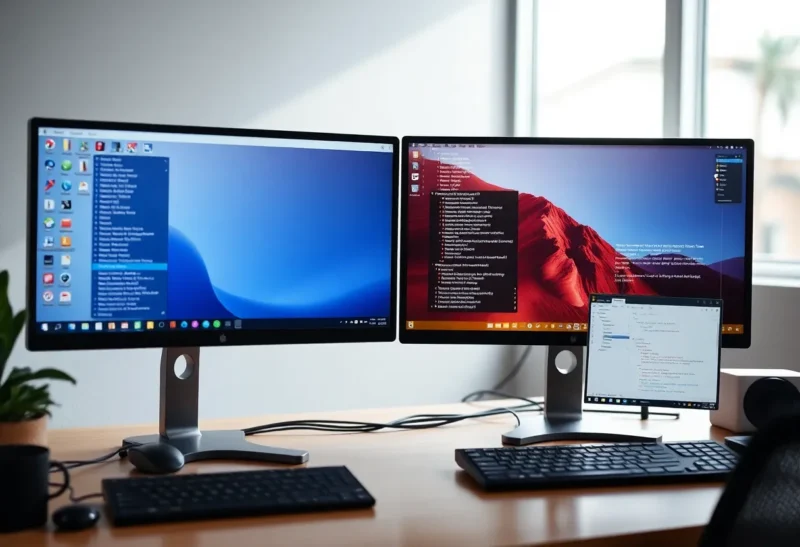
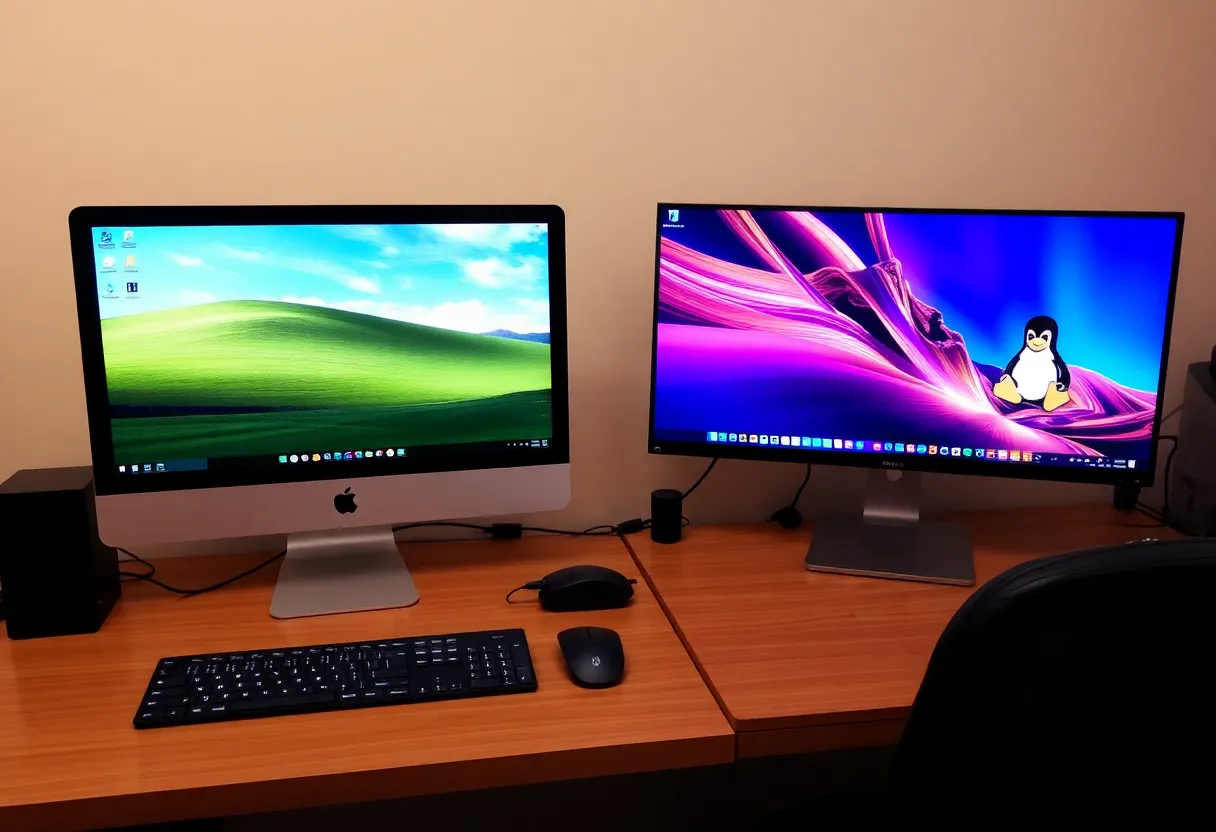
With a separate Linux machine, switching is trivial: turn your head, use the other keyboard. No reboot, no bootloader. Your main computer stays untouched—no partition changes, no risk to your daily driver.
You can break things without consequence. Try a new distro, mess with configs, experiment with packages. Worst case: reinstall. Your Windows or Mac machine is unaffected. That freedom encourages exploration.
A secondary machine doesn’t have to be powerful. An old laptop, a Raspberry Pi 4, or a cheap refurbished desktop is enough for learning the shell, writing scripts, running servers, or doing lightweight development. You don’t need matching horsepower—you need a dedicated space to learn.
Hardware Options
Old laptop: many people have one lying around. It might be slow for Windows, but Linux runs fine on modest hardware. A 5-year-old ThinkPad or Dell with 8GB RAM will handle most learning and dev tasks.
Raspberry Pi: cheap, low power, always-on. Good for servers, scripts, and headless projects. The Pi 4 and 5 run full desktop Linux; older models are fine for terminal work.
Refurbished desktop: $100–200 can get you a solid used Dell or HP. Add a monitor, keyboard, and mouse—or share peripherals with a KVM switch. It’s a dedicated Linux box with room to grow.
When Dual-Booting Might Make Sense
If you’re space- or budget-constrained—one desk, one machine—dual-booting is the only way to have both. Or if your main rig is overpowered and you don’t want a second computer on your desk. For some, the reboot is acceptable.
But if you can swing a second machine—even a cheap one—the separation is worth it. Linux gets its own home, and you avoid the friction that kills curiosity.
Bottom Line
Running Linux on a secondary machine beats dual-booting for most people: no reboots, no partition risk, and the freedom to experiment without touching your main computer. An old laptop or cheap refurb is enough. If you’ve been thinking about Linux but hesitant to commit, a second machine might be the right move.